
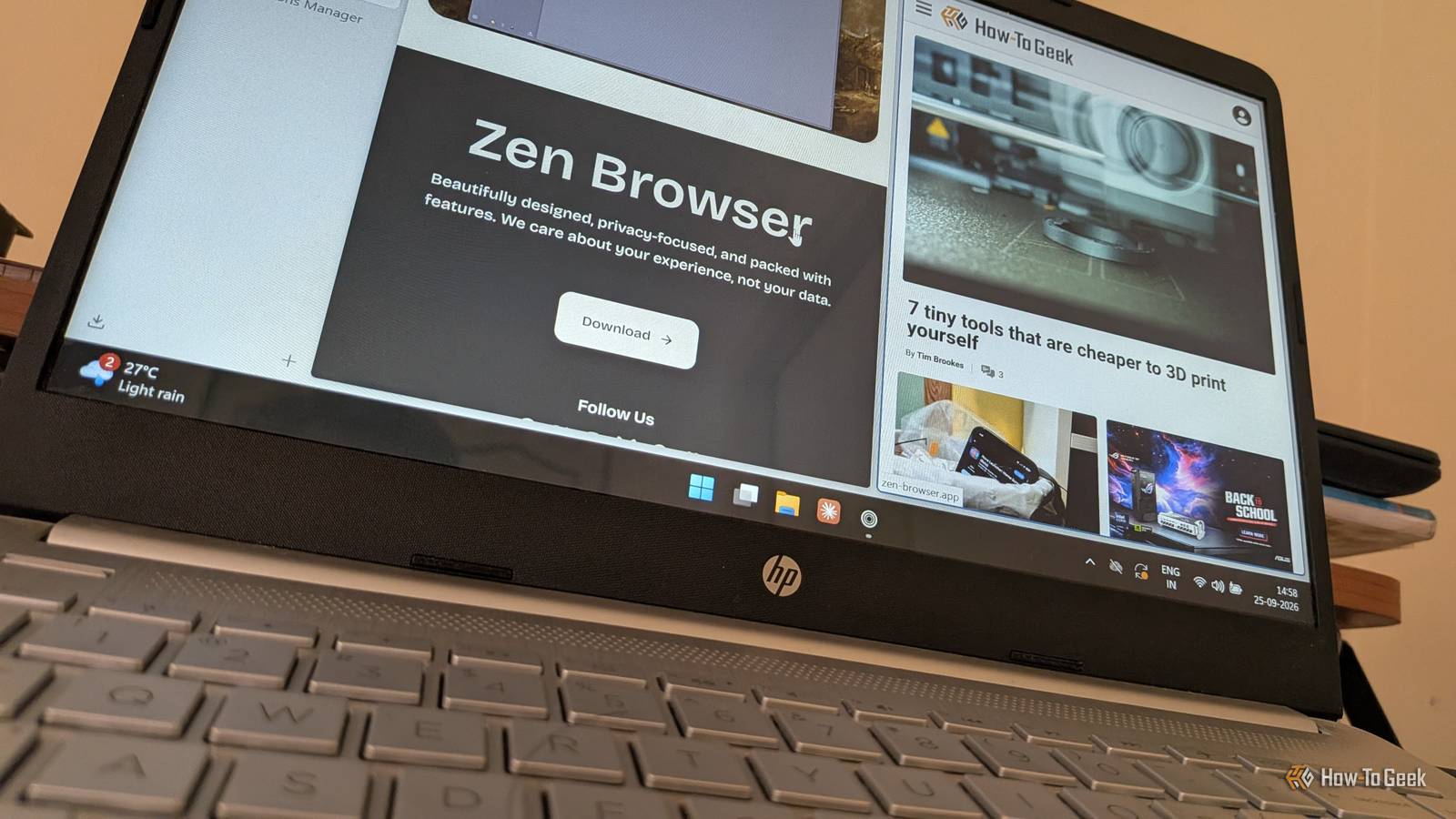
Published Sep 26, 2026, 7:00 AM EDT Dibakar Ghosh is a tech journalist at How-To Geek with over a decade of experience using and writing about open-source software, Linux, Android, AI, and personal productivity. He writes about software, operating systems, and tools that help people get more from the technology they already use. The browser wars ended a while ago. Most of us have picked a side and settled in, with the choice largely coming down to either Chrome or Firefox. However, just because we’ve settled in doesn’t mean innovation in the browser space has stopped. New browsers are still coming out with cool new features. One of them is Zen Browser, and it feels like the modern upgrade we've all been waiting for. It’s open source, built on Firefox, and packed with features that make Chrome and Firefox feel outdated. Unfortunately, though, it’s incredibly underrated and doesn’t get talked about nearly as much as it should. So let’s change that and give Zen Browser the attention it deserves. Meet the Zen Browser It's Firefox made better — and more private Zen Browser is a free and open-source fork of Firefox. It takes the Firefox base we all know and love — you’re getting the same Gecko engine, the same extension support, and the same Firefox Sync — and adds a bunch of extra features that make it feel a lot more modern and powerful. What’s more, even though it’s based on Firefox, you’re not using a substantially outdated build of Firefox. New Zen updates are released 0–72 hours after the most recent Firefox release, so you don’t need to worry about running something outdated. I should also mention that Zen isn’t just about piling more features on top of Firefox. It also removes some of the stuff people actively dislike about the popular browser. For example, Zen says it doesn’t collect browser-specific data and has completely stripped out the telemetry built into Firefox. It also says it doesn’t collect personal information such as IP addresses or search queries, and it blocks third-party trackers and analytics tools. This makes Zen a more privacy-focused browser than Firefox, which has some of these features enabled by default. Okay, so Zen is more private than Firefox and has more features than Firefox. And Firefox, at least in my opinion, is just a better browser than Chrome — especially after Chrome’s Manifest V3 migration, which gutted uBlock Origin. As such, by simple math, Zen is a better browser than Chrome and Firefox. Now that I’ve made my case, let’s explore its key features and why I feel so strongly about it. Zen Browser Zen is a modern, free and open-source (FOSS) browser based on Firefox. A distraction-free web browsing experience Browse websites as if they were apps Zen Browser offers a very clean and minimal browsing experience, to the point that it removes most of the stuff you would normally expect from a browser. The title bar automatically hides itself. The tabs move to a left-hand sidebar, so you’re essentially getting vertical tabs, which, quite frankly, is a better overall design choice if you have dozens of tabs open at the same time. The address bar also moves into the sidebar, and the whole thing auto-hides, too. As a result, you get a setup that lets web pages take up the entire browser window, creating a very immersive browsing experience. Of course, you aren’t necessarily stuck with this setup. You can make the title bar persistent, move the address bar to the top, and make the sidebar persistent, too. All of that is easy to do in the settings. But I’d encourage you to give the minimal setup a shot. As you’re reading this, it might feel a bit too alien and radical, and you might think it would disrupt your workflow. But after using it for a while, I have to say that moving back to Chrome and Firefox now feels clunky. I’m really enjoying this minimal and immersive browsing experience. Ridiculously good tab management Desktop-grade window management inside your browser Vertical tabs make the most sense if you’re the kind of person who has dozens of tabs open at the same time. In a horizontal strip, those tabs keep shrinking until you’re staring at a row of favicons and clicking blindly to find the exact website you want. With vertical tabs, you get a scrollable list at a fixed width, so you can always see part of the page title next to the icon. Firefox also supports vertical tabs, but Zen’s implementation is a lot better. On top of that, you can group tabs into workspaces — think virtual desktops, but for your browser. You can create a workspace to house all your shopping-related websites, one for work, one for your socials, and so on. Switch workspaces, and you only see the tabs and websites you’ve explicitly put there. Then there’s Split View. You can tile up to four tabs in a grid inside a single window — at least that’s how many I could tile on my 34-inch ultrawide — arranged horizontally or vertically. This means comparing pages or researching while you write doesn’t require juggling two separate windows. However, my favorite feature of the bunch has to be Glance. Not every link needs to be opened in a new tab — sometimes you just want to check a reference and get back to what you were reading. In Zen, you can simply hold Alt while clicking a link, and the web page opens in a floating overlay. It’s a very efficient way to quickly peek at the contents of a reference website. Browser mods for more customization Make Zen yours Zen is based on Firefox, which means every Firefox extension will work as expected — including uBlock Origin. However, what Zen does differently, or rather, what it adds on top, are mods. These are community-made tweaks that change how Zen looks and functions, and you can install them with one click from the mods registry on Zen’s site. A few mods that I personally like and use are Better Find Bar, which replaces the full-width find bar with a floating one that matches your theme, and Better Unloaded Tabs, which greys out and fades tabs that aren’t currently loaded so you can quickly see which tabs are actually sitting in memory. There’s one caveat, though Especially if you’re on Windows or macOS Overall, Zen Browser is an excellent browser, but it lacks one crucial feature that could make it a dealbreaker for some people. At the time of writing, Zen can’t play DRM-protected videos. This means you can’t use it to stream content from Netflix, Disney+, Prime Video, and the like. The team says this should be resolved once they get a Widevine license from Google, but it’s still pending. That said, this is mainly a problem if you’re using Zen Browser on Windows or macOS. Linux systems typically have Widevine support, giving you access to streaming services, although it might require some technical setup to get it working. For reference, I used Zen on Ubuntu and streamed Netflix without any hiccups or cumbersome setup. Zen is basically an open-source Arc browser If you found some of these features familiar, you’ve probably seen or heard about them in Arc — the Chromium-based browser that went viral a few years ago, promising to modernize and revolutionize the browsing experience. Unfortunately, Arc is currently in maintenance mode, and Zen is an open-source alternative for experiencing many of these features.
I ditched Chrome and Firefox for this modern, free, and open-source alternative
Full Article
Original Source
Read the full article at Howtogeek →KhanList aggregates and links to publicly available news content. We do not host full articles from third-party sources. Always verify important information with original sources.