
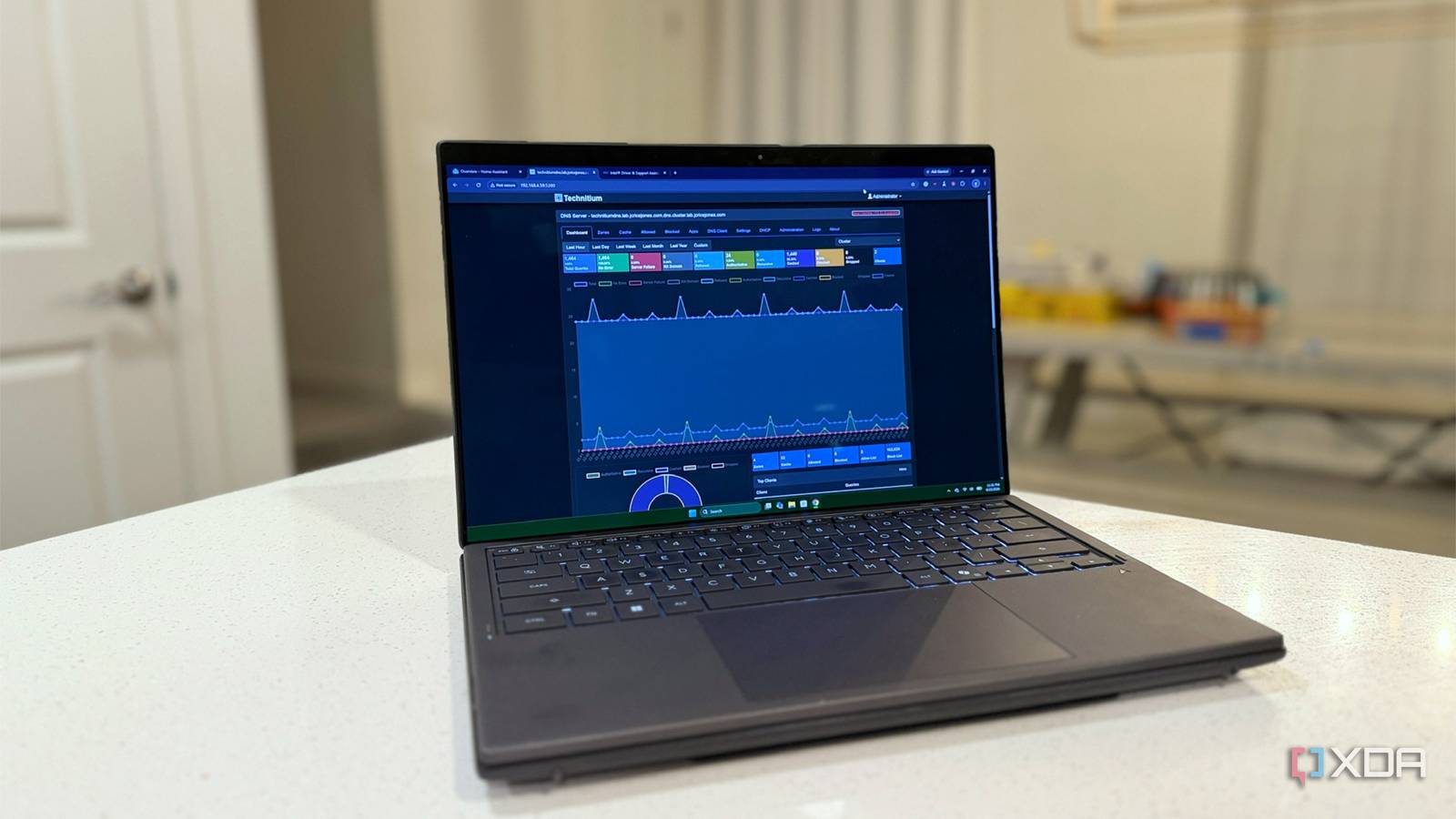
Published Sep 26, 2026, 1:00 PM EDT Maker, meme-r, and unabashed geek, Joe has been writing about technology since starting his career in 2018 at KnowTechie. He's covered everything from Apple to apps and crowdfunding and loves getting to the bottom of complicated topics. In that time, he's also written for SlashGear and numerous corporate clients before finding his home at XDA in the spring of 2023. He was the kid who took apart every toy to see how it worked, even if it didn't exactly go back together afterward. That's given him a solid background for explaining how complex systems work together, and he promises he's gotten better at the putting things back together stage since then. Swapping your DNS server is the first piece of privacy advice anybody gives you, and I've handed it out myself more than once. Punch 1.1.1.1 into your router, stop giving your lookups to your ISP, and feel a bit better about yourself. It's free, it takes two minutes, and it usually makes your connection a touch snappier, too. Then I set up my own DNS server across a pair of containers, which kept breaking until I added high availability, pointed the house at it, and discovered my eero had been quietly answering DNS queries itself the whole time. Not forwarding them. Answering them. That sent me down a rabbit hole I'd been avoiding for years, and what I found out was shocking. Changing your DNS provider doesn't take the list of sites you visit away from anyone. At best, it hands a copy to somebody new, and at worst — as in my house — the copy doesn't even move. My router ignored my DNS setting, and yours might too Even with a custom DNS server on my own network When I was replacing my reverse proxy with Caddy, I noticed it kept failing its propagation check, even though the record was clearly there when I asked the server directly. Every device connected to my eero got an answer, just not the right one, because eero grabs all port 53 traffic regardless of where it's addressed and answers from its own upstream cache. That includes queries aimed at a DNS server sitting on my own LAN, two feet from the router. And I'm not being singled out. A team from UC San Diego went looking for this across roughly 9,600 RIPE Atlas probes and found 220 cases of interception, with the home router itself doing the intercepting in 49 of them. Comcast subscribers turned up most often, and the Arris/Technicolor XB6, which lives in tens of millions of homes, redirects DNS to the ISP's own resolvers by design. Your carefully chosen resolver can be a setting your hardware accepts and then ignores. Fixing mine wasn't as simple as changing a DNS setting. It should have been, but the eero app won't accept a custom DNS server while any eero Secure feature is switched on, and a non-empty Allowed Sites list counts as "in use", so I had to empty a list I'd forgotten about making before it would take my server's address at all. I did that to myself, admittedly, but the app didn't rush to explain why the field was greyed out either. Two commands tell you whether your queries are getting through Cloudflare's resolver will tell you which of its data centers answered. Get an airport code back and you reached Cloudflare. Get a version string, an error, or a shrug, and something in the middle is answering on its behalf. dig @1.1.1.1 id.server CH TXT +short Google's check is blunter because it reports the IP address of whichever resolver actually made the request on your behalf. If that address doesn't belong to Google, your query took a detour. dig @8.8.8.8 o-o.myaddr.l.google.com TXT +short Windows users, those are the same commands — grab dig from the BIND tools, or run them from a distro if you've already installed WSL 2 on Windows 10 or 11 and would rather not add anything permanent. What to do when the answer comes back wrong Where the fix lives depends on who's doing the intercepting. On consumer mesh systems, it's usually a feature with a friendly name: parental controls, ad blocking, "secure DNS", safe browsing, and the DNS field stays inert until you switch that off. On ISP-supplied gateways, there's often no toggle at all, which leaves bridge mode and your own router, or a firewall rule if the box lets you write one. The fix that works regardless is encrypted DNS on the device itself. A router can redirect port 53 all day and never touch a DNS over HTTPS conversation, because that traffic looks like any other HTTPS session and doesn't use port 53 in the first place. Windows 11 has a built-in DNS over HTTPS mode most people never turn on, every major browser has its own setting, and Android has had Private DNS for years. Set it there, and the router's interception behavior no longer matters. Technitium Technitium is my DNS server of choice for self-hosting. Your ISP reads the site name off the handshake anyway You can watch your own names leak in about five minutes Here's the bit that most advice glosses over. Even when your lookups do reach the resolver you picked, your ISP doesn't need them. Every HTTPS connection announces its destination in plain text in the first message of the handshake, in a field called Server Name Indication. Your ISP only has to carry your packets to read them, which is its entire job. Encrypted Client Hello fixes that by encrypting the name, and it's a published standard now (RFC 9849), but it only works when the site supports it and when your browser can fetch its key over encrypted DNS: no DoH, no ECH. Encrypted DNS is good but it doesn't protect you from everything, and you still need to add extra things. You don't need a lab to see this happen, and you don't need to take my word for it either. Start a capture in Wireshark, load a handful of sites, stop it, then count the names your own machine announced. tshark -r capture.pcapng -Y "tls.handshake.extensions_server_name" -T fields -e tls.handshake.extensions_server_name | sort -u | wc -l Switch your resolver, run it again, and the number won't move, because the handshake never cared which resolver you used. That's proof right there that moving your DNS only moves who has the list of where you're browsing. Check whether ECH is actually doing anything for you ECH shows up as TLS extension type 65037, so this counts the handshakes where the name was hidden rather than announced. tshark -r capture.pcapng -Y "tls.handshake.extension.type == 65037" | wc -l Turn on DNS over HTTPS first, or that number will stay at zero because of a missing key, not a broken command. Expect a mix even with everything enabled, because not every website supports it properly. Your resolver still matters, just not for the reason you were told Running your own resolver doesn't get you out of it either None of this makes the choice pointless. It moves the question from "who can see me" to "who keeps a copy, and what do they do with it", and there the differences are real and worth caring about. The FTC reviewed the data practices of six major carriers in a 2021 staff report and found that they were combining browsing and app activity for ad targeting, sorting subscribers into sensitive categories, including race and sexual orientation, and passing location data to third parties. That's the baseline you're starting from, and it's worth sitting with for a second, because it's the reason the advice exists at all. Cloudflare truncates the last octet of your IP address before anything is written down, deletes its resolver logs within 25 hours, and has paid one of the big four accounting firms to audit that claim rather than asking you to take its word. Google Public DNS holds full IP addresses for 24 to 48 hours, keeps sampled logs indefinitely with the addresses replaced by city-level locations, and says none of it gets tied to your Google account outside abuse handling. Sure, you're still handing the list to a company. But "deleted in 25 hours and independently audited" and "fed into an ad business" aren't the same product. Read the retention policy, check whether anyone outside the company has verified it, and pick on that basis rather than on whose IP address is easiest to remember. The list is a copy, so stop thinking of it as a move If you change one thing after reading this, don't make it the resolver address in your router. Turn on encrypted DNS at the device instead, where your router can't quietly overrule it, then run those two dig commands to find out whether it was overruling you all along. Mine was, for years, while I told other people to change their DNS. After that, pick a resolver based on its logging policy rather than its marketing, because that copy will exist either way, and you may as well choose who holds it. What you can't fix at this layer is the IP address, and past that you're into VPN or Tor territory, which — you'll have spotted the pattern by now — hands the list to one more company instead.
Changing your DNS doesn't hide anything, it just copies the list somewhere else
Full Article
Original Source
Read the full article at Xda-developers →KhanList aggregates and links to publicly available news content. We do not host full articles from third-party sources. Always verify important information with original sources.