
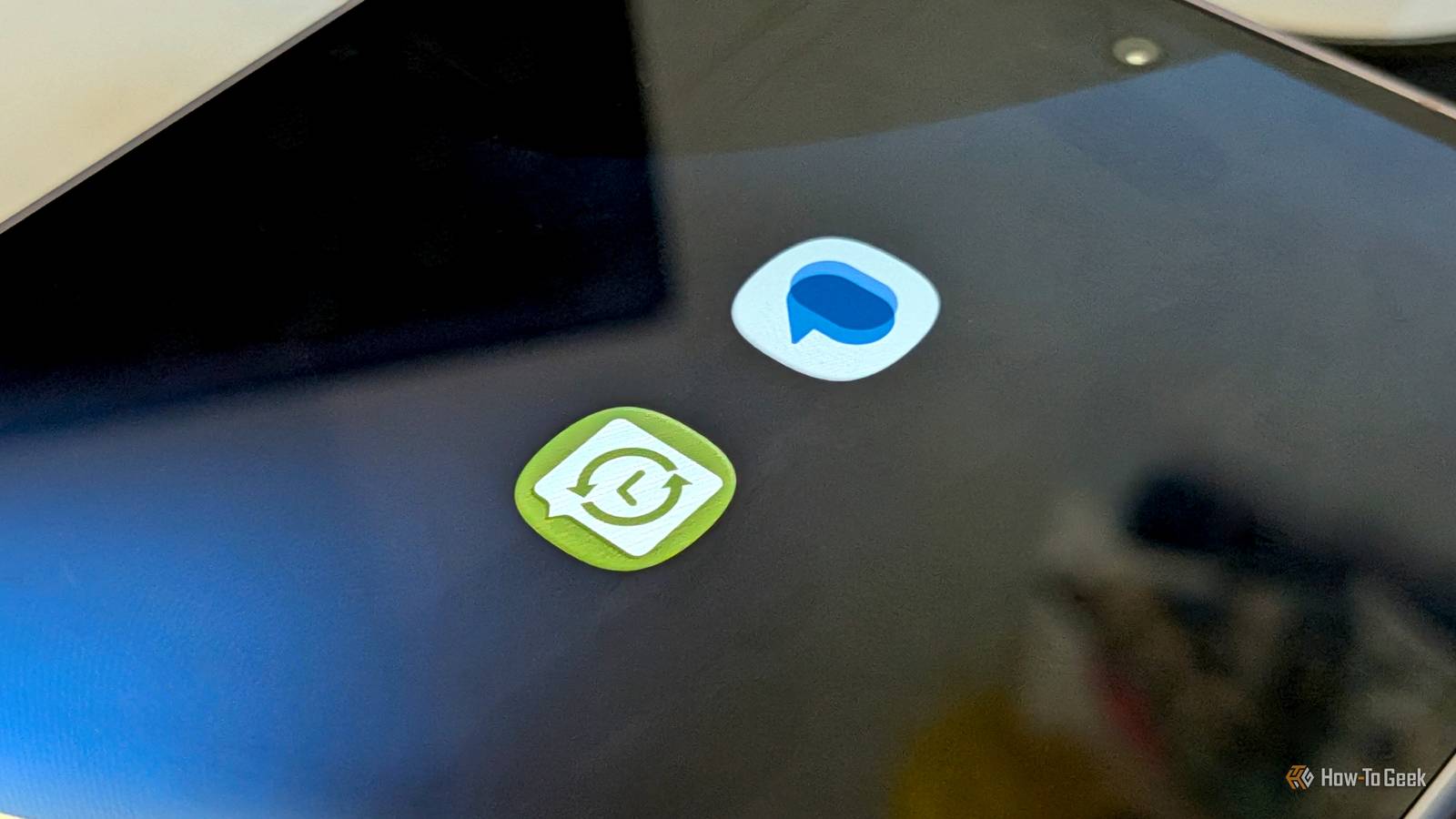
Published Sep 26, 2026, 1:30 PM EDT Joe Fedewa has been writing about technology for over a decade. Android and the rest of the Google ecosystem have been a focus for years, as well as reviewing devices, hosting podcasts, filming videos, and writing tutorials. Joe loves all things technology and is also an avid DIYer and food blogger. He has written thousands of articles, hundreds of tutorials, and dozens of reviews. Before joining How-To Geek, Joe worked at XDA-Developers as Managing Editor and covered news from the Google ecosystem. He got his start in the industry covering Windows Phone on a small blog, and later moved to Phandroid where he covered Android news, reviewed devices, wrote tutorials, created YouTube videos, and hosted a podcast. From smartphones to Bluetooth earbuds to Z-Wave switches, Joe is interested in all kinds of technology. After several years of jailbreaking and heavily modifying an iPod Touch, he moved on to his first smartphone, the HTC DROID Eris. He's been hooked ever since. For better or worse, Google Messages has become the de facto text messaging app for Android. I happen to think it's pretty good, but there are a couple of big missing features. Thankfully, there's a third-party app that can fix one of them. The problem comes up every time I switch to a new phone. Android's device transfer process has dramatically improved over the years, but it's only for that first boot-up — there's no going back. That's where SMS Backup & Restore comes in. Transferring messages shouldn't be a one-time thing One chance, use it or lose it Credit: Joe Fedewa / How-To Geek Genuinely, Android's device transfer process is pretty great now. Thanks to my job, I've switched between phones far more than the average person. I can honestly say the process is mostly painless nowadays. However, it's still something you only have the chance to do when first setting up a phone. That's fine for transferring apps, contacts, accounts, and a few other things. You can grab a missed app from the Play Store, manually add contact details, and sign in to services. However, that's not possible with text messages, and it's a bit frustrating. See, Google is constantly backing up RCS, SMS, received media, reactions, and everything else that happens inside the Messages app. But that data is only transferable during the aforementioned setup process. It's sitting there on the device, but Google doesn't let you move it outside of that one specific moment. Why does it matter to me? Sometimes (pretty often, actually) I'm excited to try out a new phone, but not quite ready to make it my daily driver. So, every text message that comes in after setting up the new phone is still arriving on the old phone, and won't be available on the new phone when I make the full switch. Text messages are the one and only thing that works like this. SMS Backup & Restore to the rescue A classic Android app that still works SMS Backup & Restore is part of an elite group of Android apps that have been around forever and still receive updates. It originally launched way back in 2009 by a developer named Ritesh Sahu. Then, in 2016, they sold it to a company called Carbonite, which sold it to SyncTech in 2017. That's who still owns and maintains it today. SMS Backup & Restore can be used to back up and restore messages (RCS, SMS, and MMS), group chats, pictures, videos, music, and even draft messages. The key feature is that you can do it whenever you want, and even set up automatic backup and restoring. In my experience, the app works very well. I simply follow the steps and save the backup to my Google Drive. Then I open the app on the second phone, go to the "Restore" tab, and select my backup. Due to changes in Android 17, some messages can end up missing. Thankfully, the developer figured out that this doesn't happen if you set SMS Backup & Restore as the default messaging app during backup. I can confirm that this solves the problem. Admittedly, my reason for using the app is pretty silly. A guy who just can't wait to power on new phones, but procrastinates actually switching. It's the "backup" part of SMS Backup & Restore that makes it valuable to anyone. Sometimes, for lack of a better phrase, s*** happens. You can't transfer messages from an old phone if it doesn't work anymore. Android's automatic backups are pretty good, but not always perfect. Losing years' worth of conversations with friends and family can be devastating. It never hurts to have redundancy. Messaging app without messaging features As I said in the intro, I'm generally pretty happy with Google Messages. I just wish it worked a bit more like a traditional messaging app. It asks me to sign in with my Google account, so why can't all of my messages be synced like Facebook Messenger or WhatsApp? I have similar issues when it comes to using "Messages for Web." The idea is good, but the implementation is lacking. There's still plenty of room for Google to improve the messaging experience on Android.
This app gives Google Messages a feature it desperately needs
Full Article
Original Source
Read the full article at Howtogeek →KhanList aggregates and links to publicly available news content. We do not host full articles from third-party sources. Always verify important information with original sources.