
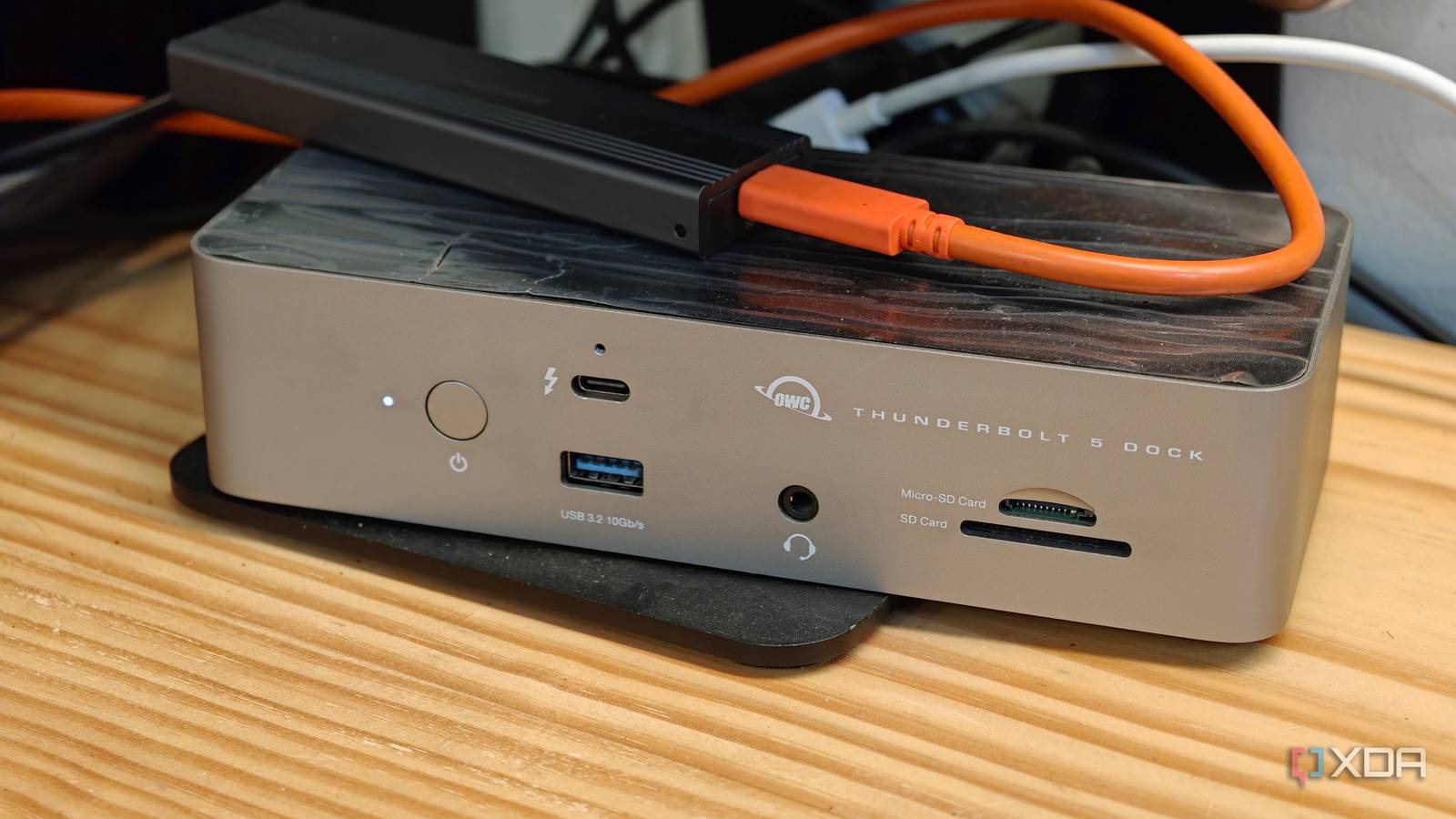
Published Sep 13, 2026, 1:30 PM EDT His love of PCs and their components was born out of trying to squeeze every ounce of performance out of the family computer. Tinkering with his own build at age 10 turned into building PCs for friends and family, fostering a passion that would ultimately take shape as a career path. Besides being the first call for tech support for those close to him, Ty is a computer science student, with his focus being cloud computing and networking. He also competed in semi-pro Counter-Strike for 8 years, making him intimately familiar with everything to do with peripherals. Most security habits we carry have to do with software. We inherently think about the source of a download and the permissions of software far more than we do hardware, but the latter can be a lot more dangerous, because it can sit below the operating system layer, invisible to you. Thunderbolt and USB docks are some of the most common pieces of hardware people use daily, and some of them can tunnel PCIe. When you connect one of these Thunderbolt or USB4 docks, your system sees it as a PCIe device, and as a result, it can read and write to system memory directly without the processor seeing any of it. Not every dock can do this, but it's enough of them to make it a real concern. Software is far more contained Apps can't touch your memory without being watched Software that runs on your computer is well-contained in a lot of ways, even at the hardware level. Every process on your machine runs inside a virtual address space that the kernel constructs for it, and the CPU is what translates those virtual addresses into the physical ones on the fly. This is fundamentally what stops applications from reading another process's memory. The OS kernel can see everything, and generally, if an app needs to go beyond the address space assigned to it, it needs kernel-level privilege. Why a PCIe device plays by different rules PCIe needs DMA Direct memory access (DMA) exists because the alternative would cause serious performance losses that are unbearable in practice. A storage controller or GPU that's moving data around at gigabytes per second simply can't wait for the processor to broker every single transaction that's happening, so as a result, PCIe devices are permitted to read and write system memory as they need. DMA doesn't require CPU involvement at all. This is great for performance, but as a result, it means any peripheral that uses that channel to interface with your computer has complete access to the state of your PC, and can fully compromise it. Docks are a clear threat because of their plug-and-play nature, but your GPU, NVMe drive, and any other internal peripheral communicating via PCIe also does DMA. That hot-plug difference is what makes the security threat a lot more real. These docks have been demonstrated to be a risk It's not just theoretical There's some actual history here with Thunderbolt and USB docks, and it's pretty well documented from the earliest versions of these devices. Tools like Inception and PCILeech showed that Thunderbolt 1 could be used as an entry point for stealing data from encrypted drives, as well as reading and writing all levels of system memory. Intel responded by introducing further security measures with Thunderbolt 2, but those were compromised rather fast. In 2019, a team from Cambridge, Rice, and SRI International published Thunderclap, which attacked the IOMMU protections themselves rather than breaking device authorization. Their finding was that existing protections fall short against a peripheral that mimics a functional device and abuses its complex interactions with the operating system, with working compromises against macOS, FreeBSD, and Linux, while Windows at the time used the IOMMU only in limited cases, so it was pretty much just as vulnerable. In 2020, Björn Ruytenberg published Thunderspy, a tool that could create arbitrary Thunderbolt device identities, clone devices a user had already authorized, and permanently disable Thunderbolt security while blocking firmware updates. It sounds scary, but you're probably safe Modern systems and decent physical security should be enough These are very real risk factors with very real exploits, but modern systems are pretty good about not allowing anything DMA when it asks for it. Kernel DMA Protection uses the system IOMMU to block external peripherals from starting and performing DMA unless their drivers support memory isolation. Anything that's incompatible would be blocked from starting at all, at least until an authorized user signs in. And besides that, those attacks I've mentioned require a "poisoned" device that's built-for-purpose, as well as physical access to your machine. A dock you bought from a known vendor and a trustworthy storefront is extremely unlikely to be carrying any kind of malware, and the DMA traffic that dock is actually generating is the normal stuff that makes things like your Ethernet fast. Don't distrust the dock you've been using I wouldn't throw away the USB-C/Thunderbolt dock you've been using, as these kinds of attacks are quite targeted by nature. If you're really concerned, check whether your system reports DMA protection as active, and whether the virtualization and IOMMU features it depends on are enabled in firmware. If your machine predates those protections (2019 or so), there's no update coming for you, and as a result, it's a good idea to take care as to which Thunderbolt devices you choose to plug into your system.
Your USB-C dock has more access to your PC's memory than any app you'll ever install
Full Article
Original Source
Read the full article at Xda-developers →KhanList aggregates and links to publicly available news content. We do not host full articles from third-party sources. Always verify important information with original sources.