
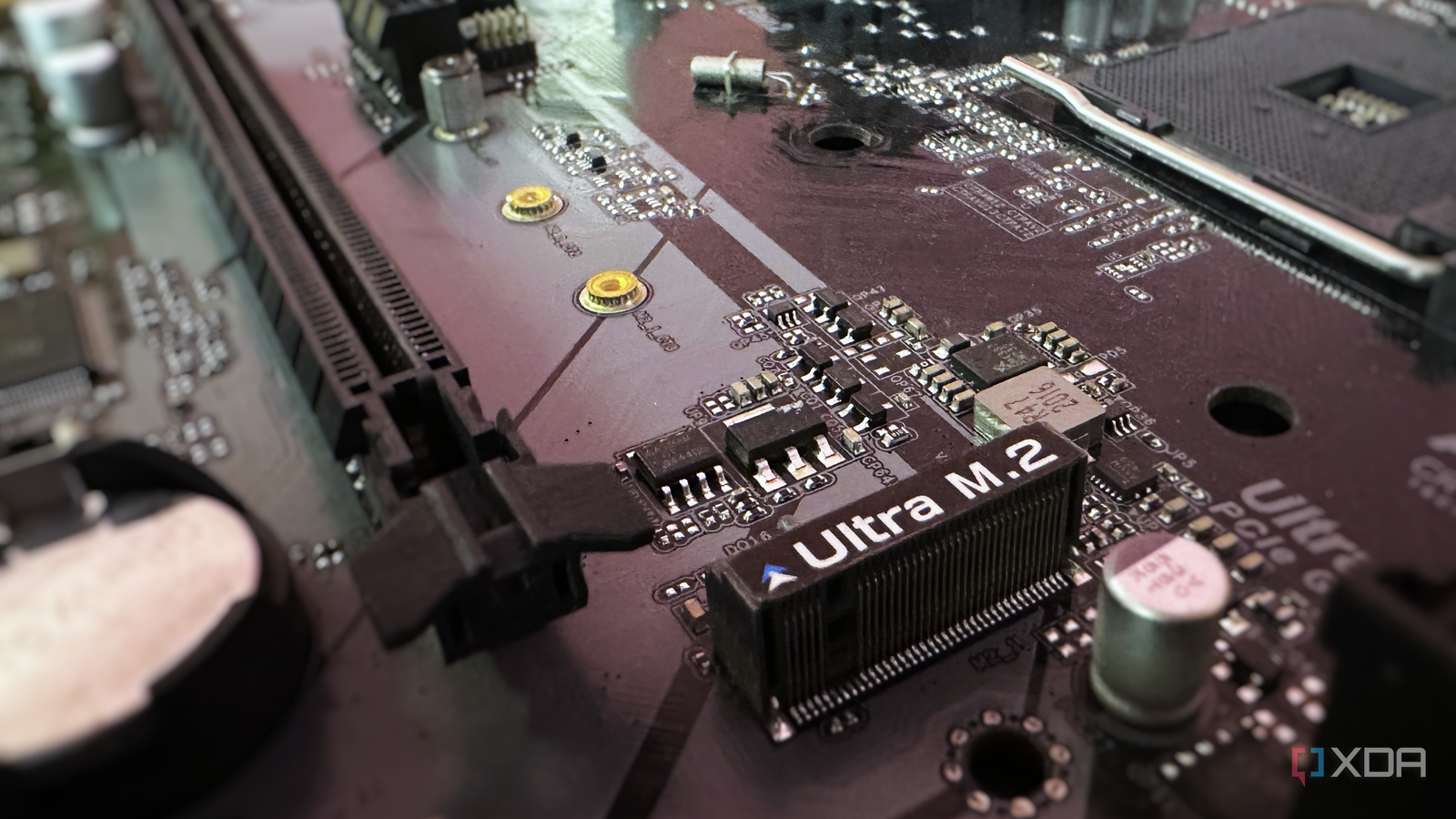
Published Oct 3, 2026, 4:30 PM EDT After a 7-year corporate stint, Tanveer found his love for writing and tech too much to resist. An MBA in Marketing and the owner of a PC building business, he writes on PC hardware, technology, and Windows. When not scouring the web for ideas, he can be found building PCs, watching anime, or playing Smash Karts on his RTX 3080 (sigh). For most people, the M.2 slot on the motherboard is synonymous with NVMe SSDs. After all, that is the most common thing people install in their M.2 slots. However, it wasn't made for SSDs exclusively; it was meant to accommodate high-speed as well as low-speed devices. The latter is where non-SSD expansion cards come into the picture. When you want to add an expansion card to your motherboard without blocking a PCIe slot, the M.2 connector is the best option. It uses the same PCIe bus, offers enough room, and doesn't limit performance, unlike USB adapters. M.2 expansion cards can seem boring, but they can be the most impactful upgrades you can make to your PC. You just need to buy one with a matching key, depending on your motherboard. microSD card adapter microSD card slots are a rare breed Credit: Wikimedia Commons microSD cards used to be huge only a few years ago when expandable storage on smartphones was a thing. Even today, if you're a creative professional and your work requires a microSD card slot, it's hard to find one on most laptops, let alone desktops. However, you can convert a spare M.2 slot on your laptop or desktop into a microSD card slot with a simple adapter. Bringing back this lost functionality to your work device, whether it's a laptop or desktop, is inexpensive. Both A+E and B+M key variants of M.2-to-microSD adapters are available for under $20. M.2 to microSD card adapter Capture card Yes, M.2 capture cards exist Source: ORICO Most capture cards exist in the PCIe form factor, and for good reason. High-performance capture cards need enough PCIe bandwidth and heat dissipation for optimum performance. That said, if you're looking for a capture card without using a PCIe slot, some manufacturers offer M.2 variants, too. These cards are mostly intended for SFF PCs and utilize the PCIe 2.0x4 configuration. Streaming your gameplay without hurting gaming performance requires a dedicated capture card on many PCs. An M.2 capture card uses the PCIe bus without using a physical PCIe slot, making it better than a slower USB capture card. These can be too expensive for the majority of users, but can make sense for the right user in the right system. Magewell Eco Capture AIO M.2 capture card SATA adapter You can never have enough SATA ports For data hoarders and power users who keep running out of SATA slots, an M.2-to-SATA adapter is a godsend. It allows you to add extra slots for additional hard drives and SATA SSDs. You don't need to replace your motherboard simply because you have a huge game collection, ever-growing media collection, 4K RAW files, or home lab deployments. Hard drives are obsolete for many use cases, but they're still great for secondary and archival storage. Users who don't want to buy a NAS can get a $20 adapter to install more HDDs on their one-stop rig. M.2 to SATA 3.0 Adapter Card Ethernet and Wi-Fi cards Networking is serious business Source: Wikimedia Commons If you want to add Wi-Fi to an old PC using an M.2 slot, you can do so with a M.2 Wi-Fi adapter for under $25. These cards use E or A+E key M.2 slots, so inspect your motherboard before getting one. If your motherboard only has an M-keyed slot, you can get an M-to-E-key adapter and plug the Wi-Fi card into it. Users who have an older Ethernet port can upgrade to, say, a faster 2.5 GbE port using an M.2 Ethernet card. These network expansion cards usually come in the PCIe variety, but as always, you can get an M.2 variant, depending on your system variables and preferences. These adapters also use the A+E key slot on the motherboard. Nicgiga AX210 BT5.3 M.2 Card M.2 A+E key 2.5Gb Ethernet Network Card M.2 expansion cards aren't always exciting, but they do the job Not everyone would want to install an expansion card into their spare M.2 slots, but they can be extremely useful on the right system. Whether you want to add missing features on old PCs without using your PCIe slots or upgrade existing functionality without spending much, M.2 cards are worth exploring.
Your M.2 slot does more than SSDs, but nobody talks about the boring cards that prove it
Full Article
Original Source
Read the full article at Xda-developers →KhanList aggregates and links to publicly available news content. We do not host full articles from third-party sources. Always verify important information with original sources.