
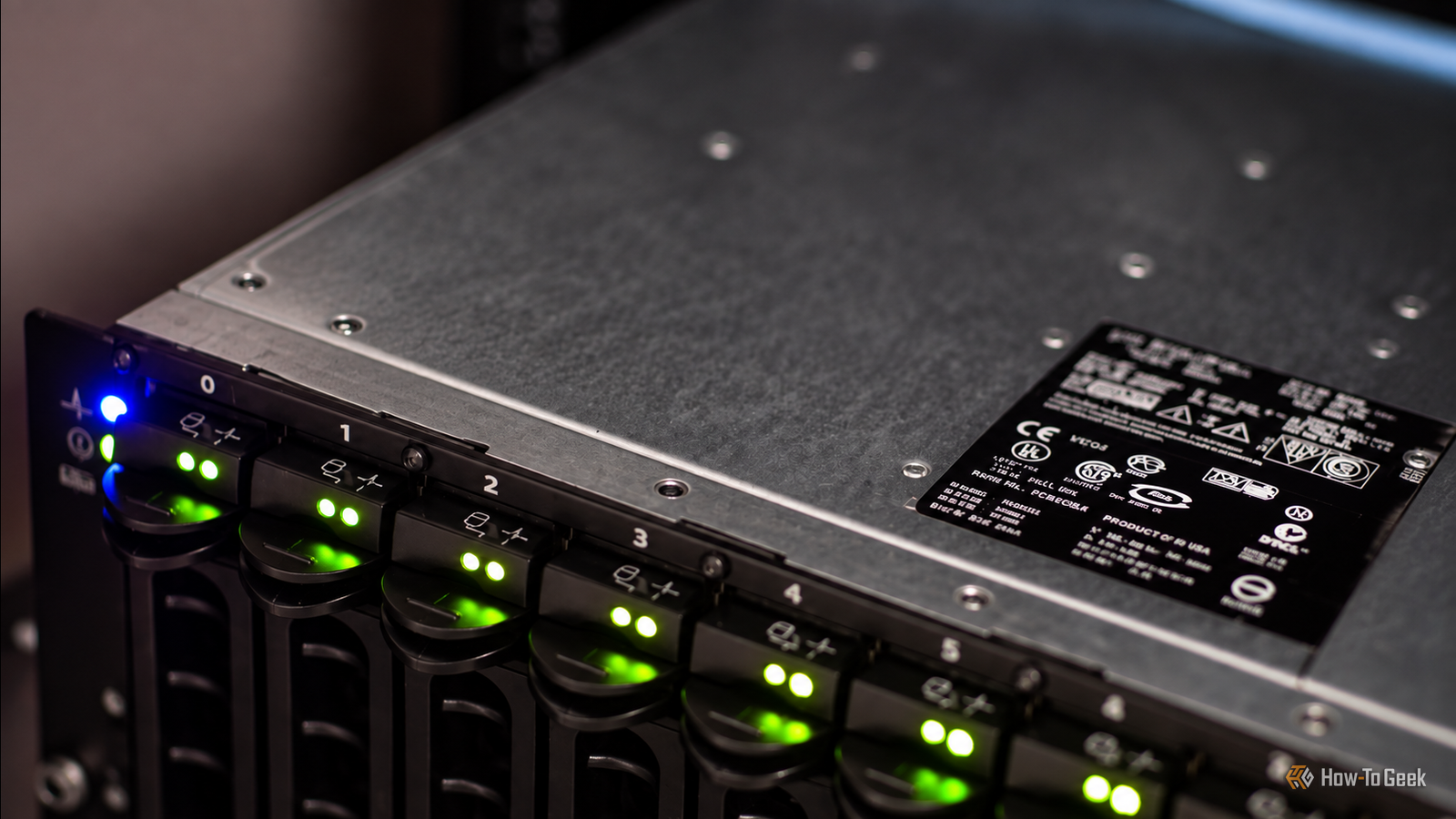
Published Sep 28, 2026, 7:30 AM EDT Umair Khurshid is a technology writer and developer with a strong focus on Linux, FreeBSD, cloud infrastructure, and automation. Before focusing on writing, Umair worked as a developer and DevOps engineer building and automating cloud-native systems. There is an interesting part of the used server market that I think more homelab builders should pay attention to. Most of you probably already know that companies regularly get rid of perfectly usable enterprise hardware once it reaches the end of its supported life. The problem is that when people talk about buying retired enterprise equipment, they usually think about rack servers, workstations, CPUs, or workstation laptops. Disk shelves rarely get the same attention. That leaves disk shelves as one of the more overlooked parts of the used enterprise market. A used enterprise DAS enclosure can solve a very specific problem surprisingly cheaply. If you already have a capable server but have run out of internal drive bays, you do not necessarily need another computer or an expensive new NAS. An old SAS shelf can give that existing server another 12, 15, or even 24 drive bays, while letting your own operating system and storage software manage the disks. A disk shelf is not another NAS It does one job, and that is precisely why it can be useful Credit: Patrick Campanale / How-To Geek A NAS is a computer with a processor, memory, operating system, network interfaces and usually some form of management interface. A DAS enclosure is much simpler, as it's a direct storage device rather than an independent computer. The shelf provides physical drive bays, power, cooling and a SAS connection to another computer. Your server remains responsible for the filesystem and storage management. Instead of replacing your server because you have run out of drive bays, you can add another enclosure and keep the existing machine. The economics become particularly interesting when you need a lot of disks. A four-bay consumer enclosure gives you four drive slots. An old enterprise DAS can give you 12, 15 or 24. The hardware was originally designed for environments where adding another dozen drives was considered normal. The used market is where that enterprise density becomes accessible to home users. The old RAID controller is not necessarily your friend This is the part to understand before buying anything Enterprise storage hardware often contains RAID controllers or storage processors because that was the architecture the original customer purchased. That does not mean you should use those controllers. If you are building a ZFS system, you generally want ZFS to see the individual disks. ZFS needs direct visibility into the drives so that it can manage redundancy, checksums, scrubs, replacement and the rest of the storage stack itself. Putting a hardware RAID layer between ZFS and the disks can obscure information that ZFS needs. Technically, you can still use it with RAID, and it will work, but it loses disk-level management and self-healing unless it has its own redundancy across multiple LUN. This is why you will frequently see homelab builders talking about IT mode when discussing SAS HBAs. An HBA operating in IT mode essentially passes the drives through to the operating system rather than presenting a hardware RAID volume. The resulting architecture can be surprisingly simple. Your server contains an external SAS HBA. A SAS cable runs from the HBA to the disk shelf. The shelf provides the physical drives. Linux sees those drives individually, and ZFS builds the pool. The enterprise shelf has effectively become a large external drive chassis. Some surprisingly cheap models exist Search for the enclosure, not just the popular homelab models Credit: Patrick Campanale / How-To Geek This is where the used market gets interesting. You will frequently see Dell PowerVault MD1000/1200 shelves, NetApp DS4246 units, Lenovo SA120 enclosures and older EMC disk shelves being sold after enterprise deployments are retired. Prices vary enormously depending on your country, shipping costs and what the seller includes, but these are the kinds of models worth searching for rather than assuming you need a new consumer enclosure. A used MD1000 (barebones… do I even need to mention that drives are not included in this economy???) can sometimes be found around the low hundreds of dollars, while older EMC shelves can appear for substantially less. NetApp DS4246 units are attractive because they provide 24 3.5-inch bays, and Lenovo’s SA120 is another model worth watching when Dell shelves are overpriced in your local market. The exact price matters less than the configuration. A $100 shelf with no drive trays, missing SAS modules and no cables may be a worse purchase than a $180 shelf that includes everything required to connect it. The used enterprise market rewards people who read the listing carefully. What should you look for when buying one? Compatibility matters more than the price The first thing I would check is the drive form factor. If you want large 3.5-inch SATA hard drives, do not accidentally buy a DAS shelf designed for 2.5-inch drives simply because it was cheap. Check the SAS generation and external connector because you should know exactly how the DAS connects to the HBA on your server. Similarly, SAS cables are not something I would buy based on a photograph and hope for the best. Check the connector types on both ends and verify that the HBA and enclosure can communicate. Then look at the controllers. If the enclosure has dual I/O modules, that can be useful for redundancy, but you need to understand what those modules actually do and whether they support the operating mode you want. For a ZFS system, the goal is straightforward disk visibility rather than a hardware RAID volume. Drive trays are another major consideration because enterprise manufacturers often used proprietary or semi-proprietary carriers, and replacement trays can be surprisingly expensive when bought individually. A cheap empty shelf can become expensive once you start buying 12 or 24 missing carriers (same goes for SAS drives). I would also check whether both power supplies are included, whether the fans are healthy and whether the seller provides the correct power cables. There is another problem nobody mentions until they own one These things were designed for server rooms Enterprise storage shelves are not famous for being quiet. The fans are designed around cooling a rack full of spinning disks in a data center rather than sitting beside your desk while you work. Some DAS shelves are considerably louder than others, and fan behavior can also depend on the controllers, drive temperatures and firmware. Power consumption deserves the same attention. A 24-bay enclosure full of mechanical hard drives is not going to consume the same amount of electricity as a small four-bay NAS. The enclosure itself needs power for the disks, fans, controllers and power supplies. That makes an old enterprise DAS particularly interesting for backup and archival workloads where you do not necessarily need it running all day. If the storage only needs to be available for a backup window, there is little reason to keep a room full of spinning disks running continuously. You are not locked into the enclosure’s original storage design One of my favorite things about this approach is that the DAS shelf does not dictate how the storage should work. Today, you might connect it to a Linux server running ZFS. Later, you might replace that server while keeping the same shelf. You can change the disks without replacing the enclosure. You can change the filesystem without replacing the enclosure. You can even repurpose the shelf as a backup target if the original workload disappears. The enclosure is just infrastructure and that is super useful when building a homelab because the expensive part of a storage system does not necessarily have to be the part you replace every few years.
Used enterprise DAS enclosures are the storage hack nobody talks about enough
Full Article
Original Source
Read the full article at Howtogeek →KhanList aggregates and links to publicly available news content. We do not host full articles from third-party sources. Always verify important information with original sources.