
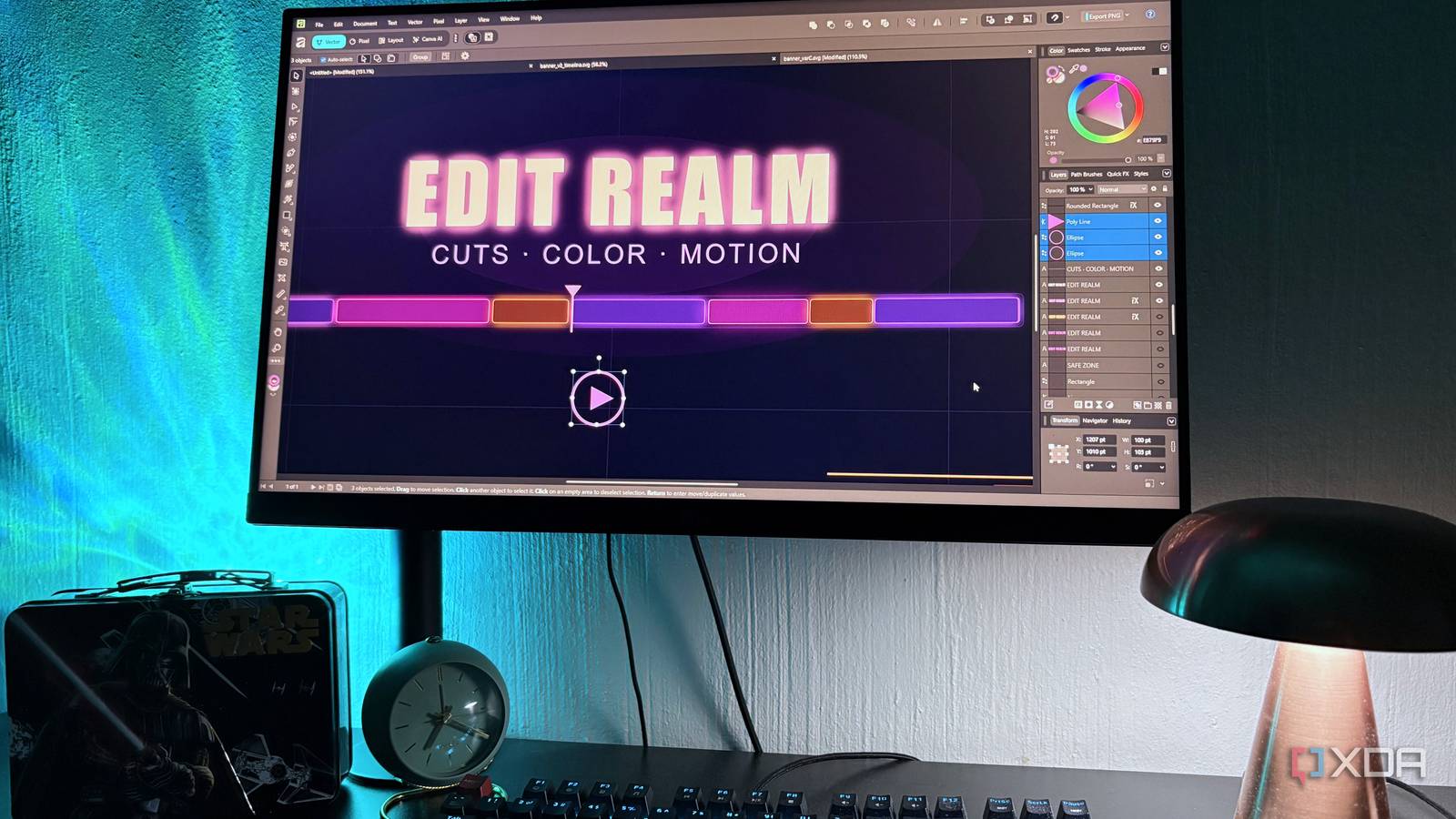
Published Sep 14, 2026, 5:30 PM EDT Nolen began their writing career in 2019, with three years dedicated to editing the Creative section at MakeUseOf. Their expertise lies at the crossroads of technology and creativity, covering areas like photography, video editing, and graphic design. Outside of work, you'll often find Nolen diving into a good book, writing their own stories, or playing video games. Giving up an Adobe subscription used to mean settling for less or accepting some type of compromise somewhere. Perhaps the free replacements had the features but not the polish, or perhaps it was reliable but so ugly that you dreaded opening it. So recommending free alternatives always came with a bunch of caveats, and sometimes still does. That's less true now than it even was a year ago. Being Adobe-free has become almost a skill for me at this point, having tested what feels like hundreds of alternatives. But at the end of the day, some tools are simply better than others, depending on your workflow and the features you're after specifically… 2025 was a complete reset A couple of years ago, recommending free Adobe alternatives usually meant sending someone to GIMP, Inkscape, and Scribus, and every one of those came with a "but" attached. They still have that clunky vibe to their interfaces and missing features, take your pick. Then in October 2025, Canva took the three Affinity apps that used to cost around $70 each (Designer, Photo, Publisher) and turned them into one free app called Affinity. This pretty much ended the question of which free tool can replace Adobe overnight, and I still think this is one of the biggest moves in terms of accessibility in the design space. But Affinity isn't the only thing that changed. Penpot hit its 2.0 release with a full UI overhaul and native design tokens, and it's now a legit Figma alternative with self-hosting for teams that care about data ownership. Even the older open-source tools have picked up AI features through community extensions, though that's a slower burn than the Affinity thing. What this all comes down to is that the question in 2026 and onward isn't what you're giving up anymore, it's about what you're gaining when building a new creative stack. The two free apps doing all the heavy lifting One handles three Adobe apps by itself, the other is for browser-based convenience Photopea was my go-to Photoshop alternative back when I still had a Photoshop subscription. Sometimes I'd have Photoshop open and still switch to Photopea for something quick, or just to see how both compare on the same task or which is faster. It's entirely browser-based, meaning I can even run it smoothly on my Chromebook, and completely designed to feel like Photoshop, so pretty much every part of the interface maps to something you already know. It also opens PSD files properly, not the way GIMP does where layers sometimes come in flattened or with effects stripped. The non-destructive workflow is also solid - even though Affinity is free now, I find Photopea's adjustments and masking a little more intuitive, so I still use it for quick edits because loading up a browser tab is faster than a desktop app. Speaking of Affinity, that's pretty much where the rest happens because it now does the work of Photoshop, Illustrator, and InDesign completely free in the unified app, via its three workspaces Pixel, Vector, and Layout. The pen tool in Vector has a proper Smart mode that auto-generates smooth curves as you draw, which sounds minor but saves a genuinely annoying amount of node cleanup work. Boolean operations work non-destructively if you hold Alt when you click them, which is a lifesaver for icon work where I might want to revisit the compound shape later. The Layout workspace covers what InDesign did, with full CMYK and everything else you'd need for actual print work. What ties it all together is StudioLink, which lets me switch between workspaces without leaving the document. Say I'm doing a layout and want to retouch a placed image, I click into Pixel, make the edit, and the layout updates in real time. The only caveat here is that you need a Canva account to use Affinity now, but a free one is fine, there's no subscription requirement unless you want Canva's AI features. All in all, Photopea is still pretty much my go-to when it comes to Photoshop replacements, with Affinity Pixel being a close second. But I've actually come to prefer Affinity's Vector workspace as an Illustrator alternative over anything else. And I've never had much use for InDesign, but Layout is there too should I need it. Inkscape felt like a downgrade It's not bad, I just have something that's already better I still have Inkscape on my PC and run it from time to time, but honestly since Affinity became free, I haven't found myself reaching for Inkscape as much at all, simply because having a vector editor that's inside the app I'm already using for raster graphics is more convenient. Inkscape is a genuinely capable vector editor, with the benefit of being open-source too and an active community behind it. Plus it has cross-platform support that includes Linux (which Affinity doesn't do natively). But when I actually sat down to figure out my Adobe replacement stack, Inkscape kept losing to Affinity. Beyond the workspace convenience, Affinity also has a more intuitive UI, with Inkscape still retaining a bit of that clunky open-source feel to it. The Adobe alternative conversation has shifted If you'd told me a few years ago that I'd be replacing a multi-hundred-dollar-a-year Adobe subscription with a browser tab and one free desktop app, I wouldn't have believed it. But this is the state of free design software right now, and I'm not complaining one bit. Sure, the stack isn't fully open-source, but the work gets done either way because my options aren't limited to eccentric and complicated interfaces of niche alternatives anymore. Affinity OS Windows, macOS Developer Serif (Canva) Cost Free (optional paid subscription) Photopea
I replaced Photoshop, Illustrator, and InDesign with three free apps, and only one felt like a downgrade
Full Article
Original Source
Read the full article at Xda-developers →KhanList aggregates and links to publicly available news content. We do not host full articles from third-party sources. Always verify important information with original sources.