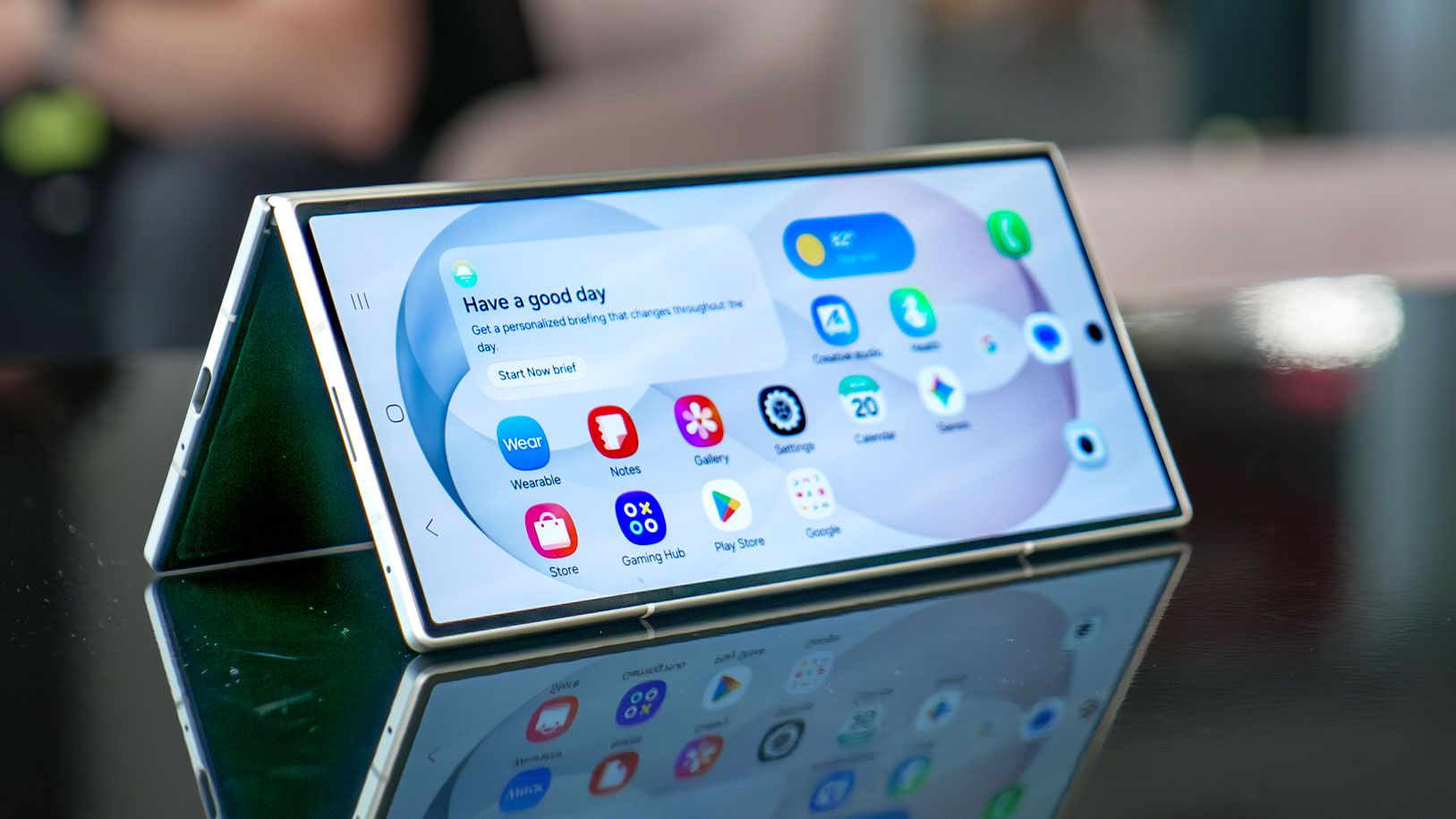
One thing I really hate about getting a new phone is the setup process. Not only is it somewhat tedious, the actual process is incredibly inconsistent across different devices. The last few years have seen some major improvements to the way phones are set up, but the one thing that continually gets on my nerves is registering my fingerprints for biometric security.That changed earlier this week when I set up the Samsung Galaxy Z Fold 8 Ultra, and realized that I should probably go through the process correctly. Only then did I realize that Samsung has been sitting on one of the simplest fingerprint mapping tools I've ever come across.Galaxy foldables have mastered fingerprint mapping on phones (Image credit: Tom's Guide)The majority of devices that I have used over the past few years have had fingerprint scanners embedded in their display. Something about that design means that the actual process of registering a fingerprint for security reasons is a wearying experience that requires constantly tapping your chosen digit against the screen to capture the entire print.Some systems are better than others, admittedly. Samsung's fingerprint registration is a fairly speedy affair, all things considered, while Google Pixels are among the slowest and laborious options on offer. This is still true following Google's decision to switch from optical fingerprint scanners to the more advanced (and secure) ultrasonic sensors.(Image credit: Future)But Galaxy foldables do it in a totally different way. Instead of being asked to constantly lift and move your chosen digit, all you need to do is move your fingerprint over the sensor. You don't have to remove your finger unless absolutely necessary, and the whole process takes less than ten seconds to do from start to finish.The only kind of biometric security I've set up that comes close is Apple's Face ID. Since Apple's facial recognition only requires you to rotate your head around in a circle, it's extremely easy to do. But not even devices that still utilize Apple's Touch ID can map fingerprints quite so easily.This feature isn't limited to the new Galaxy Z Fold 8 Ultra either. The process is exactly the same on the Galaxy Z Fold 7 and older Galaxy foldables, too. I was just too lazy to notice before, because I had foolishly assumed modern fingerprint scanners were all the same.Get instant access to breaking news, the hottest reviews, great deals and helpful tips.It's a reminder how much better physical fingerprint scanners are (Image credit: Shutterstock)It's been seven years since I regularly used a phone with a physical fingerprint scanner, but my short time with the Galaxy Z Fold 8 Ultra has reminded me just how much more convenient they are compared to modern alternatives. Not just in terms of the speedy mapping, which feels rather new to me, but also in the way they perform.Day to day I use a Pixel 10 Pro, which features an ultrasonic in-display fingerprint scanner. Google's scanner isn't slow or inefficient by any means, but there is a brief delay between placing your finger on the scanner and the phone unlocking. That's especially true if you're not using an always-on display, as I tend to do, because you need to turn on the screen as well.The physical fingerprint scanner takes all that out of the equation. The unlocking process is almost instant, and the fact you can feel the scanner without looking means you could potentially initiate the unlocking process before you've even looked at the phone screen. Those fractions of seconds don't matter much at the time, but if you consider how often you unlock your phone those extra fractions of seconds can add up.How to set up fingerprint scanning on Galaxy Z Fold 8 and other foldables 1. Open biometric security First up you need to open up the biometric security settings menu. You can do this by heading to Settings > Screen lock and biometrics > Fingerprints 2. Add a new fingerprint You'll need to start the process by tapping the Add fingerprint option half way down the page. 3. Start the mapping process On the next screen, tap the Register button at the bottom of the screen. 4. Map your fingerprint Next up you'll be prompted to map your fingerprint. Simply swipe your fingerprint across the power button/fingerprint scanner until you hit 100% 5. Test your fingerprint The Galaxy Z Fold 8 Ultra will then prompt you to test your fingerprint before letting you go. Just tap your finger against the scanner, and it'll tell you if everything has been registered successfully. Follow Tom's Guide on Google News and add us as a preferred source to get our up-to-date news, analysis, and reviews in your feeds. More from Tom's GuideMy first 36 hours with the Samsung Galaxy Z Fold 8: I was wrong about the passport screen (but that $1,899 price still stings)iPhone Ultra delay leak right after Samsung's triumphant Galaxy Fold 8 launch has me sick of waiting for Apple's foldableI'd buy a Galaxy Z Fold 8 over the Z Fold 8 Ultra — and it's all because it steals this Z TriFold feature
I just realized the Samsung Galaxy Z Fold 8 Ultra fixes the worst thing about fingerprint scanners
Full Article
Original Source
Read the full article at Tomsguide →KhanList aggregates and links to publicly available news content. We do not host full articles from third-party sources. Always verify important information with original sources.