
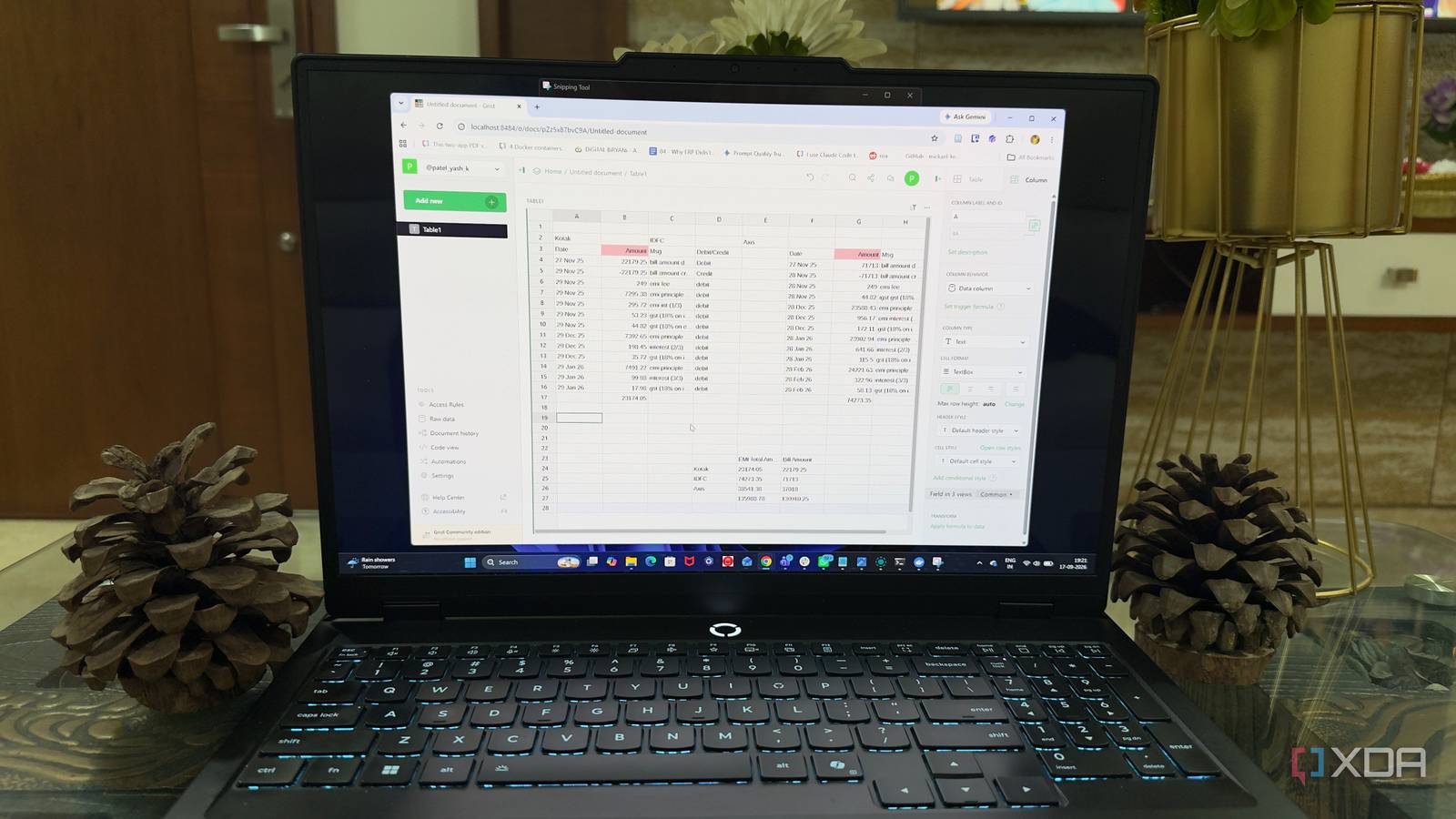
Published Sep 18, 2026, 5:30 PM EDT Beginning his professional journey in the tech industry in 2018, Yash spent over three years as a Software Engineer. After that, he shifted his focus to empowering readers through informative and engaging content on his tech blog – DiGiTAL BiRYANi. He has also published tech articles for MakeTechEasier. He loves to explore new tech gadgets and platforms. When he is not writing, you’ll find him exploring food. He is known as Digital Chef Yash among his readers because of his love for Technology and Food. I use spreadsheets for all kinds of small tasks, from keeping track of projects to organizing information I need regularly. For years, Google Sheets was the obvious choice because it was quick, familiar, and worked from anywhere. But as I moved more of my software to my own setup, keeping important spreadsheets in someone else's cloud started to feel out of place. I didn't want to give up the convenience of a browser-based spreadsheet. I just wanted a different way to run it. That's when I started experimenting with Grist. After moving a few of my everyday spreadsheets over, I realized it could fit surprisingly well into my workflow. What is Grist? It gives me the spreadsheet workflow I wanted Grist is a relational spreadsheet-database app that I can host on my own server. When I first tried it, it felt familiar because the basic idea is still the same: I get rows, columns, cells, and tables that I can use to organize information. I came across Grist while looking for something that could replace the spreadsheets I use for everyday work. I mainly wanted a simple way to create tables, organize information, and keep track of things without dealing with a complicated interface. The first thing I noticed was that Grist doesn't try to make spreadsheets feel completely different. I can start with a blank document, add columns, enter information, and use formulas just like I would in a regular spreadsheet. It also supports different ways of looking at the same information. I can work with a normal spreadsheet-style grid, but I can also switch to other views when that makes more sense for the information I'm working with. I can build smarter spreadsheets More ways to work with data What I like about Grist is that it gives me more ways to work with a spreadsheet without complicating the basics. I can use features like filters, sorting, and conditional formatting to keep larger tables easier to manage. Forms have also become useful. Instead of opening the main table every time I want to add something, I can create a simple form and use it to enter new information. This makes some of my tracking tasks feel much more organized. I can also add charts and summaries when I need a quick look at my information. This is useful when a table gets too long, and I want to understand what is actually in it. Another useful feature is the ability to customize how information is displayed on a page. I can arrange the elements I need and leave out the things that aren't important for a particular task. It does much more than Google Sheets A spreadsheet with a database hiding underneath The more I used Grist, the more I noticed that it wasn't really limited to the usual spreadsheet way of doing things. Underneath the familiar grid, it has features that make it work more like a simple database. I can connect information between tables instead of keeping everything in one large sheet. If I have a list of projects and another list of clients, I can link the two rather than entering the same client details repeatedly. This makes my information easier to keep organized as it grows. Grist also lets me use reference columns to connect related records. I can then pull information from one table into another and use formulas to work with those relationships. This is probably the biggest difference I noticed compared with a traditional spreadsheet. I don't have to keep creating complicated formulas or duplicate information just because two sets of data are related. I still get the simplicity of a spreadsheet, but I can structure my information more carefully when a project needs it. For me, that's what makes Grist more than just another Google Sheets alternative. Google Sheets replacement I actually control My data stays inside my own network This is where Grist became even more interesting to me. Since it is open source, I can run it myself instead of depending on a hosted spreadsheet service. I installed it on my own server with Docker, and now I have a spreadsheet tool running alongside the other services in my setup. The biggest difference is where my data lives. My Grist documents are stored on my own server, so I don't have to send the information to Google's cloud every time I use a spreadsheet. I have control over the server, storage, backups, and who can access the application. I also don't lose the ability to work with other people. Grist lets me share individual documents and give others access when I need to collaborate. That combination is what made the switch work for me. I get a familiar spreadsheet tool, but I can run it on infrastructure that I manage myself. For the kind of data I work with, that extra control is worth the small setup. I didn't need another cloud spreadsheet Switching to Grist wasn't about finding a perfect replacement for every Google Sheets feature. I wanted something that fit better into the way I already manage my software and data. After using it for my everyday spreadsheets, the switch feels surprisingly natural. Grist gives me enough flexibility for simple tasks while leaving room to grow when a spreadsheet becomes more complicated. For me, that's a trade-off worth making. Grist A modern, open-source, self-hostable spreadsheet app that also functions as a database and app builder.
I ditched Google Sheets for a self-hosted spreadsheet, and my data finally stopped leaving my network
Full Article
Original Source
Read the full article at Xda-developers →KhanList aggregates and links to publicly available news content. We do not host full articles from third-party sources. Always verify important information with original sources.