
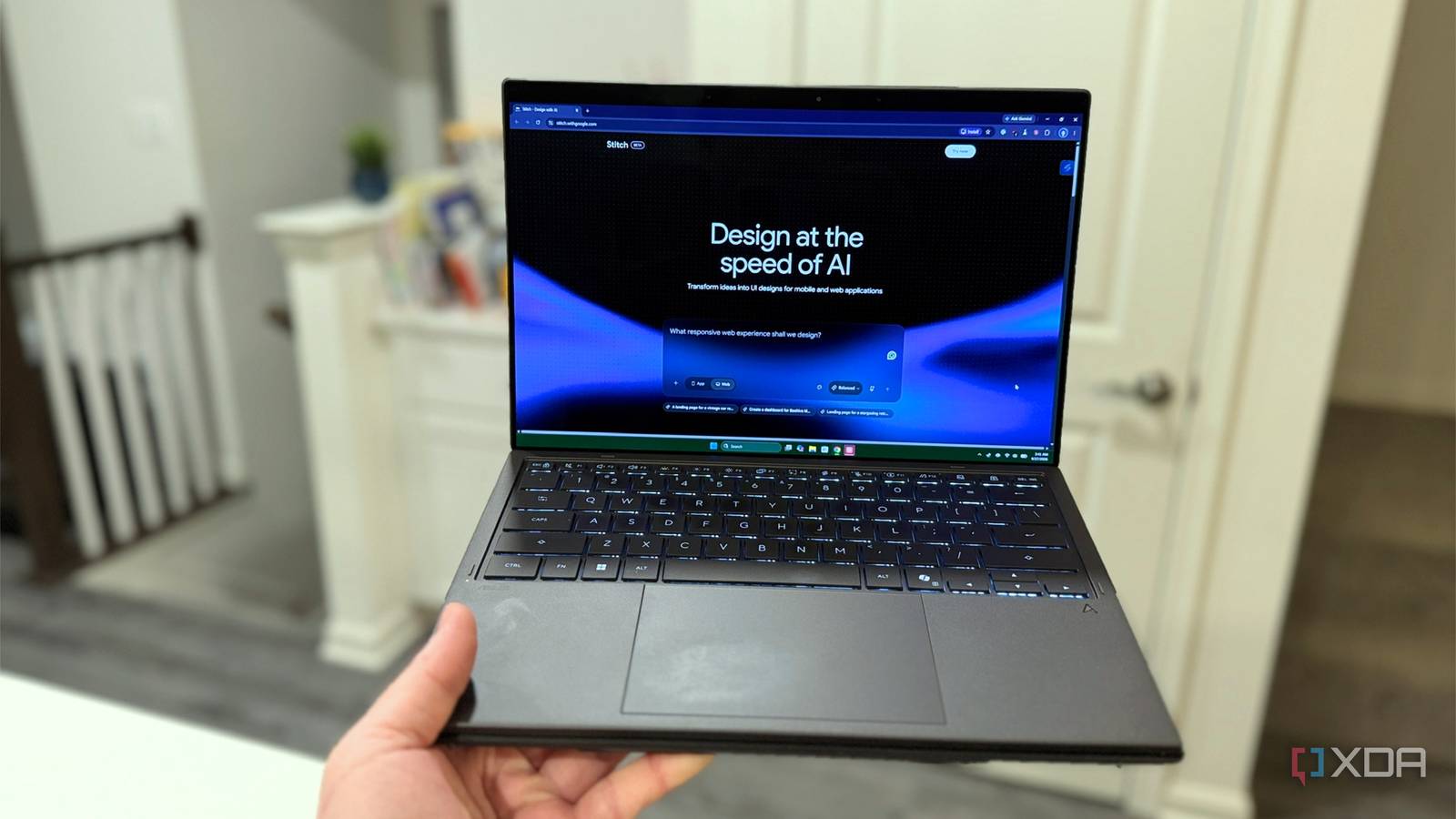
Published Sep 28, 2026, 2:00 PM EDT Maker, meme-r, and unabashed geek, Joe has been writing about technology since starting his career in 2018 at KnowTechie. He's covered everything from Apple to apps and crowdfunding and loves getting to the bottom of complicated topics. In that time, he's also written for SlashGear and numerous corporate clients before finding his home at XDA in the spring of 2023. He was the kid who took apart every toy to see how it worked, even if it didn't exactly go back together afterward. That's given him a solid background for explaining how complex systems work together, and he promises he's gotten better at the putting things back together stage since then. Sign in to your XDA account I've been building websites the hard way for years, and by 'the hard way' I mean opening a blank index.html, typing the doctype from memory like it proves something, and then losing three evenings to flexbox. So when Google shipped Stitch 2.0 with its new infinite canvas, I decided to run the workflow everyone keeps raving about: plan the site in Claude, generate the design in Stitch, and let each tool do the one thing it's actually good at. The twist is that I didn't ask Claude to build anything. I asked it to write the prompt: a complete design brief for Stitch covering a landing page, five sub-pages, a full design system, and a set of technical constraints that would make a standards purist tear up. HTML and CSS first, JavaScript only where the other two physically can't do the job. If you've read about the time I gave Claude Cowork access to my Home Assistant config, you know I like making AI tools talk to each other. This time, one AI wrote the instructions for another one. Why I asked Claude Fable to write the prompt instead of winging it Stitch is only as good as the brief you hand it Here's the thing about prompt-to-UI tools: everyone treats the prompt as an afterthought. You type 'modern landing page for my app, make it pop', get something generic, and then burn twenty generations nudging it toward what you actually wanted. Each nudge drifts the design a little further from the last one, and by generation fifteen your buttons have three different corner radii. I've done it. It's a chore. So I flipped the order. Before touching Stitch, I gave Claude Fable the whole problem: a fictional product (Kestrel, a self-hosted network monitoring tool, because, of course, I'd create a home lab product), a page budget of one landing page and five sub-pages, and my one non-negotiable rule: semantic HTML and plain CSS, with JavaScript as a last resort. Fable came back with a master prompt that establishes the design system up front: exact hex values, a type stack, a 12-column grid, an 8px spacing scale, and component rules down to the pill-shaped buttons. Then six per-page prompts that reference the same system, so every screen inherits the same design language instead of reinventing it. I want you to design a prompt to use with Google's Stitch to create a simple website. A landing page, no more than 5 sub-pages, and a modern look, using HTML and CSS preferably with JavaScript only for things that can't be done in the other two. And that's the part a planning model is genuinely built for. Stitch generates what you describe; it doesn't interrogate whether your description is complete. Fable does. It caught things I would never have specified on my own, like using details and summary in the pricing FAQ instead of a JavaScript accordion, native HTML validation on the contact form instead of a script, and scroll-behavior: smooth in CSS instead of the jQuery-flavored scroll hijacking that is still prevalent on the web. The final prompt allows one script on the page, the mobile hamburger toggle, because it's a staple of the modern web and I don't want to design around something that already works. The finished prompt file was detailed Sure, I could have written that brief myself. But it would have taken me an hour; I'd have forgotten the focus states, and I definitely wouldn't have thought of specifying WCAG AA contrast at three breakpoints before seeing a single pixel. The prompt took Fable about thirty seconds. That's already a win, and I hadn't even opened Stitch yet. The full prompt is long, but the master section opens like this: Design a marketing website for Kestrel, a fictional self-hosted network monitoring tool used for home lab enthusiasts. Then it goes into a design system for every page to be consistent, specifying typography, layout, components, etc. Then there's a section about technical constraints like using semantic HTML5, plain CSS, and JavaScript only when HTML and CSS can't do the job. Try getting that level of constraint discipline out of your own brain at 11 p.m. I can't, but it's the type of design document I'd create if my neurons were cooperating. Claude is an AI assistant and family of LLMs for design, research, and more. How Google Stitch 2.0 actually works It stopped being a slot machine and became a canvas If you tried Stitch when it launched at I/O 2025 and bounced off it, it's worth a second look, because 2.0 is a different tool wearing the same name. Even the first version was an underrated Google Labs tool for vibe-coding UI designs. The original was single-turn: prompt in, mockup out, repeat and pray. The March 2026 update replaced that with an AI-native infinite canvas — a persistent workspace where your screens, prompts, reference images, and even pasted code all live together as context. You iterate on the design in place instead of re-rolling it. The feature that matters most for a multi-page site is multi-screen generation. Stitch can now generate up to five screens at once, and they come out sharing one design language — same palette, same components, same typography — instead of five loosely related cousins. My site needs six, which is exactly why the Fable prompt splits into a master brief plus per-page prompts on the same canvas. Stitch 2.0 meets the consistency problem halfway from the tool side. Belt, meet suspenders. Under the hood, Stitch now runs on Gemini 3, which Google says at I/O 2026 makes it stick more faithfully to a design system and produce more accessible interfaces. More specifically, Gemini 3.8 Flash for Balanced and Gemini 3.5 Flash-Lite for Speed. The free tier is still properly generous, though the March update swapped monthly generation caps for daily credits that reset at midnight UTC, and all you need is a Google account. No card, no trial countdown; for now, at least, since paid plans are reportedly on the way. You can prompt with text, sketches, screenshots, or voice — though for a brief this precise, I'd keep voice for vague vibe-based requests and paste the detailed stuff as text. When you're done, the export options are where developers start paying attention. Designs export as HTML and CSS, with framework options reportedly including Tailwind, Vue, Angular, Flutter, and SwiftUI, and the official Stitch plugin pastes screens into Figma as editable frames with Auto Layout intact. There's also an MCP server that pipes designs straight into coding agents like Claude Code. And the sleeper feature is DESIGN.md: an agent-friendly Markdown file that captures your whole design system—colors, type, spacing, and component patterns—in a format coding agents can actually consume. Drop it in your repo, point Claude Code at it, and the agent stops inventing new shades of teal every session. Stitch can even extract a DESIGN.md from any live URL, which has some fun implications. The pieces snap together into a pipeline: Fable writes the brief, Stitch turns the brief into designed pages, DESIGN.md carries the design system into Claude Code for cleanup and deployment. Three tools, one design document that follows the flow, and hopefully less wondering why the final version isn't working as expected. The results were good at first glance And most of the issues were simple fixes Stitch's export looks like a finished website on a desktop browser, but that's the problem. Even though the tool creates a responsive design for mobile, the navigation disappears as soon as you open it on a phone. The CSS hides the menu links once you scale below 768px and styles a hamburger button, but no page actually features one. Stitch skipped the part of the prompt about using a script for the hamburger button and left inter-page navigation to be handled by the footer. Which is incomplete on all but one page. It also shipped 246 inline style attributes, when it should be handling those in the design system. But not all is lost, because the fixes are fairly trivial and the rest of the issues are mostly on-page copy, which I can't really complain about considering I didn't supply any. Good reminder to treat Stitch's text output as placeholder text, and to replace it with your own. The tool is there for the overall design and feel, not the content. Plus, it won't take long for a Claude Code session to fix the code issues. The DESIGN.md file that I had Stitch create is better than the code it exported for each page. It has the correct color codes for accessibility contrast, a sticky nav with no frosted glass, a 12-column grid that drops to four on mobile, and SVG line-art diagrams. The code ignores most of that, but putting both documents into Claude Code will get them to agree. That's the point of the design document, so every coding agent (or human coder) that touches it afterward has a spec to follow. Moving the inline styles into classes, adding breakpoints, building a CSS-only mobile menu, adding a global focus ring, and swapping in the correct accessibility colors are routine refactors across six files. That should take one focused session rather than a rebuild. The only thing I'd send back to Stitch is the SVG illustrations, because drawing is still the one job it does better than a coding agent. The right tool for each job beats one tool doing everything I went into this expecting a gimmick, and came out with a workflow. A planning model writes a better brief than I do, although I'll write them in the future and get the model to adjust and audit my work. The design tool is much better with a detailed brief to follow, and the handoff file makes things consistent when moving back to Claude Code. It's a bit of juggling, but so is every development task. The one thing I worry about is how pricing will look when paid plans turn up, but until then I'm going to enjoy the daily credits.
I built a website with Claude Code and Stitch 2.0, and now I understand why developers are switching
Full Article
Original Source
Read the full article at Xda-developers →KhanList aggregates and links to publicly available news content. We do not host full articles from third-party sources. Always verify important information with original sources.