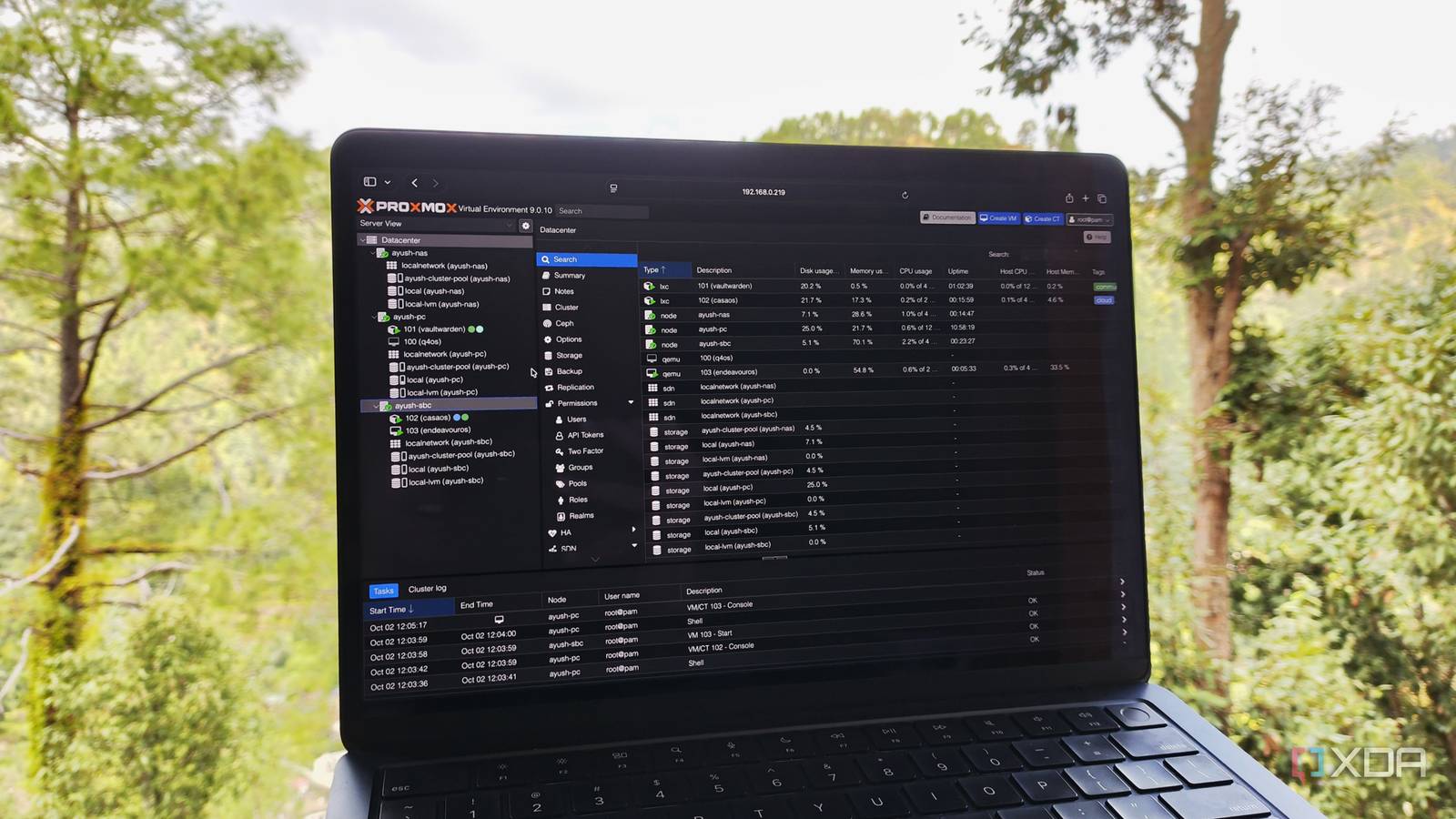
Published Jul 27, 2026, 9:00 AM EDT Ayush Pande is a PC hardware and gaming writer. When he's not working on a new article, you can find him with his head stuck inside a PC or tinkering with a server operating system. Besides computing, his interests include spending hours in long RPGs, yelling at his friends in co-op games, and practicing guitar. With Proxmox packing dozens of enterprise-tier features, there’s a lot you can do to enhance your home server’s capabilities once you sink your teeth into its virtualization provisions. But aside from its quality-of-life-enhancing perks, Proxmox VE also has a handful of advanced facilities that, despite offering neat benefits, can have massive quirks that make them less than ideal for the average home labber. High-availability clusters are one such feature, and I often see veteran tinkerers recommend ZFS replication/Ceph-powered storage to newcomers. But here’s the thing: an improperly implemented HA cluster can easily break your setup and empty your wallet if you dive into this rabbit hole unprepared. On paper, high-availability is a killer feature for home labs Especially if you love working on as many experiments as I do Before you strike me down for calling high-availability overkill for home labs, let me add that I’m fully aware of its utility. If anything, as someone who still has a 2-node ZFS replication cluster + a Raspberry Pi QDevice, I’m all for using them in production environments and hardcore home lab setups. After all, being able to keep your virtual machines and Linux containers operational when a botched experiment brings a node down is a neat perk of HA clusters. Heck, if you’re running FOSS tools for your entire household, automatic failover can migrate your essential services to spare systems, so you can work on troubleshooting your buggy system at your own pace. With Proxmox’s latest update adding full support for the dynamic load balancer, your high-availability environment can even auto-balance itself when the node comes back online instead of forcing you to manually move the LXCs and VMs around to avoid overutilization of the secondary nodes. Not to mention, Proxmox’s distributed storage provisions ensure your virtual guests aren’t lost even if one of the systems running them goes offline. I’d deployed my HA cluster just so I could get some hands-on experience with it for DevOps projects, and it works really well for this task, especially when I pair it with the likes of Ansible, Terraform, and Semaphore. But now that I’ve mentioned all that, I also want to make it clear that behind its game-changing features lie a lot of issues that you’ll want to be prepared for before you start clustering your nodes and setting up distributed storage rules. HA setups aren't all fun and games Even a simple ZFS replication cluster can be a bit of a pain to maintain Just like any other impressionable tinkerer, the me from a few years ago was instantly enamored by HA clusters when I saw Reddit posts featuring bulky PVE setups. But what I didn’t realize was the sheer cost of such a setup. Ceph distributed clusters, for example, need at least three or more nodes (provided you've got an odd number of these workstations), and anything less is bound to cause issues in the long run. Even if a typical 3-node Ceph cluster can survive a broken node, you’ll want to ensure the containers and virtual machines you want to run 24/7 can be supported by your secondary workstations, or you’ll just end up with painfully slow systems. Ceph also requires faster network speeds, and you’ll want 2.5G at the very least to avoid slowdowns during the sync (and migration) operations. Considering the unhinged hardware prices right now, I can’t recommend the average home labber to grab the paraphernalia required for this setup. ZFS replication is a bit more lax, as you can use the QDevice workaround to build a high-availability cluster when you don’t have enough systems to meet the 3-node requirement. But the biggest caveat with ZFS replication is that you’ll have to schedule its snapshot tasks carefully. If they’re too far apart, you could end up losing data. But if you set them too frequently, they could end up tanking your network’s bandwidth. Troubleshooting either setup is a royal pain as well, and if you were to ever dismantle your cluster, you’d have to run a bunch of commands to separate the nodes. That's before you factor the energy fees incurred by running all these systems 24/7 into the equation. Standalone PVE nodes + 3-2-1 Proxmox Backup Server pipelines are significantly better Splitting virtual guests between primary and experimental nodes is a solid option for most tinkerers When it comes to achieving maximum uptime for your virtual guests, I’d always recommend going for dual (or multi, if you’ve got enough hardware) setup, where the systems in question remain standalone. Leaving the ZFS replication cluster I configured from old systems just for my DevOps experiments aside, I’ve split my Proxmox workloads into two groups: the essential containers run on my i5-1235U embedded system while my old gaming PC handles the heavyweight virtual machines. Everything else, be it a quirky Linux distro with unique features, my non-essential container arsenal, or a fun app I came across during my doomscrolling sessions on GitHub, remains on my experimental Xeon workstation. As such, if I accidentally bring down this system, I can rest assured knowing my network stack, dev VMs, Home Assistant hub, and other mission-critical servers will keep running on the other two devices. Just to add an extra layer of security to this setup, I’ve configured a Proxmox Backup Server workflow, where my PVE machines send snapshots for nearly every virtual guest to a local PBS instance, which, in turn, gets pulled by an external PBS instance stationed at a relative’s place. Finally, if I happen to find a particularly useful virtual guest during an experiment, I simply use a virtualized instance of Proxmox Datacenter Manager to move it from my Xeon rig to either of my “safe” PVE nodes. Please be aware of the risks before you go full throttle down the HA cluster road Once again, let me make it clear that I absolutely adore the high-availability provisions built into Proxmox, and I see nothing wrong with using it in a hardcore tinkering environment or anything involving production pipelines. Instead, what I really want to convey is that you shouldn’t take the plunge into HA setups right at the beginning of your home lab. It’s definitely a lot of fun to use, but all the excitement turns into horror when your painstakingly-created cluster loses the quorum condition, and you end up with a read-only web UI alongside inaccessible virtual guests. In case you’re wondering, then yes, I speak from experience. Proxmox
High-availability is overkill for the average Proxmox home lab, and chasing it is how people wreck their setup
Full Article
Original Source
Read the full article at Xda-developers →KhanList aggregates and links to publicly available news content. We do not host full articles from third-party sources. Always verify important information with original sources.