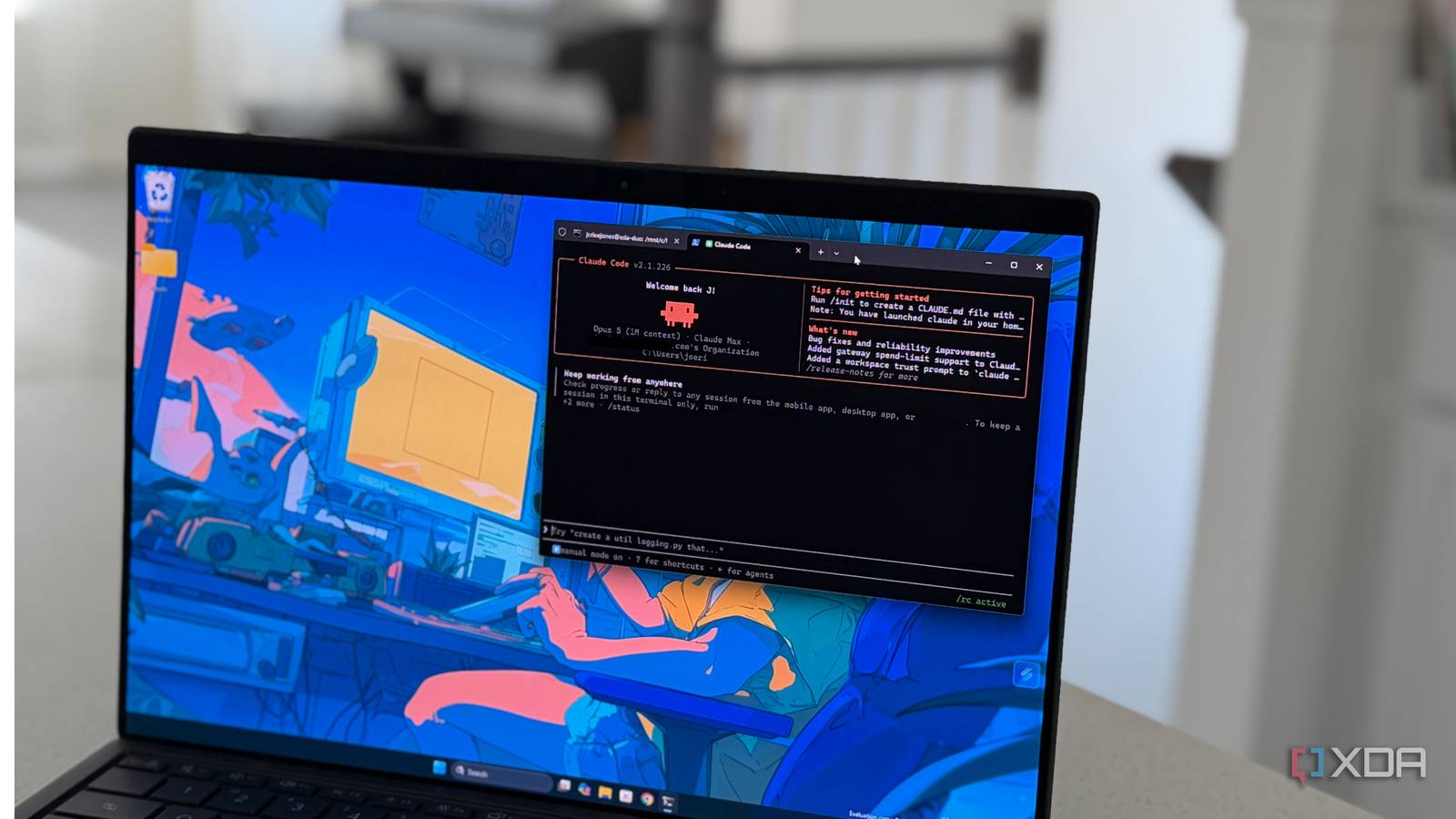
Published Aug 20, 2026, 6:00 AM EDT Maker, meme-r, and unabashed geek, Joe has been writing about technology since starting his career in 2018 at KnowTechie. He's covered everything from Apple to apps and crowdfunding and loves getting to the bottom of complicated topics. In that time, he's also written for SlashGear and numerous corporate clients before finding his home at XDA in the spring of 2023. He was the kid who took apart every toy to see how it worked, even if it didn't exactly go back together afterward. That's given him a solid background for explaining how complex systems work together, and he promises he's gotten better at the putting things back together stage since then. I’ve been underutilizing Claude Code for most of the last year. Seriously, it’s been a fancy text editor that lives in my terminal and makes small changes for me while I do other things. Sure, I’ve spun up a small team of subagents, but it always felt like I was using them for little things I should have done myself. I’ve used Claude Code to manage my homelab and given other coding agents long-term memory, but most of the projects I’ve used fell short of expectations. So, when I saw Ruflo mentioned everywhere as an “agent meta-harness” that gives Claude Code most of the features I’d spend tacking on with individual projects, I wanted to know how close it gets. I installed it twice, once in a Linux sandbox and once in Windows 11, and tested the headline features against what turned up on my drives. I learned a few things along the way about Claude Code and some ideas to use it differently, but not quite for the reasons the project’s maintainers would think. What is Ruflo, and why would you use it? This is a meta harness to control Claude Code for you Ruflo is the renamed and reincarnated claude-flow, and it boasts an impressive list of features. Hierarchical swarm topologies, 100+ custom agent personas, HNSW vector search, self-learning neural patterns, and background workers. That’s not quite what it installs, though: a coordination layer for Claude Code. Running ruflo init in your project drops 110 files into the folder, everything from a 224-line CLAUDE.md full of orchestration guidelines, to 30 skills, 17 agent definitions, 16 commands, hooks into every Claude Code lifecycle event, and an MCP server. It’s worth knowing that this isn’t a new agent tool, because when you run a swarm, Ruflo tells you point-blank that it coordinates agent states, while the work is done via Claude Code Agent tools. Again, Ruflo doesn’t run agents; Claude Code does. What Ruflo does is add detailed logs, a memory system, and an opinionated set of instructions for your agents to follow, similar to using one LLM to orchestrate agents in another. Very detailed instructions, enough to take up 1.5GB of your disk space. Is that worth it? I had to find out. Ruflo Ruflo is a harness for Claude Code or Codex that gives you tools, memory, controls, and more to make the most out of your LLM subscription. Installing it was the easy part Expect to do some troubleshooting The installation was quick; both the sandbox and the Windows install took around 80 seconds via npm. That’s 1.5GB of files, in 375 packages. Ruflo has a built-in doctor program that does a 27-point health check of the install, which takes seconds and is refreshingly honest about what is about to come. The first built-in problem is that the MCP server is stuffed with 333 tools. That’s an estimated 61,550 schema tokens before you’ve even typed a word, but at least the diagnostics warn you about it. But while the Linux sandbox came back with no issues, the Windows install wasn’t so lucky. The doctor’s MetaHarness check failed with a classic Windows error. A bare drive path was passed to a dynamic import, so Node parses the drive letter as a website instead of storage. The Ruflo background daemon also reported as running, but a second check showed it wasn’t. I’m not going to worry about if the first check was wrong, because all that matters is that it wasn’t afterward. Then I checked the vector memory, and it refused to work. Storing anything errored out, because the default method wasn’t enabled on Windows. And the background daemon had locked the file needed for the fallback path to work. I had to set a flag to enable the native bridge on Windows, then it worked. Another bug surfaced during recall testing. The natural language query needs 0.7 similarity, and my prompt only scored 0.51. My prompt that had the exact phrasing of the stored data… Semantic search works when you pass 0.3 similarity, and then it works fine. Anyone who didn’t dig deeper would assume vector search was broken; it’s not, but the default settings are. The swarm took ten minutes to burn through $1.63 of tokens The work was real, but the bookkeeping was largely imaginary My question was how to test the new harness with an output I could actually check. I’m not a great coder at the best of times, but I do know PowerShell, so I asked for a module that I could test on my machine. This parses through the Windows Event Log for BITS errors, with Pester tests. Easy to test, and it was non-destructive, so my PC would survive. Starting the harness gave me a promising-looking eight-agent deployment plan: a coordinator, an architect, three coders, two testers, and one reviewer. Okay, overkill for a single module, but it looked legit. Then Claude Code connected to the project via MCP and said the swarm was an empty shell with zero agents and no work inside. The deployment plan was looking like theatrics, and I got worried the rest of the testing would follow suit. Starting the swarm from inside Claude Code worked, with Ruflo acting more like a bookkeeper in this direction. The MCP tools told Claude Code to register a coordinator, a coder, and a tester; create three tasks; and build a 95-line PowerShell module. Ten minutes later, $1.63 of Sonnet 5 credit had been used, but I had a working module. Ruflo’s original estimate was $0.048 of usage per run, which is wildly inaccurate. I also looked at the coordination ledger records, because nothing else quite matched the hype. The records here were real: three tasks with timestamps, assignments, and results. But they weren’t in the 40-table vector database I’d troubleshot earlier; they were flat JSON files. The fancy vector memory didn’t even get a “job done” entry. Ruflo did some things without asking This is the important stuff to be aware of Ruflo’s init made some decisions without asking, even when I ran it limited to a single folder. It detected the Codex CLI on my computer and installed hooks, which irked me since I told it to install only for Claude Code. What’s more, it wrote a no-approvals, full-filesystem-access config for Codex, which could have been dangerous. It also pinned the model to Sonnet 5, even though I have Opus set as my default. It’s not all bad news, however. It knew when it was running on Linux and when on Windows, and used sh and cmd as required. But rewiring two coding agents and your project config without asking is the kind of thing that puts people off using agentic tooling. Maybe a future version will have explicit permission stages with prompts, which would make this a lot more palatable. The harness did make Claude Code better, but not quite in the way I expected Ruflo has changed how I use Claude Code, but not in the way the project intends. The injected CLAUDE.md pushes a recall, inspect, plan, execute, test, verify loop that is very handy to understand. That’s going to be good for every project I start, even if I don’t use this tool. Another thing is that watching Claude Code report progress every ten minutes was instructive, and that’s a good balance for me between using it as a code editor and letting it be an autonomous coding agent.
Claude Code got better when I stopped treating it like a code editor and started using it like this instead
Full Article
Original Source
Read the full article at Xda-developers →KhanList aggregates and links to publicly available news content. We do not host full articles from third-party sources. Always verify important information with original sources.