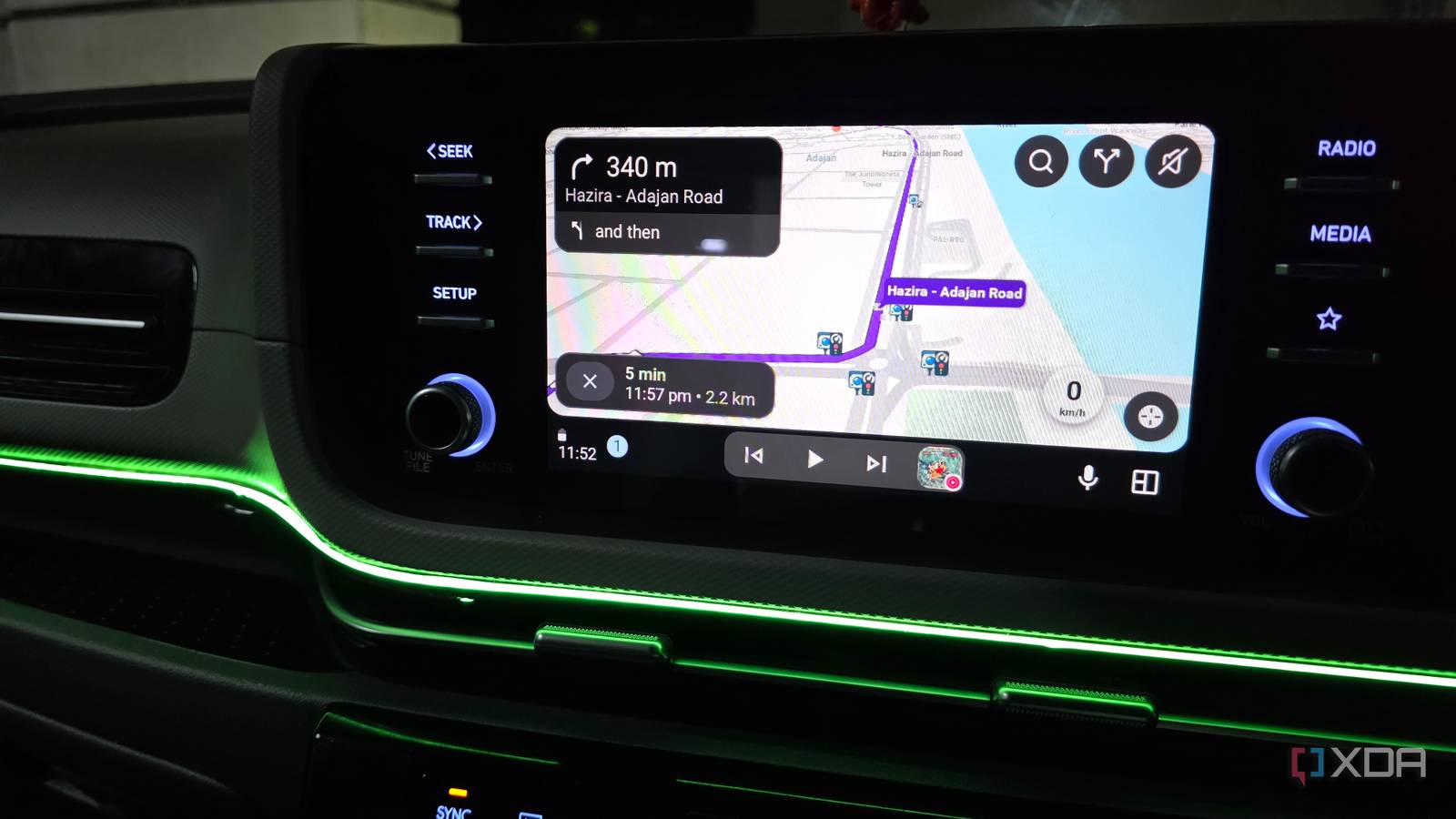
Published Aug 16, 2026, 8:30 AM EDT Parth, a seasoned tech writer, wields the keyboard (or pen) with finesse to unravel the intricacies of both Windows and Mac operating systems. He has covered evergreen content on mobile devices and computers for multiple publications over the last six years. You can find his work on AndroidPolice, GuidingTech and TechWiser. Whether it’s demystifying system updates, deciphering error codes, or exploring hidden features, Parth’s prose guides readers through the binary maze. When not immersed in tech jargon, you’ll find him sipping chai, pondering the next software review, and occasionally indulging in a friendly debate about mechanical keyboards. I like Android Auto enough to keep using it, but I am getting tired of pretending the experience is polished. Something is always slightly off. The connection takes too long, the interface gets in my way, or a feature behaves differently than I expect. These minor issues make Android Auto feel far less dependable than a car interface should be. After putting up with the same annoyances again and again, I can finally see why some automakers are willing to ditch it and build the entire experience themselves. Android Auto connection still feels unpredictable A car interface should never need troubleshooting This is probably my biggest frustration with Android Auto because the connection still feels far more unpredictable than it should. Some days, I start the car, Android Auto connects within seconds, and everything works exactly as expected. Other days, my phone connects to Bluetooth, but Android Auto refuses to launch, or the wireless connection takes so long that I am already a few minutes into my drive. I have had to toggle Bluetooth, reconnect Wi-Fi, unplug and reconnect a cable, and sometimes restart the infotainment system to get back to the screen I wanted in the first place. I can tolerate restarting the app or digging through settings when I am sitting at my desk, but I don’t want to troubleshoot connectivity issues before every drive. Android Auto is supposed to reduce distractions, not create another thing for me to fix. Performance depends too much on the phone Don’t forget UI annoyances Another thing that bothers me is how much Android Auto’s performance still depends on the phone sitting in my pocket. A newer flagship usually handles it well, but the experience can quickly change once the battery saver kicks in or background restrictions get aggressive. Then there are the UI annoyances. Android Auto has improved a lot, but I still run into layouts that feel too busy, controls that take up more space than they should, and menus that require an extra tap when I want to perform a simple action. This becomes even more noticeable on my 8-inch infotainment screen, where every inch matters. Google is working on a major Android Auto UI makeover, so the company may fix some of these problems. But right now, the interface still feels cumbersome. Wireless Android Auto creates another problem It’s called heat Credit: Wireless Android Auto is convenient, but it comes with one problem I notice on longer drives: heat. My phone is handling navigation, GPS, mobile data, Bluetooth, Wi-Fi, music streaming, and background apps at the same time, and that workload adds up quickly. Throw wireless charging into the mix, and the phone gets uncomfortably warm. I have had drives where my phone felt much hotter than it should, even though I was barely touching it. That is not something I want to think about when I am already relying on the phone for navigation and communication. A feature that is supposed to make driving more seamless should not force me to think about thermal management in the first place. The automaker gets blamed anyway Native infotainment has advantages Android Auto can’t match This is the biggest reason I can understand why some automakers want to move away from Android Auto. When something goes wrong on the dashboard, most consumers are not going to stop and figure out whether the problem came from Google, the phone, Android Auto, or the car itself. They are simply going to blame the infotainment system. The car company still takes the criticism when it feels slow, buggy, or inconsistent. There is also the problem of differentiation. Once Android Auto takes over the screen, a lot of cars start to feel similar. Google decides how Maps looks, where the media controls appear, how notifications behave, and how the overall interface is laid out. The automaker has very little say in that experience. A budget hatchback and a premium SUV can end up showing the same Android Auto interface, which makes it harder for manufacturers to make their software feel unique. I may not always agree with the decision to ditch Android Auto, but I can understand why a company like Tesla, which has spent years designing its own dashboard, would not want Google controlling such a visible part of it. Native infotainment also has some advantages that Android Auto can’t match. Because it is built directly around the car, it can integrate navigation with the instrument cluster, climate controls, seat settings, charging information, and other systems without jumping between two interfaces. In a well-designed native system, everything can feel like one seamless experience rather than Android Auto sitting on top of the car’s own software. Google still hasn’t fixed the basics I am not ready to give up Android Auto, but I finally understand why some car makers are. Tesla and Rivian have built their experiences around their own infotainment systems, while GM has already started moving away from Android Auto in newer vehicles. The problem is that native infotainment has to be better, not just different. Until automakers like Toyota and Honda can consistently deliver that, I will keep using Android Auto (and deal with its frustrations).
Android Auto frustrates me so much that I understand why some car makers are ditching it
Full Article
Original Source
Read the full article at Xda-developers →KhanList aggregates and links to publicly available news content. We do not host full articles from third-party sources. Always verify important information with original sources.