
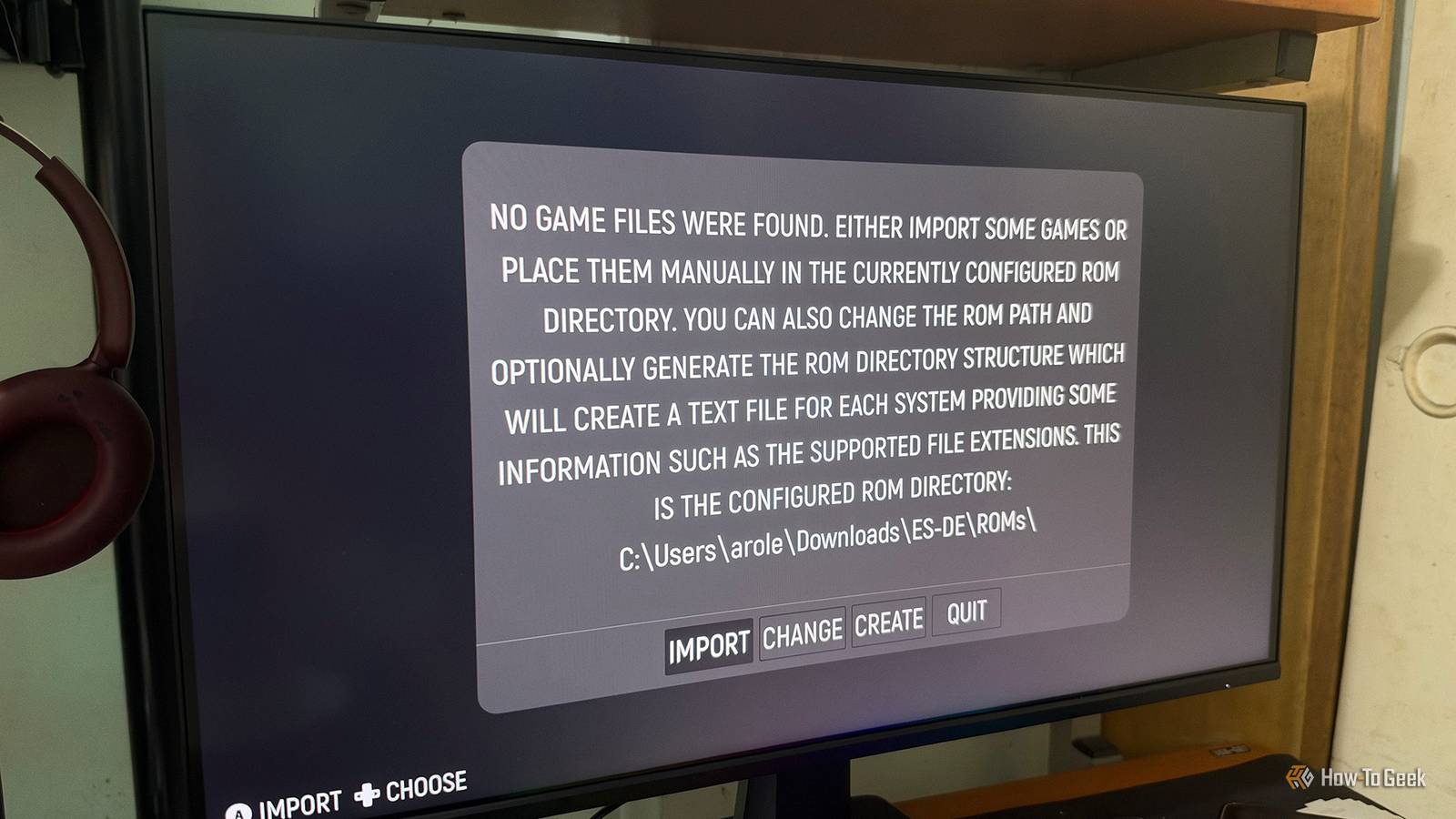
Published Nov 22, 2026, 7:00 AM EST Arol is a tech journalist who currently works as a contributor at How-To Geek since 2022. He first began writing online for the short-lived portal of Spanish-language gaming forum Emudesc in 2013. Years later, in 2017, he got his true start in tech journalism working for a small Google-focused site called Pixel Spot. He transitioned to a news and feature writer role at XDA Developers that same year, where he worked until 2021 before making the jump to other websites. Arol brings nearly a decade of writing experience, and the occasional hot take, to his writings. While he's a technology lover at heart, he holds computer hardware and smartphones particularly close to heart. You'll normally find him covering news, although he has also written the occasional deal, buyer's guide, how-to post, and round-up. He's also written for Android Police and MakeUseOf. He's also a Political Science student at the Central University of Venezuela, and a proud member of student movement Àgora UCV. When he's not writing, you'll probably find him hitting the gym, trying to ace a new hobby, reading his textbooks, or traveling. You can reach him at me@arolwright.com. Setting up emulation used to mean downloading a dozen emulators, hunting down configs, and mapping the same controller over and over. Purpose-built Linux distros and all-in-one frontends now handle nearly all of that for you, and the right pick depends mostly on your hardware. The best distros for retro gaming Batocera, Recalbox, and Lakka make dedicated emulation simple If you have a spare mini PC, Raspberry Pi, or compatible handheld, a dedicated emulation distro is one of the easiest ways to put it to use. Instead of installing emulators individually, you flash an operating system image to a USB drive or SD card and boot into an interface designed around gaming. These distributions typically include emulators, controller support, and tools for organizing your library. You still need to supply your games and any required BIOS files, but much of the initial configuration is already done. Booting from removable storage also means you can try a distro without replacing the operating system on your internal drive. Batocera is an excellent starting point, particularly if you want to emulate several generations of consoles on the same machine. It supports a broad selection of PCs, Raspberry Pi models, and handheld devices, with emulators for hundreds of gaming systems. Its EmulationStation interface brings your games together in a controller-friendly library, complete with artwork, themes, and customizable settings. Batocera 43, released in May 2026, introduced improvements to controller hotkey configuration and a Control Center for managing global settings. The subsequent 43.1 update addressed several bugs. More adventurous users can also try the Butterfly development channel, although its frequent changes make it less suitable for a system you just want to switch on and play. Recalbox takes a similarly integrated approach, with an emphasis on straightforward setup and a consistent experience. It's particularly appealing for Raspberry Pi projects and living-room systems where you don't want to spend much time tweaking individual emulators. Recalbox 10 arrived in February 2026, continuing the project's long-running focus on accessible retro gaming. Neither Batocera nor Recalbox eliminates configuration entirely, and both offer customization options. The distinction is largely a matter of preference: Batocera is a strong choice if you want broad hardware support and plenty of settings to explore, while Recalbox is worth considering if you prefer its more curated approach. Lakka is another option, especially if you're already familiar with RetroArch. Rather than building its experience around EmulationStation, Lakka uses RetroArch as its main interface and relies on libretro cores to run supported systems. Version 6.1 includes RetroArch 1.22.2 and uses the LibreELEC 12.2 build system, with Raspberry Pi images available for CRT-focused setups. Lakka's relatively streamlined design makes it attractive for a simple emulation machine, but its reliance on libretro cores can limit your options compared with distributions that also integrate more standalone emulators. As with any emulation setup, the games you can run smoothly will depend on the hardware and emulator involved. RetroPie is still worth mentioning, particularly for Raspberry Pi enthusiasts who enjoy configuring their own systems. However, its aging official prebuilt images make Batocera, Recalbox, and Lakka easier starting points for many new installations. The best frontends for your existing operating system Keep Windows, macOS, or Linux and organize your games in one place The Steam Deck already runs Linux, so you don't necessarily need a separate operating system to enjoy retro games. Two popular projects, EmuDeck and RetroDECK, make it easier to add emulation alongside your existing Steam library. EmuDeck is primarily a setup and configuration tool. It installs supported emulators, applies recommended settings, and helps organize the files they need. You can also use its integration tools to add individual games or emulation frontends to Steam, allowing you to launch them from Gaming Mode. This approach is useful if you want access to individual emulators and the flexibility to adjust them separately. It also means those components may have their own configurations and update processes. RetroDECK packages its frontend and supported emulation tools into a single Flatpak application. Rather than installing and managing each emulator separately, you get a more centralized setup with unified updates and a consistent directory structure. Because RetroDECK uses Flatpak packaging, its application environment is more contained than a collection of separately installed tools. That doesn't mean it can never access files elsewhere on your system, since permissions and storage locations still matter. However, the packaging can make the setup easier to manage. Neither approach is inherently better. EmuDeck makes sense if you want to customize individual emulators and integrate games closely with Steam. RetroDECK is appealing if you prefer managing your emulation setup as one application. Both projects can also be used beyond the Steam Deck on supported systems, so they're worth exploring if you have another Linux gaming handheld or desktop. Which emulation setup should you use? Match the tool to your hardware and patience The deciding question is whether the machine will do anything other than play old games. If it’s a dedicated box, such as a retired mini PC under the TV, a Raspberry Pi, or a handheld you only use for emulation, a distro is the better fit. Batocera is the default recommendation because it supports the most systems and the widest range of hardware. Recalbox makes more sense for a Pi build you’re handing to a family member, or anyone who values a polished interface over endless options. Lakka suits older or low-power hardware, and it’s especially appealing if you want to hook a Pi up to a CRT. If the computer has other jobs, stick with a frontend. Windows users who want the closest thing to a one-click setup should start with RetroBat, since it fetches and configures emulators automatically. ES-DE is the better pick if you move between operating systems or want the same interface on your desktop and an Android handheld, as long as you don’t mind installing emulators yourself. LaunchBox earns its price if your library mixes PC games with ROMs and you care about artwork, manuals, and an organized collection. On the Steam Deck, the choice comes down to philosophy. EmuDeck gives you more control over individual emulators and slots your games straight into the Steam library. RetroDECK updates everything as a single package and stays contained, which is a safer bet if you’d rather not risk messing with SteamOS. Batocera is also an option if you prefer booting from an SD card into a dedicated environment. Emulation performance depends primarily on your hardware, the emulator, and its configuration. The frontend usually has little impact on gameplay performance, although different distributions may ship different emulator versions and settings. You'll generally need to supply your own game files and any required BIOS or firmware. Check the licensing and copyright rules that apply to your games, as these vary by system and location. One tool beats a dozen separate emulator installs Distros like Batocera, Recalbox, and Lakka turn spare hardware into a dedicated console, while frontends like ES-DE, RetroBat, LaunchBox, EmuDeck, and RetroDECK bring the same convenience to the system you already use. Choose based on your device and skip the manual setup entirely.
8 retro gaming distros and frontends that eliminate manual setup
Full Article
Original Source
Read the full article at Howtogeek →KhanList aggregates and links to publicly available news content. We do not host full articles from third-party sources. Always verify important information with original sources.