
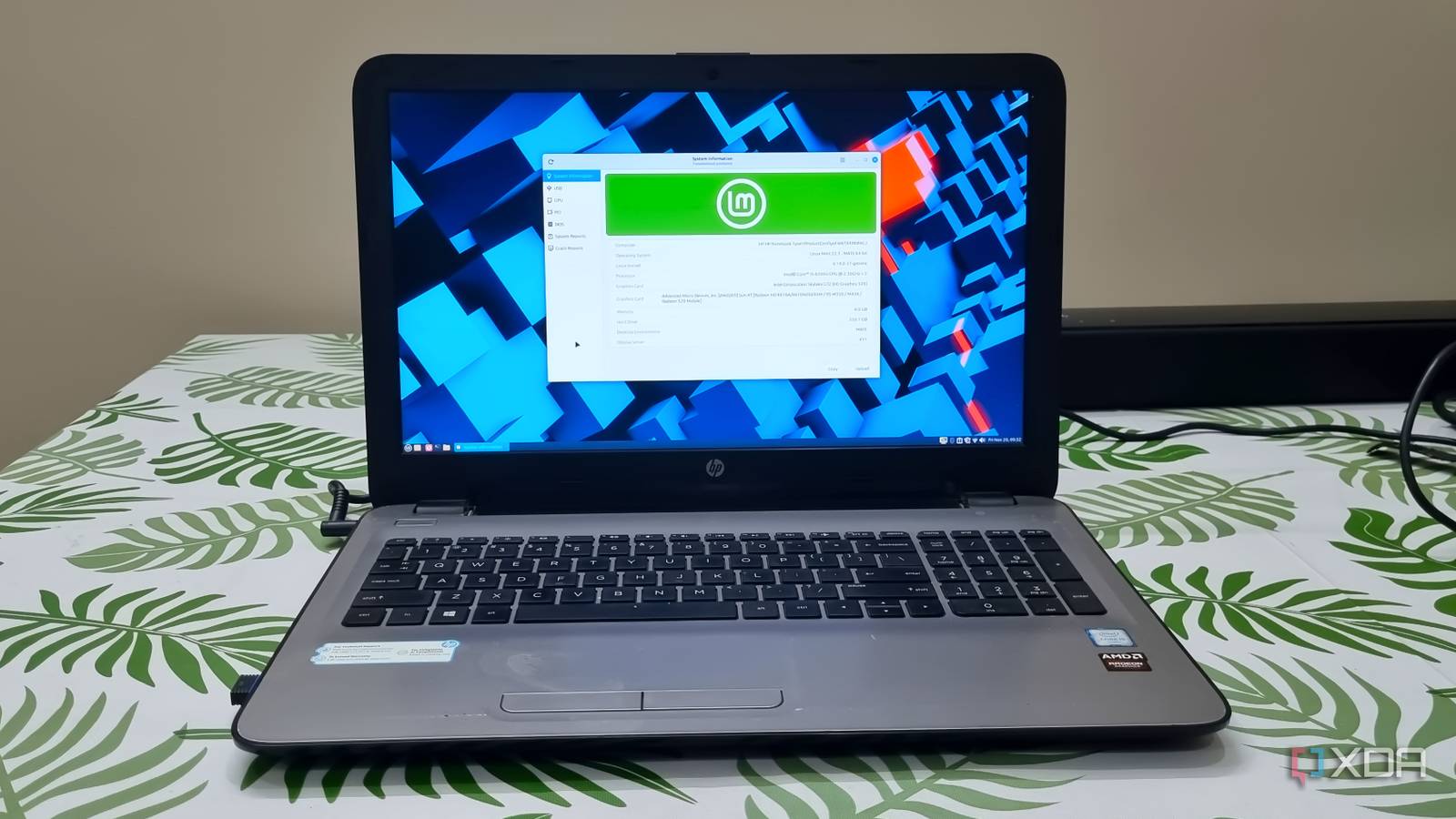
Published Nov 22, 2026, 7:01 AM EST Abhishek is an author at XDA who covers computing. He has loved computers since he got the Lenovo G570 in 2012. Abhishek holds a master's degree in computer applications and began his writing career in 2018. He loves writing how-to articles, listicles, and informational posts on popular operating systems and web services. He closely follows the Windows Insider program and tests new Insider builds to discover upcoming experimental features and upgrades. His past work includes long-term collaborations with reputed publications like Tom's Hardware, and Windows Latest. When not writing anything, he is busy watching new episodes of One Piece or searching for something binge-worthy. It was 2016, and my old Lenovo laptop had become battered and unusable for anything performance-focused. Its discrete AMD GPU wasn't even showing up anymore, and the Intel Core i3 second-generation processor was gasping for breath with new software. So I kept it for basic browsing, downloading, and small software tasks, and had to get a new one with a slightly better configuration. I purchased a new HP laptop with more powerful specs than my old machine, with 4GB DDR4 memory. The new memory was in short supply for a while, so I couldn't upgrade to 8GB for a long time. Windows 10 worked okay because it was released a few months before I bought the laptop. But the performance gradually worsened over time with more bloated updates and demanding background tasks. Windows 11 dropped support for older laptops like mine, but Linux distributions work better on it than either Windows version. Windows became harder to use on older hardware Linux treats it better Due to budget constraints, I got a basic HP laptop that had an Intel Core i5 sixth-generation processor. It had the same number of physical cores, with better overall performance and lower TDP than my Lenovo laptop’s processor. It also had a discrete GPU and supported DDR4 memory, which was new at the time. But 4GB of memory and slow HDD storage became a visible bottleneck over time as software and browsers became more resource-hungry. I also purchased an entry-level Lenovo laptop for my cousin, and its i3 processor system ran Windows 10 way worse than mine. It was obvious that Windows was becoming more resource-intensive with each update, and weaker processors weren't its priority. When Windows 11 arrived, it became clear that my HP laptop wasn't good enough for it at all. If I doubled its memory capacity and added a SATA SSD, it would give a small performance boost. It would still be moderately usable and still not meet Windows 11's system requirements. I got a new Asus laptop in 2021, this time a mid-tier gaming laptop that was in a different league. Its CPU, 16GB DDR4 (3200MHz) memory, and discrete Nvidia RTX 3060 GPU were enough for anything at that point. I've been running Windows 11 on it ever since it rolled out, and it'll comfortably transition to the next Windows version as well. However, for both of my old laptops, Linux seems like a better choice. Distro variety is the best thing about Linux Windows cannot adopt that philosophy Credit: Both my laptops have weak system specs and lack TPM 2.0 support, which is not a great fit for Windows 11. Microsoft has always had a rigid design principle that there will be only one OS for all kinds of hardware. There are multiple versions, like Pro, Education, and so on, but there’s nothing that is available for low-spec hardware. You cannot find a low-spec edition of Windows OS, and that’s exactly where Linux steps in. Even if you are a beginner, a quick Linux search will show you multiple distributions, each meant for a specific use case. For the first time in my life, it felt like I had the freedom to find the perfect OS for my laptop rather than stick with the default one. This feeling of liberation is never possible on Windows, and it's the reason why you have to upgrade to a better PC when the OS evolves. Not all Linux systems are lean anymore. I used to run Ubuntu in a dual-boot configuration and even used it as a standalone operating system on the HP and Lenovo laptops. But Ubuntu’s hardware requirements have grown over time, and its recent versions aren't a pleasant experience on my old laptops. But I don’t have to worry, because there’s always a niche, lightweight distribution that can work on my old hardware. Ubuntu has a lot of official flavors, and something like Lubuntu is a perfect fit for old, low-powered systems. If you don’t like Ubuntu, you can look outside and choose other Debian distros like MX Linux or Zorin OS. Or, you can pick a distro, strip it down, and rebuild it with your preferred desktop environment and OS components. Debian is just one of the many Linux-based OS implementations, and there’s a huge world beyond it. You can even venture into the Fedora world, or something slightly more complex like Arch. Linux Mint is my current favorite But my laptop isn’t chained to it I’m currently using Linux Mint on the HP laptop with MATE as the desktop environment. I have used the XFCE edition before, and it was really nice on the old hardware. Regular tasks like web browsing, office apps, and other software ran nicely on it. The SSD and 4GB memory upgrade have a visible improvement in overall performance. Even if I could swap Windows 10 on it and it might run nicely, I wouldn’t. The old Windows 10 OS is on its last leg of support and only offers security updates (no new features) through its Extended Security Updates (ESU) program until October 12, 2027. Developers will support Linux Mint 22 until 2029, so why bother with Windows and its unnecessary bloatware? Windows might slowly phase out older hardware so it can keep pace with OS evolution. So, your dedicated Windows system might become unsupported later on. It’s hard to say the same about Linux because if one distro drops support for your hardware, there are multiple others that can support it. You don’t get the same level of software support as a Windows system and have to brave this complex yet fascinating world. Old systems need Linux to survive Linux is becoming a practical choice for older hardware, especially when Windows 11 isn't an option. Five years ago, I wouldn’t suggest migrating to Linux, but it’s becoming a default recommendation now. There are ample beginner-friendly distros that give you a familiar Windows feel without the bloat or tracking. You might find the learning curve and software availability a tad restrictive, but there’s always an alternative. MX Linux MX Linux is a lightweight Linux distribution aimed at users with older hardware that may not be able to run other distros smoothly.
My 10-year-old laptop runs better on Linux today than it did on Windows the day I bought it
Full Article
Original Source
Read the full article at Xda-developers →KhanList aggregates and links to publicly available news content. We do not host full articles from third-party sources. Always verify important information with original sources.