
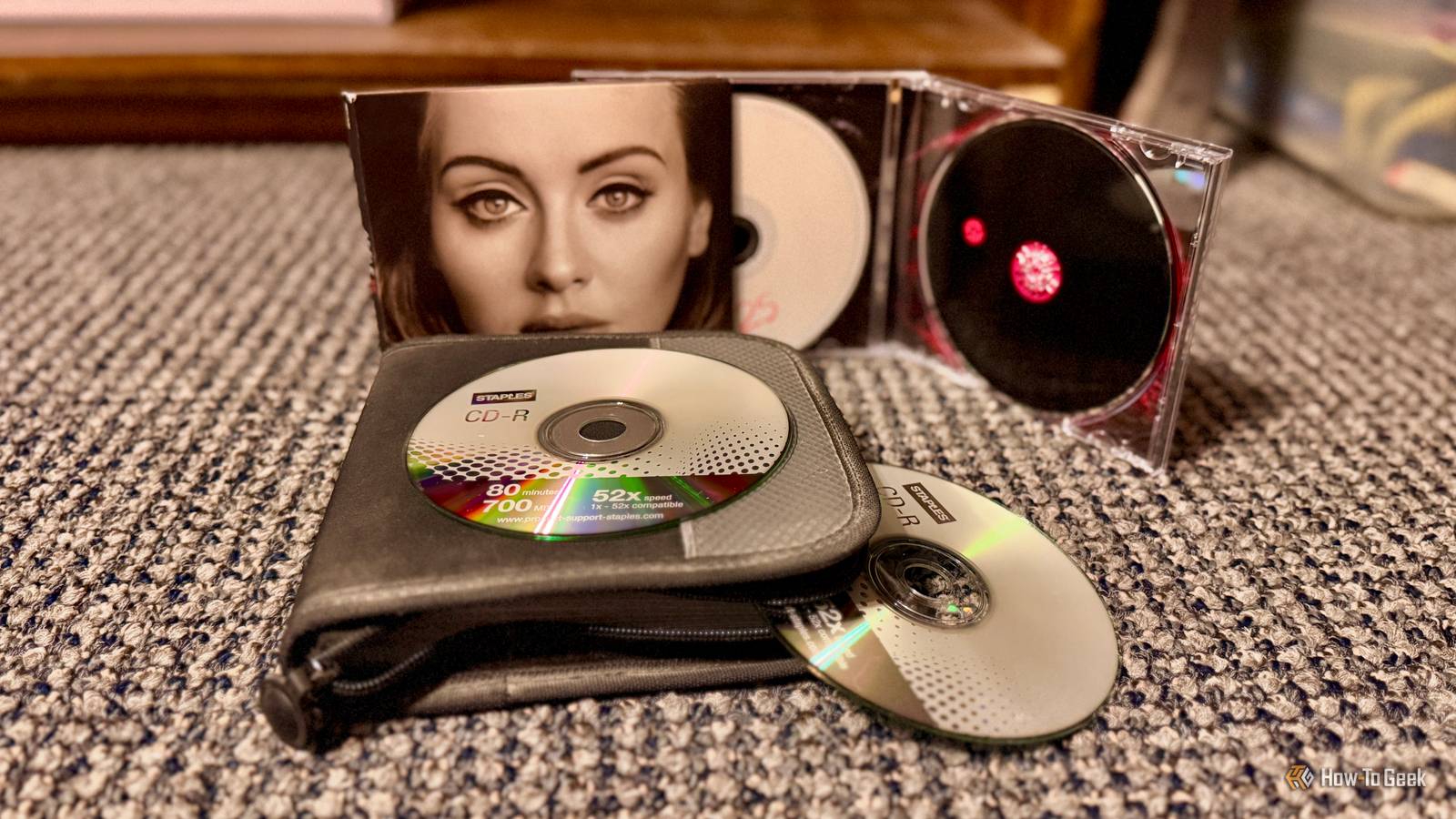
Published Sep 13, 2026, 6:15 AM EDT Nathaniel Pangaro is a tech enthusiast who dives deep into Apple’s world, from Macs and iPads to iPhones, Apple Watches, and every gadget in between. He loves turning tricky tech features into guides and reviews that are actually fun to read—and easy to use. At AppleInsider, he broke down the latest Apple releases with hands-on testing, clear explanations, and visuals that make readers feel like they’re right there with him. He also keeps SEO in mind so people can actually find his work online. He’s also written for The Student Loan Help Group, turning tech and finance topics into simple, helpful, and engaging content. Nathaniel also takes photos and creates rendered visuals to showcase devices and highlight features. When he’s not writing, Pangaro enjoys listening to music, working out, baking, and spending time with his pets. These hobbies help him recharge and bring a fresh, creative perspective to his work, keeping his writing energetic and relatable. Pangaro's goal is simple: help readers get the most from their Apple devices and actually enjoy doing it. CDs have been around for a long time, with people still having ones from decades ago. Even today, CDs — which stand for compact discs — are sold to people who like owning physical music and want the additional content included with the physical copy rather than what is on streaming services. Though CDs are durable and can last a long time — hence why people collect them — they are not indestructible, and their lifespan depends on how they’re made and stored. Here’s how long a CD lasts and what causes it to deteriorate. The lifespan of a CD How long a typical CD lasts Figuring out the lifespan of a CD depends on the type you have and how it was burned. This includes pressed CDs, which are factory-made music; CD-Rs, which are home-burned; and CD-RWs, which are rewritable discs. Pressed CDs — which are also pre-recorded discs that cannot be written on — usually have a lifespan of 40 to more than 100 years. This is because they are stamped in a factory with a reflective aluminum layer protected by polycarbonate. CD-Rs, on the other hand, have a lifespan of ten to more than 100 years because they rely on organic dyes that degrade faster. However, that depends on the disc's quality and brand. Those discs also allow only one-time recording, and files on them cannot be modified. Credit: Nathaniel Pangaro / How-To Geek Then, CD-RWs — which support multiple erases and rewrites — have a lifespan of about 20 to 50 years. This is because the phase-change materials used are less stable over long periods than pressed metal. However, these lifespans are not guaranteed and largely depend on how well you care for the disc. If you handle it well, its lifespan can be long, but if you are careless, it dwindles. A CD’s worst enemies What shortens the lifespan of a CD Many factors affect the lifespan of a CD. These include three categories: the environment it’s in, how the disc is handled, and the manufacturing quality. Environmental Credit: David J. Buck/How-To Geek Temperature and humidity are environmental factors that can cause a disc to degrade. If the temperature is too high, the material could deform or crack, leading to physical damage. On the other hand, excessive humidity can cause moisture to enter the disc, which could oxidize the reflective aluminum layer and reduce its reflectivity. In simpler terms, too much moisture in the air can damage the shiny metal layer inside, reducing its reflectivity. Credit: Joe Fedewa / How-To Geek Furthermore, prolonged exposure to light, especially ultraviolet radiation, can degrade the organic dyes in the data layer. This could ultimately lead to disc failure. No matter which environmental factor occurs, your disc will become damaged, resulting in data loss. Handling Credit: David J. Buck/How-To Geek How you handle the disc also significantly affects its lifespan. If your disc has too many scratches or fingerprints, it could interfere with the laser’s ability to read the data, resulting in playback errors or unreadable discs. But if you’re using CD-RWs and are rewriting the files on them multiple times, that can degrade the data layer the more you do it. These types of CDs have a limited number of rewrite cycles, so repeated writing and erasing can negatively affect them. Another area is how they are stored. If you stack or store them in high-temperature or high-vibration environments, they can also become physically damaged. Manufacturing Credit: David J. Buck/How-To Geek The materials used to make the disc also have a big effect on their longevity. Reflective layers — such as those made of gold or silver — are generally more resistant to corrosion. This offers better durability than those made of aluminum. Furthermore, the process affects the discs. This can impact the adhesive layers and the stability of the protective coating, which, if done poorly, can lead to early degradation. Yet it’s not only how they are made but also the brand they come from. Production standards can vary across manufacturers, factories, and batches, so discs from one manufacturer may have a different lifespan than those from another. What you can do How to expand the lifespan of the CDs you own Credit: Nathaniel Pangaro / How-To Geek Now, you can’t stop a CD from aging, but you can slow it down. This really entails doing the opposite of what causes them to degrade in the first place. This involves keeping them out of hotter, more humid environments and away from direct sunlight. Furthermore, when storing them, place them in the case they came in — or in a disc storage binder — rather than stacking them on top of one another. When you do take them out, either to admire them or to put them in the drive or player, hold them by the center hole and outer edges. Try your best not to touch the disc surface directly. Credit: Nathaniel Pangaro / How-To Geek Now, if you get some fingerprints on the disc, it’s not the end of the world, but make sure you clean it appropriately. Wipe them outward from the center of the disc, not in circular motions. If you are putting files onto a disc, make sure to keep the number of rewrites to a minimum and, if you need to physically label it, use a water-based or specialized CD/DVD permanent marker with a soft felt tip. Write only on the clear inner hub and try to avoid writing on the reflective area. Credit: David J. Buck/How-To Geek However, before any of this, try to get CDs from well-known brands. They typically use higher-quality materials that are more durable and last longer. What to do if they break How to safely discard CDs if they break Credit: Nathaniel Pangaro / How-To Geek If your disc unfortunately breaks, don’t just throw it away or put it in the recycling. Since they are made of polycarbonate plastic and a thin metal layer, they can jam up recycling sorting machines and end up in a landfill. However, there are better — and more eco-friendly — ways to handle discarding your broken CDs. The best option is to send them into a specialized mail-in recycling program. Greendisk and TerraCycle offer different ways to send your broken CDs for responsible recycling. Furthermore, many towns and cities host hazardous waste or e-waste collection events. See if yours is hosting one soon and if they accept CDs. Credit: Nathaniel Pangaro / How-To Geek If neither of these options is accessible to you, you can technically throw the CDs in the trash. However, if they are broken, make sure to wrap them in newspaper, a paper bag, or another garbage bag to protect yourself and the sanitation workers from any sharp edges. Take care of your discs CDs may not seem too fragile, but if handled incorrectly, they become so. Ensure you use them properly and handle them with care, because the more harm you do to them, the faster their life will fade.
Your CD collection is probably already degrading, and here's why
Full Article
Original Source
Read the full article at Howtogeek →KhanList aggregates and links to publicly available news content. We do not host full articles from third-party sources. Always verify important information with original sources.