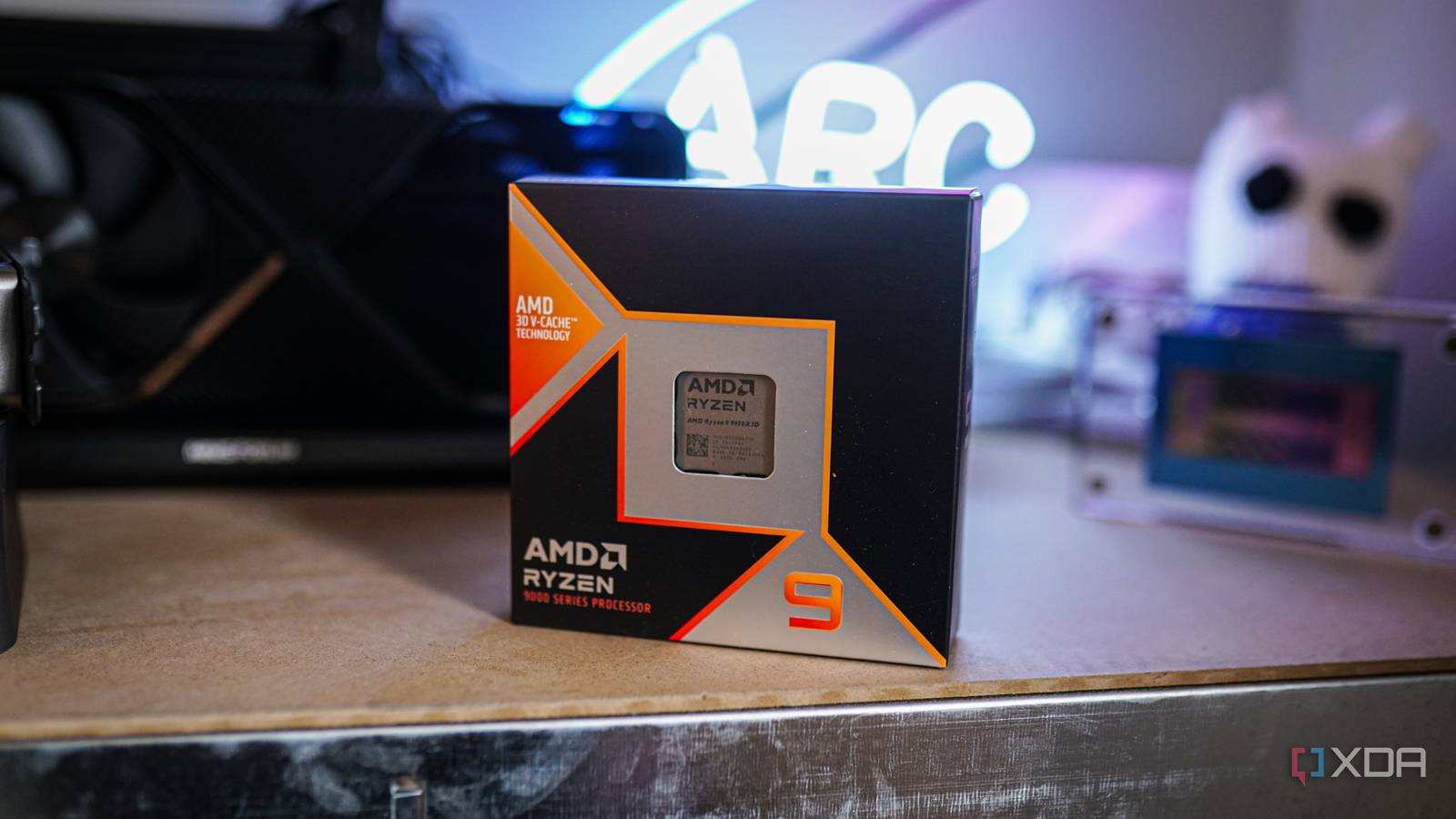
Published Aug 14, 2026, 4:30 PM EDT Hamlin has been in the tech field for over nine years. Since 2017, his work has appeared on MakeUseOf, Android Police, OSXDaily, Beebom, and more. He served as the Senior Editor at Valnet's MakeUseOf for over two years before joining XDA. He uses a high-end gaming rig for desktop use and a MacBook for traveling, but dislikes some of the quirks of macOS. You're more likely to catch him at the gym or on a flight than anywhere else. If you have a Ryzen 9 CPU, whether that's the 7900X or 9950X3D, chances are its core count was one of the biggest reasons you picked it over a Ryzen 7. After all, 12-core and 16-core Ryzen CPUs make a lot more sense if you're doing anything beyond just gaming. From the outside, your CPU looks like a single package, but take apart its integrated heat spreader (no, don't actually do it), and you'll find that those 12 or 16 cores aren't all on the same piece of silicon. AMD physically splits them across two Core Complex Dies (CCDs). So, a 16-core 9950X has 8 cores on each CCD, whereas a 12-core 9900X has two cores disabled on each CCD, leaving six active cores per CCD. Each CCD has its own L3 cache, and they communicate with each other through a separate I/O die using an interconnect AMD calls the Infinity Fabric. And that's exactly why I like to think of a Ryzen 9 as two CPUs glued together. Even though Windows treats all those cores as part of the same CPU, games can tell the difference, especially when work starts moving between the two CCDs. Crossing between CCDs adds latency Splitting CPU cores across two CCDs sounds like a non-issue until you realize that communication between those CCDs takes longer. Say a game thread that's running on the first CCD needs to communicate with the work happening on the second CCD. That traffic has to cross the Infinity Fabric and go through the I/O die before reaching the other CCD. On the other hand, if you keep all your game threads on one CCD, they can communicate with each other without making that extra trip, so you avoid that additional latency. Each CCD having its own L3 cache makes this more important. A core on one CCD has direct access to the L3 cache shared by the cores on that CCD, whereas fetching data from the L3 cache on the other CCD requires crossing the Infinity Fabric, adding additional latency. Games tend to be sensitive to this latency because your CPU is constantly accessing data and coordinating work between several threads to prepare the next frame. We're talking nanoseconds here, but even those tiny delays can add up when games are CPU-bound, and you're pushing triple-digit frame rates. Windows tries to keep your game on one CCD AMD's chipset drivers help Windows make the right call Even though Windows treats your Ryzen 9 as a single CPU, it's not completely oblivious to what's happening underneath. The Windows thread scheduler is aware of your CPU's topology, so it doesn't treat every core as interchangeable when deciding where your game threads should run. AMD's chipset drivers have also improved at helping Windows handle this in recent years. They obviously can't eliminate the physical latency between those two CCDs, but they can help prevent game threads from bouncing between them unnecessarily. On dual-CCD X3D CPUs like the 9950X3D and 7950X3D, you want your games to run on the CCD with the 3D V-Cache because that's where they'll generally benefit most from the extra L3 cache. The other CCD can run at higher clock speeds, making it suitable for workloads that prioritize frequency. AMD's chipset drivers work with Windows to identify games and steer them toward the V-Cache CCD, even parking cores on the other CCD when appropriate. Core parking has had its fair share of issues, but AMD has improved its chipset drivers and the way they handle it. When everything works properly, you shouldn't have to think about which CCD your game is using. Most games don't need the second CCD in the first place There's a reason AMD calls the 8-core 9850X3D its best gaming CPU Even though games have gotten better at spreading work across multiple cores over the years, that scaling eventually hits a point of diminishing returns. Once you have enough cores to handle the game and everything else in the background, adding another eight cores isn't necessarily going to improve your frame rates further. That's why an 8-core CPU like the 9850X3D still tops gaming benchmarks. If anything, once you have enough cores, having more cache available to those cores can have a bigger impact, as AMD's X3D CPUs have shown. That said, one advantage these 8-core CPUs have is that all eight cores sit on a single CCD, so there's no second CCD for the game's workload to spill over onto in the first place. This is also why, in some games, dual-CCD Ryzen CPUs can perform better with the second CCD disabled. I've experienced this firsthand with the 5900X, as I got better frame rates in Battlefield 2042 after disabling the second CCD in the BIOS. But at that point, I was effectively using a 6-core CPU, which hurt performance in some other games. So this isn't really a blanket fix I'd recommend. Whatever I said so far shouldn't discourage you from buying a 12-core or 16-core Ryzen 9 CPU just because it uses two CCDs. Yes, cross-CCD latency is real, and there are situations where disabling the second CCD improves performance in some titles. But that doesn't mean overall gaming performance will suffer. Look at CPU benchmarks, and you'll see the 9950X3D right there at the top with the 9800X3D. If you use your PC for more than just gaming, those extra cores can make a much bigger difference in heavily multithreaded workloads, whether that's rendering, video editing, or even streaming. I'll always take a CPU that's great at both rather than one that just excels at gaming.
Your 16-core Ryzen is really two CPUs glued together, and your games can tell
Full Article
Original Source
Read the full article at Xda-developers →KhanList aggregates and links to publicly available news content. We do not host full articles from third-party sources. Always verify important information with original sources.