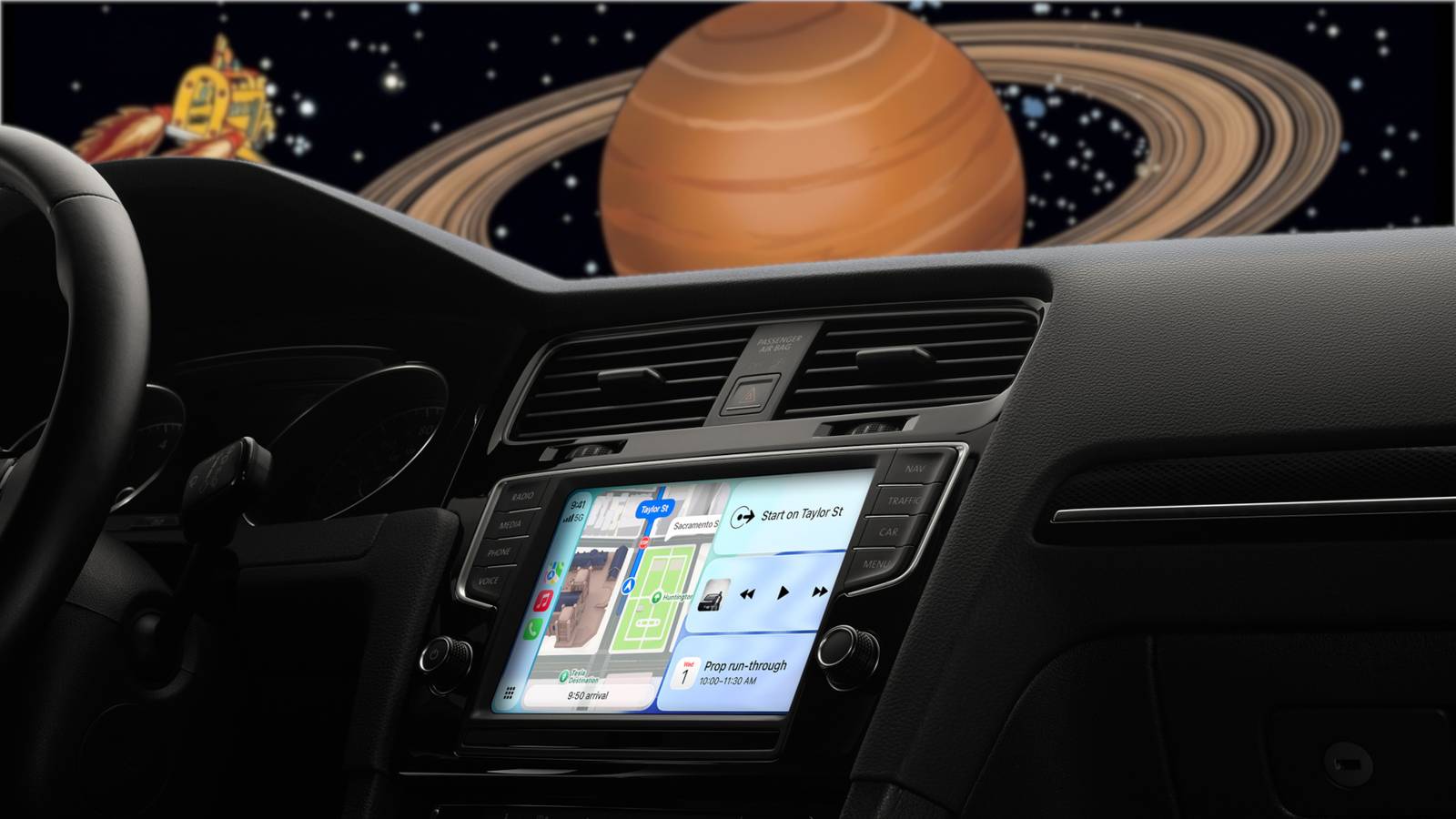
Published Jul 30, 2026, 12:14 PM EDT Nathaniel Pangaro is a tech enthusiast who dives deep into Apple’s world, from Macs and iPads to iPhones, Apple Watches, and every gadget in between. He loves turning tricky tech features into guides and reviews that are actually fun to read—and easy to use. At AppleInsider, he broke down the latest Apple releases with hands-on testing, clear explanations, and visuals that make readers feel like they’re right there with him. He also keeps SEO in mind so people can actually find his work online. He’s also written for The Student Loan Help Group, turning tech and finance topics into simple, helpful, and engaging content. Nathaniel also takes photos and creates rendered visuals to showcase devices and highlight features. When he’s not writing, Pangaro enjoys listening to music, working out, baking, and spending time with his pets. These hobbies help him recharge and bring a fresh, creative perspective to his work, keeping his writing energetic and relatable. Pangaro's goal is simple: help readers get the most from their Apple devices and actually enjoy doing it. When you use CarPlay, you probably just start some music, enter a destination, and drive off. However, there is a lesser-known feature that can make your CarPlay experience a lot more personal and fun: setting a custom greeting or sound when it connects to your car. How to add your custom sound to CarPlay Add a custom sound to play when your iPhone connects to CarPlay While it may seem hard to do at first, adding a sound—either personalized or prerecorded—to play when you first connect to CarPlay is fairly simple. To do so, all you need is a car that supports CarPlay and the Shortcuts app. Setting up the automation First, open the Shortcuts app and go to the Automations tab at the bottom of the screen. Then tap the plus sign in the top-right corner. Next, scroll down until you find the CarPlay option, which is located under NFC, and select it. Once you tap it, choose the option to run the automation when you connect to CarPlay. You can also set it to run when you disconnect, but in that case, the sound will play through your iPhone instead of your car’s speakers since it will be disconnected. Under those options, you’ll see “Run After Confirmation” and “Run Immediately.” Select the latter so the automation runs automatically without needing your approval each time. Furthermore, when you select “Run Immediately,” another option called “Notify When Run” will appear under it. Keep this turned off for a smoother experience and fewer notifications cluttering your lock screen. After making your selection, you’ll be prompted to either create a new shortcut or run an existing one. If you haven’t created the shortcut with your sound yet, choose to make a new one. If you already have it set up, simply find and select the existing shortcut. Putting together the shortcut Once you have set up the automation, you’ll need to create the shortcut that runs when it’s triggered. This works like any other shortcut. Credit: Nathaniel Pangaro / How-To Geek | Apple Before creating the shortcut, make sure the sound you want to use is saved in the Files app. You’ll need to know its location when it’s time to select it. In the shortcut editor, use the search bar at the bottom to type “File” and add that action. This lets you choose the audio you previously saved. Credit: Nathaniel Pangaro / How-To Geek | Apple Tap “File” in the action, then locate and select the sound file you want to use. If you just added the sound, the easiest way to find it is in the Recents tab at the bottom of the screen. Next, search for “Play Sound” and add that action. It should appear directly below the File action. Credit: Nathaniel Pangaro / How-To Geek | Apple Make sure the Play Sound action is placed under the File action so they connect, as indicated by a line between them. This ensures the shortcut knows which audio file to play. Once everything is added and set, the shortcut is ready to go. Before finishing, press the play button in the bottom-right corner to make sure everything works correctly. Credit: Nathaniel Pangaro / How-To Geek | Apple With this automation enabled, every time you connect to CarPlay, the sound will play automatically. Using the CarPlay sound in the wild Different ways to use the sound for yourself or on others Credit: Mophie The hardest part of setting up this CarPlay automation is deciding which sound to play when it connects. I went through multiple options before settling on one. Personally, I wanted something short, straight to the point, and fun to hear. I was fine with it lasting up to five seconds rather than a full minute. When picking my sound, I thought of it like choosing notification sounds on an iPhone: calls can have longer tones, but text messages need something quick. I went the text message notification route. I chose a sound from The Magic School Bus when Ms. Frizzle says, “Seatbelts, everyone!” during the opening theme song. It’s short, fun, and everyone who I’ve had in my car gets the reference. I won’t lie—sometimes I forget the sound is enabled, and it jump-scares me when I start my car, since I'm not expecting it. That, of course, led me to cook up a more mischievous plan. Since setting this up is easy, I decided to play a prank on my mother. The next time she connected her iPhone to CarPlay, a specific sound would play without her expecting it. I decided to go with a harmless sound: the “tudum” that plays every time you open the Netflix app. It was short and perfect for a little jump scare. I AirDropped the sound to her iPhone and quickly set up the automation in the Shortcuts app. Getting access to her phone was easy; I just told her I needed to check if it was up to date. The hardest part was waiting for her to use the car. Luckily, I know she goes to the library to play mah-jongg every Wednesday night, so I pretended to get something in the garage to catch her reaction. When she got in the car, she didn’t expect anything. But when the car started and her iPhone connected, a loud “tudum” blasted through the speakers. To say she was startled would be an understatement—she nearly jumped through the sunroof. I heard her yell, “Nathaniel, what was that?” from the car. After I stopped laughing, I explained what had happened and turned off the automation so it wouldn’t play again when she connected to CarPlay. To me, this prank was very funny. However, my mother did not find it so funny. Quiz8 Questions · Test Your KnowledgePlanned obsolescence on Android and iPhoneTrivia challengeThink your phone is aging naturally? Test how much you know about the tactics keeping you upgrading.iOSAndroidSoftwareHardwareIndustryBeginWhat is the primary definition of planned obsolescence in the context of smartphones?AWhen a phone's battery physically explodes after a set number of chargesBA strategy where products are designed or supported to become outdated or less functional over time, encouraging replacementCA legal requirement for manufacturers to stop selling phones after three yearsDWhen a phone's screen resolution becomes incompatible with new appsCorrect! Planned obsolescence is a deliberate business strategy where a product's useful life is intentionally limited — through hardware design, software support policies, or both. It pushes consumers toward purchasing newer models sooner than they otherwise might need to.Not quite. Planned obsolescence is a deliberate strategy to limit a product's useful lifespan through design or support decisions, not a physical failure or legal mandate. It's a business model choice, and it's why your two-year-old phone can suddenly feel sluggish after a software update.ContinueIn 2017, Apple admitted to a controversial software practice affecting older iPhones. What was it?ADisabling the front camera on iPhones older than two yearsBIntentionally reducing app store access for devices running iOS 10 or olderCThrottling CPU performance on older iPhones with degraded batteries without informing usersDAutomatically deleting photos on iPhones that had not been backed up to iCloudCorrect! Apple admitted in December 2017 that it had been throttling processor speeds on older iPhones with degraded batteries. The stated reason was to prevent unexpected shutdowns, but the lack of transparency sparked a massive public backlash and multiple lawsuits. Apple eventually offered discounted battery replacements and added battery health transparency features to iOS.Not quite. Apple admitted in 2017 that it was secretly throttling the CPU performance of older iPhones when their batteries degraded. While Apple framed it as a protection measure against unexpected shutdowns, the hidden nature of it led to global outrage, class-action lawsuits, and a landmark settlement.ContinueHow much did Apple pay to settle a U.S. class-action lawsuit related to its iPhone throttling controversy?A$25 millionB$113 millionC$500 millionD$1.2 billionCorrect! Apple agreed to a $500 million settlement in 2020 to resolve a U.S. class-action lawsuit over the iPhone throttling scandal. Affected iPhone 6, 6 Plus, 6s, 6s Plus, 7, 7 Plus, and SE owners were eligible for payouts, though the per-device amounts were relatively modest.Not quite. Apple settled the U.S. class-action throttling lawsuit for $500 million in 2020. While that sounds like a lot, the individual payouts for affected iPhone users were small — typically around $25 per device — a sum many critics felt was a slap on the wrist for a trillion-dollar company.ContinueHow many years of major OS updates does Apple currently guarantee for new iPhones as of its latest policy commitment?A3 yearsB5 yearsC7 yearsD10 yearsCorrect! Apple committed to providing 7 years of iOS updates for new iPhones, a policy that aligns it more closely with the extended support Google pledged for its Pixel 8 series. This is a significant shift that gives consumers longer software lifespans and reduces the pressure to upgrade purely for security reasons.Not quite. Apple has committed to 7 years of iOS updates for new iPhones. This was a notable policy update, partly driven by competitive pressure from Google's Pixel 8 promise and increasing scrutiny from regulators in the EU and elsewhere who are pushing for longer device support windows.ContinueWhich Android phone manufacturer was the first to publicly promise 7 years of OS and security updates for a flagship device?ASamsungBOnePlusCGoogleDMotorolaCorrect! Google made headlines when it promised 7 years of Android OS updates and security patches for the Pixel 8 series, launched in 2023. This set a new industry benchmark and put pressure on other manufacturers like Samsung to extend their own support commitments.Not quite. Google was the first major Android manufacturer to promise 7 years of OS and security updates, doing so for the Pixel 8 lineup in 2023. Samsung later followed with a similar 7-year commitment for its Galaxy S24 series, signaling a broader industry shift toward longer software support.ContinueWhat hardware limitation most commonly accelerates the perceived obsolescence of a smartphone over time?ADecreasing screen brightness due to LED degradationBBattery capacity loss from repeated charge cyclesCSIM card slot corrosion reducing signal strengthDRAM chips slowly losing memory capacity over timeCorrect! Lithium-ion batteries degrade with every charge cycle, typically losing a noticeable portion of their original capacity within two to three years. Since most modern smartphones have non-replaceable batteries, this degradation directly impacts performance and usable screen-on time, making users feel like their device is worn out even when everything else still works fine.Not quite. Battery degradation is the hardware culprit most responsible for making older phones feel obsolete. Lithium-ion cells lose capacity over hundreds of charge cycles, and because most modern phones have sealed, non-replaceable batteries, this often makes an otherwise functional device feel like it needs replacing — which is exactly what manufacturers benefit from.ContinueWhich regulatory body fined Apple €25 million in 2020 specifically for slowing down older iPhones without user consent?AThe U.S. Federal Trade Commission (FTC)BFrance's DGCCRF (Directorate General for Competition, Consumer Affairs and Fraud Prevention)CThe European CommissionDThe UK Competition and Markets Authority (CMA)Correct! France's DGCCRF fined Apple €25 million in February 2020 for throttling older iPhones without adequately informing customers. It was a landmark ruling under France's consumer protection laws against 'deceptive commercial practices,' and one of the first government-level financial penalties directly tied to the planned obsolescence controversy.Not quite. It was France's consumer watchdog, the DGCCRF, that issued Apple a €25 million fine in 2020 for throttling older iPhones without telling users. This was a significant moment because it was one of the first times a government body imposed a direct financial penalty on Apple specifically for practices linked to planned obsolescence.ContinueWhat is the 'Right to Repair' movement's primary argument as it relates to planned obsolescence in smartphones?AConsumers should be able to return any phone within 90 days for a full refund regardless of conditionBPhone manufacturers should be legally required to release a budget model every two yearsCConsumers and independent repair shops should have access to parts, tools, and documentation to fix devices rather than being forced to replace themDManufacturers should be banned from releasing new phone models more than once per yearCorrect! The Right to Repair movement argues that manufacturers like Apple and Samsung deliberately restrict access to spare parts, repair manuals, and diagnostic software to make independent repairs difficult or impossible. This forces consumers toward costly manufacturer repairs or full device replacements, which critics say is a key pillar of planned obsolescence. Several U.S. states and the EU have begun passing Right to Repair legislation in response.Not quite. The Right to Repair movement centers on the idea that consumers and third-party shops should have access to the parts and information needed to fix devices themselves. Apple and Samsung have historically restricted this access, making repairs expensive or impractical and nudging users toward buying new devices — a core mechanism of planned obsolescence that regulators are increasingly challenging.See My ScoreChallenge CompleteYour Score/ 8Thanks for playing!Try Again Keep customizing your CarPlay experience While you can keep one sound enabled, you can also customize it for different occasions. You can set a specific sound for each season, play a “Happy Birthday” message for someone on their birthday, or set a sound to hype everyone up for a trip before the drive starts. The choices are nearly endless, and all it takes is switching out the audio file within the Shortcut you created. Adding a sound to CarPlay isn’t just a fun trick—it’s a great way to start your car ride differently from the way people have been doing it since CarPlay first arrived.
You need to try this CarPlay customization trick that no one talks about
Full Article
Original Source
Read the full article at Howtogeek →KhanList aggregates and links to publicly available news content. We do not host full articles from third-party sources. Always verify important information with original sources.