
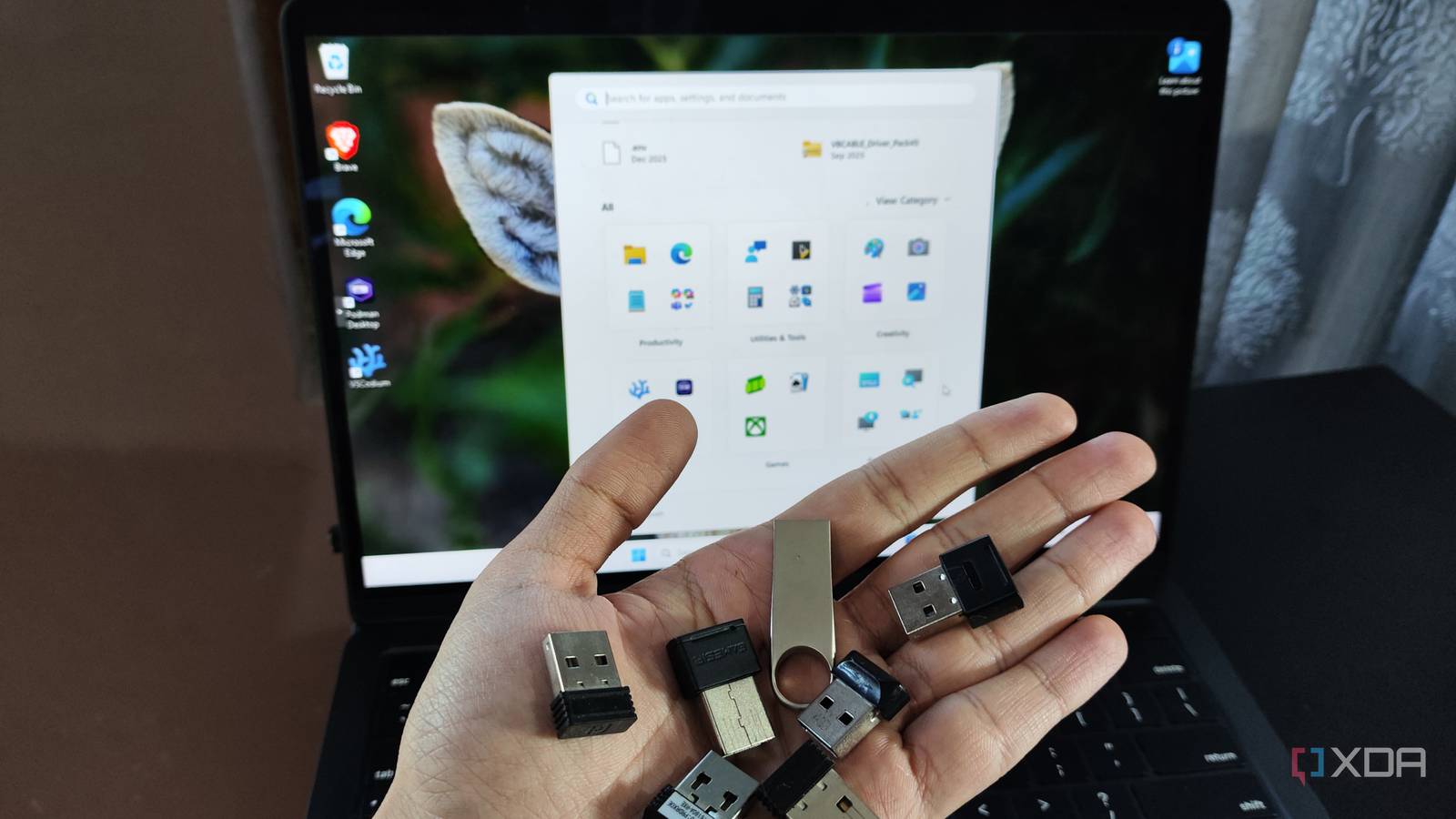
Published Oct 23, 2026, 9:00 AM EDT Gaming has been Samarveer’s greatest passion, and the Literature graduate in him takes immense joy in dissecting games for their themes, messages, and impact. Samarveer holds a deep appreciation of gaming, and considers the platform to be the most immersive and impactful across all media. He can be found engaging with gaming communities online, always ready to debate the finer points of ray tracing or itching to write an 8-page collegiate thesis on any game that impacts him emotionally. You know the feeling when you stumble upon something you forgot existed, either while cleaning up a room or even cleaning up a PC or hard drive? Everyone loves coming across little relics like old phones and flash drives, and that applies to our digital lives as well. Turns out, even my Windows PC had a few reminders of its own to show me. I'm not particularly fond of Windows holding on to information for too long, but I can't deny it was a little endearing when I realized that Windows had been keeping track of every single USB device I'd ever plugged into my PC. It was even more fun thanks to a free tool which let me take a trip down my PC's USB memory lane. Your Windows PC remembers more USB devices than you think The Registry has a pretty long memory Every time you plug a USB device into your Windows PC, the operating system identifies it, figures out what drivers it needs, and then configures it to work properly. So, in order to ensure that it doesn't have to go through this entire process again when you reconnect the device, Windows retains its information. This is how Windows manages hardware and stores receipts. Think of these as Windows' filing cabinets, except nobody told the operating system when it was time to throw anything away. These records live inside the Registry, and you can always find them by going to the following keys: HKEY_LOCAL_MACHINE\SYSTEM\CurrentControlSet\Enum\USB HKEY_LOCAL_MACHINE\SYSTEM\CurrentControlSet\Enum\USBSTOR Now, right off the bat, it's imperative to know that this isn't a complete log of every single connection you have ever made. These Windows Registry records can be deleted, and the timestamps they store don't necessarily capture every plug-in or disconnection. Regardless, there's plenty of information left behind in here that can make it surprisingly entertaining to revisit your PC's hardware history. Furthermore, a single physical drive can even appear as multiple entries if you happened to plug it into different ports or hubs over the years, which, naturally, everyone does. Plus, some cheap drives never give Windows their serial number, in which case Windows generates its own. I checked my USB history with USBDeview No Registry spelunking required Now, the Windows Registry does save records of all the USB devices you've plugged in, but it does so with some rather cryptic device identifiers. So you could spend an entire evening trying to make sense of this, or just use a free tool like USBDeview to do the heavy lifting for you. USBDeview lists all the USB devices connected to your PC by drawing the data from multiple sources. Those sources include the aforementioned ones in the Registry, but also from other Registry keys and subkeys. It can even show timestamps for "first plugged in" and "last plugged in," which it does by drawing the data from device registry-key timestamps that Windows keeps a ledger of. All I had to do was download USBdeview from the official website, extract the archive, and launch the executable. In fact, running the tool with administrator rights actually gave me more information, such as the First Install Time, Connect Time, and Disconnect Time — categories that aren't otherwise available if you run the tool without administrator privileges. It'd be wise not to mistake this for a forensic-grade timeline, though. These fields don't record every connection, and availability varies by Windows version and device. Still, finding a phone you haven't owned in years or a forgotten USB drive is considerably easier than deciphering Registry entries by hand. USB history can hold weirdly personal memories Forgotten peripherals are just like old photographs sometimes On paper, USBDeview is supposed to be a troubleshooting utility. In practice, however, it's pretty much an accidental archive of your digital life. Seeing a flash drive from 2019 and Googling its Vendor ID showed me an HP USB flash drive, which is where every single one of my college essays lived before I lost the drive and forgot it ever existed. I even saw the names of phones from brands that came and went before the 2010s ended. Windows doesn't know the stories behind these devices, but you probably do. For gamers, the list can be even more entertaining. An old controller, a retired gaming headset, or a USB adapter from a previous setup can remind you of hardware upgrades you barely remember making. Of course, don't assume every entry belongs to a device you personally used. Shared PCs, borrowed peripherals, and Windows installations carried over from older systems can complicate the picture. Timestamps do offer clues in such cases, but even after using a utility to decode all the USB entries lying dormant inside Windows, they don't make for a perfectly preserved diary. That's what makes this little exercise worthwhile. We spend years replacing hardware and moving between devices, rarely thinking about what those transitions leave behind. USBDeview won't reconstruct your entire technological past, but it might remind you of a chapter you'd completely forgotten. For a thirty-minute exercise, that's a rather lovely thing for a Windows utility to offer. A little digital archaeology never hurt anyone For all the backups we actively maintain and the digital hygiene habits we follow, our PCs tend to take a rather different approach to housekeeping. They hold on to little fragments of our past, often without us realizing it, until something like this comes along and makes us stop to look. I'll always have my fair share of complaints about Windows — the broken updates, the incessant telemetry, and the unnecessary features. However, there's still an OS underneath that occasionally gives me something to smile about, and quietly preserving traces of the hardware I've used along the way is one of them. You might not find anything particularly interesting in your own records, but you might stumble upon a device you haven't thought about in years, which, sometimes, is all it takes to make an ordinary afternoon unexpectedly nostalgic. Windows 11 Pro A USB installation drive and license key for Windows 11 Pro, with additional features like Hyper-V and Windows Sandbox support.
Windows remembers every USB device you've plugged in, and checking your history takes five minutes
Full Article
Original Source
Read the full article at Xda-developers →KhanList aggregates and links to publicly available news content. We do not host full articles from third-party sources. Always verify important information with original sources.