
Published Oct 24, 2026, 9:30 AM EDT Jesse is a lifelong technology enthusiast who has been exploring smartphones and mobile tech for more than two decades. He began his career in IT consulting and project management before making a career change into tech journalism in 2007 with iLounge. During that time, he authored three editions of iPod & iTunes Portable Genius for Wiley Publishing and has since written for iDrop News, Lifewire, SlashGear, and Digital Trends. While Jesse remains strongly immersed in the Apple ecosystem, you'll commonly find him rocking both an iPhone and a Pixel at the same time, where he likes to live on the edge with the latest iOS and Android betas. His tricked-out smart home also responds equally well to "Hey Siri," "Alexa", and "OK Google." His other hobbies include reading, curating his Plex library, and helping out at his local church with everything from live video production to governance. Long-time Android fans know that carrying an Android handset doesn't mean you're stuck with the stock operating system the manufacturer gives you. When Pixel OS, OneUI, or OxygenOS aren't cutting it, power users have plenty of other options. One of the most fascinating of these is LineageOS. Approaching its tenth anniversary, LineageOS is one of the longest-running custom ROMs in the Android world. Built on the Android Open Source Project (AOSP), it breathes new life into older hardware and strips away the bloat that often accompanies typical Android builds. More importantly, it also adds the kind of granular customization that Google has staunchly refused to give Pixel owners since going mainstream a few years ago. After wiping Google off my Pixel 6 to push the limits of privacy with GrapheneOS earlier this month, I've decided to see what new ground LineageOS 24 breaks — and it's making me look at Pixel OS more sadly than ever. OTA updates that fly I never believed updates could run so fast For years, I've watched my Pixel phones sit there "Optimizing" for nearly an hour after every minor monthly patch. That's become better in Android 17, but it still doesn't hold a candle to what the LineageOS team pulled off. To test its overhauled streamed updater, I installed the Oct 12 build of LineageOS 24 to see how long it would take to update to the Oct 19 nightly. Not only was it much faster — done in under five minutes — but LineageOS wins the day for showing me what's happening at each stage. By contrast, Pixel OS can be ridiculously opaque. That's fine for most everyday users, but I like to know what's going on under the hood. LineageOS gives me access to the changelog and clear step-by-step progress rather than a vague progress bar. LineageOS 24 uses the same streamed update method as Pixel OS. The key difference is that Google throttles the experience and adds a lengthy post-install optimization process. LineageOS stays out of the way and lets everything run at full speed. A music player for the non-streaming generation Listen to the music you own right out of the box Maybe I'm the exception in today's world of streaming services, but I prefer to own my music, and LineageOS respects that. I was a huge fan of Google Play Music back in the day. Long before Apple Music, Google had the only cloud-based service that let you store your own music. Sadly, Google killed it and replaced it with YouTube Music. It technically plays local files, but the user experience is so awful that I suspect most quickly look for an alternative. While the Play Store has plenty of those, LineageOS has me covered with its stock Twelve music app. It features a clean, modern Material Design 3 Expressive look, but most importantly, it lets me play my own music collection, whether FLAC or MP3 files. There's also support for Jellyfin, Subsonic, and OpenSubsonic servers out of the box, so I can stream my collection on the go without taking up space on my device — and without paying for another service. LineageOS also sweetens the deal with AudioFX, which combines with Twelve to provide system-wide EQ. Unclouded photos Glimpse lets you focus on your pictures LineageOS does the same for my photos as it does for my music — it frees them from cloud services and the upsells that come with them. If you think Google Photos is becoming a bloated mess, you're not alone, and it feels a bit off-putting since it's become the default gallery in Pixel OS. It's nice for most folks to back up their important memories in the cloud, but that doesn't seem to be what Google Photos is about anymore. Now, it's all AI editing prompts and auto-generated "Memories." Sometimes I just want to look at my photos or crop a screenshot. That's where LineageOS' Glimpse app and its new Canvas editor come in. The Glimpse gallery app is blazingly fast, letting me swipe through my photos without any lag. It's refreshingly bare-bones by design, simply reading image folders without layering on extra metadata. Meanwhile, Canvas is Glimpse's simple native image editor, built with the same clean Material Design 3 Expressive look. It lets me quickly crop, tweak white balance, and apply filters without offering to engage server-side AI tools. Secure local backups Encrypted backups without paying for cloud storage Google's answer for backing up my Pixel is Google Drive. That's fine if I'm paying for Google One, but it can quickly eat up the 15GB of free storage that Google offers. There's still no native support for backing up my phone to local storage. LineageOS solves that by deeply integrating Seedvault into its backup settings. This lets me run full backups, encrypted and protected with a mnemonic phrase, to a USB-C flash drive, my self-hosted Nextcloud, or any WebDAV server. I can also schedule backups to run automatically when I plug the backup drive into my Pixel. While it's still technically experimental, Seedvault tries to back up everything it can find on my phone, including data from apps that don't usually cooperate with backup tools. Classic power user tweaks There's still plenty to tinker with in LineageOS 24 No trip through LineageOS is complete without mentioning its dozens of advanced settings. Now rebased onto Android 17, LineageOS 24 is an even better alternative for anyone who finds Pixel OS too limiting. These include a built-in per-app firewall that lets you block Wi-Fi and cellular data for individual apps without installing third-party VPN firewalls. As someone who endures Canadian winters, I love being able to reach into my pocket with gloved hands and use the volume buttons to skip tracks. Then there's Caffeine, which lets me give my Pixel a shot of virtual java to temporarily keep it awake when I'm using it to follow a recipe without the need to dig into the Display settings. Breathing new life into my Pixel 6 LineageOS 24 takes everything that's great about the classic custom ROM and makes it even better. However, what's best of all is that it runs like a dream on my 5-year-old Pixel 6, arriving just as Google's official support window expires. The sad irony is that nothing magical about LineageOS is stopping Google from bringing many of these same core features to Pixel OS. It just doesn't want to. Perhaps that's because local backups don't sell Google One storage, and local photo libraries don't feed the Gemini machine. Whatever the reason, I'm grateful that LineageOS exists to fill that void. Still, Google has a long history of taking some of the best ideas from the open source community, so there's always hope that it will copy some of LineageOS' homework.
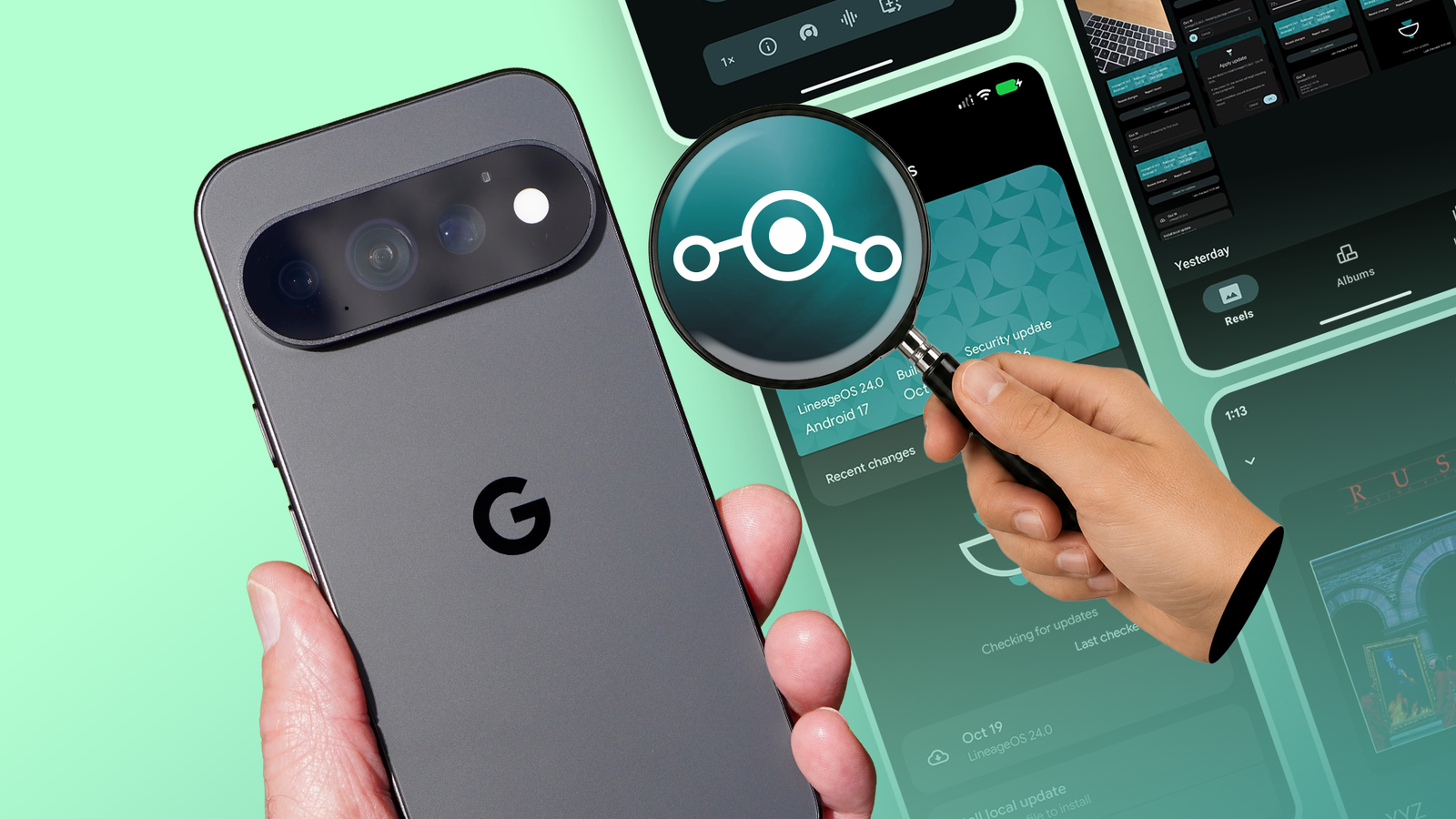
I wish Google would copy these 5 LineageOS features for its Pixel phones
Full Article
Original Source
Read the full article at Androidpolice →KhanList aggregates and links to publicly available news content. We do not host full articles from third-party sources. Always verify important information with original sources.