
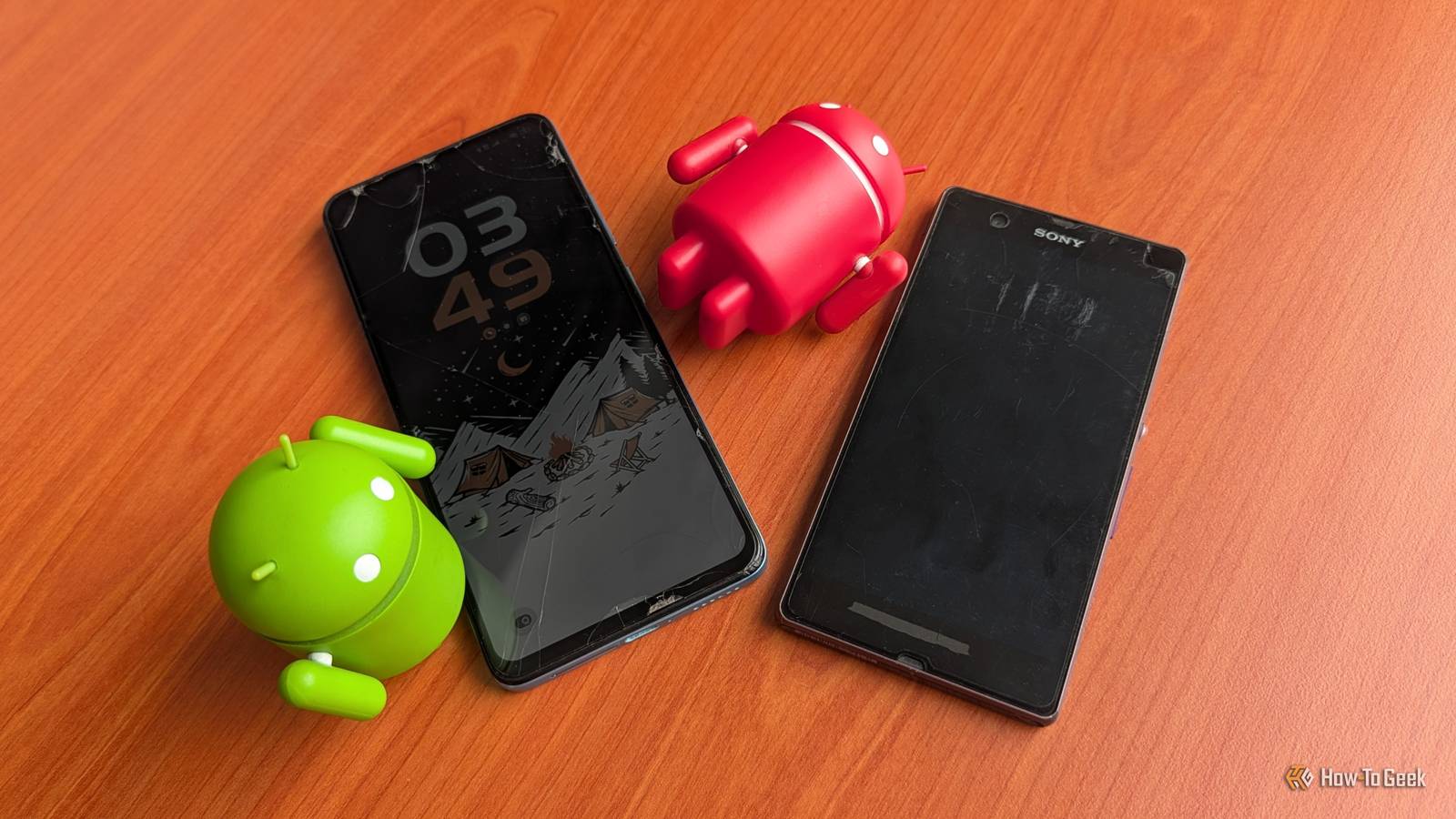
Published Nov 1, 2026, 6:30 AM EST Namerah Saud Fatmi has been writing about smartphones, accessories, e-readers, and apps for nearly a decade. She occasionally branches out into sects like gaming, software, hardware, smart home, and wearables. Before How-To Geek, she was a senior editor at Android Central, and has had bylines at other respectable publications such as Windows Central, iMore, XDA Developers, Neowin, and Good e-Reader. When she isn't writing or testing yet another weird and wonderful new gadget, she spends her free time snuggling with her grumpy feline life partner. Her hobbies include casual gaming, traveling, attempting to pet anything classified as an animal, unnecessarily complicated craft projects, and hunting for the next great bowl of noodles. Google started the trend of guaranteeing nearly decade-long updates to its flagship Pixel phones a few years ago. After Google Pixel devices, Samsung jumped on the bandwagon too. Now, it's considered standard to see the latest Google and Samsung phones to boast seven-year update promises. I wouldn't be surprised if Android phone makers increased this guarantee to 10 years or more, going head-to-head with Apple's update policy for iPhones. A seven-year update promise from Google and Samsung sounds like a wonderful promise. Let's say you buy the Samsung Galaxy S26 or the Google Pixel 11 today. This promise would mean that you are guaranteed to get Android OS and security updates all the way until 2033, presumably until Android 24. Even if you're promised all these updates, would your Android phone actually be able to handle it? There are hardly any modern Android phones that can survive 10 years. Phones just aren't built like they used to be, even if they tout high IP ratings for durability. In fact, there are two main parts that give out first: the battery and the display. Lithium-ion batteries are the first to succumb Batteries don't last anywhere near 10 years We've come such a long way from the days of the OG Moto Razr, the cult classic Nokia Lumia, and the first Sony Xperia Z. A decade ago, a phone being waterproof was groundbreaking. What was considered incredible processor performance would be laughable by today's standards. And don't even get me started on the cameras. Tech has evolved beyond imagination, but sadly, battery tech missed out on the glow up. We still use the same old lithium-ion batteries that phones from the 2000s were using. The only real advancement in this sector was fueled by electric vehicles and the need for safer, less flammable batteries, resulting in tech like solid-state batteries and silicon carbide batteries. While newer, more long-lasting batteries exist, they are expensive. Unfortunately, because of this, the majority of smartphone brands continue to use regular old lithium-ion batteries. Lithium-ion batteries in Android phones have a finite number of charging cycles per lifetime. As you approach the battery's limit, your phone indicates a poorer battery health percentage. This is when you start seeing problems with your device, such as a noticeably lower uptime, slower charging, possible overheating, and maybe even other hardware issues stemming from this. Once you hit that limit, it goes kaput. Typically, if nothing else breaks due to accidents, the first thing to die in a phone is always the battery. You can take steps to prolong the longevity of your phone's battery, but it only delays the inevitable. Eventually, those who don't upgrade their phones after a few years end up replacing their Android phone's battery. So, what can you do to maximize your battery health? The first step is to check and monitor your battery health status regularly. Make sure you change the charging settings to prioritize battery health preservation. This may increase charge time and prevent your phone from charging to a full 100%, but it's a necessary evil. Avoid leaving your phone out in the sun or in extreme temperatures and climates. Also, do not charge your phone overnight if you can help it. This won't guarantee a 10-year lifespan for your phone, but it'll elongate your phone's battery life in the long run. The display is the second most common victim of time After the battery, your phone's screen is the most vulnerable part More often than not, the display is the second most common phone part that fails. And because it is quite literally the face of your phone, it is also the most vulnerable. Depending on the level of protection employed to reinforce drop protection, the display may even break before the battery. Although most flagship Android phones sport IP68 or IP69 ratings, ingress protection from dust and water isn't enough to prevent shatters, cracks, or more complex hardware failures. Top-of-the-line devices are reinforced with Corning Gorilla Glass for additional crack-proofing, but the cheaper your Android phone gets, the lower the IP rating and the weaker the Gorilla Glass layer. Budget phones might forgo IP ratings entirely. Foldables with dual displays are highly susceptible to display wear and tear, particularly folding screens. Moving parts always give out faster. Sometimes, battery or charging issues can cause a display to malfunction, causing the screen to flicker or go dark. But what's more frightening than all these problems put together is the prevalence of the green line issue in Android phones. You've probably heard about this problem. Hundreds of Android phone users report this issue every year. A permanent green line appears on a display, and quite frequently, it starts spreading across the screen over time. If your phone's warranty is up, the display must be replaced at your own expense. Smartphone makers refuse to address the green line of death, leaving us in the dark about what causes it, why, and how we can prevent it from happening. I have reached out to big names in the industry, like Samsung and Motorola, as well as display manufacturers like BOE and LG, and have never received a response. The common sense approach to screen breakage is to invest in a sturdy screen protector and an impact-resistant phone case. When it comes to the green line problem, there's not much you can do to prevent it from happening, as it seemingly happens at random. Purchasing an extended warranty serves as a protective measure, but not a preventive one. As they stand today, Android phones simply can't last for 10 years Gone are the days when you could drop your Nokia face-first onto the pavement and not have a heart attack. Back then, the only consequences we suffered were the removable battery coming out and some plastic parts becoming loose. Even then, you could slap everything back together in a heartbeat, and it would work perfectly fine. Android phones might be smarter, but they're definitely not made to last like "dumb" phones of the past. We can't even remove batteries from phones now, even though that's the first part that dies on us. And while battery tech is finally starting to see some progress, very few phone makers are actually using it. To top it off, the green line of death haunts us all. Any phone user could fall prey to the green line issue, and there's no telling what could trigger it. It could be a software issue, a hardware problem, or a combination of both. Unless Android phone makers address the issues that plague the longevity and durability of their products, I don't see a world where an Android phone could last for 10 years.
Will any Android phone actually survive 10 years? Here's what really gives out first
Full Article
Original Source
Read the full article at Howtogeek →KhanList aggregates and links to publicly available news content. We do not host full articles from third-party sources. Always verify important information with original sources.