
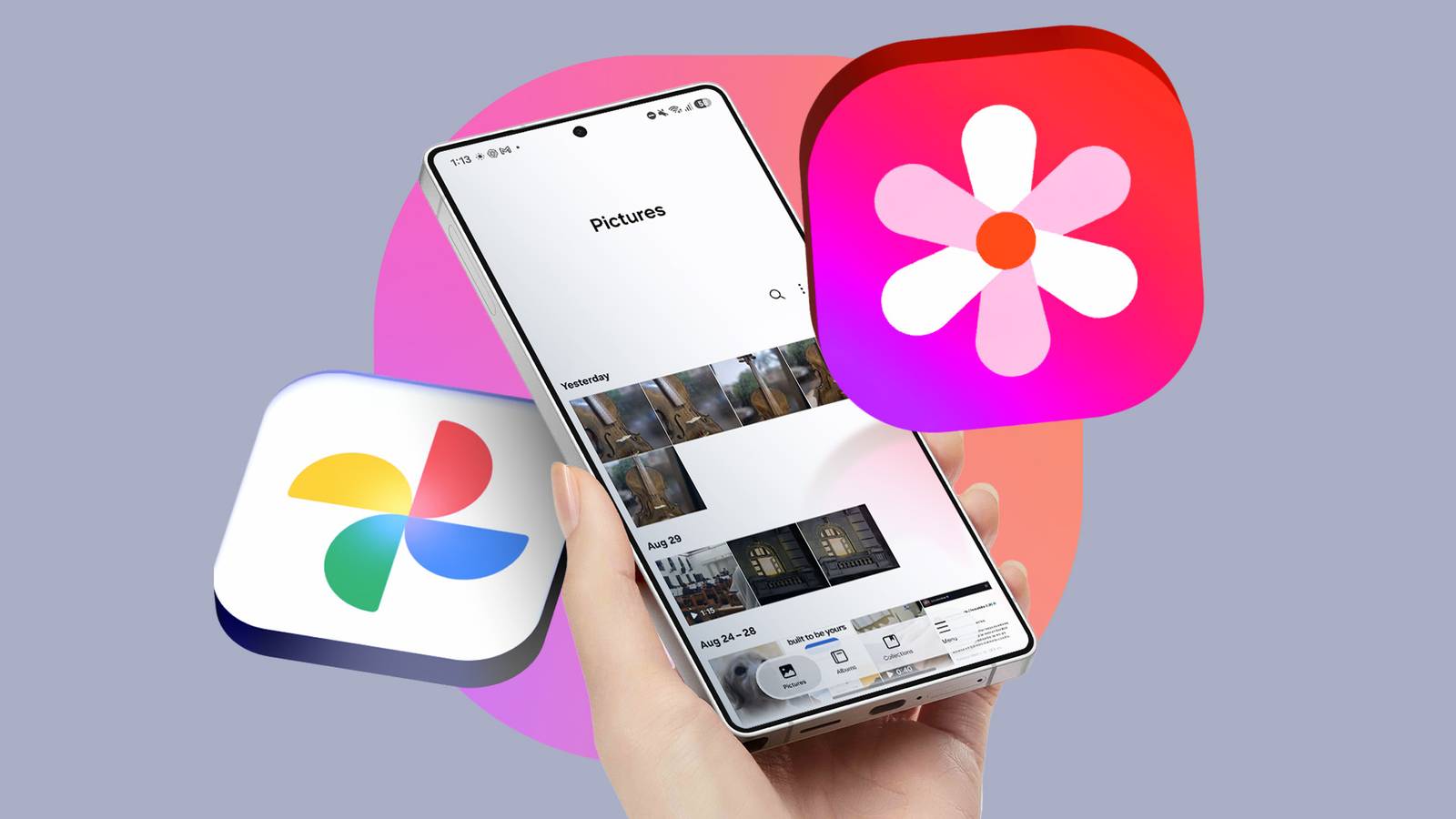
Published Sep 3, 2026, 7:00 AM EDT Ever since I learned about self-hosting, my reliance on Google Photos has gradually gone down. It's at its lowest currently, but I don't regret this, even though I still think Google Photos is great at what it does. I said these lines to my partner the other day, and she immediately thought that I had ditched Google Photos in favor of a popular open source alternative, Immich. Had I said the same lines to some other open source enthusiasts, I'm almost certain they would've guessed the same as my partner did: that I had become an Immich convert. While I love the open source tool, it's not my newfound love. Instead, I started using Samsung Gallery, a tool I'd ignored ever since I bought my first Galaxy phone, and it made me rely on Google Photos less than ever. Here is why I switched from Google Photos to Samsung Gallery. Samsung Gallery has a different take on photo management, and it works It doesn't try to be different for the sake of it 15GB of free cloud storage in my Gmail account is too little, so I could never share my photos and videos to the company's cloud. Instead, I stored them on my private cloud after learning self-hosting. I don't pretend it's as convenient as Google Photos, especially on Android phones, but it does a great job simply as a cloud storage solution. This is Google Photos' biggest weakness. For people like me who don't take many photos, you can easily replace Photos with software like Immich. Samsung Gallery, on the other hand, excels at something completely different. Instead of specializing in a cloud-storage service for backup, sharing, and organizing, Samsung Gallery focuses more on what I consider a "local-first" strategy, and it's working just right. I love its editing features, especially the one that turns your photos into stories. It's perhaps the cutest photo feature in Samsung Gallery, and more importantly, it has a dedicated Stories tab at the bottom. So, it's easy to find. It turns stories into .mp4 files that you can share with your friends. It works offline and isn't available behind a paywall, unlike many of the advanced editing features in Google Photos. You can also quickly hide an album, get recommendations on what photos to delete to save storage, and add albums to the home screen. I also love its search functionality, which allows me to easily find shots where my friends are both alone and with me. It has separate filters for both categories of images, and you can turn some of them on or off from settings. I haven't seen this level of customization in the Google Photos app, which shows how serious Samsung is about photo management. Critics can argue that many of these are unnecessary for general users, but I strongly believe it all comes down to what they prioritize. Cross-platform compatibility and cloud backup are two undeniable strengths of Google Photos. But for most of the other things, Samsung Gallery feels more practical. I store all my photos on Nextcloud, which I self-host using Docker and is available on both mobile and PC. So, for me, there was nothing left to worry about. But after I started using Samsung Gallery out of curiosity, it opened up a new way for me to use my photos. I didn't know I needed it until I used it. Samsung Gallery tries too hard sometimes And it doesn't always land More doesn't always make things better. The execution is equally important, and Samsung Gallery nails both. However, I felt it tried too hard sometimes to appear smart. For example, the Gallery app has a sidebar that lists your albums on the left side of your screen when you open a specific one. It sounds like a handy feature on paper, but after months of using the app, I didn't need to reach the stripe even once. It felt useless. If that wasn't bad enough, it can make it harder for you to access your photos. You'll need to scroll more when you have a stripe that shows all your albums instead of photos you want to browse. However, I wouldn't write off Samsung's effort. It just needs to consider practicality when it tries to do anything unique with its UI. Minor issues won't make me switch from Gallery to Photos As long as I keep using Galaxy as my primary phone, there is no way I'm going to quit using the Samsung Gallery app in favor of something that prioritizes cloud backup. Even though I have issues with some of the tools in the Samsung Gallery app, I can ignore them most of the time and take advantage of the good stuff. That's enough motivation to keep using Samsung Gallery and not go back to Photos.
Why I switched from Google Photos to Samsung Gallery
Full Article
Original Source
Read the full article at Androidpolice →KhanList aggregates and links to publicly available news content. We do not host full articles from third-party sources. Always verify important information with original sources.