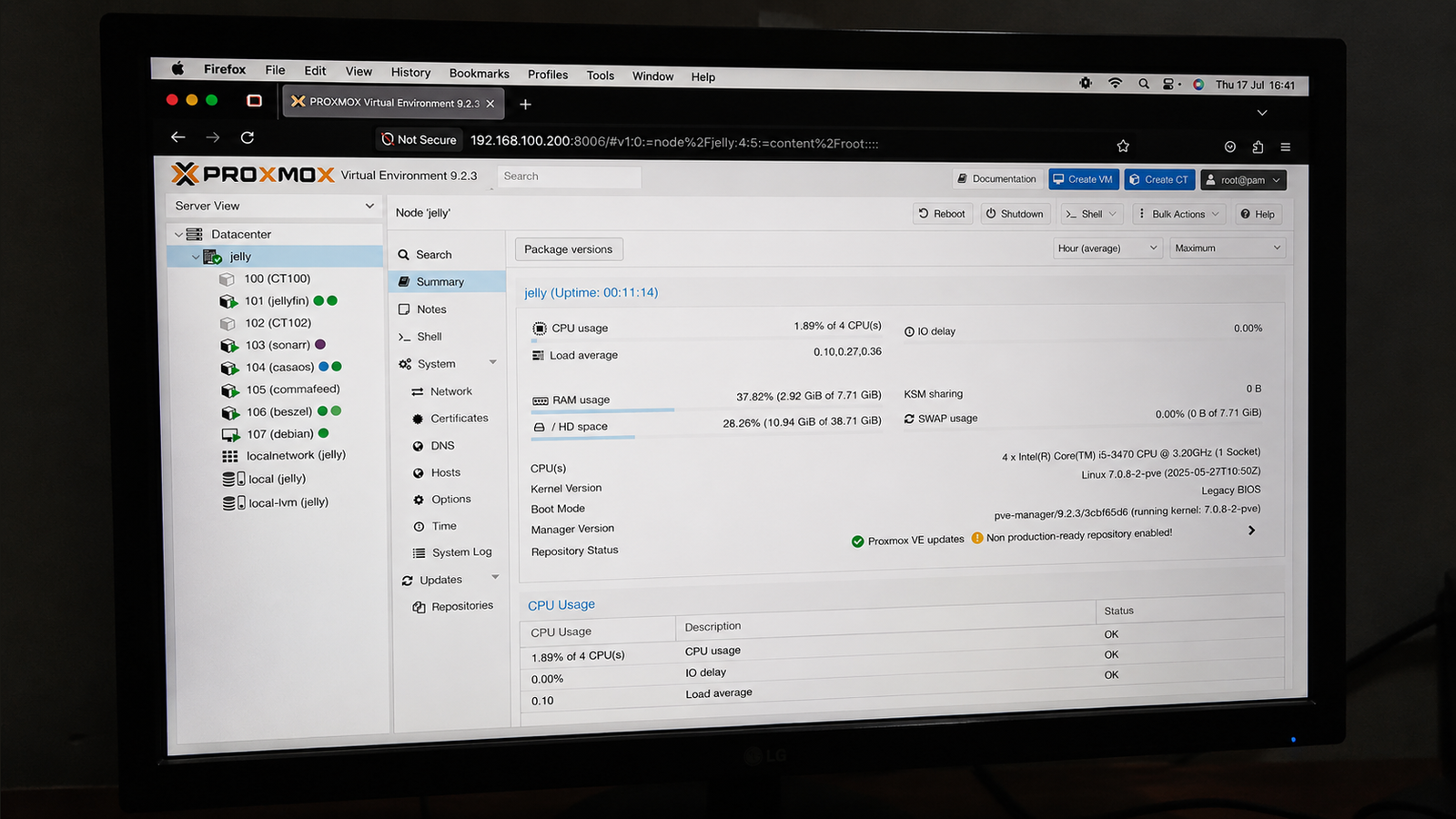
Published Jul 26, 2026, 7:30 AM EDT Umair Khurshid is a technology writer and developer with a strong focus on Linux, FreeBSD, cloud infrastructure, and automation. Before focusing on writing, Umair worked as a developer and DevOps engineer building and automating cloud-native systems. Anyone building a homelab today has more choices than ever. A few years ago, Unraid was often the first recommendation for anyone who wanted to store files and run Plex. It made home servers approachable, especially for users who did not want to learn enterprise virtualization. The conversation has shifted, and new homelab projects increasingly begin with Proxmox VE, and many existing Unraid users are migrating their workloads after hardware upgrades or major rebuilds. Community discussions now focus less on which platform is easier to install and more on which platform offers greater flexibility as a home lab grows, and many enthusiasts want a platform that resembles what they might encounter in a data center while remaining practical for home use. Homelabs have changed The server is no longer just a NAS A decade ago, a home server usually stored media, backups, and family photos. Docker containers gradually expanded those capabilities, allowing people to run applications such as Jellyfin, Nextcloud, Vaultwarden, and Pi-hole without maintaining separate machines. Today’s homelabs look very different. One server may host several Linux virtual machines, a Windows instance for testing, Kubernetes nodes, Home Assistant, Git repositories, monitoring dashboards, and development environments. Storage still matters, although it has become a part of a much broader platform. That evolution naturally favors software designed around virtualization. Proxmox treats virtual machines and Linux containers as first-class workloads instead of secondary features layered onto a NAS operating system. Running several operating systems simultaneously has become routine in many homelabs. Developers may keep isolated environments for Python, Rust, Kubernetes, and Terraform. Security enthusiasts often build disposable penetration testing labs. Network administrators simulate routers and switches before deploying configuration changes. These workflows fit naturally within Proxmox. Creating a virtual machine requires only a few clicks, and templates make repeated deployments straightforward. Snapshots capture the entire state of a guest before upgrades or configuration changes, making experimentation much less stressful. Linux containers provide another advantage. Many applications that once lived inside Docker containers now run comfortably inside dedicated LXC containers. Each service receives its own filesystem, networking stack, and package manager while consuming very little memory. That approach keeps services isolated without requiring every workload to become a virtual machine. Many homelabbers reserve Docker for applications that benefit from container images and use LXC for everything else. Enterprise features have become practical Clustering, ZFS, and backups scale surprisingly well Credit: openzfs Many people, if not the majority, first encounter Proxmox through YouTube tutorials about clustering. They soon discover features that once required expensive enterprise software. Adding another node creates opportunities for workload migration, centralized management, and high availability. Even users with only one server benefit because the same interface includes snapshots, scheduled backups, storage replication, and software-defined networking. ZFS has become another major attraction. Its built-in checksumming, compression, snapshots, and replication simplify data management while protecting against silent corruption. Memory requirements remain higher than traditional filesystems, although modern hardware makes those recommendations easier to satisfy than they once were. Proxmox Backup Server strengthens the ecosystem even further. Incremental backups reduce storage consumption, deduplication minimizes repeated data, and restoring an entire virtual machine takes only a few minutes. These capabilities encourage experimentation. Users become more willing to test beta software, kernel upgrades, or new services when recovery takes minutes instead of hours. The learning curve has become much smaller Earlier versions of Proxmox carried a reputation for requiring substantial Linux knowledge. That perception has faded as documentation, tutorials, and community tools have improved. Community helper scripts automate many common tasks, including installing monitoring software, Home Assistant, media servers, and networking utilities. Users who previously relied on Docker Compose templates often discover equally straightforward installation methods within Proxmox. Documentation has also improved. Official guides cover storage, networking, clustering, backups, and virtualization in considerable depth, while countless tutorials explain real-world deployments using consumer hardware. The result is a shorter path from installation to a functional homelab. Beginners still encounter unfamiliar concepts like bridges, storage pools, and virtual networking, although those ideas become manageable after building a few virtual machines. Learning Proxmox also develops skills that transfer to enterprise virtualization; things like storage pools, virtual switches, snapshots, and live migration appear in many professional environments, and many people build a homelab to develop the skills they need for SysAdmin or DevOps careers. Unraid’s licensing encouraged fresh comparisons New builders started exploring alternatives Unraid remains a capable operating system, especially for media servers and storage arrays containing drives of different capacities. Its parity system allows users to expand storage gradually without replacing existing disks, making upgrades affordable over several years. Licensing changes prompted many prospective builders to evaluate alternatives before committing to a platform. Some discovered that Proxmox already matched their long-term goals, especially if virtualization ranked above storage management. That does not diminish Unraid’s strengths. Managing mixed-capacity disks remains one of its defining advantages, and its web interface continues to simplify storage administration for newcomers. Users focused primarily on file storage and media streaming still have compelling reasons to choose it. Should you migrate? If you are planning a major hardware upgrade or rebuilding your homelab, it is worth considering Proxmox instead of simply recreating your existing Unraid setup. Its strengths extend well beyond virtualization. Storage management has also matured considerably through ZFS, snapshots, replication, and the broader Proxmox ecosystem, making it increasingly capable as an all-around homelab platform rather than just a hypervisor. Migration is less compelling if your current Unraid server already meets your needs and you depend on features such as its mixed-capacity drive array. Even then, the gap is smaller than it once was. As Proxmox continues to improve its storage capabilities while retaining its virtualization advantages, it has become the platform many homelabbers choose first because it adapts more easily as their requirements grow.
Why homelabbers are ditching Unraid for Proxmox
Full Article
Original Source
Read the full article at Howtogeek →KhanList aggregates and links to publicly available news content. We do not host full articles from third-party sources. Always verify important information with original sources.