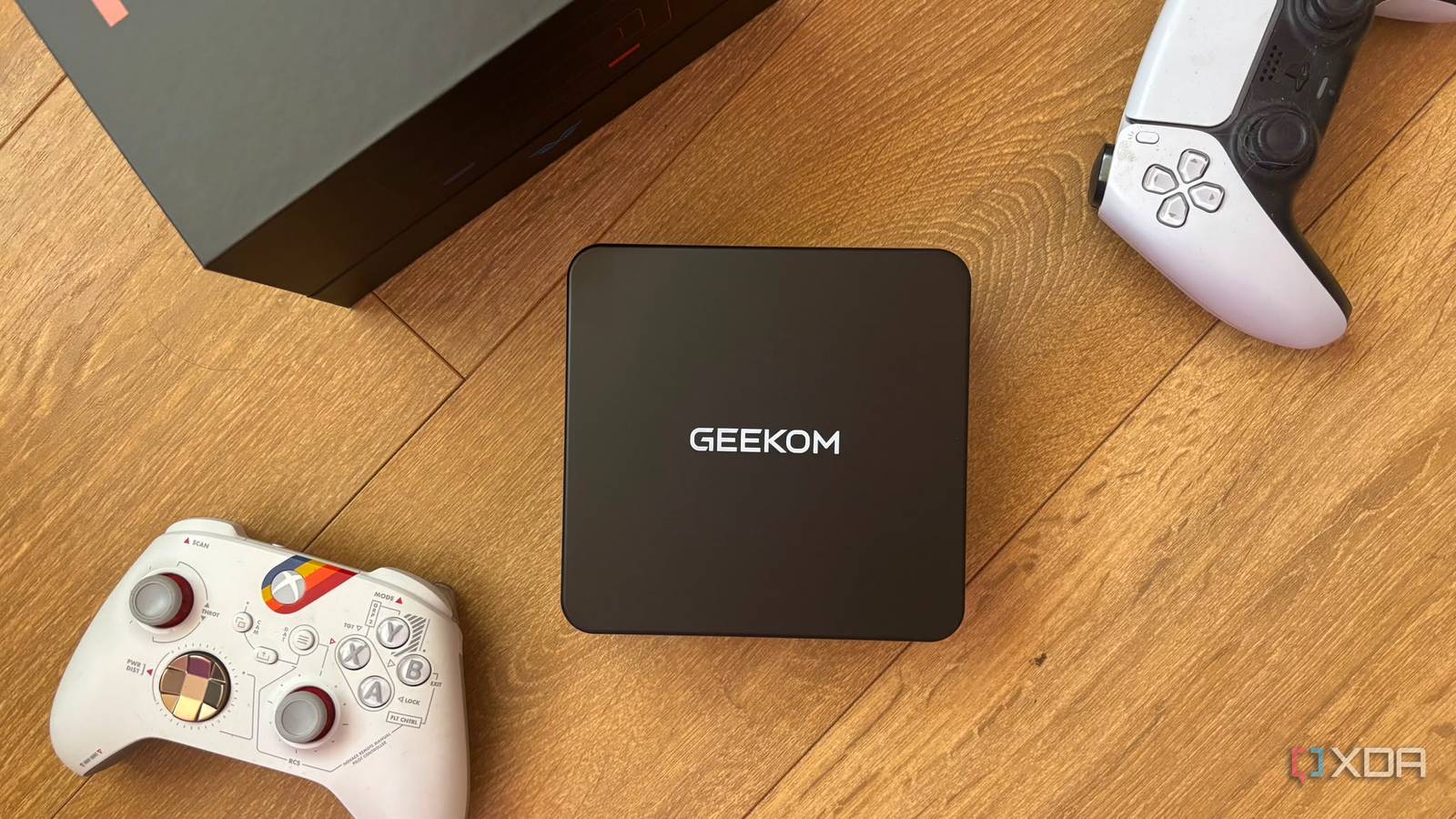
Published Aug 15, 2026, 9:00 AM EDT Abhinav pivoted from a career in banking to pursue his first love in writing. Even while working full-time, he continued contributing as an editor-at-large, a role he has held for more than 7 years. A lifelong tech enthusiast who has built three gaming and productivity powerhouse PCs since 2018, his passion for technology keeps him closely following the semiconductor industry, from NVIDIA and AMD to ARM. His MSc dissertation explored how artificial intelligence will reshape the future of work, reflecting his curiosity about the wider social impact of emerging technologies. In 2022, I moved overseas for university with a bulky Lenovo Legion Pro packing an RTX 3070 laptop GPU. I convinced myself that it was the perfect all-rounder that would handle my coursework, note-taking, and late-night gaming without compromises. Two months later, I dreaded the thought of carrying it to class. The laptop weighed 5.5 pounds, and its 300W charger added another 2.2 pounds because leaving it behind meant the battery would barely survive half a day. It shouldered the weight of my computing needs, while I shouldered its physical weight. I watched my classmates float into lectures with feather-light MacBooks, while they watched me play Fortnite at 1440p at 90 FPS. Looking back four years later, I realized that there was a middle ground that promised both which I had completely overlooked, and it was, of course, the humble mini PC, and I'm now convinced that would've been the better choice for school amongst the two. A mini PC keeps your desk powerful and your backpack light It solves a problem that you don't realize you have yet One of the biggest mistakes I made while shopping for university was assuming one computer had to do absolutely everything. In reality, my Lenovo Legion Pro spent most of its life sitting on my desk, behaving like a desktop that would sometimes accompany me to the lecture halls. And when I was on the go, it didn't get enough power to deliver the same gaming performance as it would on my desk, so that put me off from the "gaming-on-the-go" idea altogether. The performance, even while plugged in, wasn't as good as it would be on a mini PC, because the latter isn't weighed down by the same thermal constraints as a thin laptop with a substandard cooling solution. Mobile GPUs and high-end laptop processors scale their power between roughly 35W-115W depending on the chassis, cooling, and power delivery. A mini PC, on the other hand, gives you more power from the chip because it isn't sharing its thermal budget with a battery and display. It's a better workstation than a laptop Multiple (or larger) displays beat mindless tab-switching Most of my workflow revolves around extensive reading, analyzing, and writing, so it's safe to say that I'm accustomed to the computing needs of the average student, who will spend at least half their day doing exactly the same things. I can proudly confess that my productivity is heavily bottlenecked when I'm on the go and working on a laptop, and much of it stems from the cognitive load of having multiple tabs open on a single 15.6-inch display. That's precisely why I get more done, and I get it done faster and more easily when I'm at my desk in front of my monitor. Even an affordable mini PC can drive two or three external displays, while a single 27-inch monitor often gives you enough desk real-estate to keep a PDF, your notes, and your local AI model visible simultaneously. Instead of constantly juggling between PowerPoint slides, academic journal articles, and Microsoft Word all while writing and citing stuff at the same time, you can have everything in your line of sight. Psychologically, it's easier on the mind because you don't context-switch between windows. Keeping your reference material, notes, and the document you're writing at the same time reduces the mental overhead of repeatedly relocating information, which makes long study sessions feel far less fatiguing. And when you're done, it leaves you with enough energy to play some games. Your mini PC will age far more gracefully than any laptop When uni's over, it'll still be your powerful best friend Most Windows mini PCs can be upgraded using standard PC components.Credit: A popular misconception about buying a computer for university is that you're only buying it for university. When I bought my Legion Pro, it followed me into my first job and for the next two years until I built my PC. It served me for many years after graduation. This also meant that, as games and software became more demanding and resource-intensive, its constrained system memory started to show its age, disqualifying me from more AAA titles and pushing my in-game settings further down by the year. This laptop happened to be upgradable, but most other modern laptops with soldered memory and storage expansion limitations may not give you the option to do so. Mini PCs, on the other hand, age comparatively better. You can upgrade your RAM, swap in larger NVMe SSDs, and sometimes even replace the Wi-Fi card. This kind of flexibility allows you to continue work and entertainment without compromises later in life while you save for a bigger upgrade. Mini PCs are a fantastic back-to-school purchase right now Funnily enough, I didn't arrive at this conclusion through my usual benchmarks or spec sheet analysis. I arrived here because the economics of the PC market underwent a sudden shift. The DRAM crisis has made memory absurdly expensive for DIY builders, while many capable mini PCs are still shipping with 32GB of DDR5 memory and lightning-fast NVMe storage under older OEM contracts. This advantage isn't going to last forever, though, because manufacturers are continuing to exhaust their cheaper inventory. For students shopping today, that makes these tiny computers one of the smartest value buys in the entire PC market right now.
Why a mini PC might be the better back-to-school buy than a laptop for work and play
Full Article
Original Source
Read the full article at Xda-developers →KhanList aggregates and links to publicly available news content. We do not host full articles from third-party sources. Always verify important information with original sources.