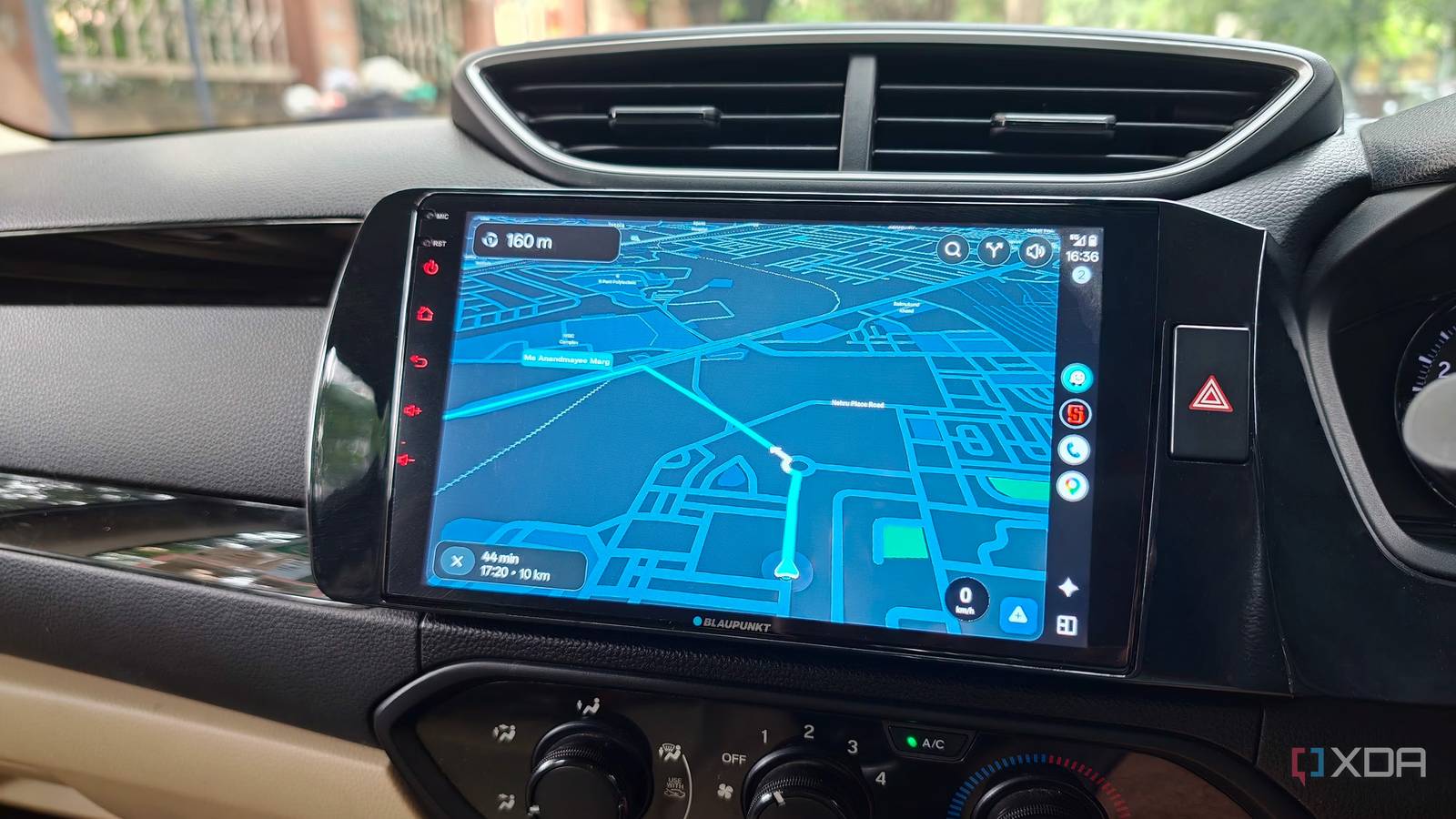
Published Aug 15, 2026, 11:30 AM EDT Dhruv Bhutani has been writing about consumer technology since 2008, offering deep insights into the personal technology landscape through features and opinion pieces. He writes for XDA-Developers, where he focuses on topics like productivity, networking, self-hosting, and more. Over the years, his work has also appeared in leading publications such as Android Police, Android Authority, CNET, PCMag, and more. Outside of his professional work, Dhruv is an avid fan of horror media spanning films and literature, enjoys fitness activities, collects vinyl records, and plays the guitar. Nobody can deny that Google Maps is an excellent navigation app. But as good as it is, it can't account for every driving scenario. I'll be honest, driving where I live is an entirely unique experience. A road that looks great on a map can quickly turn into a bottleneck or be just too narrow for my SUV to pass through. Google Maps is excellent at giving me real-time traffic information and getting me from place A to place B, but all too often it's gotten me into a jam simply by turning me onto a street that I can't safely drive through. So, on the lookout for alternatives, I recently discovered that Waze has added one specific new feature that is perfectly suited to solve this problem. Waze now lets you define what kind of vehicle you're driving. It could be a motorbike or a car, or even a taxi, and it can use that information to prioritize routes when it's calculating how to navigate. Combined with the less chatty option, which I'll come to in a bit, I'm surprised to say that Waze has become my preferred navigation app on Android Auto over Google Maps. Vehicle-specific routing makes a lot of sense when the roads run narrow The shortest route isn't always the best route Like I mentioned earlier, vehicle-specific routing wasn't a feature that I even knew existed, but it's become the biggest reason for me to switch to Waze. I, of course, opted for the private car option for navigating India. India has an enormous number of roads that look fine on a map, but if you're on a road trip and crossing the hinterlands, most of these roads can actually be very difficult to drive on. I've been in a situation where I had to take a long car detour to avoid a narrow residential lane, which was technically the fastest way according to Google Maps, but there was simply no way for my car to pass through. That same logic applies to congested streets as well. While Google Maps shows a congested road as traffic and an extended amount of travel time, Waze seemingly understands that it's just a road that will be difficult for my car to pass through. There's a difference in how that impacts route calculation. In recent travels, I have observed that Waze's routing engine has more context about what I'm driving, when I'm driving, and also how I'm driving. Yes, it can account for narrow roads, but it also accounts for the frequent divergences I take, even if it doesn't yet completely understand that I'm avoiding a road because I know there's going to be traffic. It learns from that and automatically starts suggesting a different route from the one that I take myself. Circling back to the vehicle-specific routing, this has been very useful on a recent road trip where I don't necessarily want the shortest route. I want the route that will safely get me to my destination. I don't need narration while I'm driving down a busy road Perfect for uninterrupted listening sessions Credit: I'm a big fan of Waze's Custom Voices, especially the 70s DJ. They add a touch of character to the very mundane task of navigation and driving, but at the same time, driving is my time to listen to podcasts. A navigation app that just keeps talking while I'm driving is not very useful. To tackle that, I've toggled on Waze's new less chatty option. Honestly, I find it hilarious that there even needs to be an option like this, but here we are. Android Auto already shows the route in front of me on a big screen, and when I'm driving, I can see the next turn and know where I'm going. I don't really need Waze repeating every single instruction, especially when I'm in the middle of a juicy bit in a podcast. The less chatty option simply reduces the number of times it interrupts me. If there is a significant alert or important information that I need to know, it will still, of course, inform me. It's not a flat-out silent mode. It will give me a middle ground. For example, it won't keep telling me that I should continue on the same road for the next 10 km in 10 different ways. It only tells me when I need to change lanes to take a turn. That significantly reduces the number of times I get interrupted. The best part is that it's very easy to switch back to the regular mode. If I'm in very unfamiliar terrain where I would prefer to get my bearings with constant information, I can quickly just toggle to the regular option, and Waze goes back to it. The same goes for a complicated interchange or even a new part of the city where there's been significant road development. Waze is a better fit for how I use Android Auto That's not to say that Google Maps is a poor navigation app. Of course, it's not, but between these two features that you can't really find on Google Maps, I found a very good reason to switch. This makes better navigation decisions on the daily, and those decisions can usually lead to too much chatter from my navigation app, so having a less chatty option certainly helps to avoid a constant stream of interruptions. Neither of these is an absolute essential, but they do solve practical problems, especially problems that I find annoying. A better fit for me and how I use Android Auto over Google Maps Waze is a Google Maps alternative that offers real-time navigation updates, route guidance and road status updates.
I switched to Waze because Google Maps keeps routing me down roads too narrow for my car
Full Article
Original Source
Read the full article at Xda-developers →KhanList aggregates and links to publicly available news content. We do not host full articles from third-party sources. Always verify important information with original sources.