
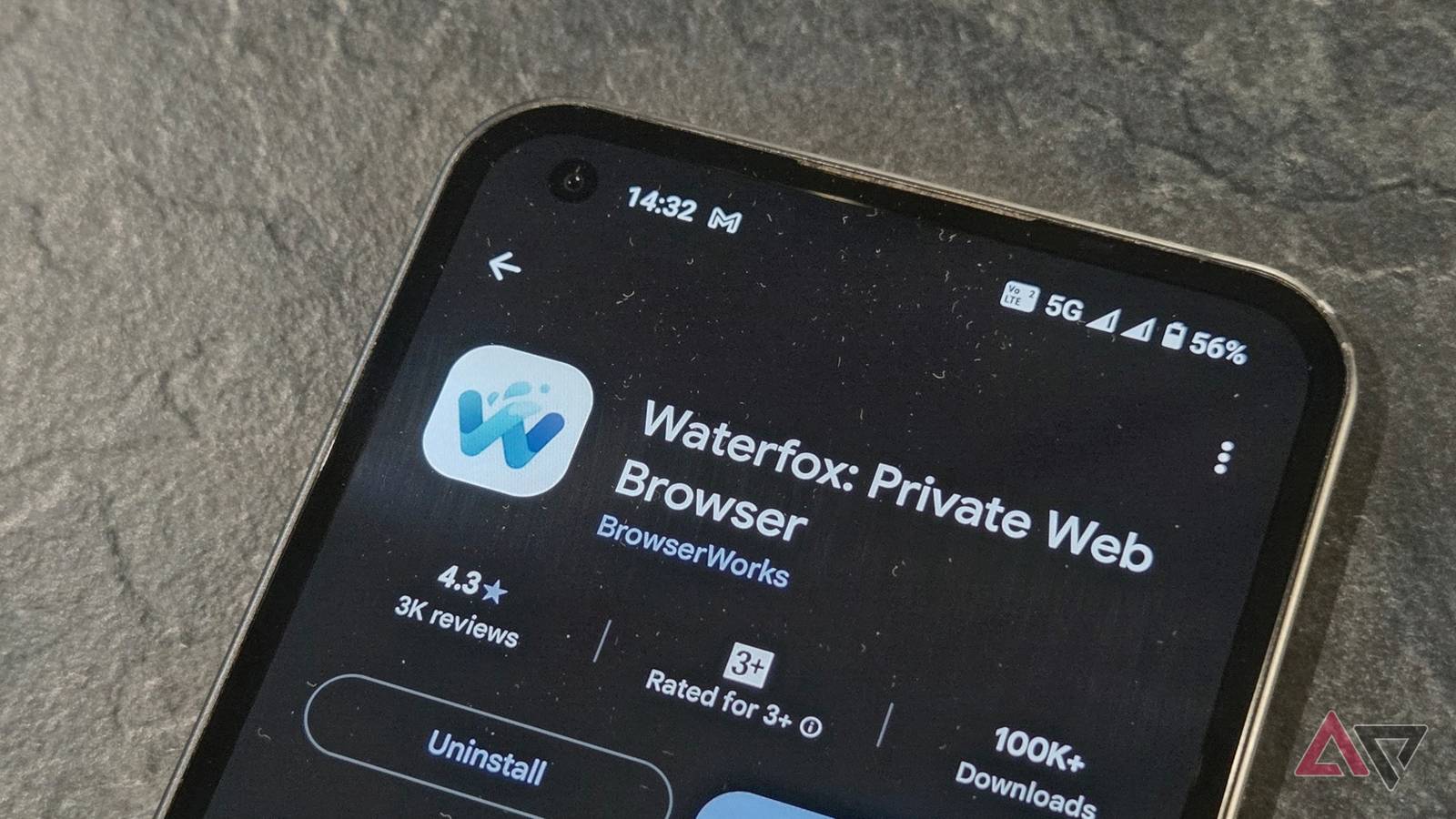
Published Nov 22, 2026, 8:45 AM EST Marvin is a Features Author for Android Police. His media career began as an editorial assistant at the now-defunct print publications of Men's Health and Hardware Magazine. He has since transitioned to digital media as an editor of GadgetMatch, attended technology events in over 10 countries, and earned his master's degree in journalism. Marvin has also contributed to Android Authority and Headphonesty. He enjoys film photography, outdoor running, and alternative coffee brewing during his leisure time. Firefox became my Android browser of choice because of its focus on privacy and abundance of extensions. I gave it extra points for being a non-Chromium browser. I recently stumbled upon Waterfox. It uses the same formula as the Gecko-based Firefox, but completely removes all AI bloat and turns the privacy features up a notch. It took me only a few days to realize how much better Waterfox is than Firefox out of the box. What seemed like another generic Firefox fork became my new default browser. Waterfox capitalizes on what other browsers lack It's not just a Firefox killer I've been a Firefox user for as long as I can remember on both desktop and mobile. Unfortunately, it lost some of its minimalist appeal with its recent AI integration and sponsored tiles. Even though most of the bloat can be manually removed, Firefox no longer feels like the anti-Chrome browser it was originally touted as. Don't get me wrong: Firefox is still a fantastic browser, but it's slowly moving away from its core philosophy. Waterfox is where Firefox was years ago. It's built on the Gecko engine from the ground up, letting developers strip out whatever features they deem unnecessary. Waterfox uses DuckDuckGo as its default search engine. You can change it to Google, Bing, Ecosia, Mojeek, or Qwant in the search bar. Waterfox's developer is committed to keeping AI and LLM bloat out of the browser. In contrast, Firefox lets users turn off AI assistance, but it can't be completely removed from the main settings. By default, Waterfox has DNS over Oblivious HTTP (ODoH) enabled from the get-go. It encrypts my DNS lookups and routes them through a two-hop relay architecture. In other words, this setup keeps my IP address private. Waterfox also removes all telemetry, meaning there's no tracking. Even crash reports are stored locally. Waterfox retains all the Mozilla goodness It looks like Firefox on the outside Like Firefox's Android app, Waterfox has access to the entire Mozilla add-on library. This includes direct installation from local XPI files and granular control over extension updates. Best of all, Waterfox lets me sign in with my existing Mozilla account to sync tabs, bookmarks, and browsing history. If you're migrating from Firefox to Waterfox, all your data comes with you. Waterfox isn't just a Firefox alternative; it also stands up well against the likes of Chrome and Brave, both of which are productivity powerhouses on Android. Unlike Chrome and Brave, Waterfox offers desktop-grade extensions for greater customization. Waterfox's main strength is its power-user features, made available to casual users without prompts to activate unwanted features. You can fine-tune Gecko settings by typing about:config in the address bar. Waterfox lets users access this menu without jumping through hoops. Waterfox comes with a few compromises. The biggest one is the delayed security update schedule. Because a small team maintains Waterfox, it lags behind Mozilla in implementing security patches. This means critical security updates can arrive days or even weeks after Mozilla pushes them to Firefox's Android app. Waterfox isn't suitable if you prioritize zero-day patches from your browser. Waterfox is limited to Android, Windows, macOS, and Linux. If you carry an iPad or iPhone, you'd have to pair Waterfox on Android with Firefox on iOS to keep your Firefox Sync data intact. Lastly, Waterfox suffers from the same power-hungry engine Firefox is based on. Gecko-based browsers have been known to consume slightly more battery than their Chromium counterparts. In my experience, Waterfox never topped my battery usage chart. It consistently matched what Brave sapped from my battery. Waterfox has also felt snappier than Firefox on Android when I compared them on the same websites. Waterfox fills in what Firefox lacks I originally fell in love with Firefox's promise of a privacy-focused user experience that's less bloated than the ubiquitous Chrome. Sadly, Firefox has gradually been veering away from its roots. Waterfox has taken Firefox's place in my app drawer. It fulfills the original promise better than Firefox. It has a few downsides, mainly the delayed security updates, but nothing deal-breaking. From my testing, Waterfox is the most well-rounded enthusiast browser on Android. It caters to my inner power user, and it doesn't track my actions or shove AI bloat in my face.
Waterfox does everything Firefox can, but with even less bloat
Full Article
Original Source
Read the full article at Androidpolice →KhanList aggregates and links to publicly available news content. We do not host full articles from third-party sources. Always verify important information with original sources.