
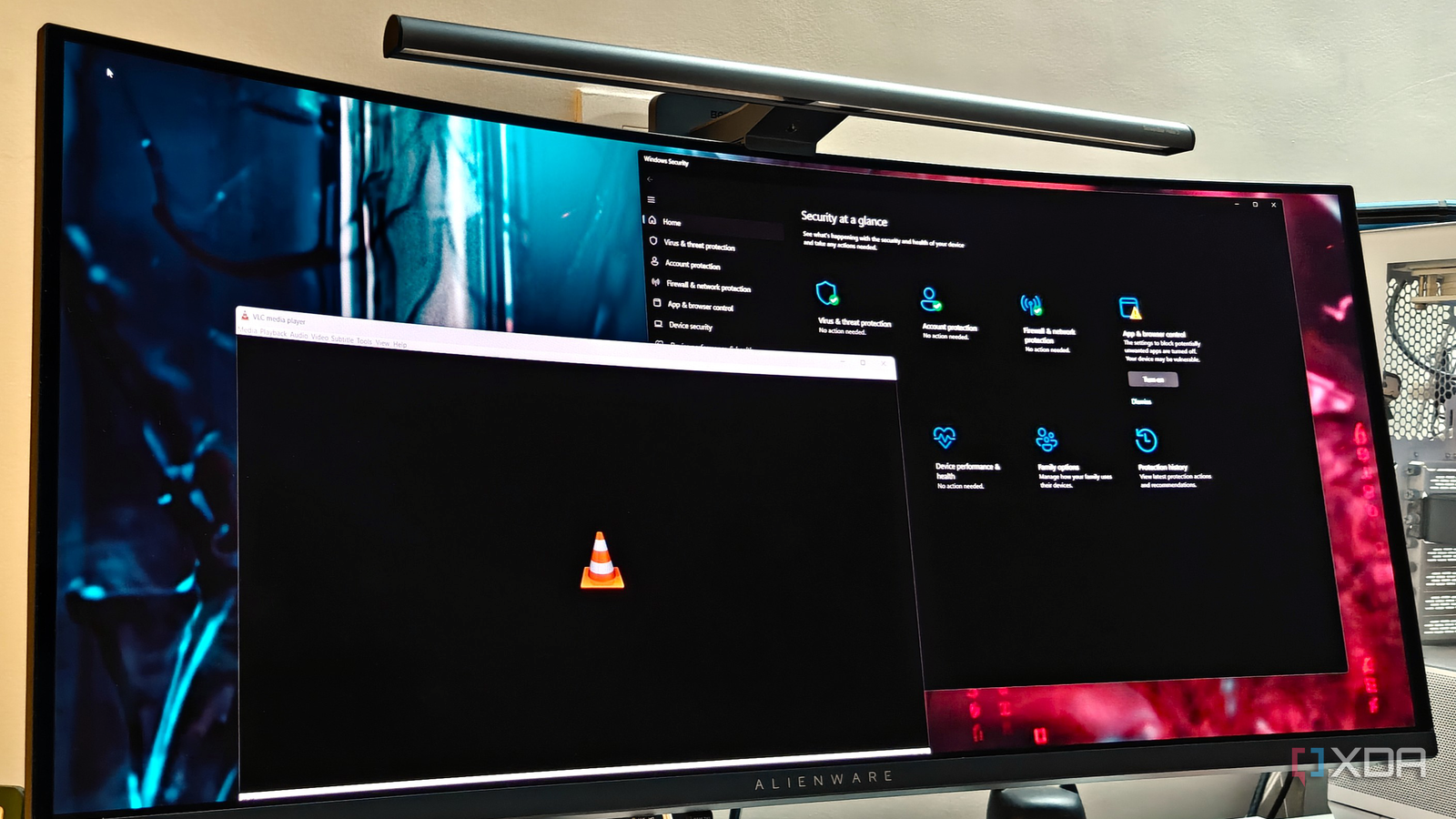
Published Sep 29, 2026, 4:00 PM EDT After a 7-year corporate stint, Tanveer found his love for writing and tech too much to resist. An MBA in Marketing and the owner of a PC building business, he writes on PC hardware, technology, and Windows. When not scouring the web for ideas, he can be found building PCs, watching anime, or playing Smash Karts on his RTX 3080 (sigh). VLC is perhaps the only media player I've used consistently ever since Windows Media Player stopped being the one-stop video destination on my PC. Most of you reading this are probably in the same boat. VLC even has advanced tricks up its sleeve that most users never get around to. There's a reason it's still the most popular media player on Windows, and PCs in general. So, you can understand my frustration when VLC started misbehaving around a month ago. Whenever I launched a video, the media player took unusually long to open. When I looked up the issue online, I found that Microsoft Defender is the culprit, thanks to a faulty Windows update released in August. VLC was testing my nerves over the past few weeks Even a reinstall didn't fix the slow launch time I use VLC fairly regularly. Whether it's watching my smartphone videos or local media on my PC, VLC has been integrated into my lifestyle for decades now. So, when it started launching abnormally slowly a few weeks ago, sometimes even taking around 15 seconds, I was naturally annoyed. I hadn't changed anything on my end, so my frustration was naturally directed toward VideoLan. At first, I thought a new version was at fault, but there had been no updates in August, when this problem started. I reinstalled VLC to fix whatever background shenanigans were messing things up, but the problem didn't really go away. Moreover, my Windows 11 PC was experiencing other issues related to File Explorer, so I attributed the slow VLC launch time to my troubled Windows installation. It was only after Googling the issue that I found the real culprit. Microsoft Defender has been slowing VLC down Who would have thought? The internet was quick to blame VideoLan, with some users even blaming Microsoft for deliberately slowing the media player down. On August 12, however, the VideoLan team themselves pointed to a bug in one of the Microsoft Defender updates, which made the security suite quarantine VLC's plug-in cache. I only found out about this after an article took me to the concerned X post by VideoLan. Indeed, it was shown that a recent Microsoft Defender update and the Windows KB5121003 update were responsible for this mess. I should have blamed Microsoft, considering how many Windows updates this year have been faulty. The plugins.dat file ending up in Windows quarantine was slowing down VLC launch times around the world, which is certainly one of the more bizarre Windows fails. Microsoft hasn't fixed it yet, but you can do it yourself Surprise, surprise! At the time of writing, Microsoft has not released a patch to resolve the Defender bug wreaking havoc on VLC. That said, you can do a few things yourself to restore your VLC launch speed. For starters, you should regenerate the VLC cache affected by Microsoft Defender. You can either reinstall the media player to reset everything along with the cache or run VLC media player - reset preferences and cache files by typing "vlc" in the Windows search bar. Note that this doesn't prevent Microsoft Defender from putting the VLC cache back into quarantine. So, you also need to add an exclusion for your VLC directory in the Virus & threat protection settings. Using the Exclusions section, you can simply point to the installed VideoLAN or VLC folder on your PC, so that Defender stops scanning it. While this isn't the ideal way to fix this problem, it's the best one we've got for now. Windows updates have had an awful reputation lately It seems Microsoft messes up more than it fixes with Windows updates. Sometimes, it's unexpected BSODs or deleted user files, and sometimes, it's boot loops or broken VPN configurations. This time, it's the false quarantining of VLC's plug-in cache, causing slow launch times for millions of users. Thankfully, despite no official patch from Microsoft, users can easily fix the problem themselves.
VLC was painfully slow on my Windows 11 PC until I found what was throttling it
Full Article
Original Source
Read the full article at Xda-developers →KhanList aggregates and links to publicly available news content. We do not host full articles from third-party sources. Always verify important information with original sources.