
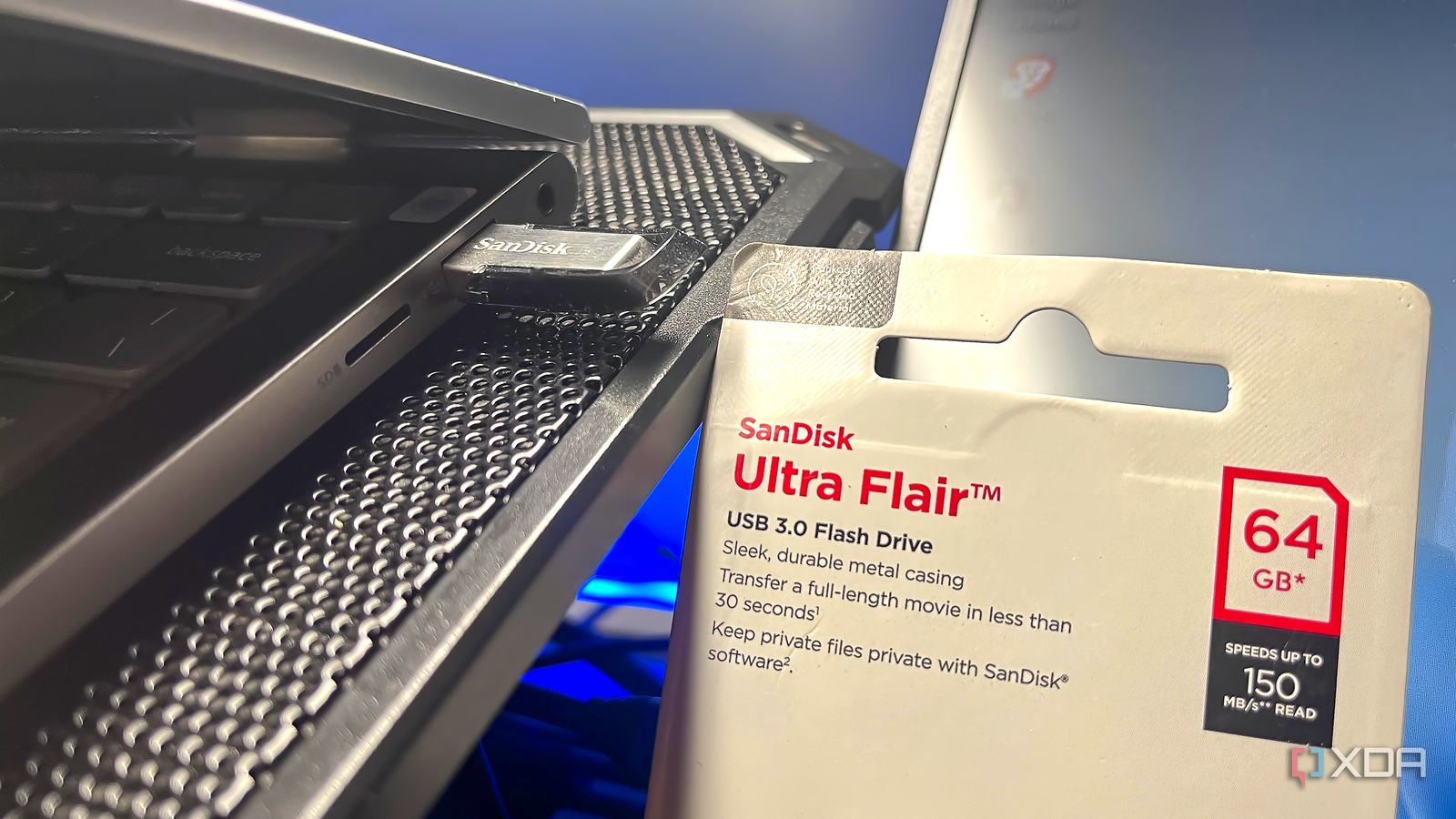
Published Sep 26, 2026, 8:00 AM EDT With over five years of experience in the tech industry, Kazim excels at simplifying complex topics, making them accessible to tech enthusiasts and general readers alike. He has extensively covered the Windows ecosystem, from Windows 7 to Windows 11. When he’s not writing, you’ll find Kazim planning weekend getaways or diving into tech verticals beyond his expertise. USB 3.0 was considered a major performance upgrade over USB 2.0 when it was first introduced around 17 years ago. The USB family has since evolved through USB 3.1, USB 3.2, and USB4, which boast higher transfer speeds, but USB 3.0 remains relevant today, and you can easily find devices that still use the standard. I have got a few USB 3.0 flash drives and a USB hub. As surprising as it may sound, these devices have a problem that directly impacts your router's 2.4GHz Wi-Fi band. It's not limited to that; the problem even affects your mouse and keyboard. The more surprising part is that companies have known about it for over a decade, and while many have redesigned their products to mitigate this, particularly router brands, the average user has little idea about this interference problem. However, the good news is that you don't have to give up on USB 3.0 devices entirely. For many of you, the interference will be barely noticeable, while for others, simple fixes and workarounds will do the trick. Noise from the USB 3.0 data spectrum is to blame It's not as complicated as it sounds USB 3.0 doesn't transmit wireless signals by itself, but the electrical activity that takes place during data transmission, or the electromagnetic noise that's generated, to be precise, is what causes the problem. The noise can be in the 2.4-2.5GHz range, and that's where the interference comes in, both with your Wi-Fi networks and Bluetooth devices. Wireless devices operating in the same frequency range can pick up this noise, causing performance issues, like your mouse stuttering for no reason or frequent connectivity drops. Similarly, this electrical noise can affect the 2.4GHz Wi-Fi band. I agree, the 2.4GHz band isn't something users generally connect their PCs or smartphones to, but most smart home devices like cameras and smart plugs use it. So, a drop in speed or connectivity problems can be more problematic than you might think. Router manufacturers were particularly concerned about this, too, since many routers feature USB 3.0 ports, and a source of interference this close could disrupt the 2.4GHz signals. We will get into that later. It's also worth highlighting that there isn't just one source of interference. Noise can come from the device's USB 3.0 connector, the USB 3.0 connection itself, or even the cable. This is important because when you look for ways to minimize this interference, you will have to consider its source. Some common devices that can trigger wireless interference are flash drives, HDDs, and USB hubs. Additionally, the extent of noise or interference isn't generally related to whether the USB 3.0 device is actively in use. However, devices can behave differently. And in the case of some, increased activity like an active data transfer between a PC and a flash drive or to a storage drive connected to a router could just as well increase interference. Companies have known about the problem for years Some redesigned their products to mitigate interference Companies have known about this interference issue for more than a decade. Intel even published a research paper in 2012 to generate awareness around it. Given that this wasn't some obscure issue, it was only natural for companies to redesign their products to mitigate interference. And they did. Router manufacturers, for instance, took a series of measures to minimize interference. Some changed the position of the antennas relative to the USB port, a few redesigned the hardware to isolate the noise source, and D-Link added an option to disable USB 3.0 ports in the router's settings. Even wireless adapter manufacturers took steps to minimize interference from USB 3.0 connections and devices. As for other devices, properly shielding the noise source helped to some extent, as was demonstrated in Intel's white paper. The fixes are simple Proper shielding, moving devices, and switching ports At this point, I believe you may have guessed that the problem is inherent to the USB 3.0 standard, and you can't completely eliminate it. For instance, when connected to the 2.4 GHz band on a fairly old router, you may still notice a performance impact as soon as you plug in a flash drive, HDD, or printer. And there's little you can do about it other than get a new, better-designed router. On computers, though, if you face connectivity issues with the mouse, keyboard, or headphones — basically devices that rely on Bluetooth connectivity — there are some fixes that can help. First, you should keep the wireless dongles as far away from USB 3.0 ports as possible. Moving them farther from the noise source reduces interference, which improves performance. Also, if possible, use USB 2.0 ports to connect devices. I agree, you won't get as high transfer speeds, so go with this solution when speed is not a priority. Lastly, I wouldn't recommend that the average user explore shielding, since it's relatively intricate, but if you are comfortable with it, you can always try it. Not every upgrade is necessarily an improvement USB 3.0 is undoubtedly better than USB 2.0 in terms of transfer speeds, but the standard has a drawback that raises an important point: not every upgrade is necessarily an improvement. There are downsides, too. It may not be a problem for everyone, but interference still exists. Of course, I am not suggesting that you give up on USB 3.0 devices entirely. But the next time you notice connectivity issues with the 2.4 GHz Wi-Fi band or a Bluetooth device, check whether an active USB 3.0 device is nearby.
USB 3.0 is quietly breaking your Wi-Fi, and Intel warned everyone years ago
Full Article
Original Source
Read the full article at Xda-developers →KhanList aggregates and links to publicly available news content. We do not host full articles from third-party sources. Always verify important information with original sources.