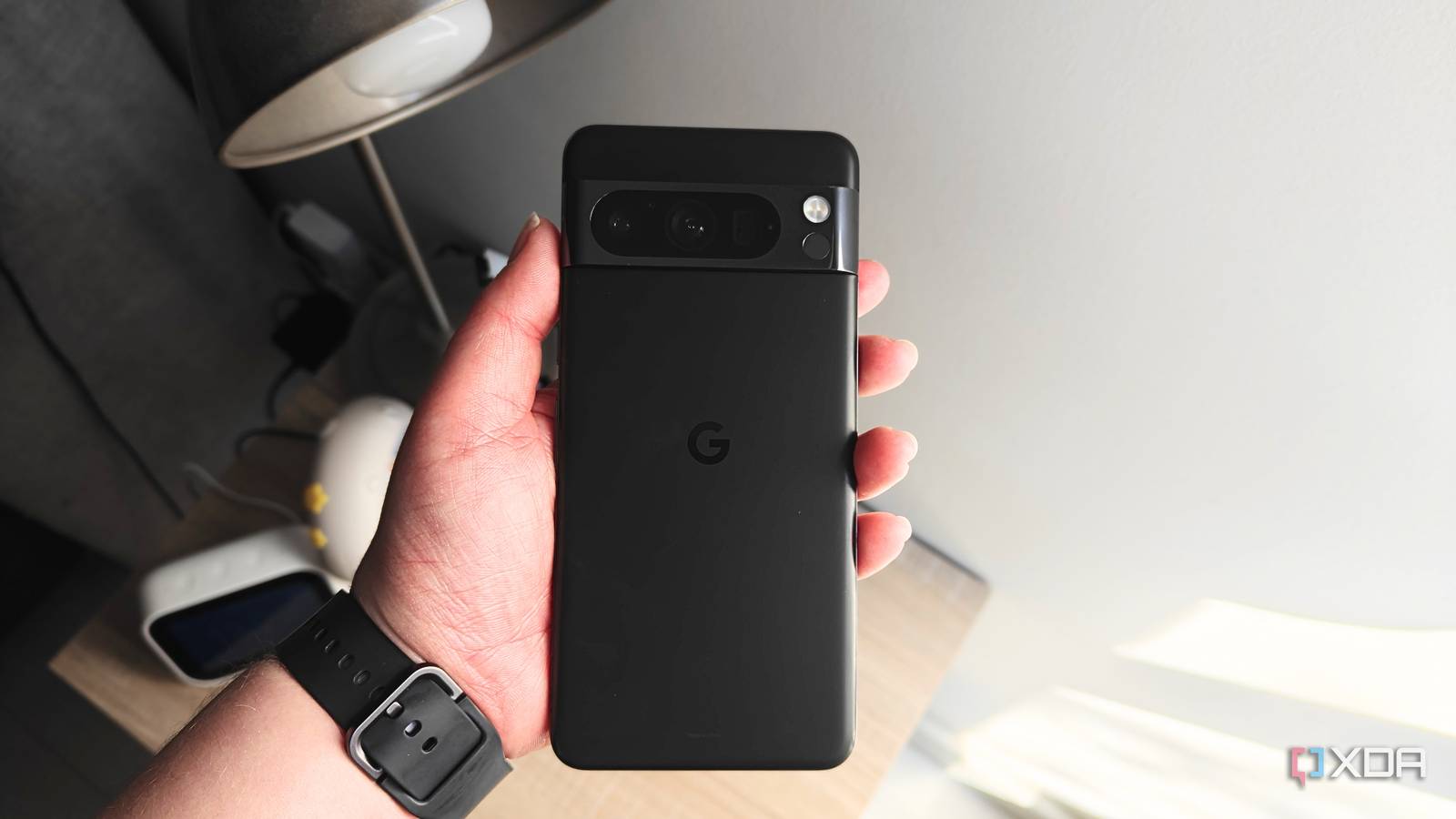
Published Aug 18, 2026, 12:30 PM EDT Megan is a Software Writer at XDA Developers who has been writing about consumer technology since 2016. With a postgraduate degree in New Media journalism, she has always been passionate about diving deep into topics and writing about them in a way that makes them easier to understand for everyday consumers. She runs her own blog called Tech Valkyrie and has contributed to Tom's Guide and Android Authority. She also worked at MakeUseOf as a Lead Editor. In her spare time she plays video games and geeks out about the latest tech. There are plenty of Pixel-exclusive features, but I haven't been able to experience them until now. The reason? Pixel devices aren't available where I live, so the brand is something you hear about in headlines, but not something many people have hands-on experience with locally. However, that recently changed for me when a colleague loaned me their Pixel 8 Pro. I could finally test out those features and apps I had heard so much about. While certain features like Call Screen still aren't available in my region, I got to try other features that left an impression. Now Playing More than a song identifier I often hear about Now Playing on Pixels, with some people even describing it as the Pixel's best feature. But it always seemed like an over-hyped Shazam. After all, why would I need an app to identify songs when I could just get Gemini to do it for me? However, once I activated and tried out Now Playing, I realized why people love it so much. It's much more frictionless than using Gemini to identify songs, since once you turn it on, it runs in the background and identifies songs the app detects throughout your day. If you hear a song that catches your attention, you can use the app, its widget, or a Quick Settings shortcut to identify the track. I used it to find songs playing in series and movies. While too much overlapping noise affects the ability to identify songs, I found it's pretty good at sorting through some of the interference. For tracks you really like, you can favorite them so that they're saved on a separate list. You can also use Now Playing to open the song on YouTube, YouTube Music, or Spotify. You can also connect your streaming service to Now Playing. Bedtime summary Insights other apps miss out on Bedtime summary is a somewhat buried feature I came across while exploring the Pixel's features. I used the My Pixel app to see what the device could do and found it in the Health & Wellness tab. What sets this bedtime summary apart for me is the ability to track screen time, time in bed, and behaviors like coughing and snoring. I was surprised that the phone could pick up coughing and snoring when simply placed next to me, without a link to any wearable. In terms of accuracy, I do wonder if it sometimes picks up my cat's snoring, but it definitely picks up some of my own snoring sessions. I even coughed one morning to see if the Pixel would pick it up, and it did. While it doesn't give any health recommendations based on its findings, I think this is a useful feature for people who live alone and want to keep an eye on snoring and coughing while sleeping. My chronic rhinitis means that I snore to some extent, especially when my allergies are acting up. But having something to measure it can help me bring up concerns with my doctor or highlight any increases in snoring during allergy season or after I have been ill. Adaptive Battery Something I'd like to see on more phones Saving battery on your Pixel can sometimes feel like a time sink, with so many recommendations and different tweaks to try. I've seen battery-saving modes on other Android devices, but I like that the Pixel has a feature that adapts to your usage. Rather than just closing background apps and suppressing notifications, Adaptive Battery learns from your usage to decide what to optimize. I like this approach over blanket restrictions, since in theory it should prioritize the apps you rely on most. So far, the Pixel has balanced its battery life and my usage well, but I'd have to use it more rigorously to see if it really adapted to my usage. Nevertheless, I do like the idea of this feature. Pixel Journal A simple journaling app that just works I haven't done much journaling since I left school, and even then my writing habit was inconsistent. However, I've been considering it again as a way to manage stress and practice mindfulness. I decided to try the Pixel Journal app because it brings together data from certain apps and your device to help you record your day more accurately. The UI is simple and clean, and it also includes writing prompts to guide you if you're not sure what to write about. You can add pictures from Google Photos and tag your location when writing entries. The app will then use this to highlight memories when you create a new entry. While I'm not sure I'll keep up my journaling habit, I like that Pixel Journal made it easy to get back into it. There was minimal setup involved, and I could just start writing. I could also lock the app with my fingerprint for extra peace of mind. Pixels have some great features and apps Now that I've tried out a Pixel device for myself, I see why some people enjoy the brand so much. While these exclusive apps and features wouldn't be enough to get me to switch over, especially with regional restrictions, it's great to see what Google is working on. I hope some version of these features, like Now Playing, will make their way to Android so more users can enjoy them.
These Pixel features seemed overhyped until I tried them for the first time
Full Article
Original Source
Read the full article at Xda-developers →KhanList aggregates and links to publicly available news content. We do not host full articles from third-party sources. Always verify important information with original sources.