
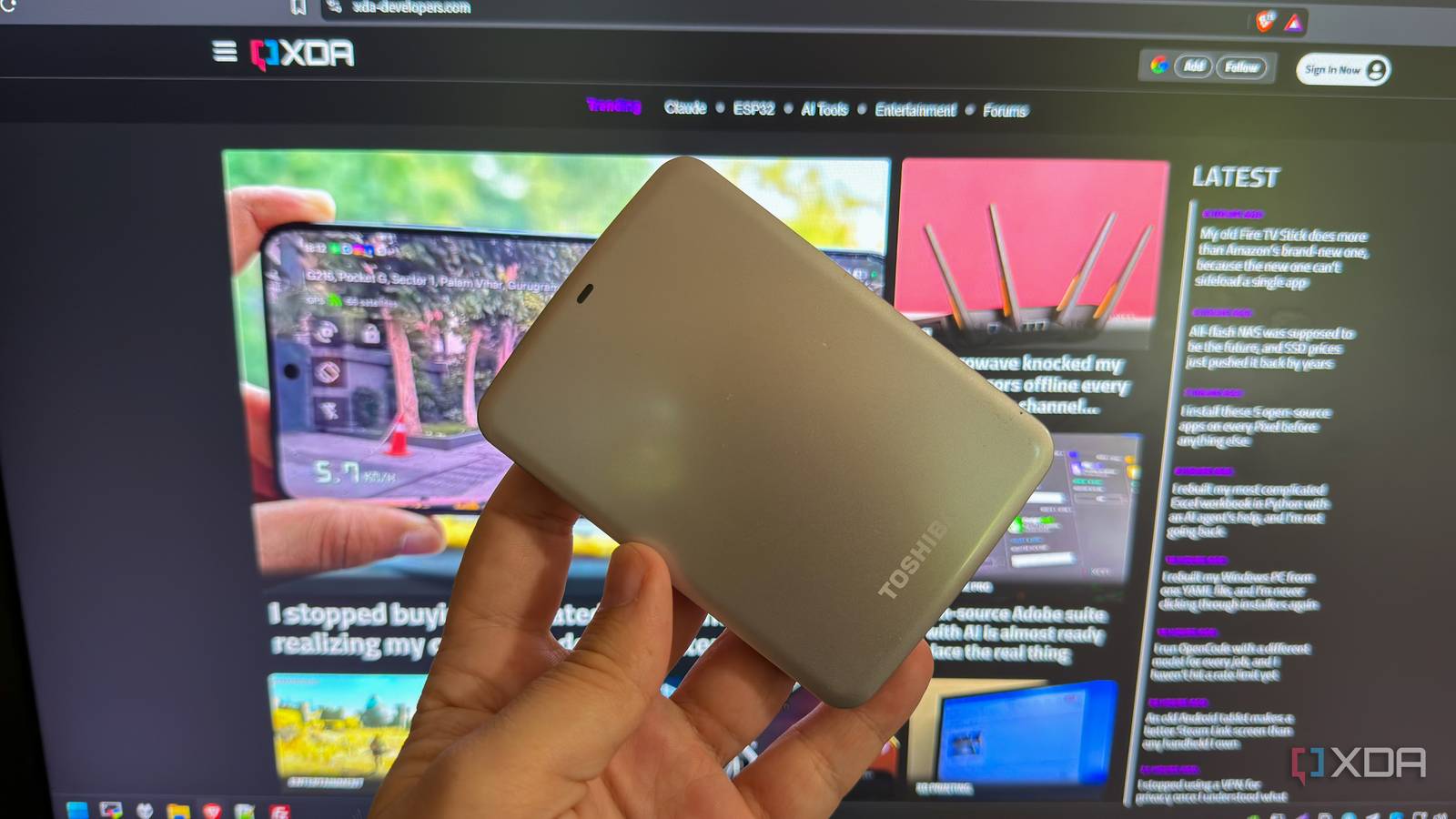
Published Oct 19, 2026, 4:30 PM EDT Korbin is a Linux system administrator who spends most of his time in a terminal figuring out how things actually work. Over the last decade he's written hundreds of articles about Linux configuration, troubleshooting weird problems, and using open-source tools in the real world. He also works a lot with Windows systems and networking, especially in mixed environments where things don't always behave the way the documentation says they should. Writing things down is how he makes sense of it all and hopefully saves someone else a few hours. Just about everyone should know about the 3-2-1 backup rule by now. If you don't, it's a strategy that says you should have three copies of your files on two different types of media, with one off-site. Only then are your files truly protected from disasters — or, as I learned recently, most disasters. See, there's an important caveat to this strategy that people don't talk about enough. Even with three copies of your important files, geographic separation, and snapshots configured, ransomware (or similar malicious software) can take out the main copy and all the backups at once. Fortunately, there's a cheap and straightforward way to deal with this problem: a cold storage backup. Backups shouldn't be constantly mounted Malware can spread across all of them I realized the gap in my backup implementation when I read about ransomware that specifically targets NAS systems. Instead of touching only the files on the main drive, much ransomware will spread across other mounted storage, including backup drives and SMB shares, and encrypt files there too. The only way for a backup to save you in this scenario is if it's detached from the computer and inaccessible. My setup has a backup drive in the same system as my primary storage. I use an rsync script that I run nightly to synchronize the changes from my main storage pool to the other drive. That setup protects me from hardware failure and corrupt files, but if malware finds its way onto the system, it could easily replicate across those extra copies of my files. An off-site backup strengthens this setup considerably, but only if it's not trivially accessible from the same computer where the rest of the files live. I mounted my offsite backup as a mapped network drive, which was the whole issue. It makes backups easier and allows me to browse files in a more convenient way, but it's a double-edged sword that unintentionally gives anything malicious on my PC a direct gateway to another copy of my files. The same goes for snapshots and other layers of protection. If they're stored alongside the primary copy of your files, and the device gets hit with ransomware or malware, they'll likely get caught up in the attack as well. My automated backup would've also propagated ransomware to other copies of my files, had I been unfortunate enough to get infected. It's supposed to be a convenient way to sync my files to a remote VPS, but if my main PC becomes infected without me realizing it, the nightly off-site sync will overwrite my good copies with the compromised data. An air-gapped backup drive is the simple fix Infections can't threaten your detached storage The easiest ransomware protection is nothing fancy. I protect my files with an external drive that stays unplugged and disconnected from the rest of the network unless I'm actively syncing file changes to it. It's as simple as plugging it in once a week or so, running a backup (I use an rsync command), and disconnecting it again once the sync is complete. Here's the command I use: rsync -avhP --delete /mnt/tank/files/ /mnt/external/backup/ Then, I unmount the drive and tuck it away till next week. There's a plethora of other complex solutions and ransomware detection that you can implement, but I find the simplest fix to be the most elegant. Plus, it's a cheap and straightforward fix that anyone can utilize, and it doesn't rely on special technology or software. Cold storage also offers peace of mind because it doesn't rely on carefully configured software to detect malicious activity. Just disconnect it and forget it. It's so simple that it doesn't need to be perfect Live files and cold storage aren't always in sync If I do actually need to resort to restoring my files from the air-gapped device at some point, they'll likely be slightly out of sync with those on my primary storage. For example, if I last backed up to the detached device five days ago, then I go to restore from it, I've lost the last five days of file changes. That's a fairly small trade-off, all things considered. If every copy of my files has been compromised except for the external drive, I'm not too worried about a few days' worth of changes. As of now, I haven't been infected by ransomware or anything similar yet. I take the usual precautions online, so the chance of anything happening is relatively small. The external drive gives me enough protection that in the unlikely event something does happen, the slight gap in file sync is an acceptable drawback. I could always back up more frequently if I was worried about the incremental file changes falling too far behind. Have a copy that nothing else can reach If you're following the 3-2-1 backup strategy (you should be), but haven't accounted for a ransomware attack, an external drive is the simplest solution that you can start using today. It takes almost no time to set up, and it ensures you always have an extra copy of your files in a desk drawer, in case anything knocks out every other copy.
The 3-2-1 backup rule has a glaring caveat that ransomware exploits perfectly
Full Article
Original Source
Read the full article at Xda-developers →KhanList aggregates and links to publicly available news content. We do not host full articles from third-party sources. Always verify important information with original sources.