
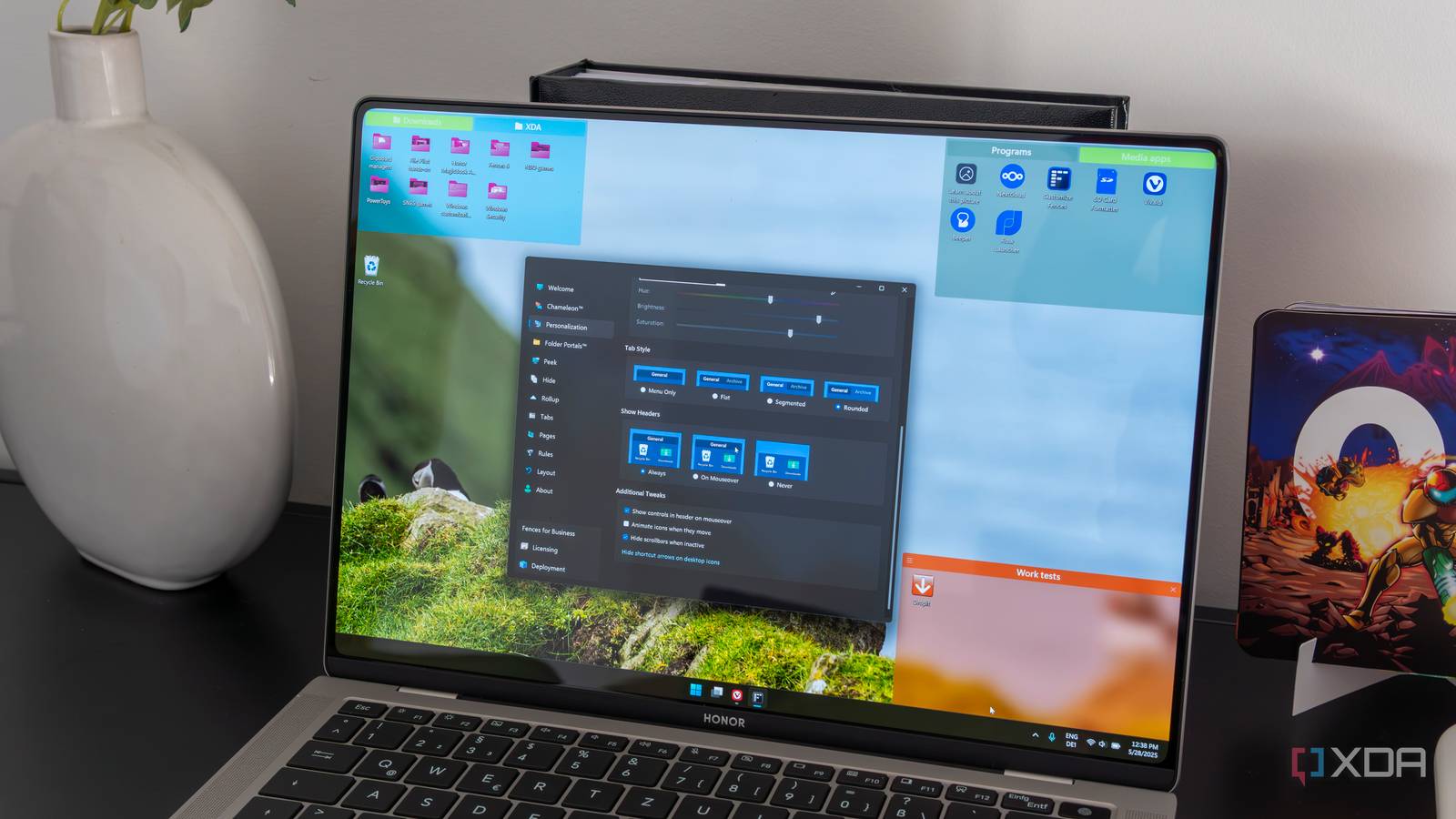
Published Nov 18, 2026, 11:01 AM EST João has been covering the tech world for over 7 years, with a heavy focus on laptops and the Windows ecosystem. I also love all things tech and videogames, especially Nintendo, which he's always happy to talk about. Prior to joining XDA in 2021, he worked at Neowin: https://www.neowin.net/news/poster/jo%C3%A3o-carrasqueira/ Stardock has just released Fences 7, the latest iteration of its desktop organization and customization tool, bringing even more great features to the table. As usual, it's a paid release, starting at $10 for a standalone license. The highlights in this new release include a privacy mode, which helps you hide content on your desktop during presentations. There are also numerous smaller tweaks and enhancements to the customization aspects of the app. More privacy, more customization Privacy mode is the headlining feature of Fences 7, and it's somewhat easy to understand just by reading its name. Essentially, it lets you mask the names and icons of content on your desktop when you're giving a presentation, so people can't see potentially sensitive content before you realize it. Another big addition is the ability to search for files and folders in folder portals. Folder portals were introduced in Fences 5, and rather than just display your desktop icons, they bring forward content from other folders in your file system. With this capability, you can now find files in those folders more easily without ever leaving the desktop, which is very cool. Otherwise, Fences 7 comes with a few smaller enhancements, including a new Mica material for the background, following the general design language of Windows 11 itself, as well as new customization options, such as adjusting the corner rounding radius for fences, improved color customization, and automatic light and dark modes that follow your Windows settings. How much is it? Like previous releases, Fences 7 is a subscription, costing $10 per year, though it's also available as a perpetual license, if you prefer going that route. The good news is it's also included as part of Stardock's Object Desktop suite. This subscription includes Fences and other Stardock tools I've covered and praised in the past, including Start11, DeskScapes, AltTabby, and the recently-released Snipanel (originally called Snipboard). We've yet to go hands-on with Fences 7 ourselves, but you can expect a deeper dive into its features and capabilities in the near future. For the time being, you can check out our review of Fences 5, where we praised the app for most of what it attempts to do: organize your existing desktop icons, bring you most-needed folders to the desktop without actually moving them, and allowing you to access those folders in a flash thanks to the Peek feature. All of this helps make that price tag easier to swallow, and with the new additions in Fences 7 (and 6 before that), it looks like it may be even easier to recommend. You can always use the 30-day free trial if you want to make sure it fits your workflow before putting your money into it. Fences 8/10
Stardock's Fences just got a major update, and organizing your desktop is even easier now
Full Article
Original Source
Read the full article at Xda-developers →KhanList aggregates and links to publicly available news content. We do not host full articles from third-party sources. Always verify important information with original sources.