
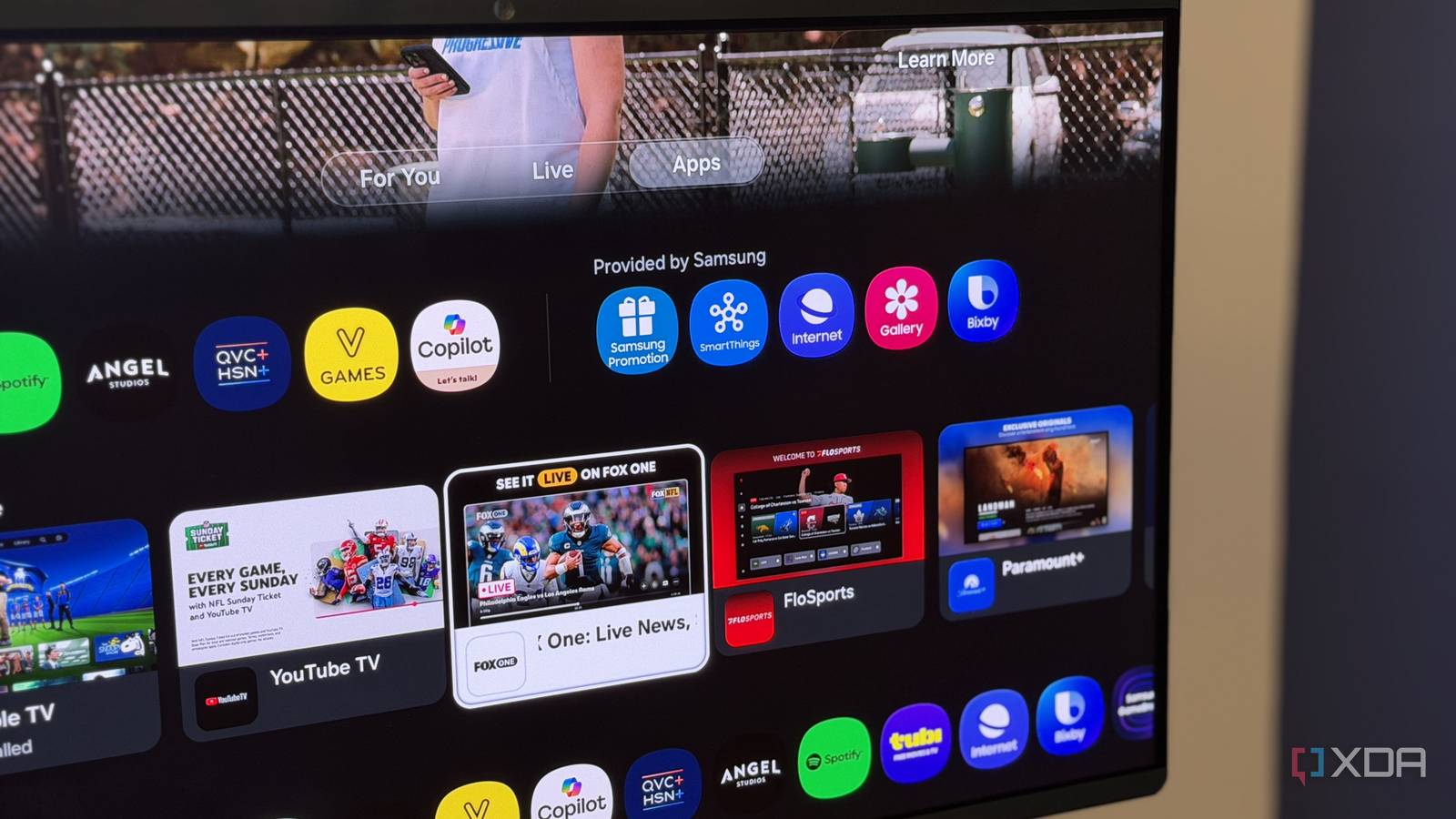
Published Oct 21, 2026, 10:22 PM EDT Simon is a Computer Science BSc graduate who has been writing about technology since 2014, and using Windows machines since 3.1. After working for an indie game studio and acting as the family's go-to technician for all computer issues, he found his passion for writing and decided to use his skill set to write about all things tech. Since beginning his writing career, he has written for many different publications such as WorldStart, Listverse, and MakeTechEasier. However, after finding his home at MakeUseOf in February 2019, he would eventually move on to its sister site, XDA, to bring the latest and greatest in Windows, Linux, and DIY electronics. Summary Claude tried to debloat an Android TV, but it was Samsung Tizen, a locked, non-ADB system. It used a local site to access the user's phone camera, snapping TV photos every 4s to monitor progress. After ~11 hours, Claude built an Apple TV-style UI, hid apps, and wiped the Samsung ad ID. With the newest AI trend of people vibe-coding ways to debloat their smart TV, one person was inspired and decided to try it on their own device. Unfortunately, what they thought was an Android TV ended up not being Android at all, but after almost half a day of work, Claude managed to install a new Apple TV-like home screen, and it needed the user's phone to get the job done. Claude used someone's phone camera to debloat a Samsung Tizen OS TV Not an easy feat by any means. In a post over on the ClaudeAI subreddit, user 0xVic was inspired by the recent efforts to debloat smart TVs. They had a Samsung TV, and they hoped that, with a prompt of their own, they could tweak their TV the way they wanted it. So, they gave Claude this prompt: My Android TV is slow and full of ads. Find it on my Wi-Fi, connect over ADB, and debloat it: disable the manufacturer's ads, telemetry and junk (reversibly, never uninstall), asking me first about apps and features I might use. Then build and install a fast, minimal Apple TV-style home screen with a dock of my favourite apps and rotating nature wallpapers. Back up before changing anything, check every step with screenshots from the TV, and give me a restore script. There's just one teeny-tiny problem with this prompt: the TV wasn't an Android TV at all. It was running Samsung Tizen OS, which is known to be a heavily locked-down walled garden. It doesn't use the Android Debug Bridge (ADB); uninstalling core packages over a network is very difficult, and replacing the launcher with an "Apple TV-style home screen" is a huge demand. So, of course, Claude couldn't see what it was doing while tweaking the Samsung TV. So, it cooked up a solution: it made a quick site on a local server that gave itself permission to see through the user's phone camera, then snapped a photo of the TV every four seconds. It would then use this, similar to how Claude Code works, monitoring its own progress as it worked away on the TV. During this process, it even watched Keyboard Cat and accidentally Rickrolled itself a few times, because why not. After 11 hours, maxing out two 5-hour session limits, and using up 30% of a Claude Max 100 plan (that's the $100 a month plan, by the way), Claude had managed to get by Samsung Tizen OS and created its own Apple TV-styled dashboard. It also erased the Samsung advertising ID and hid all the unused apps to reduce bloat. And all it needed was a little outside assistance.
Someone debloated their Samsung Tizen OS TV by pointing a camera at it for Claude to see
Full Article
Original Source
Read the full article at Xda-developers →KhanList aggregates and links to publicly available news content. We do not host full articles from third-party sources. Always verify important information with original sources.