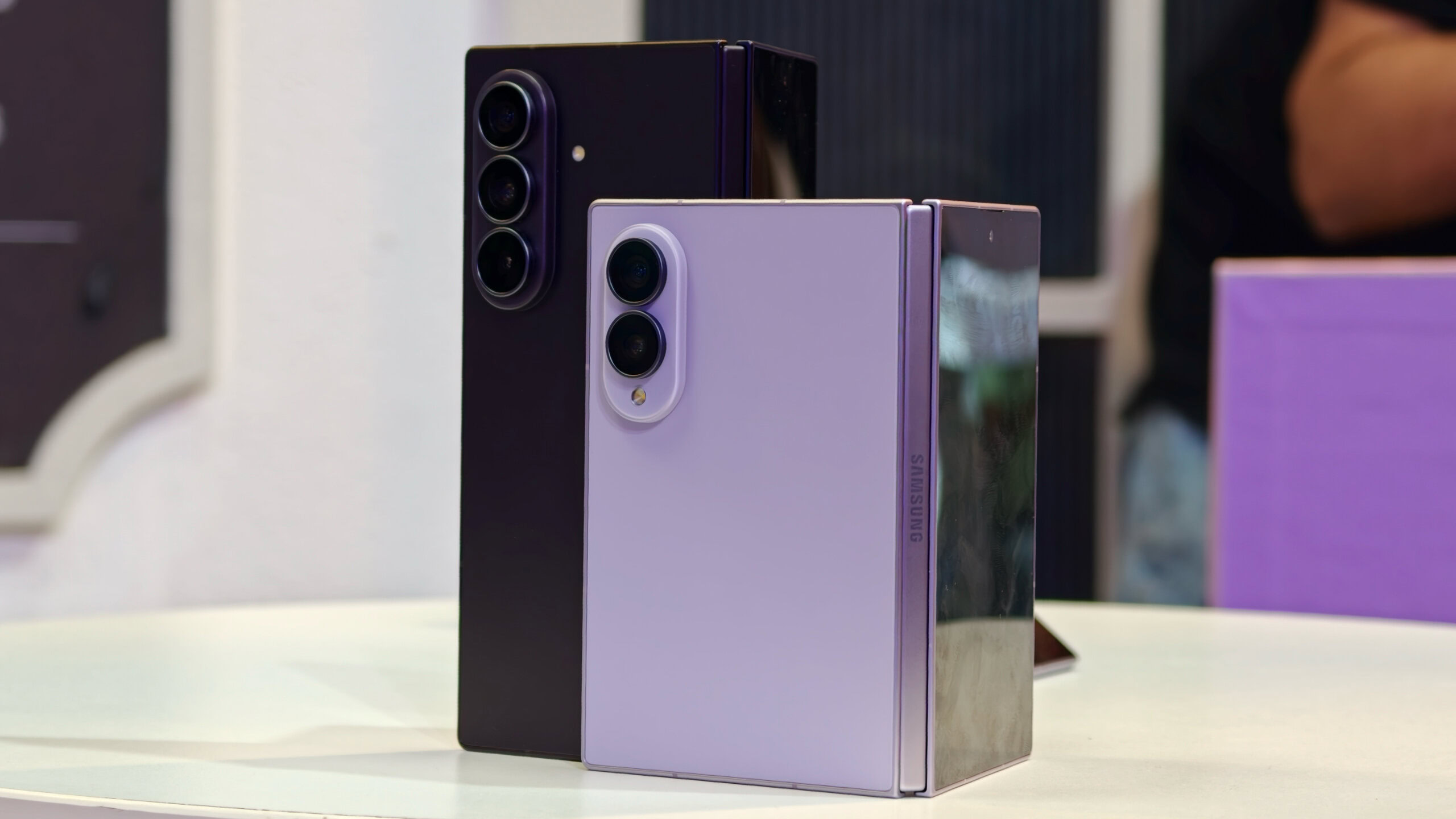
Sanuj Bhatia / Android AuthorityTL;DR Samsung introduced USB webcam support with this year’s Galaxy S26 series. The feature now returns on all three of the company’s new foldables. After connecting to your PC over USB-C, tap your charging notification to activate webcam mode. Samsung’s new foldables are finally official, and while this year everyone’s talking about the extra-wide hardware form factor debuting as the Galaxy Z Fold 8, there are nearly just as many reasons to be excited about Samsung’s latest software. These devices mark the arrival of One UI 9 stable, and we’ve spent a lot of time since documenting all the big changes present in this release. Our latest, though, actually marks the return of one upgrade we’ve already seen hit Samsung flagships before, as the new foldables all learn a handy USB trick.We’re talking about the ability to connect your smartphone to a computer over a USB cable, and use your phone’s camera as a PC webcam. The Galaxy S26 series already offers this option, and Google brought it to Pixels back during the Android 14 era, but we’re always still happy to see it coming to more hardware.While none of the Galaxy Z7-series foldables supported this option, we can confirm that it’s indeed present on the Z Fold 8, Z Fold 8 Ultra, and Z Flip 8 (Thanks: Dylan H).Just plug any of them into your PC, and then tap the charging notification on the phone to get your list of USB options — including webcam mode.With the ability for (most of) these foldables to easily fold open halfway to act as a built-in stand or just directly prop the camera up, this webcam mode is arguably even more useful here than it was on the Galaxy S26.Hopefully this is also our sign that Samsung intends to stick with its support for this mode, and we might hope to expect to similarly find it on new Galaxy models going forward. Make sure to give it a shot when your own Z8 foldable arrives early next month — or get your pre-order in now if you haven’t yet!Thank you for being part of our community. Read our Comment Policy before posting.
Samsung’s new foldables are borrowing this Galaxy S26 USB trick
Full Article
Original Source
Read the full article at Androidauthority →KhanList aggregates and links to publicly available news content. We do not host full articles from third-party sources. Always verify important information with original sources.