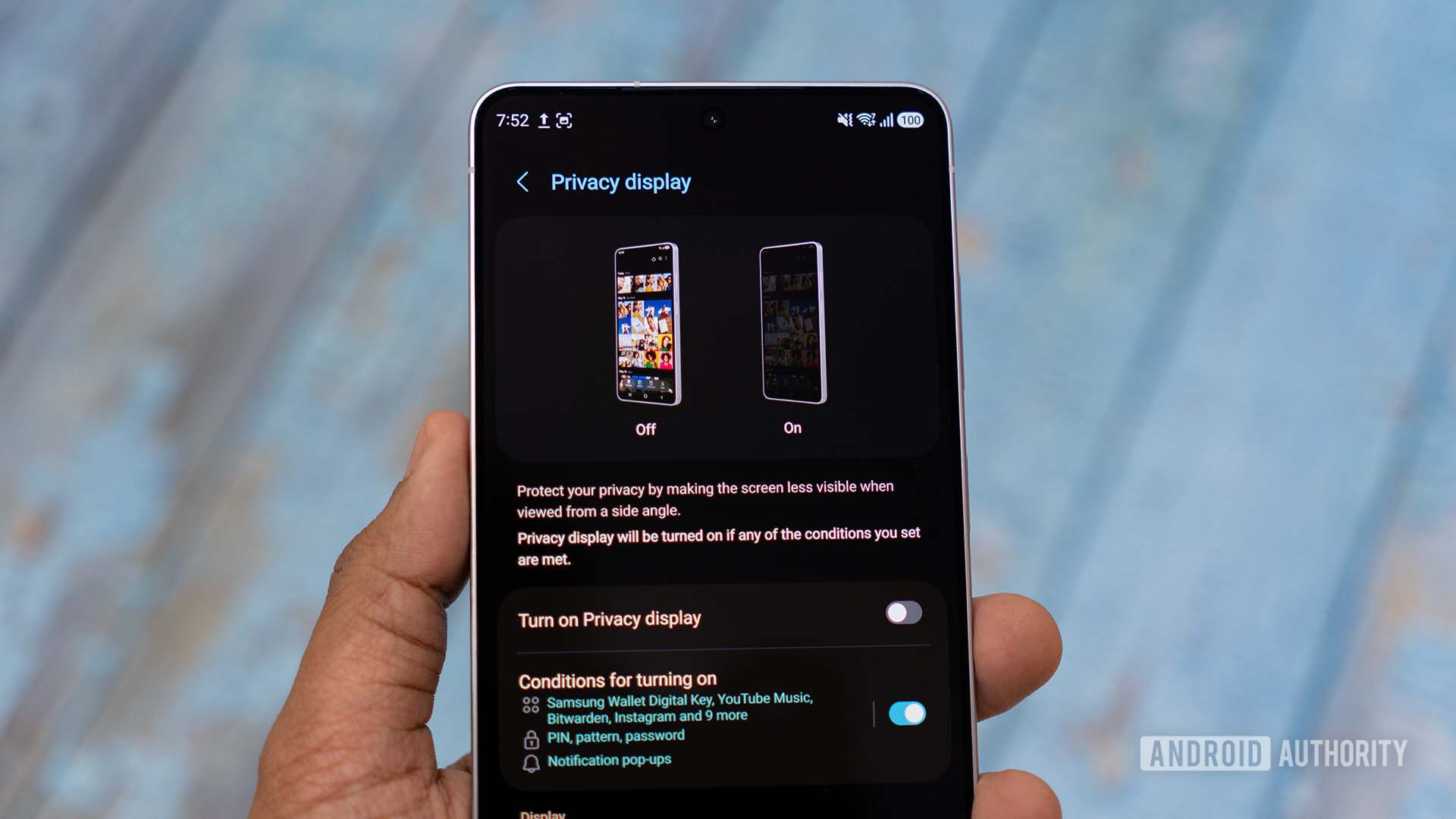
Aamir Siddiqui / Android AuthorityTL;DR The latest One UI 9 beta improves the Galaxy S26 Ultra’s Privacy Display. Privacy Display now plays well with videos playing in picture-in-picture (PiP) mode. It leaves the rest of the screen unobscured by the Privacy Display tech, so the phone can be used normally. The Galaxy S26 Ultra’s Privacy Display feature has its pros and cons. It might not be as effective as dedicated privacy screen guards, but it’s also more flexible. It can be set up to hide notifications only or work with specific apps. Now, Samsung is making it even better with the latest One UI 9 update for the S26 Ultra.According to an X post from leaker Ice Universe, the latest One UI 9 Beta 4 update improves the Privacy Display’s integration with picture-in-picture (PiP) mode. So, if you’ve enabled Privacy Display for YouTube and you play a video in PiP mode, only the PiP window is obscured by Samsung’s display tech. The rest of your phone’s display will remain perfectly bright and normal.Previously, switching to PiP mode would keep the entire phone screen covered by the Privacy Display, making it less useful. This seems to be similar to the Privacy Display improvements Samsung showed off at MWC earlier this year. Back then, the company clarified that the improvements were fully compatible with its current-generation Privacy Display tech.In a notice posted on the Samsung Community describing the new Privacy Display feature, the company also clarifies that users will be able to drag the PiP window around, and the Privacy Display will continue covering it properly. Users will also be able to use features like the Edge Panel without the PiP Privacy Display covering them.If you’re using an S26 Ultra, you can check for One UI 9 beta updates from the Samsung Members app.Thank you for being part of our community. Read our Comment Policy before posting.
Samsung just made the S26 Ultra’s Privacy Display a lot more useful
Full Article
Original Source
Read the full article at Androidauthority →KhanList aggregates and links to publicly available news content. We do not host full articles from third-party sources. Always verify important information with original sources.