
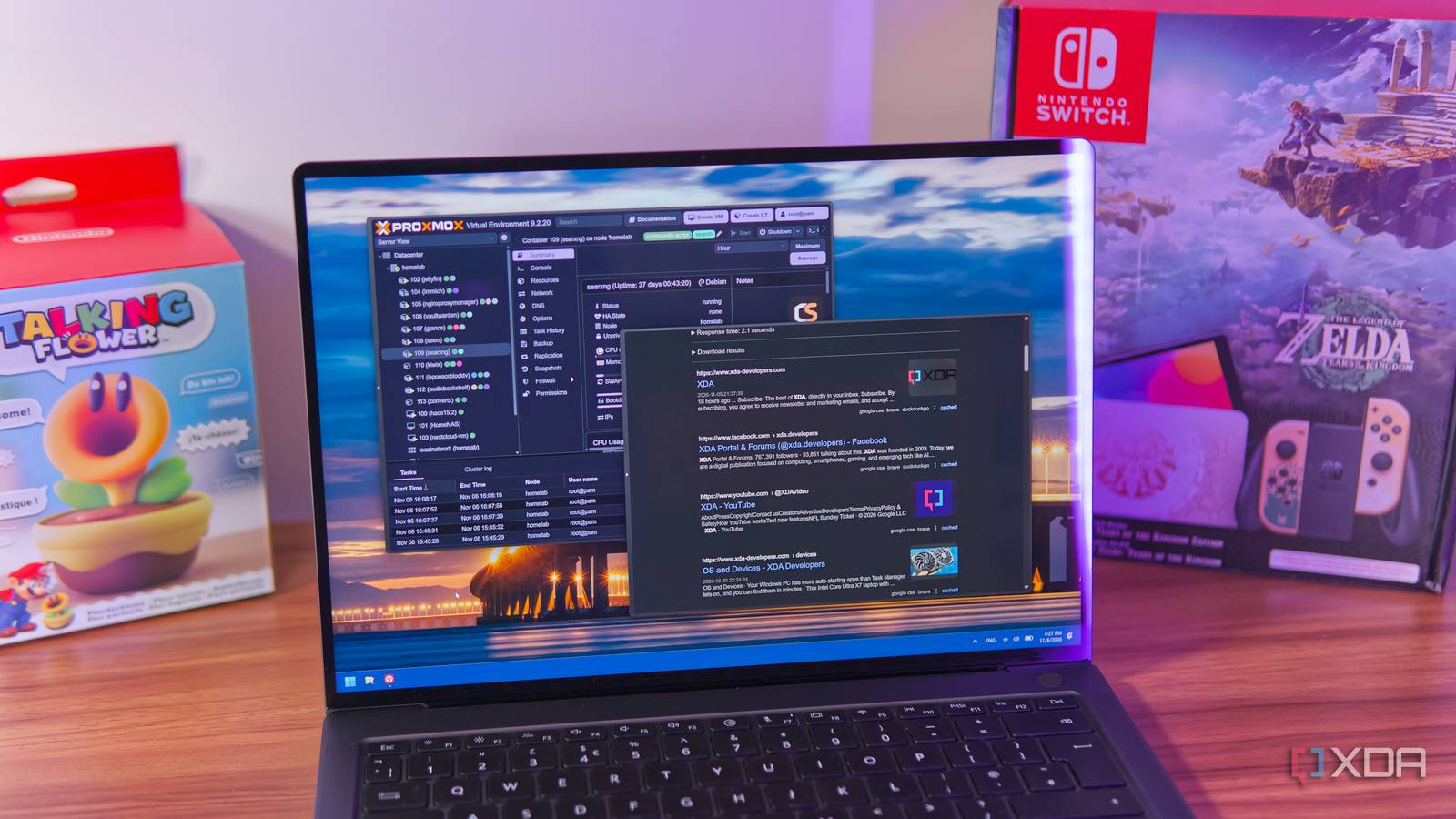
Published Nov 7, 2026, 1:30 PM EST João has been covering the tech world for over 7 years, with a heavy focus on laptops and the Windows ecosystem. I also love all things tech and videogames, especially Nintendo, which he's always happy to talk about. Prior to joining XDA in 2021, he worked at Neowin: https://www.neowin.net/news/poster/jo%C3%A3o-carrasqueira/ Self-hosting is a challenging but worthwhile adventure for anyone who loves tech. Whether you just want to learn more about what's possible or you're seeking independence from big tech oligopolies and cloud services, self-hosting is truly wonderful. When it comes to self-hosting, you'll probably hear the name Docker more often than anything else, but for me, Proxmox has become the way to go. Not only is it very easy to use, but Proxmox's LXC containers launch almost instantly, and it's made it much easier to self-host anything I want. Proxmox containers are fast Beating Docker at its own game Docker may be the most popular name when it comes to self-hosting — partly because you can just run it on any operating system — but it has some downsides. As far as performance goes, LXC containers like the ones used by Proxmox can be a bit faster, and more importantly, Proxmox starts its containers almost instantly. It's not that Docker takes ages to start most containers (though I do remember waiting several minutes for Nginx Proxy Manager to start up when I was using it in Docker), but Proxmox is just so much faster. So many times I've had to restart a container for one reason or another only to find myself thinking "there's no way it's already running again." I always expect a bigger delay than it actually takes to boot up. This speed makes it much easier to fire up a container whenever I need or want to test anything. I can leave containers turned off most of the time if I don't need them and just fire them up in seconds when I want to use that specific service. A good example would be something like ConvertX, a file transcoder that lets me convert audio or video files easily on any device. I don't need that running all the time, but it's great to be able to start it in seconds and use it for what I need at a moment's notice. If you want to get even more intricate, you can integrate Proxmox into Home Assistant and create automations that start your containers and interact with them as needed. The ease of setup is the real deal Getting started has never been so easy It's not just about how quickly the containers start, though. Perhaps an even bigger deal is how quickly and easily I can deploy them. It's gotten to a point now where whenever I see anything about a cool Docker container, my first instinct is to look for an alternative to deploy it in Proxmox so I can test it there instead. It's all thanks to Proxmox community scripts, which make things absolutely breezy. While some containers still require a bit of setup because they're based around managing my files, most of my self-hosted services can just be deployed. Copy the script's command, allow it to install, and it's up and running. Any additional configuration that may be required can be done in the container itself. My frustrations with Docker mostly come down to storage mounts, frankly. And I understand that will probably inspire someone to say "it's easy if you know what you're doing", but that's the thing: Proxmox rarely requires me to think that way. I can just do it, and it works. I've wasted so many hours and found myself frustrated too often because Docker containers are just too annoying to figure out. Compose files make it a little easier to manage, but it's still not as simple as Proxmox. Proxmox is the perfect testing ground My self-hosting library keeps growing Since I moved my collection of self-hosted services from TrueNAS (with Docker) to Proxmox, the ease of use has allowed me to test many more services, and sometimes keep more of them too. I've deployed Seerr for Jellyfin, Kiwix to self-host my own Wikipedia, and Glance to give myself a custom homepage with information I care about. Since they start up so quickly, it's also great that I rarely have any downtime with my services. If I have to update a container, I run the update command and restart it, and it's all up and running again in a couple of minutes, including the update process. And because setting up and ditching these containers is so easy, I've also tried a lot of things that didn't stick, but it didn't feel like a waste of time or effort. I've tried deploying RomM for self-hosting some retro games, and it was incredibly easy to get going, but it's not something I actually use, so I was able to just get rid of it. It's very easy to deploy these containers in a couple of minutes and then delete them without having to worry about cleaning up my storage. It's all handled for me in the background. Great for beginners and veterans alike The speed and ease of use that come with Proxmox's containers can't be understated. Proxmox allowed me to get into self-hosting in the first place, first by hosting a TrueNAS VM where I ran Docker, and now, it's taken over Docker because of how easy it is to use and how quickly I can get something up and running if I need it. Proxmox
Proxmox containers start in seconds, and it changed what I bother self-hosting
Full Article
Original Source
Read the full article at Xda-developers →KhanList aggregates and links to publicly available news content. We do not host full articles from third-party sources. Always verify important information with original sources.