
Published Aug 23, 2026, 6:00 PM EDT Jasmine is Software and PC Hardware Author at XDA with years of tech reporting experience ranging from AI chatbots right down to gaming hardware, she's covered just about everything. Whether it's breaking news about the latest AMD NPUs or creating video tutorials on social media platforms, Jasmine has contributed to the world of AI and tech in a variety of ways including interviewing the CEO of Razer, AMD's Director of Product Marketing and the VP of Lenovo. Passionate about gaming and PC technology, she has built countless computers, keyboards and other peripherals - knowing them inside and out. There is a major hardware contrast between my $2,500 custom gaming PC that features an RTX 40-series GPU, a high-end 4K HDR display, and a Gigabit fiber connection, and a $30 Amazon Fire TV Stick plugged into the same monitor. Yet somehow my PC delivers a blurry, artifact-ridden 720p or low-bitrate 1080p Netflix stream, and the streaming stick offers crisp, instantaneous 4K Dolby Vision with zero user configuration. The issue isn't my hardware or even my internet speed causing the bitrate collapse. It's a labyrinth of digital rights management (DRM) pipelines, broken hardware certification chains, and software encryption standards. While dedicated streaming sticks are engineered from the silicon up as closed, hardware-secured DRM appliances, the open nature of a personal computer leads Hollywood content distributors to treat your PC as an untrusted piracy engine. The result is a broken streaming experience in which PC users pay for 4K premium subscriptions but receive sub-HD streams due to DRM handshake failures. Why are PCs restricted from 4K streams? Security protocols make it hard There's a DRM hierarchy and, unfortunately, web browsers sit pretty much at the very bottom. Most desktop browsers, such as Chrome, Firefox, and Brave, rely on Widevine L3, which handles content decryption entirely in software (SW_SECURE_DECODE). Because software memory can theoretically be screen-recorded or intercepted, streaming platforms penalize desktop browsers by capping playback resolution to 720p, or sometimes to basic 1080p. This is essentially to stop piracy even if you are paying for a 4K subscription package. On the contrary, streaming sticks utilize Widevine L1 or dedicated silicone TEE-trusted execution environments where decryption and video decoding occur in a physically isolated hardware pipeline (HW_SECURE_ALL). This means distributors can be a little more confident that you're not pirating the content you're watching, thanks to this closed environment. You can take advantage of Microsoft Play Ready SL3000, which is a 4K playback feature that you can access on Windows, but it historically required Microsoft Edge or the native Windows app. This is because Netflix mandates hardware-enforced PlayReady DRM and Windows Media Foundation hardware security to unlock those 4K HDR bitrates on PC. However, Netflix recently retired its legacy UWP Windows desktop app in favor of a progressive web app and a web wrapper, stripping offline downloads and making DRM negotiation even more fragile. There are more issues you might encouter They seem never-ending Alongside this, there's another hidden issue for PC builders: high-bandwidth digital content protection requires an unbroken chain. Meaning that if you have a 4K HDR primary monitor paired with an older secondary 1080p monitor, or a non-compliant DisplayPort or HDMI cable, the GPU drops the entire display session to the lowest common denominator (as a result, capping Netflix at 1080p SDR). Let's say you resolved this. There might be a missing HEVC codec. Windows doesn't bundle native H.265/HEVC decoding out of the box. Unless users manually purchase and install the Microsoft Store HEVC video extensions package, Netflix refuses to serve 4K streams and then falls back to legacy AVC/H.264 at 1080p. Even if you have all of these issues rectified, you might then encounter a GPU driver or Chromium issue. Minor driver bugs or display scanning settings can cause Chromium/Edge to disable hardware secure decryption. This silently strips 4K access without any error message, and it might even be really difficult for you to uncover that this is a problem. There are resolutions The easiest one is buying a streaming stick There are ways to fix some of these issues on PC. If you feel like you're watching Netflix on your gaming PC and not getting the quality that you're expecting or paying for, then the first thing you need to do is inspect the hidden stream stats. You can press Control+Alt+Shift+D while streaming on Netflix, and it should appear as an overlay. On the overlay, the playing resolution should be shown, and you should be able to identify whether it's streaming at 1920x1080 or 3840x2160. You can also check the key system. com.widevine.alpha.SW_SECURE_DECODE means software-capped; com.microsoft.playready indicates hardware DRM. And you can also check the video codec. avc1 indicates legacy H.264; hev1/hvc1 indicates 4K HEVC. Once you've identified the issues, here's a checklist to stream 4K to your PC. The first thing you need to do is install the correct codec. Grab the official HEVC video extension from Microsoft. Once you've done this, it's time to isolate your displays. Disconnect any non-HDCP 2.2 secondary monitors. And ensure you are using a compatible browser. The best option is Microsoft Edge with hardware acceleration and Play Ready DRM flags enabled. And lastly, verify your GPU DRM flags. You can double-check that hardware-secure decoding is not blocked by a driver bug and, if it is, update all your drivers. One of the easiest ways to avoid all of these issues is just buying yourself a $30 streaming stick, whether that's an Amazon Fire Stick or a Google Chromecast, and plugging it into the second port on the back of your monitor. Switch over to it whenever you want to watch media, and you don't have to deal with any of these headaches. You just get 4K straight out of the box. Use your PC for what it's good for Streaming is not one of those things A PC is one of the most powerful media creation and gaming platforms on earth, but when it comes to consuming commercial streaming media, its greatest strength, which is its open and modular architecture, is treated as an inherent security threat by Hollywood copyright holders. Rather than constantly troubleshooting browser flags and HDCP handshakes, if you want pristine 4K HDR playback on your high-end desk monitor without the headaches, plug a cheap $30 streaming stick into your monitor's second HDMI port and let your PC do what it does best: gaming and work.
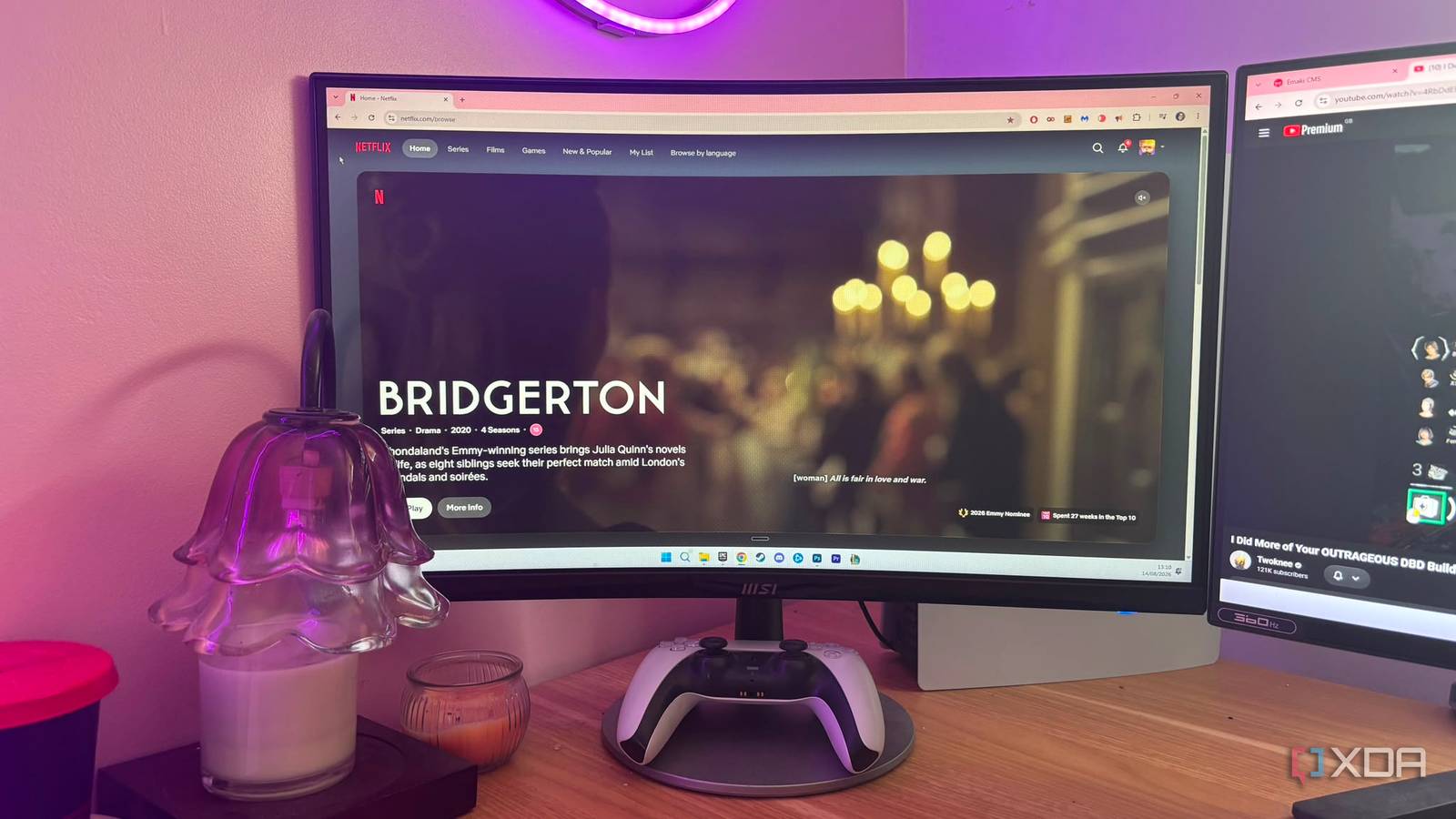
Netflix looks worse on my PC than on a $30 streaming stick, and it isn't the hardware
Full Article
Original Source
Read the full article at Xda-developers →KhanList aggregates and links to publicly available news content. We do not host full articles from third-party sources. Always verify important information with original sources.