
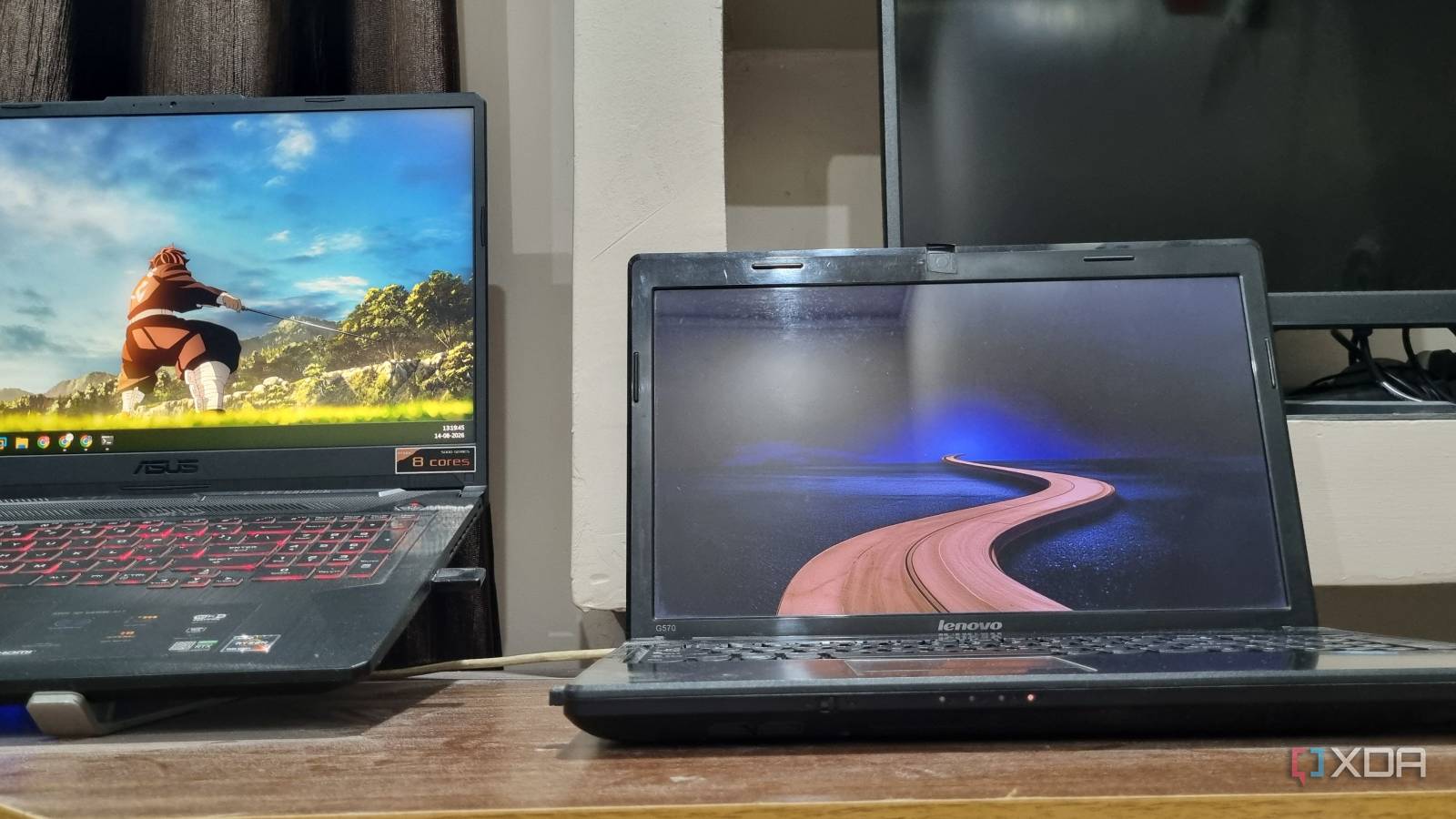
Published Aug 24, 2026, 8:00 AM EDT Abhishek is an author at XDA who covers computing. He has loved computers since he got the Lenovo G570 in 2012. Abhishek holds a master's degree in computer applications and began his writing career in 2018. He loves writing how-to articles, listicles, and informational posts on popular operating systems and web services. He closely follows the Windows Insider program and tests new Insider builds to discover upcoming experimental features and upgrades. His past work includes long-term collaborations with reputed publications like Tom's Hardware, and Windows Latest. When not writing anything, he is busy watching new episodes of One Piece or searching for something binge-worthy. Devices that once served a great purpose in your life slowly become neglected as they become technologically weaker or obsolete. I have a decent collection of such devices, ranging from old Hi-Fi speakers to smartphones and laptops that feel outdated by today's standards. My oldest laptop was tucked inside a cabinet, collecting dust because it couldn't run the latest operating systems anymore. It was also too weak for mainstream Linux distributions like Ubuntu, which also ran poorly on the old hardware. However, I decided to give it another chance, not as a primary computer, but as a home server that can run compatible apps on limited hardware. It was a great learning experience, because even a severely outdated computer can be powerful in roles you never imagined before. Finding an appropriate operating system Saving it from becoming abandonware My mother often asks about the poorly organized old devices I frantically stuff into drawers, lower sections of cabinets, and more. I rarely sell old phones, and I have a Nokia from the 2000s still lying with other keypad phones somewhere. The laptop is a bigger, easily noticeable device that cannot escape anyone's eyes. The obvious suggestion is to sell it as scrap, but I don't indulge in that practice. My old laptop has a dual-core Intel Core i3 processor. It's a second-generation processor that debuted in 2011 and was a great entry-level CPU for everyday computing and light gaming (with a discrete AMD Radeon 6370M GPU). I played so many games on it, including the Assassin’s Creed Ezio trilogy, Spec Ops, and Splinter Cell Blacklist. But the GPU stopped working in 2016, and so did a fan, and I switched to a second-hand laptop from my cousin in 2018. I used my Lenovo laptop only for file downloads until browsers stopped supporting Windows 7, which ended its occasional use. So, picking a mainstream distribution for it wasn’t a wise strategy. My only options were trimmed-down Linux distros that would use little memory and leave the rest for the actual server setup and apps. I tried AntiX, Mint, and MX Linux, and found the third one better for my use case. I tried each one, and Linux Mint had the highest memory usage. AntiX and MX Linux had nearly the same usage, but with the MX Linux Fluxbox edition, I could get a great set of additional tools and a very lightweight desktop environment. I had to commit only 500MB of memory to the OS, leaving plenty for my projects. Picking a distro with a lightweight desktop environment was necessary because the laptop struggles with modern ones like KDE Plasma and GNOME. Better than direct app installs When you run a server, you sometimes need to monitor it remotely. The traditional way to run any app or tool is by using your default package manager to install it. But containerization is a slightly different approach. A traditional app install can use existing dependencies or add necessary ones. It’s great for conserving storage, but sometimes different apps can request different versions of the same dependency. For example, one app might need an older version of a library while another needs a newer release. So, conflicts can occur when you try to run apps that need separate versions. Docker solves this approach by separating each app install into containers. Each container includes everything the app needs to run. But won’t that waste storage and cause dependency hell? Yes, it uses extra storage, but there’s no conflict because Docker’s USP is container isolation. All the container files and dependencies remain isolated from each other unless specified otherwise. It’s also great to manage multiple tools because Docker creates each container as a separate environment. You can restart it and troubleshoot it without affecting other containers’ activity. On a traditional system, you can restart the app and service at best, but that doesn’t work all the time. A container restart grants a fresh runtime environment, and that's why I prefer Docker. Before hastily installing all the tools, I made one more addition to the laptop. I installed Tailscale because, without it, my laptop would only be accessible inside my home network. Remote access becomes a major problem after you switch to self-hosted services, so figuring it out beforehand is a wise strategy. I added my laptop to the Tailscale account, which already has other devices like the Raspberry Pi Zero 2W. Adding services that save money Keeping my data private Once Docker and Tailscale were up and running, all that was left was to find and deploy the best self-hosted tools. I started with a pretty basic one, OmniTool, which is a lightweight toolkit for file operations, conversions, and other tasks. I also added BentoPDF, a lightweight PDF editor, and a password manager. My primary focus was to use it for these tasks and act as a local cloud backup device. To do so, I added NextCloud as the next container and began storing my personal files on it. Using a local cloud backup solution offers several advantages, including better privacy and no recurring subscriptions. NextCloud syncs data from my phone and PC and saves it to the disk. There are a few more tools, mainly for Docker management, and all of them comfortably work on the old laptop. My laptop’s battery doesn’t work, but I’m not worried because I have a separate inverter backup kit installed in my home to tackle power outages. It supplies electricity to specific outlets in each room and can run these low-power devices like laptops, routers, lights, fans, and a few more appliances. A new purpose While the hardware might not be ideal for modern desktop use, it can still power all these tools. The screen stays off, and the total power usage doesn’t exceed 15–20 W. Curious people tend to buy an SBC when they want to try self-hosting, and even I made that mistake. But an old laptop is a perfectly good server if you pick the right OS and tools. You don’t need to spend money on buying SBCs and their huge accessories kit because of the abrupt surge in prices. OmniTools A self-hosted, open-source collection of tools designed to cover all PDF-related tasks and replace various online data and media tools.
I turned an old laptop into the most useful device in my house, and it took an afternoon
Full Article
Original Source
Read the full article at Xda-developers →KhanList aggregates and links to publicly available news content. We do not host full articles from third-party sources. Always verify important information with original sources.