
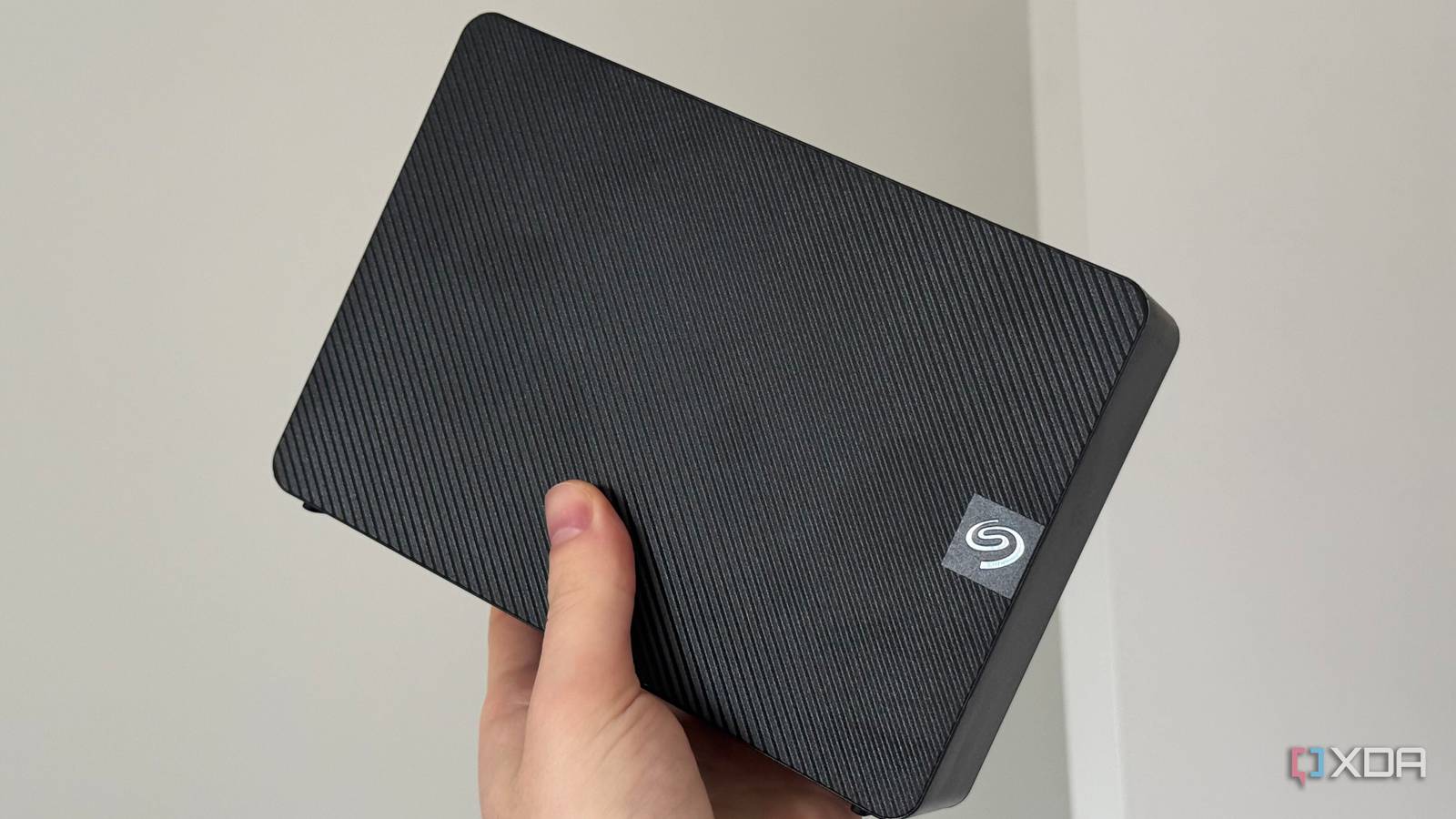
Published Aug 24, 2026, 5:00 PM EDT His love of PCs and their components was born out of trying to squeeze every ounce of performance out of the family computer. Tinkering with his own build at age 10 turned into building PCs for friends and family, fostering a passion that would ultimately take shape as a career path. Besides being the first call for tech support for those close to him, Ty is a computer science student, with his focus being cloud computing and networking. He also competed in semi-pro Counter-Strike for 8 years, making him intimately familiar with everything to do with peripherals. It's very easy to preach about a 3-2-1 backup scheme, but actually doing it takes time. It's not particularly difficult, but the money and effort requirement are often what keep most from actually implementing one. Since growing my family and beginning to move more things to the self-hosted realm, I realized that a cold storage backup for my NAS was now mission-critical. Despite the steep rise in storage costs, I bit the bullet and bought an 8 TB external HDD to use for that exact purpose. I plug it in, copy the files across, and then unplug it until the next backup, and that's the only reason why cold storage works. Cold means disconnected, and that's the mechanism that makes it survive things the primary (and even off-site copy) cannot. An attached drive is another potential target If a drive is mounted at all, it's vulnerable Many of the failures that actually plague something like an Immich photo library or ZFS tank have nothing to do with the actual disks themselves, but rather the user or a malicious actor. In the case of user error, all it takes is a bad command with the root shell, or a backup script that is pointed at a corrupted source. For malicious actors, ransomware is a real threat, and keeping your backups offline means one less potential target for them to attempt to compromise before going after the primary copy. A backup that is mounted is vulnerable to this, and if all copies are mounted, you'll be left with very few options in the event of an attack. None of this is solved by redundancy, as that's a fundamentally different concept. Redundancy protects against hardware failure, and it's why I have two 8TB disks in a mirror. Those disks are always mounted, and any one of these potential events can happen to a drive that's always mounted. For a cold storage drive that's air-gapped, however, the only commands that are sent are ones that I intend to send, and then once it's finished, it's unplugged and on a shelf. ZFS mirrors don't solve this issue either It keeps your stored data safe from corruption Checksums on every block with ZFS protects your data from any kind of silent corruption on reads, and scrubs will fish them out proactively. With a mirror, the good copy repairs the bad one, and that's what ZFS affords you on two or more disks. With that said, it's entirely done at the file-level, so asking it to help with an accidental delete is useless. Deletes mirror onto both drives with matching checksums. Doing a rollback can save you here, but those snapshots live inside the pool itself, so losing it, the HBA, or the machine it runs on means the snapshots also go. I made running my cold backup a 30-second job Zero friction The main reason why most people (myself included) leave the drive attached at all times is friction, but a quick script solves most of this. Starting with fstab, an entry with noauto,nofail and a short timeout will solve the problem of a system that hangs on boot when the drive isn't connected. Then, one script should do everything. Mine takes a recursive ZFS snapshot of the Immich datasets, rsyncs out of the snapshot path so the copy is consistent without stopping the container completely, and then hard links the unchanged files against the previous run so they aren't rewritten with every script run. The first run took the better part of an hour, but subsequent runs finish in a few minutes. I also opt to only back up the data that is irreplaceable. This, to me, means photos and documents, not every byte of data on the drives, since a lot of it is stuff I have downloaded that I'm sure I could find again. There's no replacement for an off-site backup The "1" in "3-2-1" is key An air-gapped drive protects you from a catastrophic hardware failure and a malicious actor, but it doesn't protect against a fire, flood, or physical theft, and that's why the "1 off-site backup" element of the 3-2-1 backup scheme is key. I can plug in my cold storage drive as much as I please, and even add more drives to my ZFS mirror for extra redundancy, but none of that matters in the event of a physical catastrophe. For a photo library of my size, an encrypted object storage tier runs a few dollars a month, which is well worth the monthly payment. I got into self-hosting to get away from monthly payments, but there is simply no substitute for an off-site backup. It's not clever, but it's functional Yes, I do have to walk over to my server every couple of weeks, plug the drive in, and run the script, but that's a very small price to pay in effort for something that helps keep my data safe. My ZFS mirror covers the potential technical failures that can potentially arise with storing this much data on an always-on system, but it doesn't protect against accidental commands, ransomware, or catastrophic hardware failure. My cold storage drive, does, and the only reason why is that I keep it entirely disconnected when it's not actively running a backup.
My most important backup lives on a drive I unplug, and that's the entire reason it still works
Full Article
Original Source
Read the full article at Xda-developers →KhanList aggregates and links to publicly available news content. We do not host full articles from third-party sources. Always verify important information with original sources.