
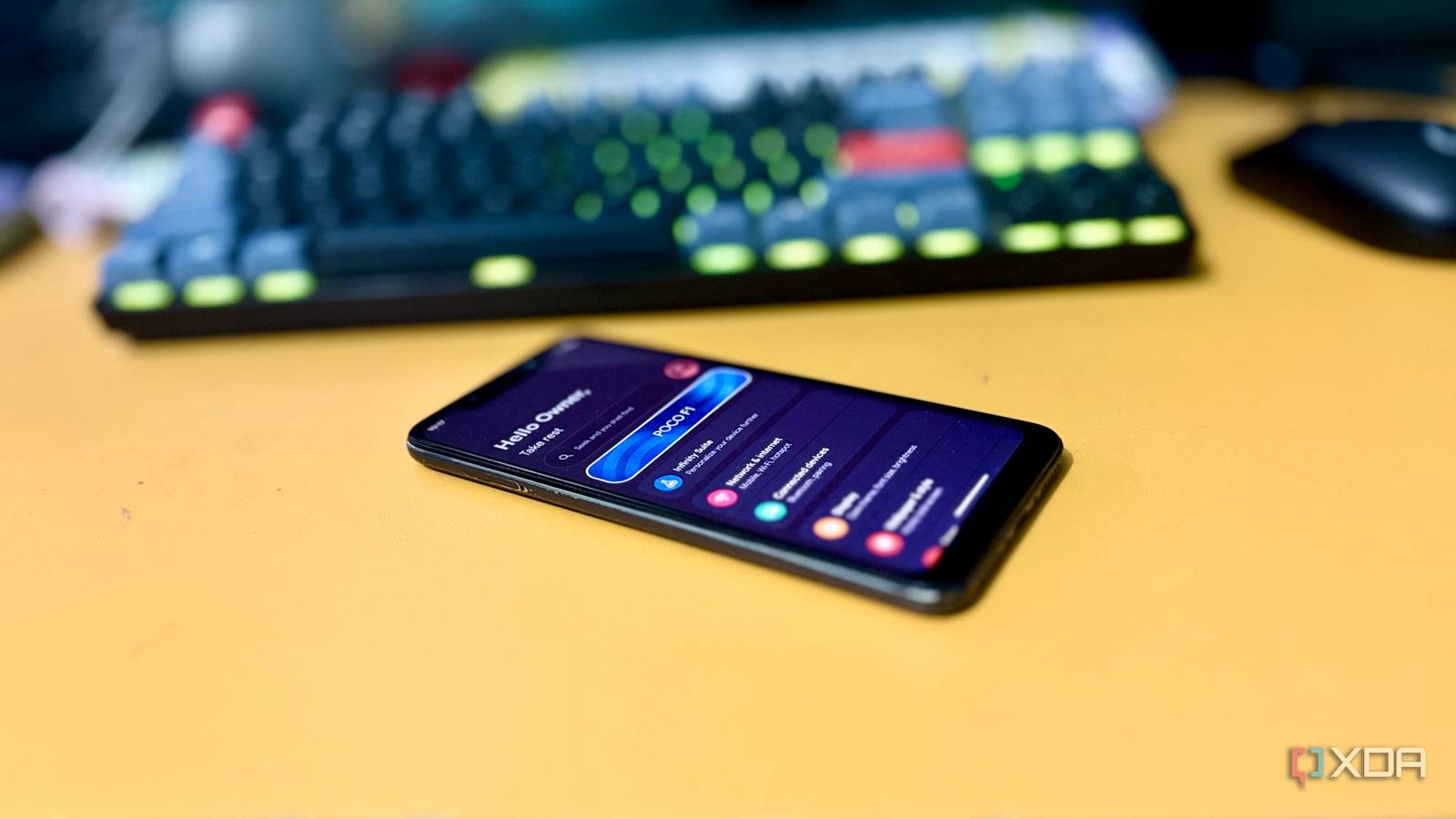
Published Aug 22, 2026, 11:00 AM EDT Shekhar Vaidya is a veteran technology journalist and computer science engineer. He is the founder of TechLatest, where he has spent years providing technical analysis on hardware and Windows ecosystems. Now a Computing Writer at XDA, Shekhar leverages his deep background in NAS, storage solutions, and PC internals to help readers master their tech. I have learned from months of self-hosting DNS that it is always better to keep it off your main homelab server. So, if the homelab goes down, it doesn't take your entire home network with it. I tested almost every DNS server, from Pi-hole to AdGuard Home to Technitium, but all of them ran on my main server. I finally decided to run it on separate hardware. A Raspberry Pi is often associated with DNS servers like Pi-hole because it’s cheap, tiny, and designed to sit quietly on a network. And Pi-hole doesn’t care whether it is running on a large or tiny device. I was also thinking of getting a Raspberry Pi. But before buying dedicated hardware for my DNS server, I decided to use my old Android phone, wondering whether it could take over a job usually assigned to a Pi. I almost bought a Raspberry Pi. Then I remembered what was in my drawer I already had the machine — I just wasn't using it Every other Reddit thread and tech forum recommends hosting a DNS server on a separate thin client. I hosted AdGuard Home (AGH) and Unbound on the same homelab server as my other self-hosted services. I learned the hard way why that was wrong. I repurposed an old work laptop for my homelab, which has around 12 GB of memory. It currently has more than 20 stacks, along with AGH. So, if any container takes an unusual load, it affects other containers, such as the DNS server, ultimately slowing down query resolution. I was thinking of getting a Raspberry Pi, especially for hosting my DNS server. But before committing to it, I remembered one thing: a few days ago, I wrote about using my old Android phone as a Linux server. If my old phone can already run Linux, why not try installing my DNS server on it and see how it goes? DNS servers are among the most common services homelabbers recommend on a Raspberry Pi because DNS filtering doesn’t require extensive CPU horsepower. And Pi-hole is the preferred choice, so I decided to go with it too. I already run AGH, so I wasn’t thinking of replacing it with Pi-hole. I chose Pi-hole because of its vast community. The final goal was to test whether an unused old phone could become a legitimate little server. I didn’t choose the phone because it had better hardware; it was unused hardware lying around and was effectively free. Installing Linux on the phone was one thing; getting it to behave like a DNS server was another. The build that kept fighting back Root was the easy part Pi-hole isn’t designed to work directly on Android phones because they don’t have root permission by default, and Pi-hole needs free port 53 to bind to. So, the first step was getting root permission, and it was sorted for me because my phone’s bootloader was already unlocked. Once that was done, my strategy was clear: Termux -> proot-distro -> Debian -> Pi-hole. I chose Debian because I was already using it on my home server; otherwise, Ubuntu or any other distro would work fine as long as Pi-hole supported it. I initially proceeded with the Pi-hole-recommended one-line automated install, but it refused to continue because it couldn’t detect the IPv4 route. After a long troubleshooting session, I found out that it was proot interfering with the installer’s ip route get detection. It was a false detection, so instead of the automated installation, I downloaded the installer and bypassed the check in the basic-install.sh file itself. After that, the installation proceeded normally. Once installed, I did the basic configuration, and it was the first sign that Pi-hole could finally work on a phone. curl -sSL https://install.pi-hole.net -o basic-install.sh sed -i '788s/.*/\t\t:/' basic-install.sh bash basic-install.sh Unfortunately, that wasn’t the only wall. Usually, Pi-hole expects the service manager to start FTLDNS, or pihole-FTL, automatically. But since Debian was running inside proot, systemd wasn’t directly available, so I had to start it manually. This was when the experiment shifted from “install Pi-hole on old phone” to “make Pi-hole behave like a server.” Once that settled, I faced another problem. su -c 'export PATH=/data/data/com.termux/files/usr/bin:$PATH; proot-distro login debian -- pihole-FTL' Inside proot, I could appear to be root, but it wasn’t the same as kernel-level root privileges. Because of the fake root, FTL couldn’t bind to port 53. I had to launch it from a genuine su root shell by giving Termux superuser permission via Magisk. But that wasn’t the last wall. FTL was silently dying because of proot’s --kill-on-exit behavior and FTL daemonizing. Finally, fixed it with pihole-FTL -f (no-daemon) to make it run inside a persistent tmux session. tmux new-session -d -s pihole "su -c 'export PATH=/data/data/com.termux/files/usr/bin:\$PATH; proot-distro login debian -- pihole-FTL -f'" After all these walls, I finally made it work on my old Android device. Pi-hole was finally working on it. FTL was running consistently. Dig returned real DNS answers. The admin dashboard was accessible and processing queries. Making it my only DNS server And living with it, asterisks and all Let me be clear upfront: I wasn’t trying to replace AGH with Pi-hole; I was purely testing whether old hardware lying in my drawer could be useful again. That said, setting up the old phone as a Pi-hole server was half the job done. Testing it on an actual network was the real verdict. Before relying on it, I needed to address one crucial step. At that point, Pi-hole worked, but I still had to start it manually. Working once wasn’t enough; it needed to survive a reboot. I used Termux:Boot to automate that part. I placed a small script in ~/.termux/boot/ so that Pi-hole could start on its own after a reboot. mkdir -p ~/.termux/boot nano ~/.termux/boot/start-pihole.sh #!/data/data/com.termux/files/usr/bin/bash tmux new-session -d -s pihole "su -c 'export PATH=/data/data/com.termux/files/usr/bin:\$PATH; proot-distro login debian -- pihole-FTL -f'" Once that was done, I changed the LAN DNS to my phone’s local IP on my dual-WAN router and kept it running for the next 24 hours. The next day, I opened the admin dashboard, and surprisingly, everything felt completely normal, like any other Pi-hole install. And that was an actual win for me. It processed more than 55K queries across my nine active devices. Out of those, more than 15% were blocked via the two blocklists and custom domains I added. There is a gap worth noting — no DoH/DoT out of the box. All DNS queries leave Pi-hole unencrypted. If you are privacy conscious like me, you will have to install something like dnscrypt-proxy to implement DoH. I have used it in my previous Pi-hole setup, and it would work fine here too with the same persistence treatment as FTL to survive proot's --kill-on-exit behavior. Since it's a phone acting as a DNS server, it is supposed to run 24/7; power is something we can’t overlook. The phone should either stay connected to power all the time or be disciplined enough to charge regularly. Recovery is another constraint that isn’t as polished as a bare-metal Debian server. Without a proper init system, you need to handle failures carefully. Finally, after the complex setup and a few minor asterisks, the result was fruitful enough that I could ignore the drawbacks. I am not saying everyone should just pick up their old Android phone and start building it. But if you are someone with no desire to spend on new hardware and enough patience to troubleshoot, it can be a good Raspberry Pi alternative. So, was it worth it? The experiment was more fruitful for me than it looked. The phone proved the concept, but it also showed me why homelab enthusiasts lean toward dedicated hardware. The hard part wasn’t running the Pi-hole on an old phone; it was making the phone behave like a server. In the end, my old Android phone handled the job. It served as my home network’s DNS resolver pretty well. The main difference between the phone and a Raspberry Pi is that the phone has better hardware, while the Pi is easier to set up and turn into a reliable server. Before buying dedicated hardware for a light service, see what’s already collecting dust in your drawer.
My old Android phone became a better DNS server than a Raspberry Pi, and it cost nothing
Full Article
Original Source
Read the full article at Xda-developers →KhanList aggregates and links to publicly available news content. We do not host full articles from third-party sources. Always verify important information with original sources.