
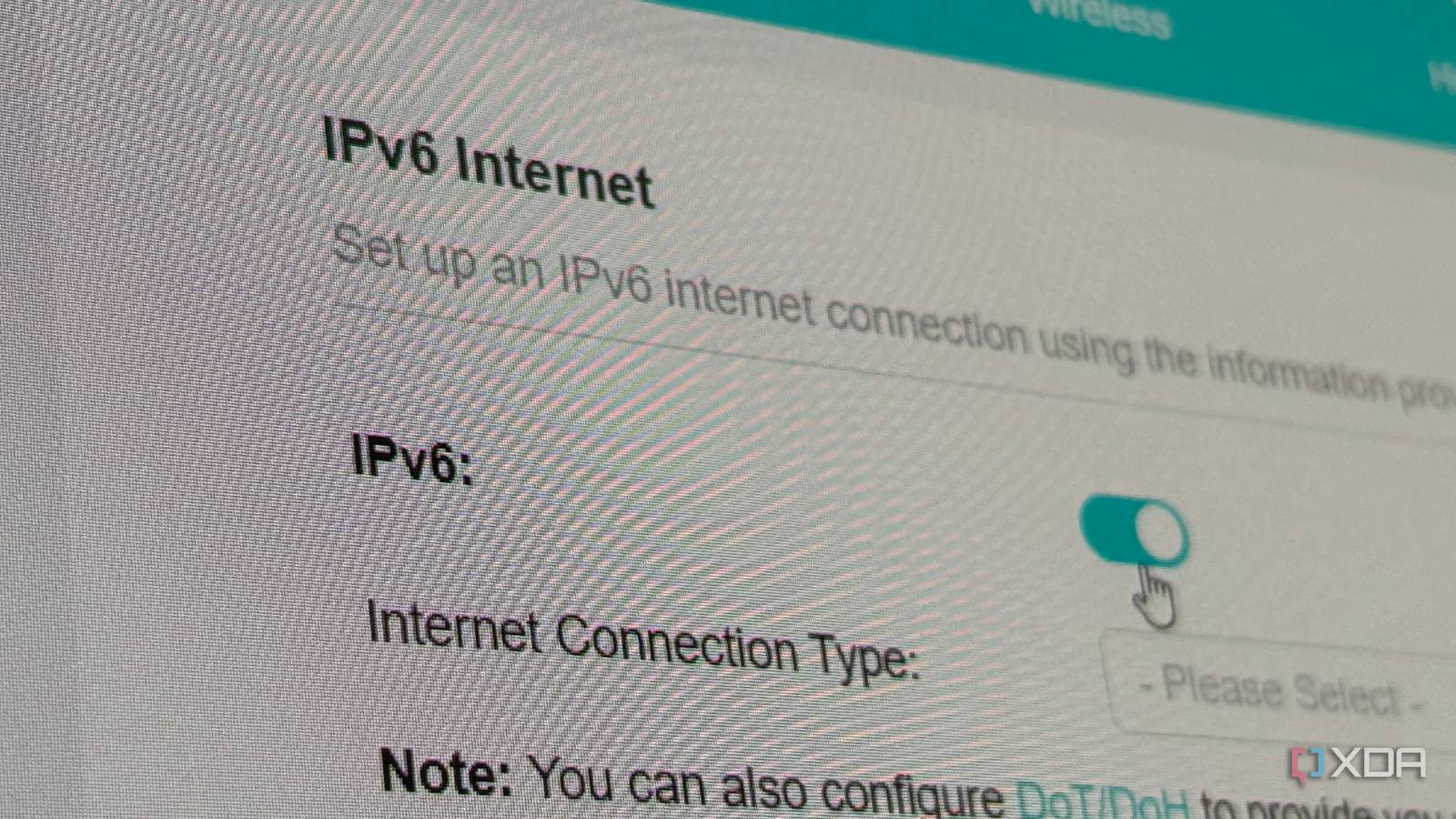
Published Aug 22, 2026, 2:30 PM EDT His love of PCs and their components was born out of trying to squeeze every ounce of performance out of the family computer. Tinkering with his own build at age 10 turned into building PCs for friends and family, fostering a passion that would ultimately take shape as a career path. Besides being the first call for tech support for those close to him, Ty is a computer science student, with his focus being cloud computing and networking. He also competed in semi-pro Counter-Strike for 8 years, making him intimately familiar with everything to do with peripherals. In my latest move a few months ago, I had to transition to a new ISP, and with that transition came the dreaded carrier grade NAT jail cell. My IPv4 was essentially blocked from self-hosting anything I expected to be accessible from outside my home network, but the good news is: my ISP does supply a dedicated IPv6 for me. I turned it on and started binding some services to it, and while those mostly worked without a hitch, I began seeing unusual behavior from my non-IPv6 applications. My gaming sessions began to be plagued by intermittent lag in VoIP as well as in the game server itself. My latency would occasionally spike, and in some particularly unlucky instances, become high enough to disconnect me entirely from the server. The culprit wasn't IPv6 itself, but I have a feeling it was my hardware's ability to handle it, because turning it off made my issues disappear. The traffic I was having issues with probably never touched IPv6 Discord and game traffic is primarily IPv4 When your PC needs to connect to a server by name, it asks DNS for that name's associated IP address, and in the case of IPv4, it supplies you with an A record. For IPv6, this is an AAAA record, and without it, there's no IPv6 connection to be had. In the case of gaming and VoIP traffic in my situation, none of that touches IPv6. The games I was experiencing latency issues in—Escape From Tarkov, Counter-Strike 2, and Battlefield 6—all run their servers through IPv4. Even the Steam website, account services, EA's services, API hosts, and Tarkov's game services all run on IPv4. Discord is similar, with its gateway host and CDN seemingly lacking AAAA records. This is not unusual, and I knew that going into the troubleshooting process, but there was an outside chance that IPv6 was involved somewhere I couldn't see. A missing AAAA on a public-facing domain doesn't mean every backend endpoint is IPv4 only, especially since matchmaking, voice relays, game servers, and other services can live on separate hostnames that a client only sees after they're connected. I can't see that from the outside, but the fact that I was experiencing issues on games that are known to be entirely IPv4, like Counter-Strike, meant the issue probably isn't IPv6 routing. It did mean it was probably due to traffic happening inside my house. Consumer routers have a record of not handling IPv6 very well This is a common problem IPv6 misbehaving is a tale as old as time, but having it affect IPv4 traffic was a new symptom for me, and as it turns out, this isn't an issue unique to me. The first problem is hardware acceleration. Routers that tend to be on the cheaper end of the spectrum can't forward gigabit traffic in software, so they push packet handling to the dedicated silicon and let the CPU idle. The faster paths here are usually built for IPv4, and turning on dual-stack can cause them to fall to CPU forwarding or disable acceleration outright. It's not exclusive to cheap routers though, either. During my troubleshooting, I found a forum post from September 2025 where a user detailed that they were having issues with two ASUS RT-BE88U routers in a mesh system, and those aren't exactly budget units. They said they had fixed a disconnection issue by turning off IPv6, and by the translated Italian in the post, it sounds like their issue is slightly different from mine, but it's further proof that IPv6 does weird stuff to IPv4 traffic if you let it run amok. The second issue is a multicast one. IPv6 leans on multicast for jobs that IPv4 handles with ARP or broadcast, particularly neighbor discovery, which is how devices find each other on a local network. Switches and APs are supposed to limit that traffic using MLD snooping, which is the IPv6 equivalent to IGMP snooping for IPv4. This is, historically, poorly implemented in consumer gear. A switch I swapped out during this whole debacle, my TP-Link TL-SG108E, doesn't mention MLD snooping anywhere in its specs, which probably means IPv6 multicast is completely unknown traffic to it. Unknown multicast either gets flooded to all ports or dropped, and neither is great. Turning it off was a last resort Being behind CGNAT means IPv6 is my only way to self-host without relying on VPN relays Turning off IPv6 was the troubleshooting option that stood out to me right away, but I was trying my best to avoid it. Being behind CGNAT means I share a public IPv4 with other customers, and that mechanism prevents me from self-hosting applications and services I want others to access without the use of a VPN. But I couldn't solve it, and it wouldn't happen consistently enough for me to be able to properly capture what was happening. After trying different configuration options, static addressing, disabling IPv4 on some services and devices, I finally caved and disabled IPv6, and I haven't experienced a single issue since. IPv6 is staying off for good The unfortunate part about all of this is that I can't prove it was IPv6's fault, but the fact that the latency issues only came after enabling, and went after disabling, means that I have to assume it has something to do with its implementation with my current hardware setup. The protocol itself has proven to be solid under serious scrutiny, but unfortunately, since the vast majority of users never configure it within their home network, it's an afterthought on the kind of consumer gear that I and most others use.
I turned on IPv6 to future-proof my network, and it quietly wrecked my latency
Full Article
Original Source
Read the full article at Xda-developers →KhanList aggregates and links to publicly available news content. We do not host full articles from third-party sources. Always verify important information with original sources.