
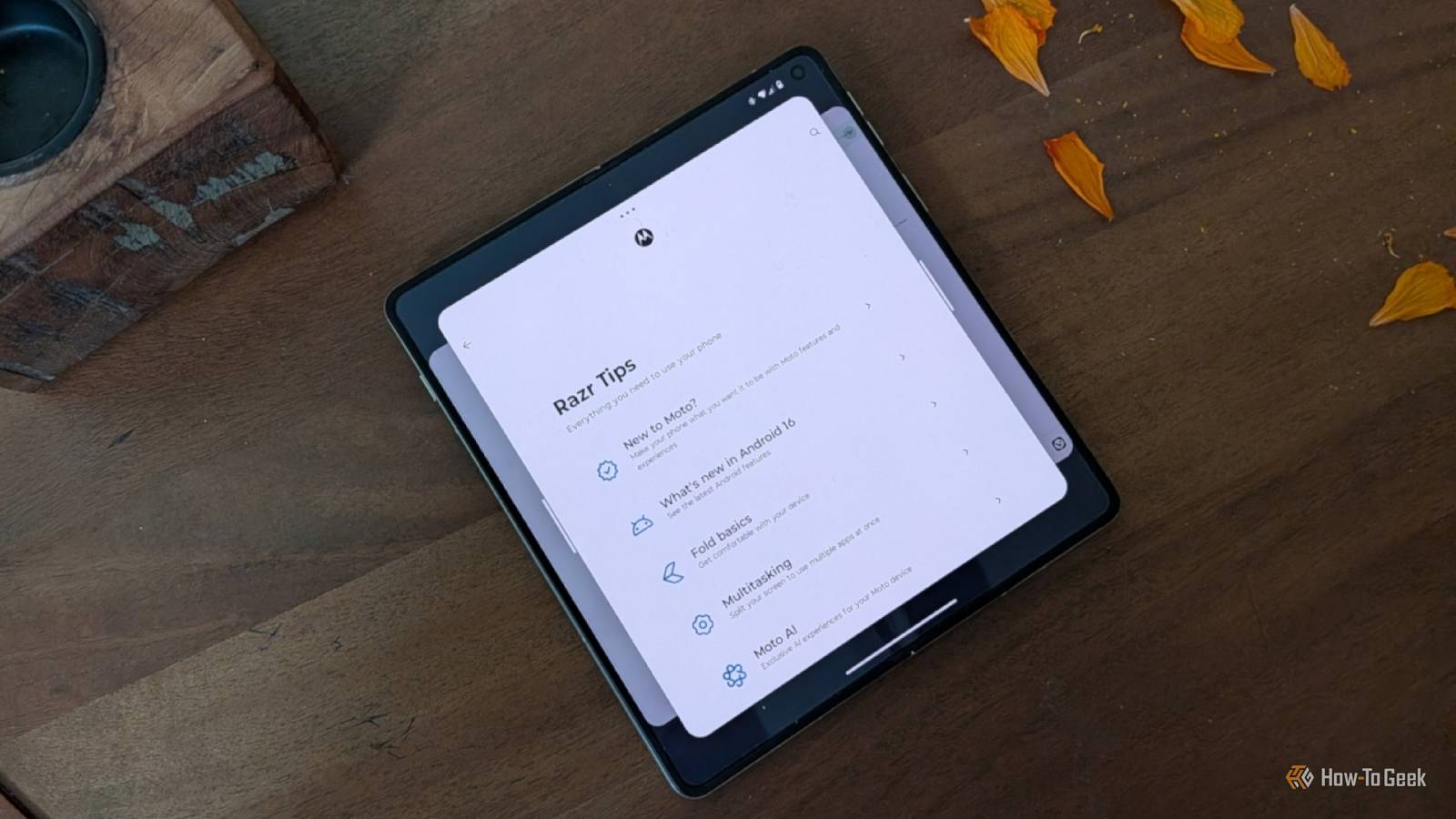
Published Sep 25, 2026, 9:00 AM EDT Bertel is a lifelong tech enthusiast with over a decade of experience writing thousands of articles about Android devices, Linux, and more. Before joining the How-To Geek team, Bertel wrote for the likes of MakeUseOf, MakeTechEasier, and Android Police—at the latter he wrote over 3,500 articles. He delights in helping others decide which tech to bring into their lives... and which tech to do without. Bertel graduated from the College of William and Mary in 2012 with degrees in History and Government. He has spent his entire career as a tech journalist covering Android, Linux, wearables, smart home devices, and more. While the Samsung Galaxy Z Fold 8 and the iPhone Duo may be grabbing all the headlines, the Motorola Razr Fold is the sleeper hit book-style foldable of the year. This phone undercuts the alternatives on price while outperforming them in many of the areas that matter most. Yet, just like other Motorola phones, it’s the software that attracts me, and it’s the software that pushes me away. Aside from Google, Motorola has the best approach to Android design Subtle improvements without trying to ape the iPhone Android has a distinct visual identity, and if you want to experience that vision untainted on a premium phone, the default choice is to buy a Google Pixel. Other Android makers tend to shake things up. Samsung’s One UI harmonizes with Android’s ‘Material 3 Expressive’ design language somewhat, but Samsung clearly wants its own visual identity. Many other companies, like OnePlus and most of the other Chinese brands, modify Android to look more like the iPhone. If, like me, you aren’t a fan of Google but want pure Android, Motorola is your next best choice. Most of the company’s few stock apps harmonize well with the rest of Android. When Motorola does deviate from Google, the change is often subtle enough that it’s easy to overlook entirely (like the way Google combined Wi-Fi and cellular data quick toggles, and Motorola did not). What’s better is that Motorola has made additions that my colleagues and I miss when we switch away to other phones. Once you start chopping your phone to turn on the flashlight or twisting your wrist to turn on the camera, other phones feel quite basic. The Razr Fold’s software is surprisingly robust for a first-gen product There are features that Samsung, Google, and Apple could all learn from I have replaced my PC with my Razr Fold, so I push my phone rather hard. On my prior Samsung foldable, despite the many ways I could multitask, I found myself frustrated when I wanted to have more than two apps open at once. This is something the OnePlus Open figured out how to do well back in 2023, and many other Chinese foldables have excelled at since. Here in the US, the Razr Fold offers the best implementation. I can now pan between three apps side by side or flip between them in a carousel. It’s a productivity boost that I use all the time and a big reason I wanted this phone in the first place. Samsung allows for three apps to be open side-by-side when a phone has a wide-screen orientation, like the Galaxy Z TriFold and the Galaxy Z Fold 8. This is because Samsung doesn’t yet allow for any sort of panning and wants all three apps to be visible on screen at once. Google only allows for two apps to be open side-by-side and encourages you to put apps in floating windows if you want more. From what we’ve seen of the iPhone Duo, Apple’s foldable doesn’t support multitasking beyond two apps at once. Motorola’s foldable software has impressed me in other ways. It does a good job exposing and explaining its foldable-specific features without requiring users to dig through settings to discover them on their own. If I switch between two apps often, for example, it invites me to open them simultaneously. Long before the Razr Fold, the Razr flip series set the design standard that other brands have copied. The Razr is a flip that you can use as a functional phone even while it’s closed, making it a minimalist phone you'll actually enjoy. Motorola still has too high a tolerance for bugs My phone’s software isn’t as polished or stable as Samsung’s While I may prefer the look of a Motorola phone, a Samsung Galaxy one feels more polished. This is noticeable in the fluidity of animations, such as the way Samsung’s dock slides from the bottom of the screen compared to Motorola’s implementation. Split-screen multitasking also falls apart when I switch away from the default Moto launcher. The difference gets more pronounced when digging into system customization. You’re more likely to see a feature fail to take effect quite right when tweaking something on a Motorola phone than a Samsung one. And while I prefer Motorola Smart Connect over Samsung DeX as a way to connect to external displays, the latter is the one I can recommend as a more dependable PC alternative. Motorola’s software update policy is improving (for some phones) Motorola’s biggest weakness has long been its abysmal update policy. Until far too recently, even flagship phones received only two years of updates. The Moto Razr Ultra is one of the priciest flip phones you can buy, but it currently only gets four years of promised updates while Samsung’s more affordable Z Flip 8 comes with seven. Motorola has promised seven years of updates for the Razr Fold and the Razr Signature, which is in line with what other companies offer. The question is whether Motorola will actually deliver those updates and do so in a timely manner. Apple, Google, and Samsung have a proven track record. Motorola has a track record, too. It’s just not a good one.
Motorola's software is the best and worst things about its phones
Full Article
Original Source
Read the full article at Howtogeek →KhanList aggregates and links to publicly available news content. We do not host full articles from third-party sources. Always verify important information with original sources.