
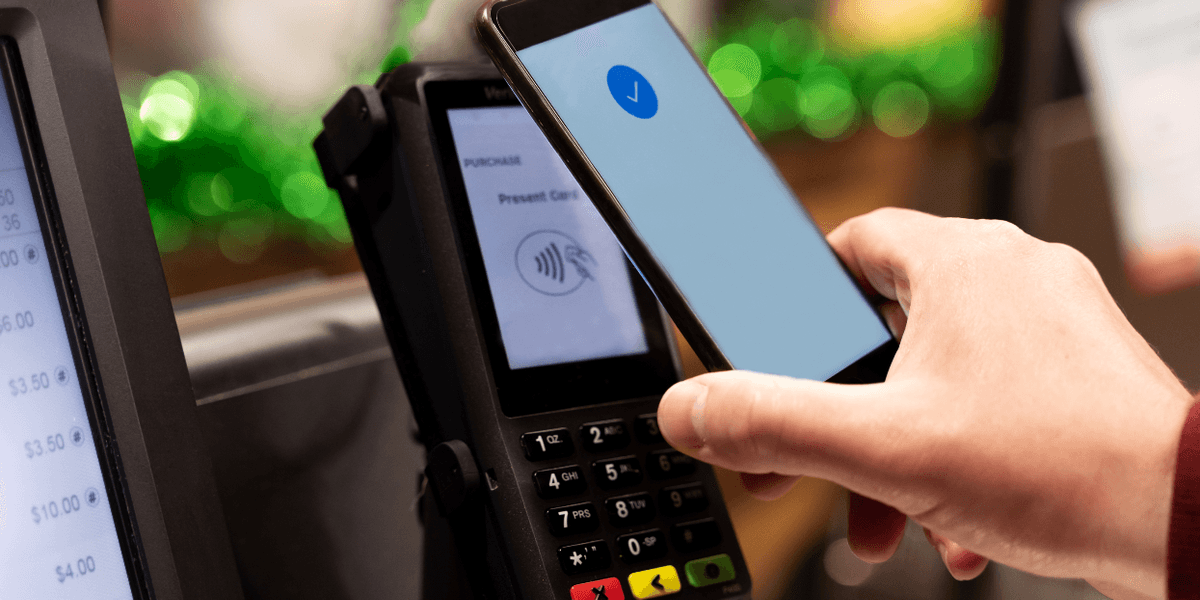
Mobile-based contactless payment services are 15 years old, starting with Google Wallet in 2011 (which later became Google Pay), followed by Apple Pay in 2014. Many stores slowly rolled out support over years of foot-dragging, while large chains like Walmart tried to push their own payment solution. However, after nearly two decades of hemming and hawing, the retail giant is finally caving in. Here’s what you need to know before the next time you try to buy something at Walmart with Apple Pay or Google Pay.While Google was the first to bring contactless payments to mobile, the industry took notice when Apple introduced its own solution to the market. Built around the wildly successful iPhone and Apple Watch, Apple Pay quickly picked up steam. Today, it accounts for 50% of in-store transactions in the United States, while Google Pay only covers 17%. Globally, that makes up a difference of $9.5 trillion spent through Apple’s ecosystem versus $5.2 trillion on Google’s platform.The rollout has already begun at select locations.It wasn’t always that way, though. In the earlier days of contactless payments, the market was more like the Wild West with various companies jockeying for control. Some stores even launched their own payment services to compete.Walmart Pay ruined the partyWalmart released Walmart Pay in 2015 as a direct in-store alternative to Apple and Google. The key selling point, at least for Walmart, was that its payment service worked with a QR code system. That meant any customer could use any phone to scan the code at the register to connect to their Walmart account and submit a payment.RELATED: A YouTube stunt proved this Apple Pay exploit can drain your bank account in seconds. Here's the fix. NanoStockk/Getty ImagesUnfortunately, the process was clunkier than Apple Pay and Google Pay, which only required users to hover their devices over payment terminals and authenticate with a fingerprint or FaceID. Walmart Pay also gave the retail giant the power to monitor customers’ purchases and link them to their accounts — a stark difference to Apple Pay and Google Pay that hide identifying customer information and transaction data from merchants.In other words, Walmart Pay gave the company insight into customers’ shopping habits that it couldn’t get from other platforms ... until now.Contactless payments are coming to WalmartAfter all these years of waiting, Walmart announced that it is finally giving customers the choice to use other contactless payment options. As a result, customers will soon be allowed to complete purchases with Apple Pay and Google Pay at the register in Walmart stores and Sam’s Clubs nationwide.The rollout has already begun at select locations, and all stores will have access to these services by the end of 2026. After that, Walmart and Sam’s Club fuel stations will gain contactless support by mid-2027. This change also means that customers should have the option to use contactless payment credit cards and debit cards with EMV chips, as well.How to make sure your phone is set up for contactless paymentsNow that you can buy things with your phone at Walmart, you’ll want to make sure your device is set up before you walk into the store.To add a card to Apple Pay, open the Wallet app on iPhone, select the plus symbol in the top right corner, and choose “Debit or Credit Card.” From there, you can place your iPhone against the card to add it automatically through the EMV chip, or type in the card details by hand. Once the card is added, you may have to verify the information with your bank or credit union through the bank’s official app or via a text or phone call. Do this, and you’re all set to use Apple Pay. Screenshots by Zach Laidlaw/Apple PayOn Android, open the Wallet app and tap the plus button at the bottom. On the next screen, select “Payment card,” then “new credit or debit,” and let the app take a photo of your card to add the details. You can also write them in manually, if you prefer. Verify the information with your bank or credit union, and you’re all set to use Google Pay. Screenshots by Zach Laidlaw/Google PayIn the end, contactless payments on iPhone and Android are more convenient and secure than tapping your credit card at the register or trusting an alternative payment solution, like Walmart Pay.Like Blaze News? Bypass the censors, sign up for our newsletters, and get stories like this direct to your inbox. Sign up here!
It just got easier to pay at Walmart, if you follow these simple steps
Full Article
Original Source
Read the full article at Theblaze →KhanList aggregates and links to publicly available news content. We do not host full articles from third-party sources. Always verify important information with original sources.