
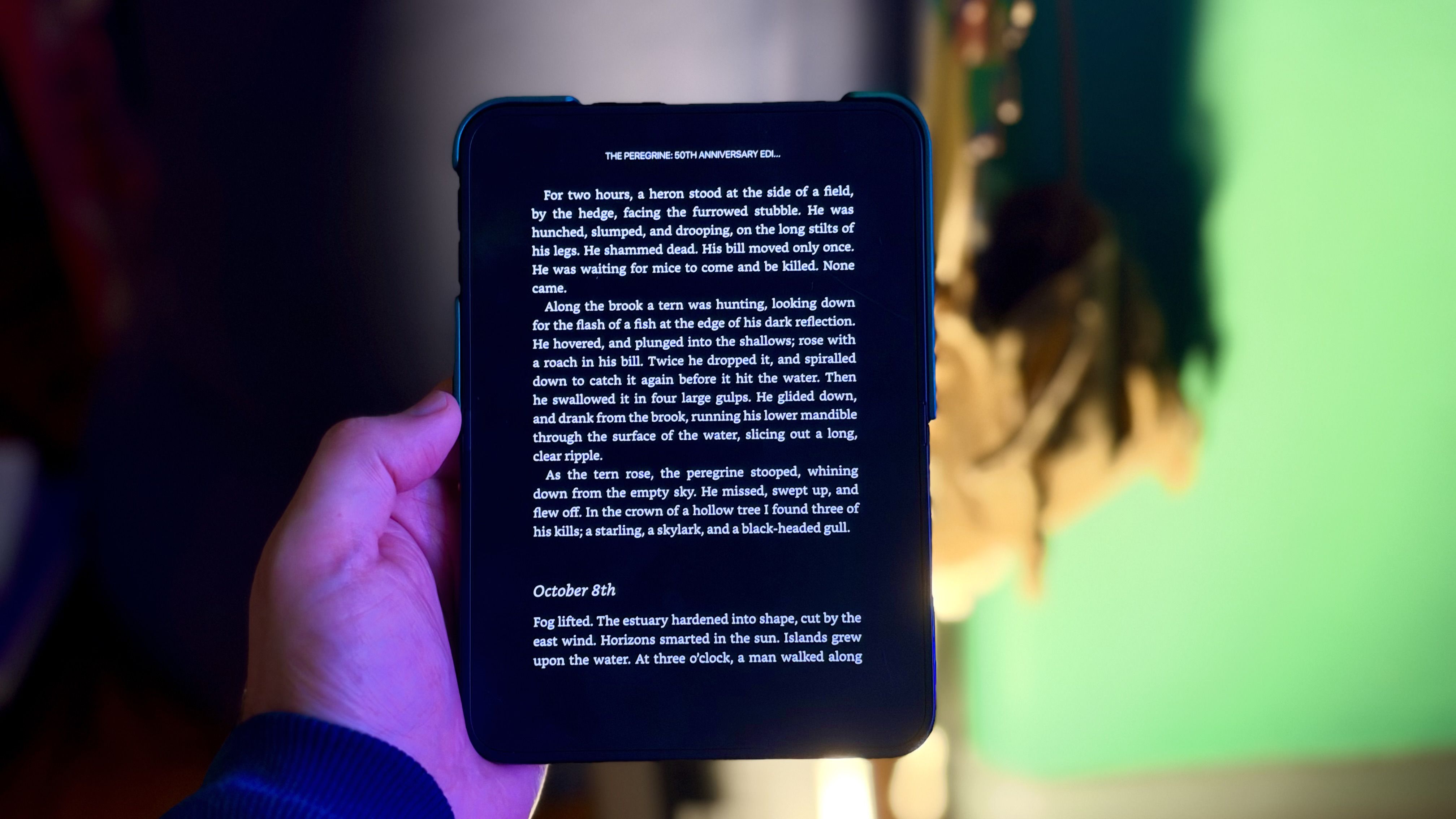
If you're eager to change your screen time habits – like staying off Instagram or reading more books – the iPhone Duo may offer a solution. It's the first iPhone with two screens, and there's a trick that you can use to make it consistently open a specific app whenever you unfold it and look at the bigger display. In the Shortcuts app, there's a new iPhone Duo trigger called "Opened or Closed" that runs an automated action when the device is unfolded or folded. One of the best uses for it, I've found, is launching a specific app the moment you open your Duo – so that unfolding the phone takes you straight into the app experience you're expecting, and nothing else distracts. I've always been keen to read more on my iPad, so in this example, I'll show you how to make the iPhone Duo launch the Kindle app whenever you unfold the device. It makes flipping the phone open feel like opening a book to where you left off. But you can substitute any app you like. The following steps show you how it's done. Open the Shortcuts app on your iPhone Duo. On the "All Shortcuts" screen, tap the plus (+) button in the bottom-right corner. On the "What do you want your shortcut to do?" screen, tap Edit in the top-right corner. Tap the Search field at the bottom of the editor, type "Automation," then under the "Display" section, tap Opened or Closed ("When my iPhone is opened"). Select Opened as the trigger in the editor screen, then search for the Open App action. Tap the App placeholder in the "Open App" action, then choose the app you want to launch. In this example, we'll choose Kindle. Now leave the Shortcuts app – the automation saves automatically and is active right away. You can rename the shortcut if you like, but it's not required. That's all there is to it. Now when you open your iPhone Duo, your chosen app will launch automatically. If you'd rather run an action when you close your Duo, simply choose Closed as the trigger instead, or choose Opened or Closed to run it both ways. The Shortcuts app also allows you to add conditions to an automation, like a time or a focus mode, so it only triggers when the conditions are met. This new automation opens up many possibilities. Let us know in the comments below what you come up with. Popular StoriesApple Retail Staff Told to Warn Against iPhone Duo Walk-In PurchasesSome Apple retail employees have been told to warn customers against visiting to purchase an iPhone Duo without a pre-order on Friday, October 23. Apple Store employees told MacRumors that they have been advised that there will likely be no iPhone Duo stock available for walk-in purchases on launch day. Staff have been instructed to discourage customers without pre-orders from coming in...Here's What Apple's Apps Look Like on the iPhone DuoTuesday October 20, 2026 11:12 am PDT by Juli CloverWith just three days to go until the iPhone Duo is released, Apple is getting ready for the launch. Behind the scenes, the App Store now has screenshots of Apple's built-in apps running on the Duo. We've seen some apps in marketing materials, but images of the ones we haven't seen give us an idea of what it will be like using the iPhone Duo day to day. Many apps are shown in landscape...Crackgate? iPhone Duo Owners Report Screens Breaking Along the HingeFriday October 23, 2026 11:05 am PDT by Juli CloverSome iPhone Duos are already experiencing hinge issues that cause display cracks, based on photos shared on Reddit and the MacRumors forums. Almost all of the display faults are right along the hinge, and most result in a line of bright pixels across one side of the screen. An iPhone Duo owner in Australia said his device cracked after being opened fewer than 20 times, and there was no...
iPhone Duo: Turn the Hinge Into an App Launcher
Full Article
Original Source
Read the full article at Macrumors →KhanList aggregates and links to publicly available news content. We do not host full articles from third-party sources. Always verify important information with original sources.