
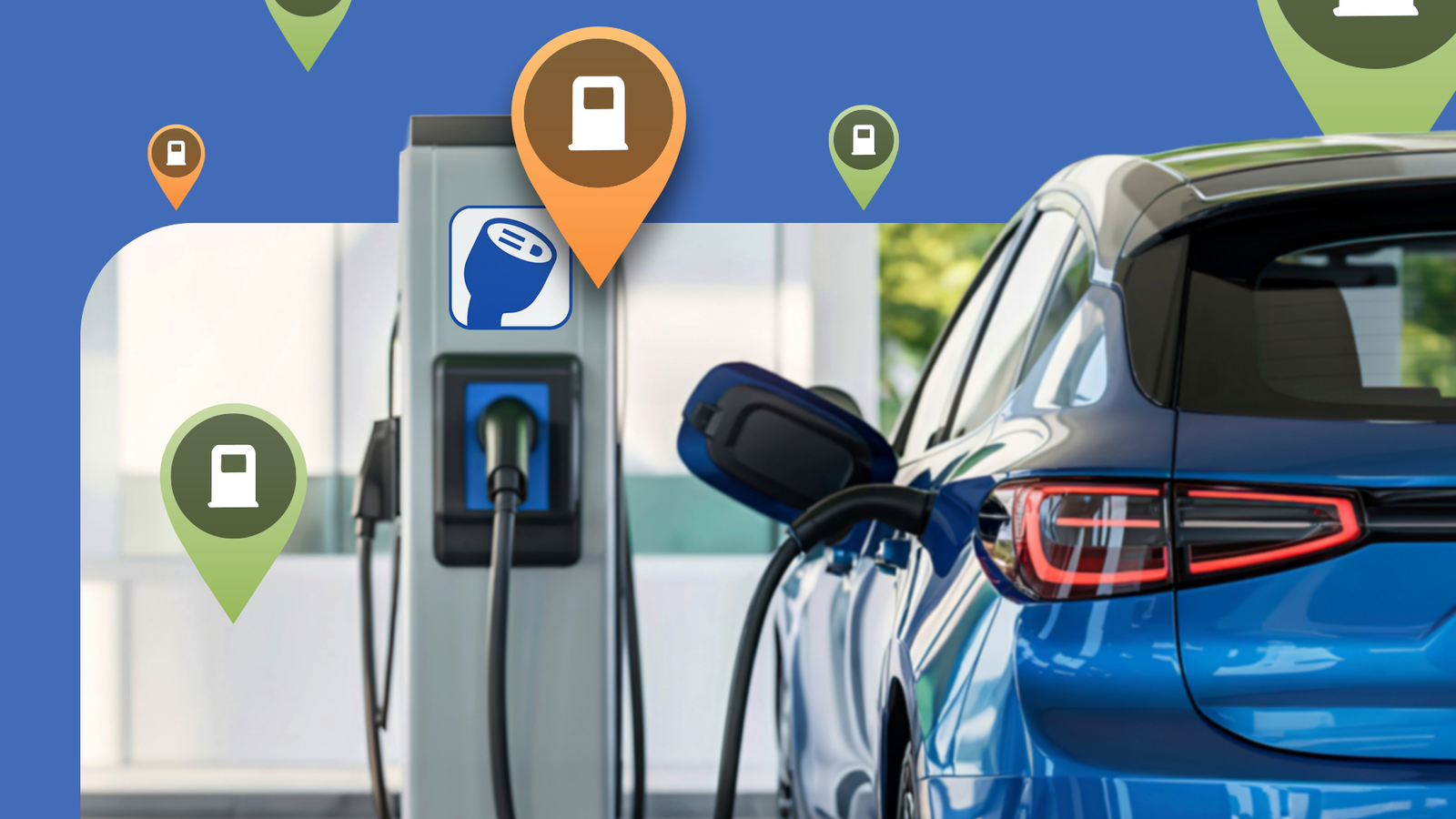
Published Sep 12, 2026, 11:00 AM EDT Akshay Bhalla was the former game guides editor for Screen Rant and the technology editor at MensXP. He has previously written about smartphones, apps, streaming, gadgets, and games for print, digital, and TV media outlets. When he isn’t writing about tech, he can often be found playing JRPGs, listening to music, or playing with his three dogs. You can reach Akshay at bhallanator @ proton dot me. Some days I spend a lot of time on the road, and when my hybrid car isn't available, I rent an electric vehicle (EV) for the day. But on one particular day, I had a long road trip from the center of my city to the outskirts. I was expecting to drive about 300 miles. Renting an EV made sense to save on fuel costs, but I was almost left stranded on the highway until an Android Auto app saved the day. An essential app for EV users Before I rented an EV, a friend suggested that I download and set up PlugShare on my phone. I brushed off the app at first, but they insisted I set it up a day before. They entered the car model and all the details from the rental booking. I didn't think much of it, but my friend explained that the app is great at finding charging stations for electric vehicles. The next day, I drove the car to my destination, and since it was a work-related trip, I had to do some unexpected extra driving to pick up and drop off things. What I didn't notice was that the car wasn't fully charged when I left home, and by the time it was time to head back, I had only 10% battery remaining. Since I drive a hybrid car, I never developed the habit of keeping a close eye on the EV's battery level, and I almost paid the price. I had over 150 miles to drive back home, and the car said I had a range of about 15 to 20 miles. I tried to find charging stations near me on Google Maps, but the information was vague and outdated. Even if there was a charging station near me, I couldn't tell whether it had a compatible plug for my car or what charging speeds it offered. Since I didn't have enough battery left, driving to these locations without any prior information wasn't an option. I was about to panic until I remembered the app my friend made me install on my phone. In the Android Auto app, I found a charging station about five miles away with the compatible plugs I needed to top up the EV. I tapped the Directions option and was surprised when Google Maps launched and took me there in a jiffy. Thankfully, the information about charging plugs and station type was accurate, and I was able to fast-charge the EV's battery while I grabbed a cup of coffee. I may have been slightly late getting home, but without PlugShare, I would have been stranded in the middle of the highway. The Waze of charging map apps After getting home, I started checking out PlugShare in detail and noticed how feature-rich the app is. I looked for charging spots near my home, and every location had an image attached, like Street View on Google Maps. I found several charging stations nearby that I hadn't known about. What made it even cooler was that PlugShare's community provided all this information. It's sort of like Waze but for finding charging stations on the map. The community goes beyond adding images; they also share information like plug types and charging speeds. I didn't think of it earlier, but I guess this is how PlugShare found a charging station that fit my car's specs while I was searching. Since my friend added all the information about my EV beforehand, I could go to a charging station that suited my car right away. I added another car to see whether the app supports all types of cars, and to my surprise, it had every manufacturer imaginable. The app also covers most charging networks. For example, if you are a Tesla user, you can easily find Superchargers. The same goes for other networks such as Electrify America, EVgo, Blink, ChargePoint, among others. The same support also extends to other countries in North America, Europe, and Asia. PlugShare is more than a basic find-a-charging-station app, though. Like Google Maps, you can view a station's most recent photo, up-to-date plug information, reviews, and the PlugScore, a 1-10 rating system based on recent experiences. Charging stations are also clearly color-coded: green for Level 1/2 and orange for DC fast charging. When I used PlugShare in Android Auto again a week later, I used the filter option. The feature is robust, as I could filter stations by connector type and charging speeds. Different electric vehicles use different connector types. These include CCS, NACS/J3400, CHAdeMO, and J1772. To make full use of PlugShare, you need to enter this information in the app along with your car's model. I could even add a filter that ensures the charging station has restrooms and eateries. What I still can't believe is that all the crucial information I've mentioned so far is available for free. The app uses ads, but they aren't very intrusive, and you can remove them with a subscription if you want to support the developers. While I might not be a regular EV user, I recognize PlugShare's importance for every EV driver. Range anxiety is real in EVs, and since I've experienced it firsthand, PlugShare is now an essential Android Auto app. I was disappointed that other navigation apps don't have something as robust. But I guess only a community can build something like that.
If it weren't for this Android Auto app, I would have been left stranded for hours
Full Article
Original Source
Read the full article at Androidpolice →KhanList aggregates and links to publicly available news content. We do not host full articles from third-party sources. Always verify important information with original sources.