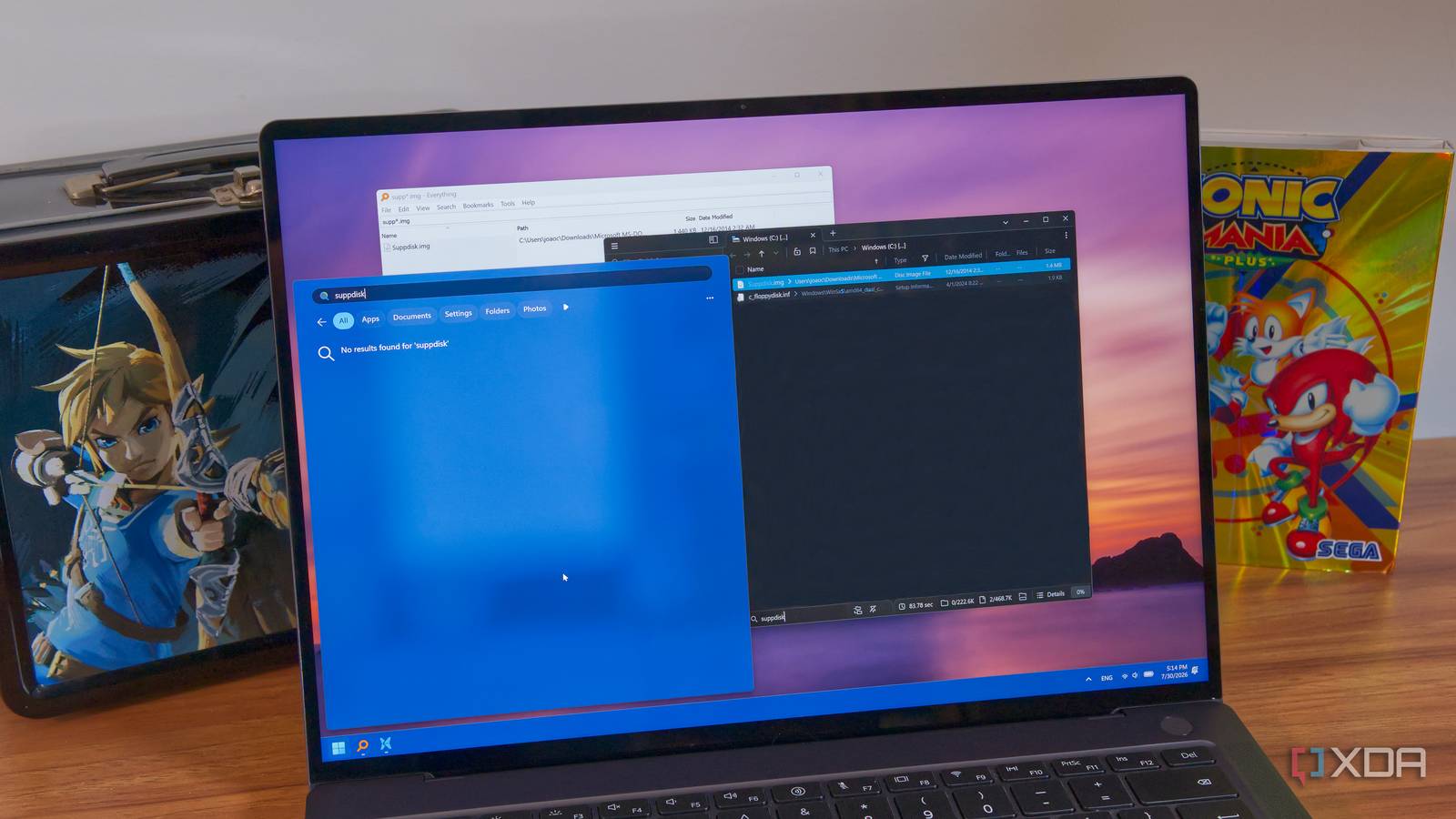
Published Jul 30, 2026, 6:00 PM EDT João has been covering the tech world for over 7 years, with a heavy focus on laptops and the Windows ecosystem. I also love all things tech and videogames, especially Nintendo, which he's always happy to talk about. Prior to joining XDA in 2021, he worked at Neowin: https://www.neowin.net/news/poster/jo%C3%A3o-carrasqueira/ Like most people, I can be quite bad at keeping the files on my PC organized. I've gotten better at it over time, but I have had some laptops running for years without a proper reset. Files have piled up, and they're scattered all over the place, so finding the exact one I want at any given time can be a nightmare. That's why search tools exist, and Windows 11 has one built right in, but there are plenty of alternative options, too. And after comparing Windows Search to alternatives like Everything and File Pilot, it's become incredibly obvious that there's a good reason for these solutions to exist. Windows Search is just bad Slow and unreliable My first test was using the built-in Windows Search, and perhaps unsurprisingly, it was terrible. I searched for some files tucked away in subfolders of my Downloads folder (where most of my junk lives). Whether I used the search bar on the taskbar or File Explorer itself, I got no results, at least not in a timely manner. In File Explorer, results kept loading for what felt like an eternity. You can improve this by enabling Windows' "enhanced" indexing, which indexes the entire contents of your drive to enable faster search. This does help quite a bit, but the indexing process itself is also pretty slow and seemingly resource-intensive, as the fans in my laptop kicked up the whole time. Even once you've indexed everything and search starts returning more results, Windows Search also likes to throw in a lot of results that aren't really relevant. I searched for "iso" and was seeing multiple results for music tracks that don't contain this string anywhere in their names or path. These were further down the list, but it did feel like they were still cluttering the list of results for no reason. File Pilot is much better Though not perfect After Windows Search, I tried File Pilot, which is still my favorite third-party file manager for Windows. This was a huge step up in terms of search performance. By default, File Pilot only searches the current folder, but that limitation means the initial results are instant. It's actually called filtering, and you can see results update in real time when you search this way. It's incredibly fast, but probably not good enough when you don't remember where a file is stored and you have a huge chunk of folders to comb through. Thankfully, all you need to do is press Ctrl+E to "expand" the search to all the subfolders in your current path, and suddenly, everything shows up. This also works directly in the C drive, so you can search the entire drive this way. Getting results from my entire PC usually took under 9 seconds, and it found files multiple layers deep into the file system with no worries. That being said, File Pilot is missing some features, like wildcards for searches. To be fair, it does seem to search in parts of file names by default, so you can just type in bits and pieces of a file name to get results including all those pieces. Plus, I noticed that even when the results seemed to be finished updating, I'd sometimes still see items jumping around out of order for no reason. And while it's far faster, it's still not instant. Plus, it's worth remembering that while File Pilot is free to use during its current beta testing, it will be a fairly pricey piece of software once it hits a stable release. That may not be worth it to everyone. File Pilot Everything is the clear winner The name doesn't lie If you're desperate to find a file and you're not sure where it is, Everything is most likely your best bet. For one thing, it's a completely free tool that's been around for a very long time, so it's something you can count on going into the future. It's also extremely fast. I've had Everything set up on my system for a long time, and I clearly remember it indexing my entire computer in just a few seconds, and once that's done, results are faster than any alternative. Everything will match any word in your file names instantly, no matter where files are stored. You can set exclusions, of course, but by default Everything will find... well, everything. What's also important is how tailored you can make your search. You can set all sorts of criteria like dates, paths, size, file types and so on to refine your search using anything you can remember about the file you lost. And perhaps most important of all, you can use wildcards in your searches. if you only remember parts of the file name, inserting a wildcard lets you search for what you remember and still find what you were looking for. By default, wildcards match the full name of the file, but if you disable this setting, you can type parts of the file name and use wildcards in between to find what you want. Using a lot of wildcards can make searches take a little longer to update, but it's still a matter of seconds until you see everything matching the criteria. Everything has a fairly old-school visual style, but the great thing about it is that because it's so popular, a lot of tools also integrate with it. If you use a keyboard-based launcher like Flow Launcher or Command Palette, you can install the Everything plug-in and make searches directly from your centralized search bar, enjoying all the speed and features of the search engine in a more modern way. All of this combined makes Everything the clear winner for finding your files, and it's so lightweight there's no reason not to have it on your PC. You might not need it now, but it's always there for a rainy day. Everything Individual pricing Free Platforms Windows Don't settle for Windows Search While you can make the case for a tool like File Pilot instead of Everything, the clearest takeaway from this experiment is that there's no reason to just rely on Windows Search. Everything is completely free and what it offers is leaps and bounds ahead of the built-in search solution. It's a must-have for any Windows user.
I used Everything, Windows Search, and File Pilot to find lost files fast, and there's one clear winner
Full Article
Original Source
Read the full article at Xda-developers →KhanList aggregates and links to publicly available news content. We do not host full articles from third-party sources. Always verify important information with original sources.