
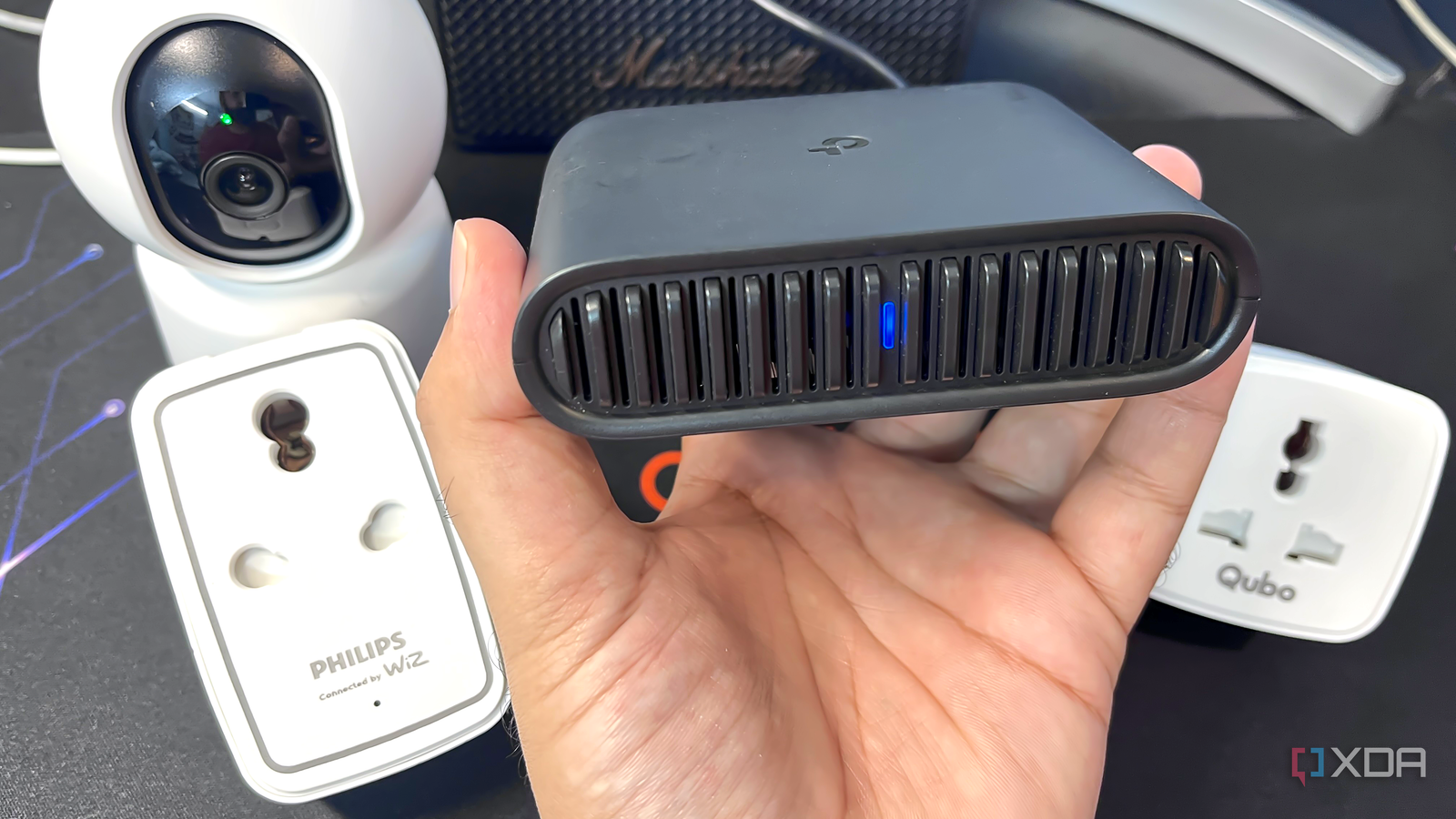
Published Sep 12, 2026, 1:00 PM EDT With over five years of experience in the tech industry, Kazim excels at simplifying complex topics, making them accessible to tech enthusiasts and general readers alike. He has extensively covered the Windows ecosystem, from Windows 7 to Windows 11. When he’s not writing, you’ll find Kazim planning weekend getaways or diving into tech verticals beyond his expertise. When I got a travel router, the TP-Link AX1500, to be precise, a couple of months ago, it was for a planned vacation. Frankly, the router served its purpose, which was to streamline device connectivity. But once I was back home, there was little use for it. The device itself is branded as a "travel" router, so what do you do with it when you are not traveling? And I had my answer over the next few weeks. The travel router can do pretty much everything a standard router is capable of. Of the many things I used the travel router for, giving my smart home devices their own network was inarguably one of the best decisions. Not only did it improve the network's security, but the setup also eliminated a large part of the chaos that IoT devices are often known for. The best part is that this isn't one of those complicated setups that the average homeowner feels uncomfortable about. This is fairly simple, and even if you don't have a travel router, that's not a problem. Any regular router will do. You can use an old router to create a dedicated network for smart home devices. A separate network makes it easier to manage smart devices For the average user, this is the simplest option I got my first smart home device, a Wi-Fi security camera, not too long ago. But since then, I have added 15–20 devices. The list now includes more cameras, smart plugs, smart lights, and smart kitchen appliances. And I am certain this list will keep growing, as it does for most people. When you have this many smart devices, managing them can become a hassle. Sometimes these devices even randomly drop connections. With a network of their own, you are in much better control, whether for managing smart devices or troubleshooting problems. For me, the setup was fairly simple. My travel router had an Ethernet port, so I used a wired connection between it and the main router. I would have ideally gone with the "Hotspot" mode, but since smart devices connect to the 2.4GHz network, coverage wasn't a concern for me. In less than an hour, the setup was complete, and all smart devices were connected to the travel router. IoT devices are not as secure as you might think A dedicated network adds another layer of protection As surprising as it may sound, smart devices are some of the least secure devices in your home. Security vulnerabilities aren't always addressed promptly, and users are often more careless with these devices than with more important ones, like smartphones or computers. In the past, threat actors have hacked into smart home devices. So, segregating them on the home network is a smart approach. For the past year, I had been planning to get a router for this purpose, one with a decent range that covers my entire home. And since the travel router can do this, I don't have to anymore. Also, it has surprisingly good coverage for a router that small. More importantly, with these devices off the main router, I can set firewall rules on the travel router that specifically target the security side of things without affecting any of my primary devices. This further isolates them, adding another layer of protection. Of course, I realize this is not the perfect setup as I will have to move these devices to another router, or back to the main router, whenever I am traveling. But if you are looking for some clever uses for a travel router, this sure is one. My main devices benefit from it, too The network feels faster Source: Benjamin Zeman In my experience, security isn't something most people think of as long as the existing setup is convenient. But when it comes to performance, they do listen. And moving your smart devices to another router, the travel router in my case, does improve performance. The extent of it depends on how bad the situation was earlier, but theoretically, you should see some improvement. That's because smart home devices are infamous for the chaos they create on the network. They constantly share data across the network, even when you are not actively using them. Let's not forget devices that come with some level of tracking or data retention, as these also constantly monitor usage and share data with the manufacturer. And your router bears the brunt of it. I agree, most modern routers should be able to handle a large number of smart devices, but not everyone has a modern router. And if you are still using one shipped by your ISP, it's likely that the router doesn't feature powerful hardware. So, after a while, as you add more smart devices to the network and the number reaches around 20–30, you may notice random slowdowns, frequent drops, and the more important devices struggling for their share. With a separate router for smart home devices, your primary router now has fewer devices competing for airtime, and its CPU won't be as stressed. There are smarter alternatives, but this is simpler to set up That said, this isn't the smartest or most secure option. You can create a dedicated VLAN for better security, or if you have a spare router lying around, that would be a better choice for this setup. I chose a travel router because I already have one, and it's rarely used around the house except as an extender or a cheap, simplified NAS. More importantly, a travel router is simpler to set up for the average user compared to a dedicated VLAN. So, if you already have a travel router, reserving it for smart home devices is something worth considering. But honestly, I wouldn't recommend getting one just for this purpose. You will find better, more capable routers in the price range. And that way, your setup will be more permanent.
I used a travel router for smart home devices, and my main network finally stopped choking
Full Article
Original Source
Read the full article at Xda-developers →KhanList aggregates and links to publicly available news content. We do not host full articles from third-party sources. Always verify important information with original sources.