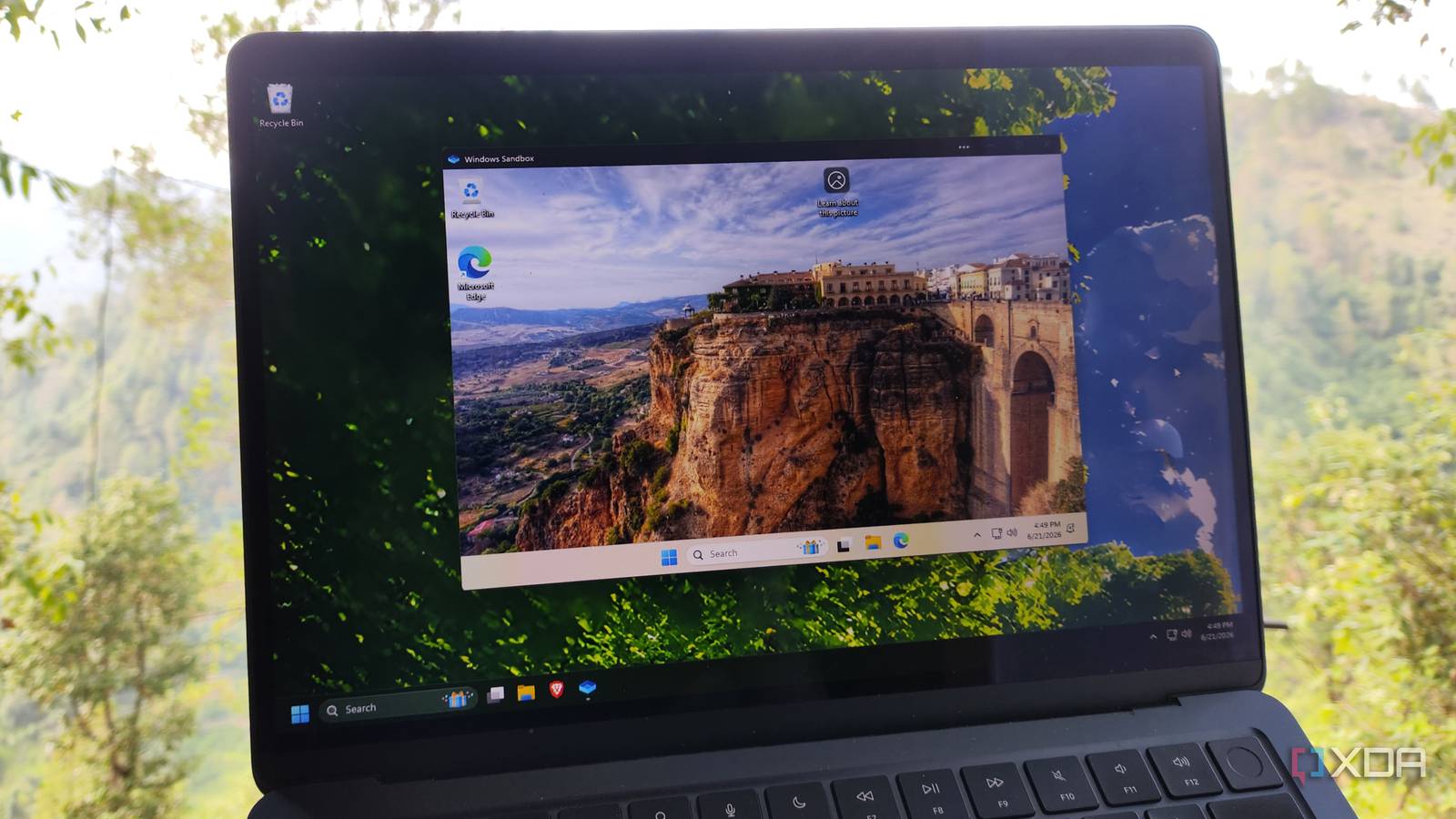
Published Jul 26, 2026, 2:00 PM EDT Korbin is a Linux system administrator who spends most of his time in a terminal figuring out how things actually work. Over the last decade he's written hundreds of articles about Linux configuration, troubleshooting weird problems, and using open-source tools in the real world. He also works a lot with Windows systems and networking, especially in mixed environments where things don't always behave the way the documentation says they should. Writing things down is how he makes sense of it all and hopefully saves someone else a few hours. Windows Sandbox has a well-earned reputation for being the padded room where everyone tests questionable downloads. It's a perfect environment for checking out cracked tools, dubious installers from sketchy websites, and PowerShell scripts that came from someone you don't fully trust. That's what Sandbox was designed for, and it serves that purpose well. I've saved myself from a few bad decisions by testing things there first. Over the past few months, I've found another use for Windows Sandbox, which goes beyond what it was originally intended for. I've begun using it to test actual project work. I'll clone repos, test different builds, run install scripts, and double-check new dependencies before any of that stuff touches my real system. None of the software I'm testing is dangerous per se; I just don't want any of it on my main install until I know exactly what it does. What makes this a useful part of my workflow is the WSB config file. I've written my own, so that Sandbox doesn't always start as a blank slate. Instead, it acts as a repeatable, customized environment that I can launch in just a few seconds anytime I need to test something before incorporating it into an existing project. Sandbox is for more than shady installers Here's how I use it for real work on projects Using Sandbox in this way has changed how I think about the tool. I used to open it only after I already had a reason to distrust something. Now I open it more proactively, letting it become the default first step for anything I haven't fully vetted yet, whether that's a shady app or a brand-new project I want to get to know first. The WSB file is what makes this so useful. It's a plain XML file with a .wsb extension that you can write and store wherever you want, and it lets you define what happens whenever you boot Sandbox. When you double-click on the file, it will launch Windows Sandbox with whatever settings you've configured inside of the file. For example, MappedFolders shares a host directory that's accessible within the sandbox, and LogonCommand runs a script automatically once the environment loads. Using these options lets you launch a sandbox that clones your repos and installs dependencies for you, giving you a near-instant testing environment on demand. My main use for this setup is to test new npm packages. It doesn't even have to be anything I'm necessarily going to use myself. Sometimes I just want to see how something works, and I'd rather not dirty up my main system or a VM for a brief test. I map my main project folder into the sandbox, install the npm package(s), and watch what happens. If a package misbehaves by phoning home or using too many resources, at least it's contained to a disposable environment that disappears as soon as I close it. It's also a great way to test scripts that I've written myself before I hand them off to someone else. I write a lot of PowerShell scripts, especially for provisioning and setup tasks, and Sandbox makes for a nice test environment before running it on my own system. Plus, a lot of my scripts assume the presence of a customized environment full of tools and dependencies that I already have on my own system. To make sure that the script is going to work on vanilla Windows, I'll try running things in Sandbox. If it works there, then I can be confident that it's going to work fine for whoever I send the script to. The setup that actually makes this usable A few tweaks will make Sandbox much more useful None of this works very well without a little bit of configuration. By default, Sandbox only allocates 4GB of memory and starts with networking enabled, and sometimes those settings are less than ideal, depending on what you're doing. Whenever I need to build new projects, bumping up MemoryInMB in the WSB config file is helpful to make sure that compiling doesn't take forever. Sandbox automatically uses all of the CPU resources that the host can reasonably hand to the environment, so there's no setting for adjusting CPU allocation. GPU acceleration can be enabled with the vGPU setting, but nothing in my workflow has justified that option yet. Of course, there are a handful of other settings that are more niche, and Microsoft documents all of them. Networking is a setting that I toggle pretty often. Leaving it on is fine for cloning a repo or pulling dependencies, but I switch it off with Disable if I want to make sure that a script or installer isn't trying to reach out to the internet on its own. It's also a really easy way to see whether something needs an internet connection in order to function, or if a lot of its functionality suddenly breaks when it can't access anything. Shared folders is the other essential setting, and that's an obvious one. I use it to keep a dedicated project folder mapped into every sandbox session, so I can test new builds. It's not always the perfect test bed Sometimes you need an environment that persists Windows Sandbox is an obvious double-edged sword, in that nothing on it ever persists. Once you close that window, there's no way to pick back up where you left off. Not all of my project testing is short-term enough to be done in a disposable environment. I might need to come back to things a few days later, or I might want to reboot my host system. When that happens, I have to reach for a traditional virtual machine. For the kind of work I'm describing here, though, the lack of persistence is more of an advantage than anything else. I'm not trying to preserve the state between sessions, and I'd prefer a guaranteed clean slate every single time. Sandbox delivers that automatically without making me remember to reset a snapshot. Combined with customized settings like my LogonCommand script that rebuilds the environment in seconds, WSB becomes the ideal environment for project testing, and I barely ever need to fall back on a normal VM. Sandbox earned a permanent spot in my workflow I still use Windows Sandbox for its primary intended purpose: testing shady installers. Nothing about that has changed. But it's also become the first place I go for any project I'm not fully confident in yet, whether it's an unfamiliar dependency or a script I've written myself but am not brave enough to run on my system for testing. Ironically, a disposable sandbox has become useful for a lot more than quarantining suspicious executables.
I use Windows Sandbox for actual project work now, not just sketchy downloads
Full Article
Original Source
Read the full article at Xda-developers →KhanList aggregates and links to publicly available news content. We do not host full articles from third-party sources. Always verify important information with original sources.