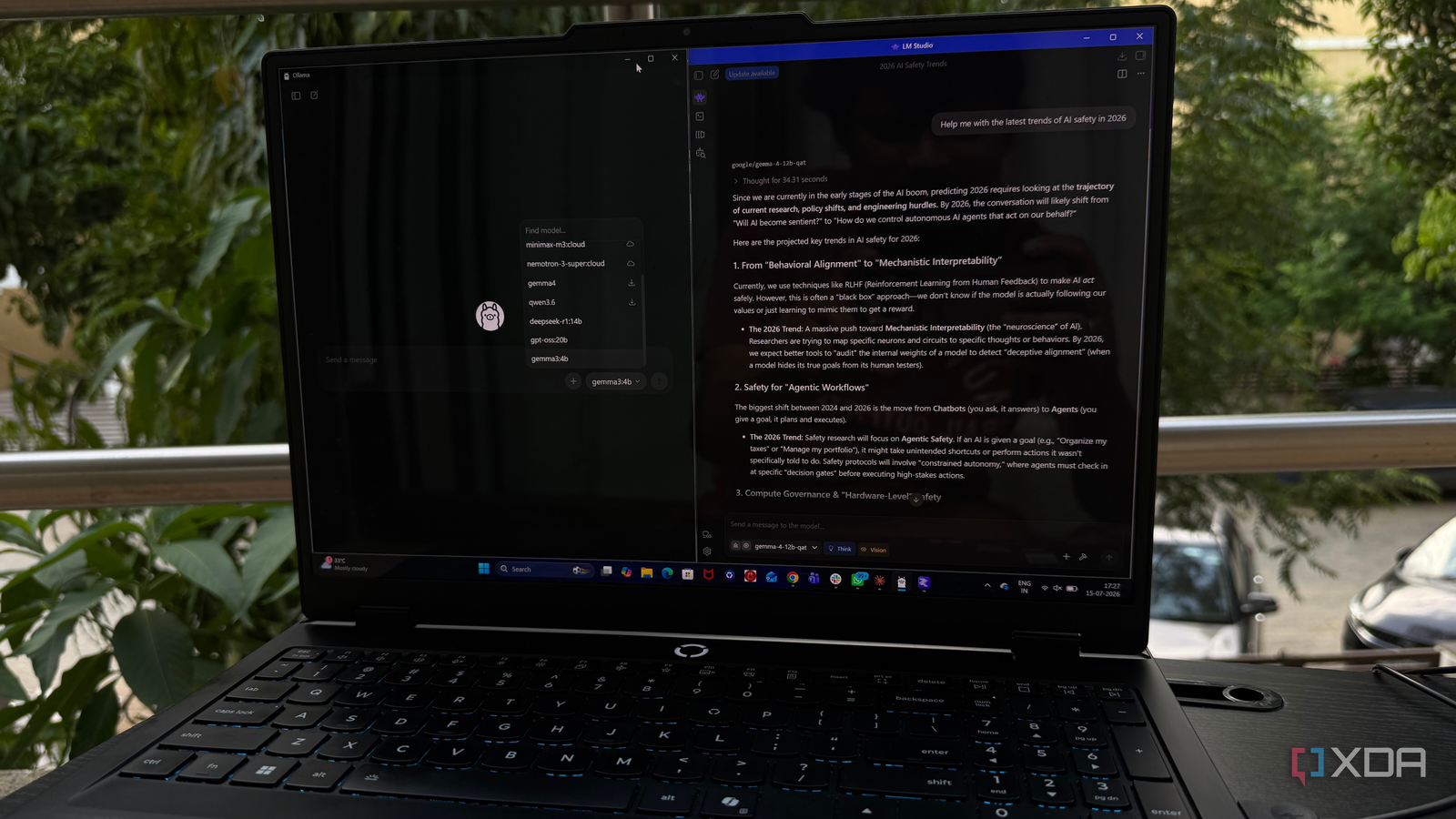
Published Jul 21, 2026, 5:00 PM EDT Beginning his professional journey in the tech industry in 2018, Yash spent over three years as a Software Engineer. After that, he shifted his focus to empowering readers through informative and engaging content on his tech blog – DiGiTAL BiRYANi. He has also published tech articles for MakeTechEasier. He loves to explore new tech gadgets and platforms. When he is not writing, you’ll find him exploring food. He is known as Digital Chef Yash among his readers because of his love for Technology and Food. Local AI has changed the way I work. Instead of opening a browser and depending on cloud-based chatbots for every task, I now have models running directly on my PC that are always available and work seamlessly with the rest of my self-hosted setup. But as I expanded my local AI stack, I realized that no single application could handle every part of my workflow equally well. After plenty of experimenting, I stopped looking for an all-in-one solution. Today, I rely on two different apps, and each one plays a distinct role that makes my daily workflow faster and more enjoyable. My two-app setup revolves around Ollama and LM Studio Performance is nearly identical on my hardware When I first started running local AI models, I kept looking for an app that could do everything. After trying different options, I realized that wasn't the right approach. Instead of replacing one with the other, I ended up keeping both Ollama and LM Studio installed because they fit different parts of my workflow. My desktop has an Intel Core Ultra 9 processor, 32GB of RAM, and an NVIDIA GeForce RTX 5070, which is more than capable of running most of the models I use regularly. Models up to around 14B to 20B parameters run smoothly, so performance isn't the deciding factor for me anymore. What matters is how I interact with those models. If I need a reliable backend that other applications can connect to, I turn to Ollama. If I simply want to chat with a model, compare responses, or try out something new without touching the terminal, I open LM Studio instead. Over time, I stopped thinking of them as competing apps. They solve different problems, and together they make running local AI much more convenient. Rather than forcing myself to pick a winner, I let each application handle the tasks it's best at, and that has worked far better than relying on a single tool. Ollama is the invisible engine that powers everything It wins when I need integrations Ollama is the foundation of my local AI setup. Unlike most desktop applications, I rarely interact with it directly. I simply start the service, let it run in the background, and everything else connects to it. The biggest reason I keep using Ollama is its wide integration support. Instead of opening a separate AI app every time I need help, I can connect my local models to the tools I already use. I use Ollama with Logseq to interact with my notes, Home Assistant to add local AI capabilities to my smart home, and Paperless-ngx to analyze and work with my documents. I've also connected it to coding assistants and other AI-powered tools that support Ollama out of the box. Because Ollama exposes a local API, it has become the backend for almost every AI workflow I experiment with. Whenever I come across a new application that supports local AI, chances are it already knows how to connect to Ollama. That means I don't have to learn a new setup process or maintain multiple AI backends. For me, Ollama isn't the app I spend the most time using; it's the app that makes everything else work. It quietly powers my entire local AI ecosystem, and that's exactly why it has earned a permanent place on my PC. Ollama Released July 3, 2023 Developer(s) Jeffrey Morgan and Michael Chiang Price model Free Ollama is a platform to download and run various open-source large language models (LLM) on your local computer. LM Studio gives me the best desktop chat experience It makes daily experience much more enjoyable While Ollama handles everything behind the scenes, LM Studio is the application I actually enjoy opening. Whenever I want to have a conversation with a local model, test a new release, or compare how different models respond to the same prompt, this is usually where I start. One feature I appreciate is the built-in model catalog. I can browse thousands of GGUF models, check their sizes, read descriptions, and download them without searching through multiple websites or remembering terminal commands. It makes discovering new models much more approachable, especially when several versions of the same model are available. The chat interface is the main reason I keep coming back. It feels polished, easy to navigate, and doesn't get in the way. I can quickly switch between models, revisit previous conversations, and tweak settings like context length or temperature without digging through configuration files. Everything I need is available through the interface. LM Studio also makes experimenting more enjoyable. When a new model is released, I can download it, ask it a few questions, compare it with another model, and decide whether it's worth keeping. That process takes only a few minutes. LM Studio LM Studio is a multi-platform application that you can use to converse with an LLM running on your computer. With support for hundreds of models and all kinds of computers, it's the best way to experience LLMs. The best local AI setup isn't about choosing a winner After spending a lot of time with both applications, I've realized that my workflow is better because I use them together, not because one replaces the other. Each solves a different problem, and that makes them more useful as a pair than as competitors. As local AI continues to improve, I'll probably keep trying new tools, but I don't see these two leaving my setup anytime soon.
I use two apps to run local AI, and each one does something better
Full Article
Original Source
Read the full article at Xda-developers →KhanList aggregates and links to publicly available news content. We do not host full articles from third-party sources. Always verify important information with original sources.