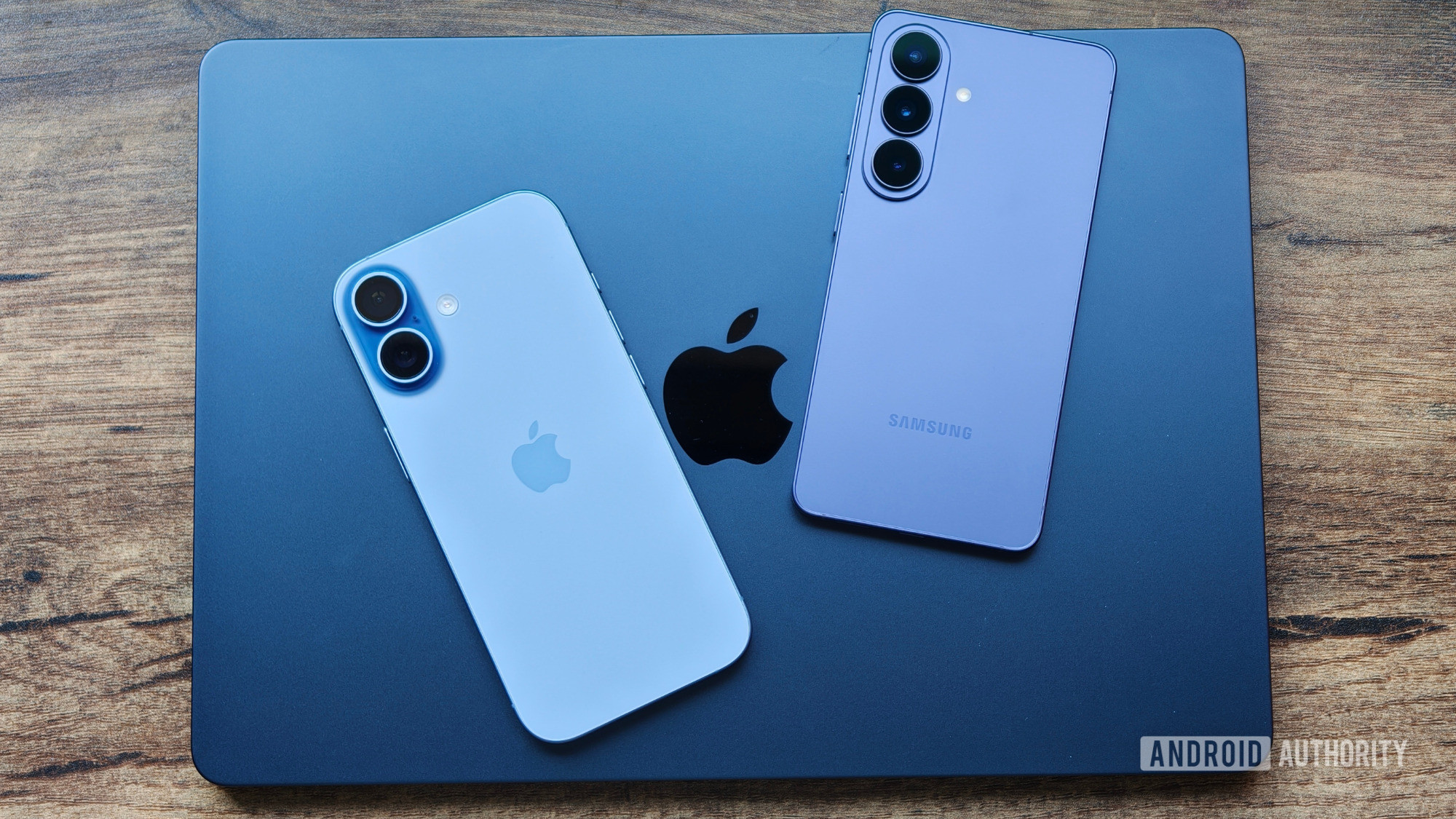
Shimul Sood / Android AuthorityI daily drive two smartphones — an Android phone and an iPhone — and use a Mac for work. I also have a Windows laptop that I use sporadically to keep up with the latest updates, and an iPad for consuming content.With that many multi-ecosystem devices, using the built-in or platform-exclusive apps would be a recipe for disaster. All of my data would be scattered across different apps and devices, which means I’d need to have all my devices with me at all times to access any data whenever I need it.Thankfully, there are many cross-platform apps out there that solve this problem. Here are 10 such apps that keep me sane as I navigate my day with devices across multiple ecosystems.Which multi-ecosystem device setup do you find more challenging to work with?3 votesBitwardenAndy Walker / Android AuthorityBitwarden is one of the best free password managers, and it’s among the first few apps I install on my new devices. It stores login credentials for all my online accounts and lets me generate new ones effortlessly. All my data gets automatically synced, too, which ensures I can access my login credentials on all devices at all times.Beyond storing login credentials, Bitwarden also serves several other use cases. For instance, it has a Secure Notes feature that lets me save other personal and sensitive information, such as keys and software license keys, to my vault. Similarly, there’s Bitwarden Send, which I find handy whenever I want to share confidential information, like login credentials, with someone.Google AuthenticatorJoe Hindy / Android AuthorityI’ve secured most of my online accounts with two-factor authentication. As such, in addition to login credentials, I need access to their authentication codes at all times so that I don’t get locked out on any of my devices and can log in when required. For the longest time, I’ve been using Google Authenticator to manage 2FA codes.Google Authenticator is free and available for both Android and iPhone, which is ideal for me. The setup process is straightforward, too, and the app automatically syncs my codes to both phones, ensuring I have access to them on whichever phone I’m carrying. That said, I hate that there’s no end-to-end encryption on Google Authenticator, which is why I’ve been exploring some of the other popular two-factor authentication apps lately.TickTickDhruv Bhutani / Android AuthorityI find it quite challenging to function without a to-do app. For the past few years, TickTick has helped me manage my days efficiently. Any task I need to take care of on a day goes right into the app, so I don’t need to remember it myself. It also keeps a tab on all my recurring tasks, like bill payments, generating invoices, and more, for each month, which I find really useful.Since I have the TickTick app on all my devices, I can quickly catch up on pending tasks, mark them complete, and create new ones whenever I want. The changes get synced across all devices in real time. Among other things, I like TickTick’s widgets on its Android, iPhone, and Mac apps, as they make it incredibly easy to check and create new tasks.ObsidianNathan Drescher / Android AuthorityI take a lot of notes, whether on new skills I’m learning, fresh app ideas I want to explore, or new DIY projects that come to mind. These notes are often more complicated than traditional notes, involving tables and interlinking. And most of the time, they are permanent notes that I revisit or update regularly. As such, I want them stored in an organized way so that they’re easier to access. I find Obsidian ideal for my use case.Obsidian is free, available for all the devices I use, and works offline. I’ve set it up to keep notes synced across all my devices using the Remotely Save plugin, and it works just fine. What makes Obsidian better than most note-taking apps for me is its plugin support. I find plugins really useful for customizing the appearance and adding new functionality that’s otherwise unavailable on Obsidian by default.NotesnookMegan Ellis / Android AuthorityWhile I prefer Obsidian for permanent, structured notes, my everyday note-taking duties are handled by Notesnook. Notesnook is an open-source notes app with strong privacy practices. It offers a generous free plan that includes all the essential features I need for everyday note-taking, such as a rich-text editor, multiple note-organization features, and support for rich-media attachments.Another thing I really like about Notesnook is that it keeps notes synced across all my devices for free. This is really useful for an app I use to quickly jot down notes, thoughts, and ideas, as it lets me create a note on one device and view or edit it on another.FirefoxAndy Walker / Android AuthorityFirefox is my go-to browser on all devices, and I use it while being signed in to my Mozilla account to unlock the ecosystem benefits. This gives me, for instance, access to my history and bookmarks across all my devices, so I can open previously visited websites and view webpages I saved for later, respectively.Similarly, it enables Firefox’s tab sync feature, which keeps my open tabs synced across all devices, allowing me to start browsing a webpage on one device and continue on another. My favorite feature about Firefox, though, is support for extensions. Sadly, it’s limited to the Android app, and it’s one of the many features I miss every time I switch my primary phone to an iPhone.LocalSendAndy Walker / Android AuthorityLocalSend is free, open-source, and works offline. Plus, it imposes no limits on file sizes. I just need to connect devices to the same Wi-Fi network, and the app transfers files instantly and securely. LocalSend also has a web version. I find it handy when I can’t or don’t want to download the native app onto a device.Raindrop.ioMegan Ellis / Android AuthorityMy job requires me to read hundreds of articles every day to stay up to date on the latest tech developments. While some of my reading apps have a bookmark feature, I prefer using Raindrop.io — a bookmark manager app — to save articles I read directly on websites.Raindrop.io is a free, cross-platform app with extensions for most web browsers. Thanks to this, I can save an article on, say, my Android phone and seamlessly access it on my iPhone and iPad. What I also like about Raindrop.io is support for folders, nested folders, and tags, which help me keep my saved items organized so I can easily find them later.Google PhotosRobert Triggs / Android AuthorityAll the photos and videos that I frequently need live on Google Photos. This ensures there’s no downtime and that I have access to my important media across all devices, even when my home server is inaccessible. Besides, I also need Google Photos to access and contribute to my shared folders with friends and family.Google DriveRita El Khoury / Android AuthorityGoogle Drive is my Google Photos equivalent for documents and other files. I use it to store my frequently needed documents, such as invoices, contracts, reference manuals, and warranty papers. The best part is I can save my files for offline viewing, so I don’t lose access even when I’m offline.What also makes Drive my go-to cloud storage service is support for search filters and OCR. Both make searching files incredibly easy, which is really useful, given the number of files I have on it. Finally, there’s a built-in document scanner. It scans documents pretty well, and I use it whenever I want to scan and save paperwork to my Drive. Those are all the essential apps that allow me to use devices from different ecosystems together seamlessly. If you have a similar multi-ecosystem setup and struggle to keep up with it, you should definitely try these apps. While all of them are free to use, some do offer a paid version that unlocks a few extra features. Thank you for being part of our community. Read our Comment Policy before posting.
I use an Android phone, iPhone, and Mac. These are the 10 apps keeping me sane
Full Article
Original Source
Read the full article at Androidauthority →KhanList aggregates and links to publicly available news content. We do not host full articles from third-party sources. Always verify important information with original sources.