
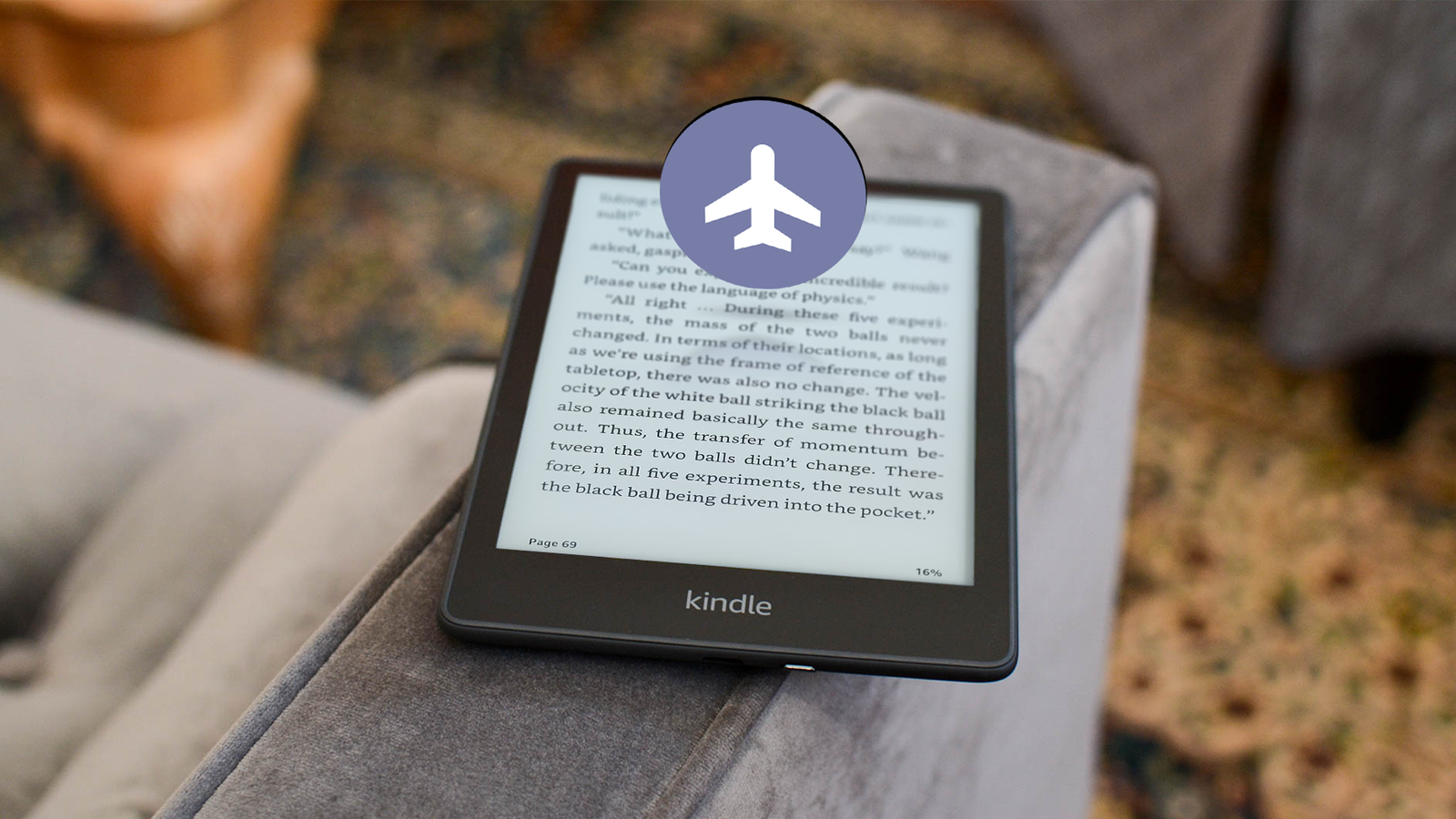
Published Aug 22, 2026, 4:00 PM EDT Jesse is a lifelong technology enthusiast who has been exploring smartphones and mobile tech for more than two decades. He began his career in IT consulting and project management before making a career change into tech journalism in 2007 with iLounge. During that time, he authored three editions of iPod & iTunes Portable Genius for Wiley Publishing and has since written for iDrop News, Lifewire, SlashGear, and Digital Trends. While Jesse remains strongly immersed in the Apple ecosystem, you'll commonly find him rocking both an iPhone and a Pixel at the same time, where he likes to live on the edge with the latest iOS and Android betas. His tricked-out smart home also responds equally well to "Hey Siri," "Alexa", and "OK Google." His other hobbies include reading, curating his Plex library, and helping out at his local church with everything from live video production to governance. Although I own multiple smartphones and tablets, there's one thing they can't do over my trusty Kindle Paperwhite Signature Edition — provide a distraction-free reading experience. Don't get me wrong. I still keep the Kindle app handy on my other iOS and Android devices, but that's because sometimes the best e-reader is the one you have with you. But for focused reading sessions, nothing beats the Kindle with its E Ink display and its ability to let me, well, read. I have an ADHD brain. Even when I set my phone to silence all notifications, I still know my email or social media apps are a swipe away. The Kindle removes those subtle temptations. I've been reading e-books for over 25 years. I first embraced them on my Palm devices, which ironically offered a visual experience not entirely unlike a Kindle — just much, much smaller. I dove into Amazon's platform in 2011 with a Kindle 4, and while I've dabbled with other platforms, I've always returned. It's easier on the eyes, but sadly, it's no longer the frictionless experience it once was. The slow creep of the digital billboard Amazon couldn't leave well enough alone In the early halcyon days, the Kindle platform was an oasis of peace. My 2013 Kindle Paperwhite 3G had free cellular and Wi-Fi, but those features existed solely to power Whispersync and download new titles. Somewhere along the way, Amazon decided to turn the Kindle into another one of its digital billboards. I shouldn't have been surprised, but it was still disappointing. You can avoid the most egregious of these by paying more for the "ad-free" version — which I did — but that only removes the sponsored content. It doesn't stop *Amazon* from trying to sell you stuff, and it does. The Home tab is no longer a list of the stuff I want to read. Instead, I get a single row of my actual books mixed in with targeted sales carousels. Worse yet, recent firmware updates have eliminated the ability to disable it. That may be fine if you're the sort of person who always wants to explore new stuff, but I'd rather read what I have before being distracted by whatever else is out there. Then there's the intrusive social prompting. I couldn't care less about sharing my progress with Goodreads. I can turn this off manually, but it's a per-book setting, and I like keeping my account linked to Goodreads for web backups. Then there's the ADHD brain problem again. Even the best books ebb and flow, tempting me to flip back to the home screen and browse for new titles when things get a bit slow. Cutting the wireless tether Getting back to just reading Somewhere along the way, I spent more time browsing Amazon's storefront than actually reading. That felt like it defeated the whole reason I was using a Kindle in the first place. After all, if I was going to be wandering around aimlessly like a hamster on crack, I might as well go back to my iPad. Thankfully, the solution was strikingly simple: I turned on Airplane Mode, and it turned my Kindle back into the e-reading sanctuary that I'd first fallen in love with. I know the Airplane Mode button is still a couple of taps away, but this is a question of out of sight, out of mind. The lack of a data connection leaves the storefront shelves bare, eliminating the temptation to impulse browse. It also removes the purchase prompts on the final page of a book and disables all social prompting. Airplane Mode eliminated the "doomscrolling" element from the experience. The only downside to this is that I give up Whispersync, but that's not entirely a bad thing. Some of the best books are enjoyed solely in the focused environment of the E Ink screen. I don't need to read them anywhere else. However, living in Airplane Mode provided another bonus I hadn't even anticipated. Longer life and smoother seas Months instead of weeks While a Wi-Fi connection naturally consumes more power, I was surprised by how much of a difference leaving it off made. The Kindle already offers fantastic battery life. Even with Wi-Fi on, I charge it maybe twice a month, at most. On the other hand, since I've left my Kindle Paperwhite in Airplane Mode, it's been two months since I charged it, and it's still sitting at around 30%. That's probably because leaving Wi-Fi on does more than power the radio. There's a lot more background activity when the Kindle can communicate with the Amazon mothership. This is also likely why running in Airplane Mode made my Kindle Paperwhite feel ever so slightly smoother. It's not a night-and-day difference, but it's noticeable. Older and lower-end Kindles might benefit from this even more. I've still been turning Wi-Fi back on for a minute or two every couple of weeks to sync things, but I'm not sure I need to unless I'm loading in new books from Amazon. Since much of my content is sideloaded through Calibre, it makes even more sense to treat my Kindle as an entirely offline reading device: a distraction-free experience that comes as close as an electronic device can to an actual book. Screen 6.8-inch E Ink Carta 1200 Resolution 1236 x 1648, 300 ppi Storage 32 GB Connectivity Wi-Fi, Bluetooth, USB Type-C Front Light Yes, auto-adjusting Battery 1700mAh Kindles are the most well-known e-readers on the market, and for a good reason. Amazon spearheaded E Ink devices, polishing them to the point that mass adoption is now a reality. This is not only because of quality hardware designs that don't break the bank, but also Amazon's incredible e-book store. These e-books lean heavily on a proprietary format, but that's how Amazon delivers the best e-book formatting in the business. With the 7.8-inch screen on the Kindle Paperwhite, you have plenty of room to display this well-formatted text. Of course, this version of the Paperwhite is the Signature Edition, which means you get a few extra features over the base Kindle Paperwhite, including a choice of extra storage (32GB), warm lighting, and wireless charging. All these features add just a bit more polish to an already exceptional E Ink e-reader. Plus, with the E Ink Carta 1200 screen, there's hardly any ghosting, especially if you utilize the new page turn animation in the latest Kindle firmware.
I turned off Wi-Fi on my Kindle Paperwhite; it completely transformed my reading routine
Full Article
Original Source
Read the full article at Androidpolice →KhanList aggregates and links to publicly available news content. We do not host full articles from third-party sources. Always verify important information with original sources.